Manual d'usuari del teclat mecànic sense fil per a jocs Taiahiro BK6302
Your guide to setting up, operating, and maintaining your Taiahiro BK6302 keyboard.
1. Producte acabatview
The Taiahiro BK6302 is a versatile wireless mechanical gaming keyboard designed for optimal performance and user comfort. It features transparent keycaps, a 100-key layout, custom hot-swap RGB backlighting, and triple-mode connectivity (Bluetooth, 2.4G wireless, and USB-C wired). Equipped with Sea Salt Silent Linear Switches and a 3000mAh battery, it offers a smooth, quiet, and responsive typing experience for extended use.
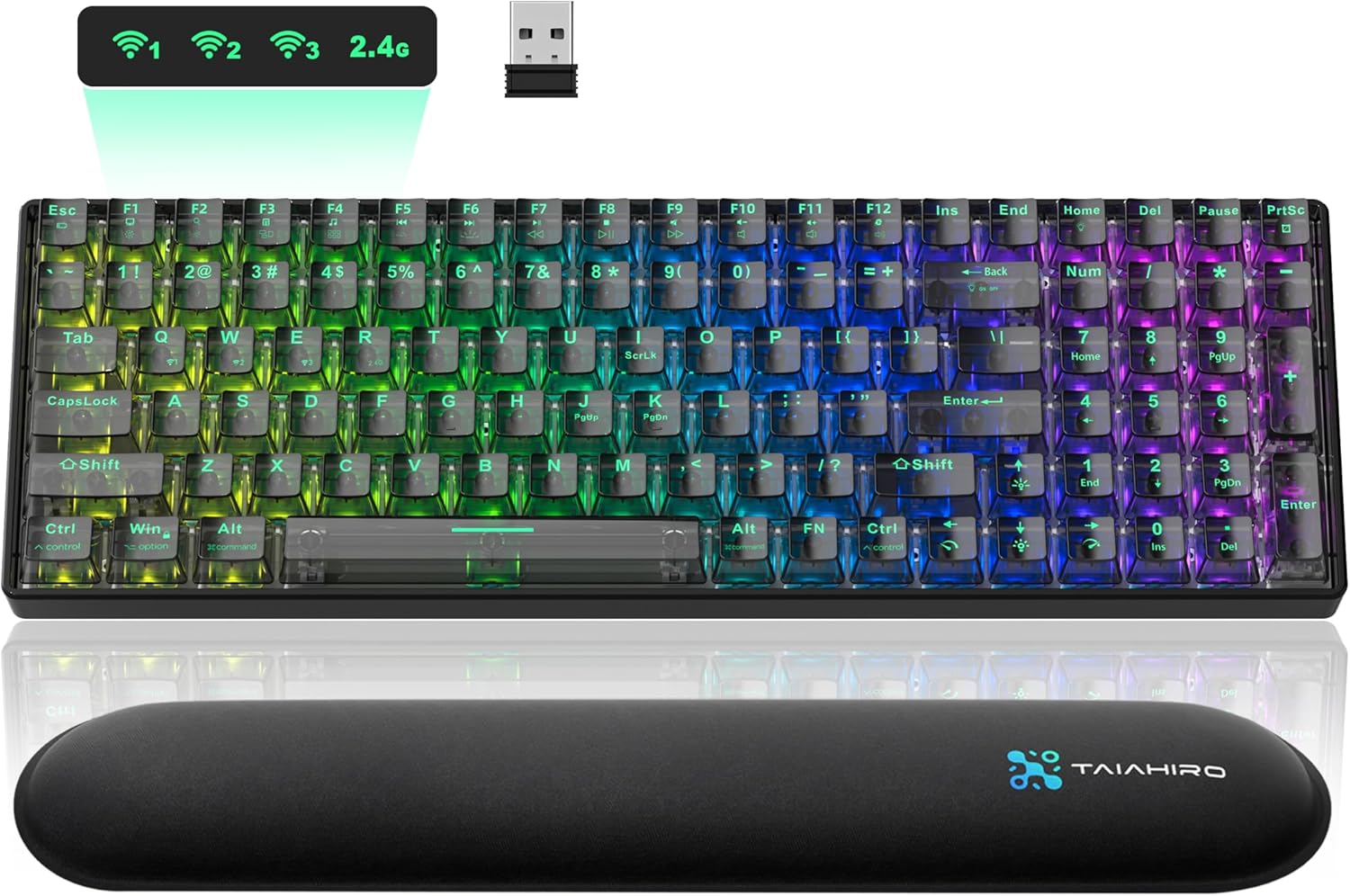
Figure 1.1: Taiahiro BK6302 Wireless Mechanical Gaming Keyboard
Característiques principals:
- Quiet Linear Mechanical Switches: Sea Salt Silent Switches for precise and quiet operation.
- Transparent Design & RGB Backlight: High-transparency keycaps and casing with 24 customizable RGB lighting modes.
- Triple-Mode Connectivity: Seamless switching between USB-C wired, 2.4G wireless, and Bluetooth 5.0 for up to 5 devices.
- Disseny intercanviable en calent: Easily customize switches without soldering using the included puller.
- Disseny ergonòmic: Sloped design, adjustable feet, U-shaped keycaps, and a detachable wrist rest for comfort.
- Bateria de llarga durada: Built-in 3000mAh battery for extended usage.
2. Contingut del paquet
Verifiqueu que tots els elements que s'enumeren a continuació s'inclouen al vostre paquet:
- Taiahiro BK6302 Wireless Mechanical Keyboard
- Repòs de canell
- Cable USB-C
- Manual d'instruccions
- Extractor de tecla i interruptor
- Replacement Switches (x2)
- Receptor de 2.4 GHz

Figura 2.1: Contingut del paquet
Video 2.1: Unboxing Taiahiro Transparent Wireless Mechanical Keyboard
This video demonstrates the unboxing process and shows all included items.
3. Configuració
3.1 Càrrega del teclat
Before first use, fully charge the keyboard using the provided USB-C cable. Connect the USB-C end to the keyboard's charging port and the other end to a USB power source (e.g., computer USB port, wall adapter). The keyboard features a 3000mAh battery for extended usage.
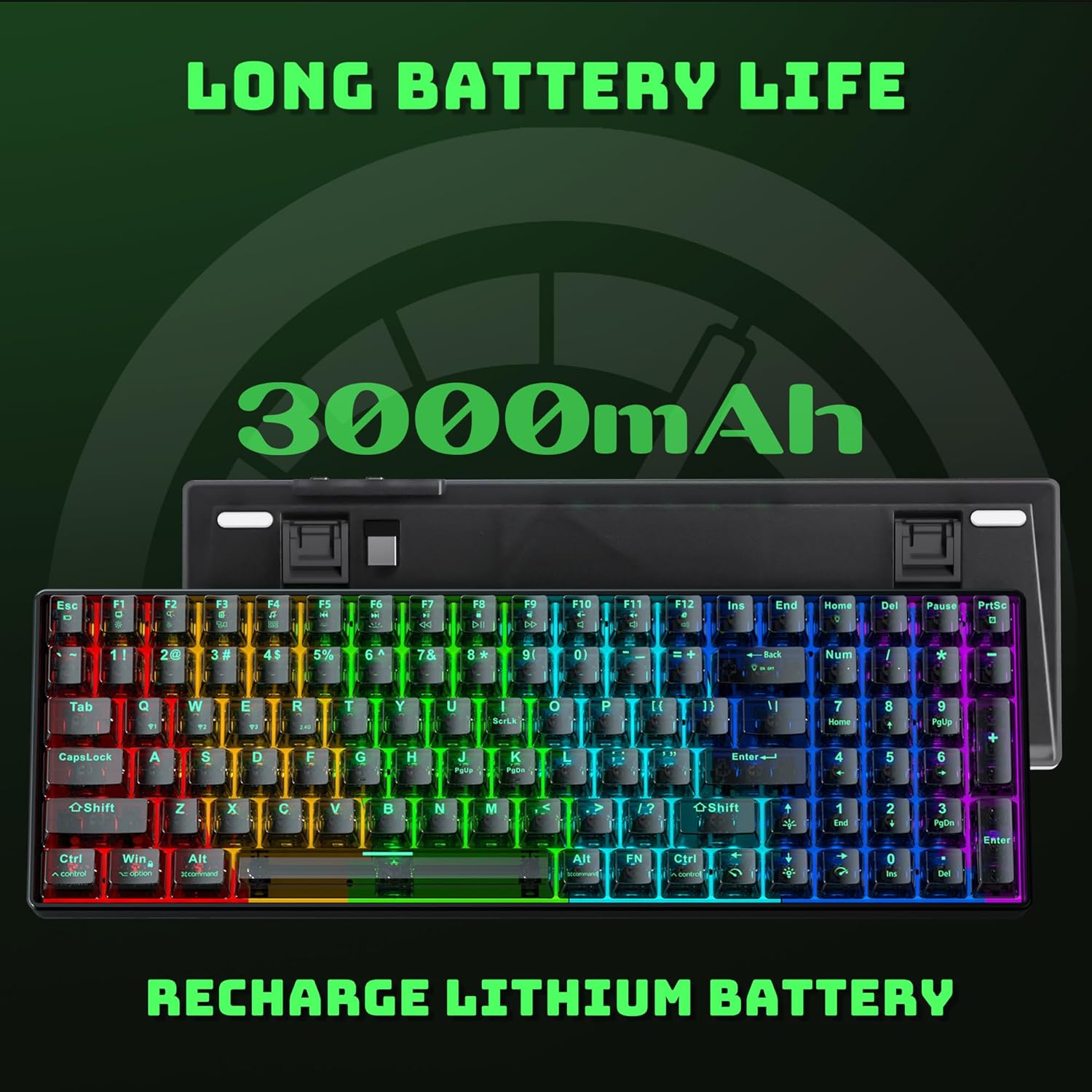
Figura 3.1: Bateria de llarga durada

Figure 3.2: Battery Endurance Test Results
3.2 Modes de connectivitat
The Taiahiro BK6302 supports three connectivity modes: 2.4G wireless, Bluetooth 5.0, and USB-C wired. Use the switch located at the rear of the keyboard to select your desired mode.

Figure 3.3: Triple Modes Connection

Figura 3.4: Ports de connectivitat
3.2.1 Mode sense fil 2.4G
- Locate the 2.4GHz USB receiver stored magnetically at the rear of the keyboard.
- Connecteu el receptor a un port USB disponible de l'ordinador.
- Switch the keyboard to 2.4G mode using the toggle switch on the back. The keyboard should automatically connect.
Video 3.1: Taiahiro 3 Modes Wireless Mechanical Gaming Keyboard
This video demonstrates the various connection modes, including 2.4G wireless setup.
3.2.2 Mode Bluetooth
- Switch the keyboard to Bluetooth mode using the toggle switch on the back.
- Mantén premut FN + Q, FN + W, o FN + E until the corresponding key flashes quickly. This indicates pairing mode.
- On your device (computer, tablet, phone), enable Bluetooth and search for
Documents relacionats - BK6302

Manual d'usuari del teclat mecànic sense fil Taiahiro BK6301
Manual d'usuari del teclat mecànic sense fil Taiahiro BK6301, que detalla les seves característiques, especificacions, informació de seguretat i instruccions d'ús per als modes amb cable, Bluetooth i 2.4G.
Manual d'usuari del teclat mecànic Taiahiro 1906
Manual d'usuari complet per al teclat mecànic Taiahiro 1906, que detalla informació de seguretat, especificacions del producte, funcions de combinació de tecles i controls multimèdia per a aquest teclat per a jocs.
Manual d'usuari del teclat mecànic Taiahiro 6301
Manual d'usuari del teclat mecànic Taiahiro 6301, que detalla informació de seguretat, requisits del sistema, descripció del producte, llums indicadores, funcions i especificacions elèctriques.
Manual d'usuari i especificacions del teclat mecànic per a jocs Taiahiro 820
Manual d'usuari oficial del teclat mecànic per a jocs Taiahiro 820. Les característiques inclouen directrius de seguretat, instruccions de configuració, especificacions tècniques, compliment de la normativa RoHS i funcions detallades de les tecles de combinació per a un rendiment de joc millorat.
Guia de connexió del teclat mecànic Bluetooth Taiahiro KB-6301
Una guia sobre com connectar el teclat mecànic Bluetooth Taiahiro KB-6301 mitjançant Bluetooth.
Manual d'usuari del teclat mecànic Taiahiro 981
Manual d'usuari del teclat mecànic Taiahiro 981, que detalla les seves característiques, connectivitat i funcionament tant en mode amb cable com Bluetooth. Inclou combinacions de tecles FN i especificacions.