1. Introducció
This manual provides detailed instructions for the installation, operation, and maintenance of your Arenti O3 2.5K/4MP House Camera Outdoor. This camera is designed to provide reliable outdoor surveillance with advanced features such as 2.5K/4MP resolution, color night vision, spotlight and siren alarm, AI-powered motion detection, and two-way audio communication. Please read this manual thoroughly before using the product to ensure proper setup and optimal performance.
2. Contingut del paquet
Please check the package contents upon unboxing. If any items are missing or damaged, contact Arenti customer support.
- Arenti O3 2.5K/4MP Outdoor Camera
- Adaptador de corrent (carregador)
- Cargols de muntatge i tacs de paret
- Plantilla de muntatge
- Manual d'usuari (aquest document)
3. Producte acabatview
Familiarize yourself with the components of your Arenti O3 outdoor camera.

Figura 3.1: Arenti O3 2.5K/4MP Outdoor Camera. This image shows the camera mounted on a wall, connected by a cable, with a smartphone displaying its live view. The camera features a lens, a spotlight, and a sturdy mounting bracket.
- Lent de la càmera: Captures 2.5K/4MP resolution video.
- Punt de mira: Provides illumination for color night vision and acts as a deterrent.
- LED infrarojos: For traditional black and white night vision.
- Micròfon: Captures audio for two-way communication and noise detection.
- Ponent: Enables two-way audio communication and siren alarm.
- Suport de muntatge: Per a una instal·lació segura a la paret.
- Cable de corrent: Connecta la càmera a l'adaptador de corrent.
- Ranura per a targetes Micro SD: For local storage (supports up to 256GB, card not included).
4. Configuració i instal·lació
4.1 Instal·lació de l'aplicació i creació del compte
Before physical installation, download the Arenti app and create an account.
- Cerca "Arenti" in your mobile device's app store (Google Play Store for Android or Apple App Store for iOS).
- Download and install the Arenti app.
- Obre l'aplicació i segueix les instruccions que apareixen a la pantalla per registrar un compte nou o iniciar la sessió si ja en tens un.

Figura 4.1: Arenti Mobile Application. The image displays the Arenti app icon and a smartphone screen showing the app's interface with multiple camera feeds.
4.2 Instal·lació física
Choose a suitable location for your camera. The Arenti O3 is IP65 weather-resistant, designed to withstand various outdoor conditions.
- Seleccioneu la ubicació: Trieu una ubicació que ofereixi el que vulgueu viewing angle and is within range of your 2.4GHz Wi-Fi network. Ensure there is a power outlet nearby.
- Superfície de muntatge: The camera can be wall-mounted. Use the provided mounting template to mark drill holes.
- Forats: Drill holes at the marked positions. Insert wall plugs if mounting on masonry or drywall.
- Càmera segura: Align the camera's mounting bracket with the holes and secure it using the provided screws.
- Connectar l'alimentació: Connect the power cable to the camera and plug the power adapter into a suitable outdoor-rated electrical outlet.
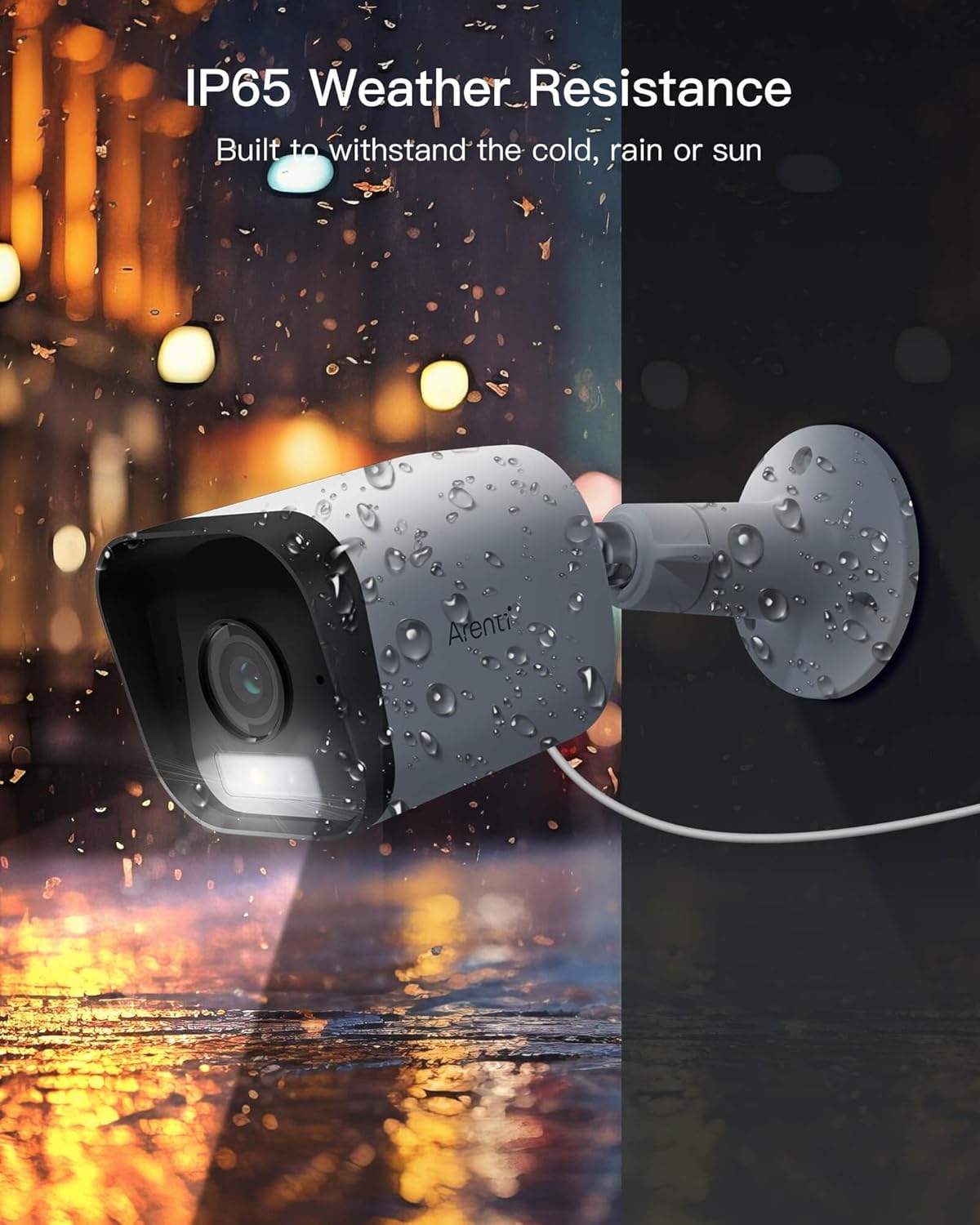
Figura 4.2: IP65 Weather Resistance. This image illustrates the Arenti O3 camera's durability against various weather conditions, including rain and snow, highlighting its IP65 rating.
4.3 Connexió a Wi-Fi
After physical installation, connect your camera to your home Wi-Fi network using the Arenti app.
- Open the Arenti app and tap the "+" icon to add a new device.
- Seleccioneu el model de la càmera de la llista.
- Follow the in-app instructions to connect the camera to your 2.4GHz Wi-Fi network. This typically involves scanning a QR code generated by the app with the camera's lens.
- Once connected, the camera's status indicator will change, and you will see the live feed in the app.
5. Funcionament
5.1 Viu View i Resolució
Access the live video feed from your camera through the Arenti app. The camera provides a clear 2.5K/4MP resolution for detailed monitoring.

Figura 5.1: 2.5K/4MP Resolution and Color Night Vision. This image compares the superior clarity of Arenti's 4MP resolution with standard 1080P, and demonstrates the camera's ability to capture full-color images even in low-light conditions.
5.2 Àudio bidireccional
The built-in microphone and speaker allow for real-time two-way communication.
- Del directe view screen in the app, tap the microphone icon to speak through the camera's speaker.
- Toca la icona de l'altaveu per escoltar l'àudio de l'entorn de la càmera.

Figura 5.2: Clearly Two-Way Audio. This image shows the Arenti O3 camera facilitating a conversation between a user and a delivery person, illustrating its two-way audio capability.
5.3 Detecció de moviment i alertes
The camera features AI-powered human motion detection and customizable detection zones to minimize false alarms.
- Activa la detecció de moviment: In the app settings for your camera, enable motion detection.
- Customize Detection Zones: Defineix àrees específiques dins de la càmera view where you want motion to be detected. This helps focus on critical areas and ignore irrelevant movements.
- Rebre alertes: When motion is detected, the camera will automatically track the movement and send instant alerts to your phone.

Figura 5.3: Only Focus What You Care. This image demonstrates the camera's human and activity zone detection, outlining a child to show how it focuses on relevant motion.
5.4 Visió nocturna
The O3 camera offers both traditional infrared night vision and advanced color night vision.
- Visió nocturna en color: Enabled by the starlight CMOS sensor and 3000K warm light, providing clear, full-color images even in low-light conditions.
- Visió nocturna per infrarojos: Utilizes 2850nm infrared LEDs for clear black and white images in complete darkness.
- Settings for night vision modes can be adjusted within the Arenti app.
5.5 Enregistrament i emmagatzematge
Your Arenti O3 camera supports both cloud storage and local storage options.
- Emmagatzematge al núvol gratuït: The camera supports free 7-day cycle event recording cloud storage (requires App version 4.0.0+ and device version 5.5.4+).
- Emmagatzematge local: Supports full-day recording with FAT32 Micro SD cards (not included) up to 256GB. Insert the Micro SD card into the designated slot on the camera.
- Pots tornarview foo gravattage via the Arenti app, selecting either cloud or SD card playback.
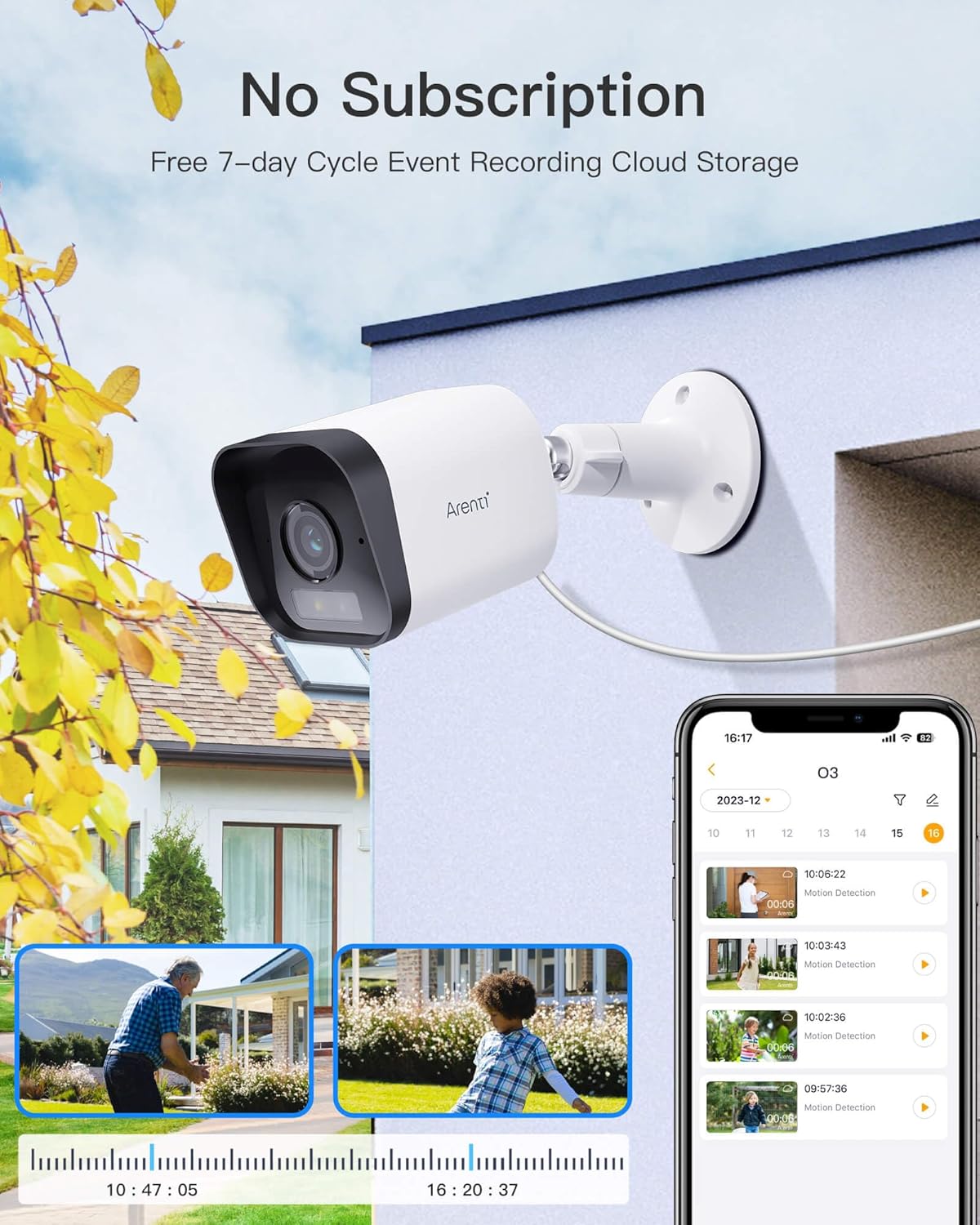
Figura 5.4: No Subscription Required for Basic Storage. This image highlights the camera's feature of free 7-day cycle event recording cloud storage, alongside local storage options.
5.6 Spotlight and Siren Alarm
The camera is equipped with a built-in spotlight and siren for active deterrence.
- When human or motion is detected, you can configure the camera to automatically activate the spotlight and/or siren alarm.
- These features can also be manually triggered from the Arenti app.
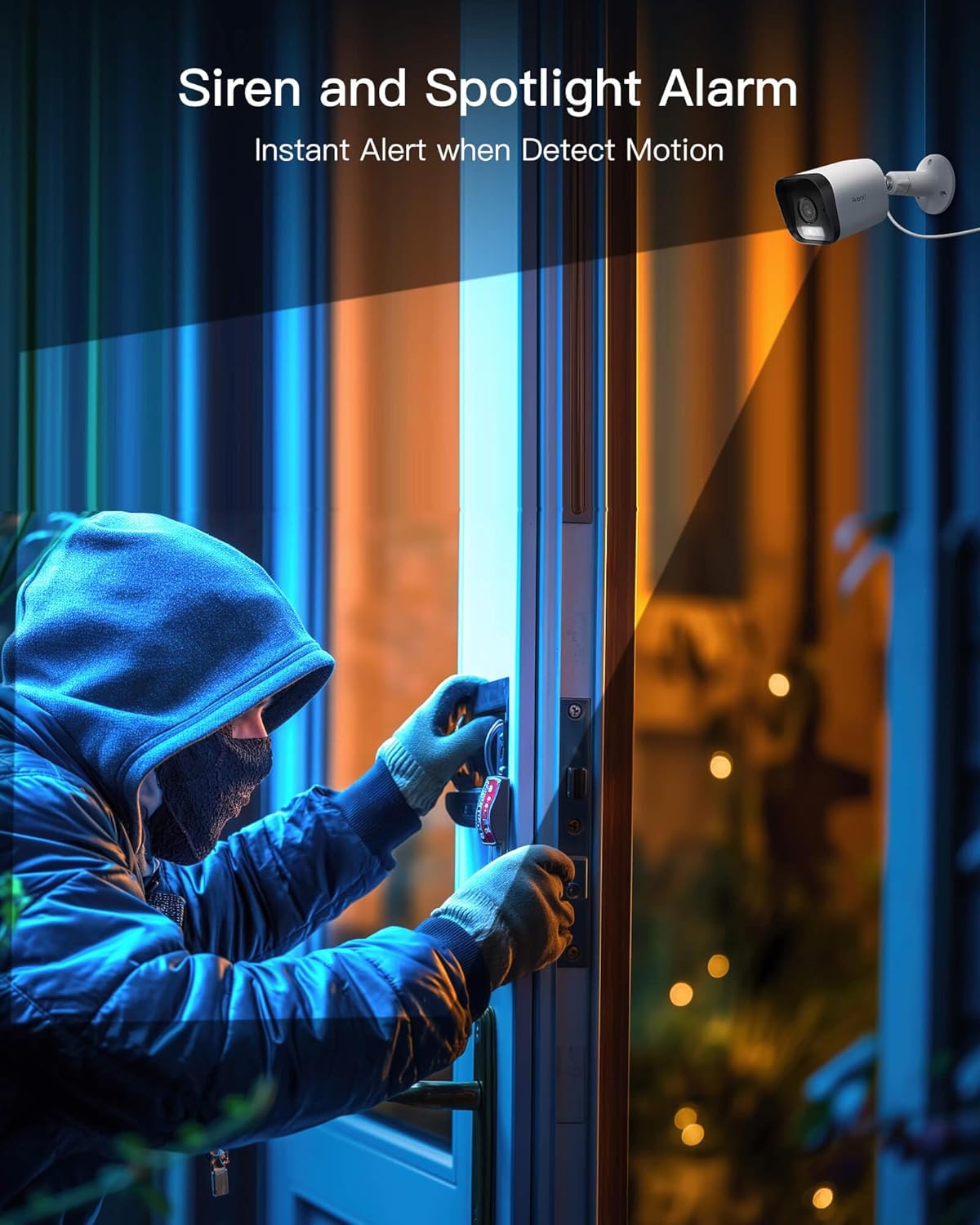
Figura 5.5: Siren and Spotlight Alarm. This image depicts the Arenti O3 camera's spotlight illuminating an area and its siren acting as an instant alert to deter unwanted visitors.
5.7 Smart Home Integration (Alexa)
The Arenti O3 camera is compatible with Amazon Alexa, allowing for voice control and integration into your smart home ecosystem.
- Enable the Arenti skill in the Alexa app.
- Link your Arenti account with your Alexa account.
- You can then use voice commands to view your camera feed on compatible Alexa-enabled devices (e.g., "Alexa, show me the front door camera").
6. Manteniment
Regular maintenance ensures the longevity and optimal performance of your Arenti O3 camera.
- Neteja de lents: Gently wipe the camera lens with a soft, clean, lint-free cloth to remove dust or smudges. Avoid abrasive cleaners.
- Neteja de l'habitatge: Netegeu el cos de la càmera amb anuncisamp tela. No utilitzeu productes químics durs.
- Actualitzacions de firmware: Regularly check the Arenti app for firmware updates. Keeping your camera's firmware up-to-date ensures access to the latest features and security enhancements.
- Connexió d'alimentació: Periodically inspect the power cable and adapter for any signs of damage.
7. Solució De Problemes
If you encounter issues with your Arenti O3 camera, refer to the following common troubleshooting steps.
| Problema | Causa possible | Solució |
|---|---|---|
| Càmera fora de línia/No es pot connectar a la Wi-Fi | Weak Wi-Fi signal, incorrect Wi-Fi password, camera too far from router, 5GHz Wi-Fi network used. |
|
| Mala qualitat d'imatge | Dirty lens, low bandwidth, insufficient lighting. |
|
| No s'han rebut alertes de moviment | Motion detection disabled, app notifications off, detection zone not set correctly. |
|
| La targeta SD no grava | Targeta SD plena, malmesa o no formatada correctament. |
|
8. Especificacions
Key technical specifications for the Arenti O3 2.5K/4MP Outdoor Camera.
| Característica | Detall |
|---|---|
| Nom del model | O3 |
| Resolució | 2.5K/4MP (4 Million Pixels) |
| Visió nocturna | Color Night Vision (Starlight CMOS Sensor, 3000K Warm Light), Infrared LEDs (2850nm) |
| Resistència a la intempèrie | IP65 |
| Àudio | Two-Way Audio (Built-in Mic and Speaker) |
| Detecció de moviment | AI-Powered Human Motion Detection, Noise Detection, Customizable Detection Zones |
| Característiques d'alarma | Built-in Spotlight, Siren Alarm |
| Opcions d'emmagatzematge | Free 7-day Cycle Event Recording Cloud Storage, Local Storage (Micro SD card up to 256GB, FAT32) |
| Connectivitat | Wi-Fi de 2.4 GHz |
| Compatibilitat amb la llar intel·ligent | Funciona amb Amazon Alexa |
| Font d'alimentació | Elèctric amb cable (5 volts, 2.5 watts) |
| Dimensions (L x A x A) | 5.8 x 5.8 x 15.6 cm |
| Pes de l'article | 10 g |
| Material | Plàstic |
9. Garantia i Suport
Your Arenti O3 camera comes with a manufacturer's warranty and dedicated customer support.
- Garantia: El producte està cobert per una 2 any de garantia del fabricantSi us plau, conserveu el comprovant de compra per a reclamacions de garantia.
- Atenció al client: For technical assistance, troubleshooting, or warranty inquiries, please contact Arenti customer support via email.
- Correu electrònic: support@arenti.com


