1. Introducció
Thank you for choosing the inphic X9 Wireless Vertical Mouse. This manual provides detailed instructions for the proper setup, operation, and maintenance of your new ergonomic mouse. Please read this manual thoroughly before use to ensure optimal performance and longevity of the product.

Image 1.1: The inphic X9 Wireless Vertical Mouse, showcasing el seu disseny ergonòmic.
2. Contingut del paquet
Si us plau, verifiqueu que tots els elements siguin presents al vostre paquet:
- inphic X9 Wireless Vertical Mouse
- USB Receiver (2.4Ghz)
- Cable de càrrega USB-C
- Manual d'usuari (aquest document)

Image 2.1: The inphic X9 mouse alongside its compact USB receiver.
3. Instruccions de configuració
- Carrega el ratolí: Before first use, connect the included USB-C charging cable to the mouse's charging port and to a USB power source (e.g., computer USB port, USB wall adapter). The mouse has a 400mAh rechargeable battery.
- Inseriu el receptor USB: Locate the USB receiver, typically stored in a compartment on the underside of the mouse. Plug the USB receiver into an available USB port on your computer (Laptop or Personal Computer).
- Encès: Turn on the mouse using the power switch located on the underside of the device.
- Connexió automàtica: The mouse should automatically connect to your computer. No additional drivers are typically required for Windows XP, Linux, or other compatible operating systems.

Image 3.1: Illustration of the 2.4G wireless connection process between the mouse, USB receiver, and computer, with a stable 10-meter transmission distance.

Imatge 3.2: Detallada view of the mouse's underside, indicating the optical light, power switch, anti-slip pads, USB receiver slot, Type-C charging port, side button, and 'Boss-coming Key'.
4. Instruccions de funcionament
4.1 Funcions bàsiques
- Clic esquerre: Selecció i activació estàndard.
- Clic dret: Accedeix als menús contextuals.
- Roda de desplaçament: Navega verticalment pels documents i web pàgines.
- Botons laterals: Typically function as Forward/Backward for web navegació.
4.2 Funció de clic silenciós
The inphic X9 mouse is designed with silent click buttons, reducing noise during use. This feature allows for a focused work environment without disturbing others.
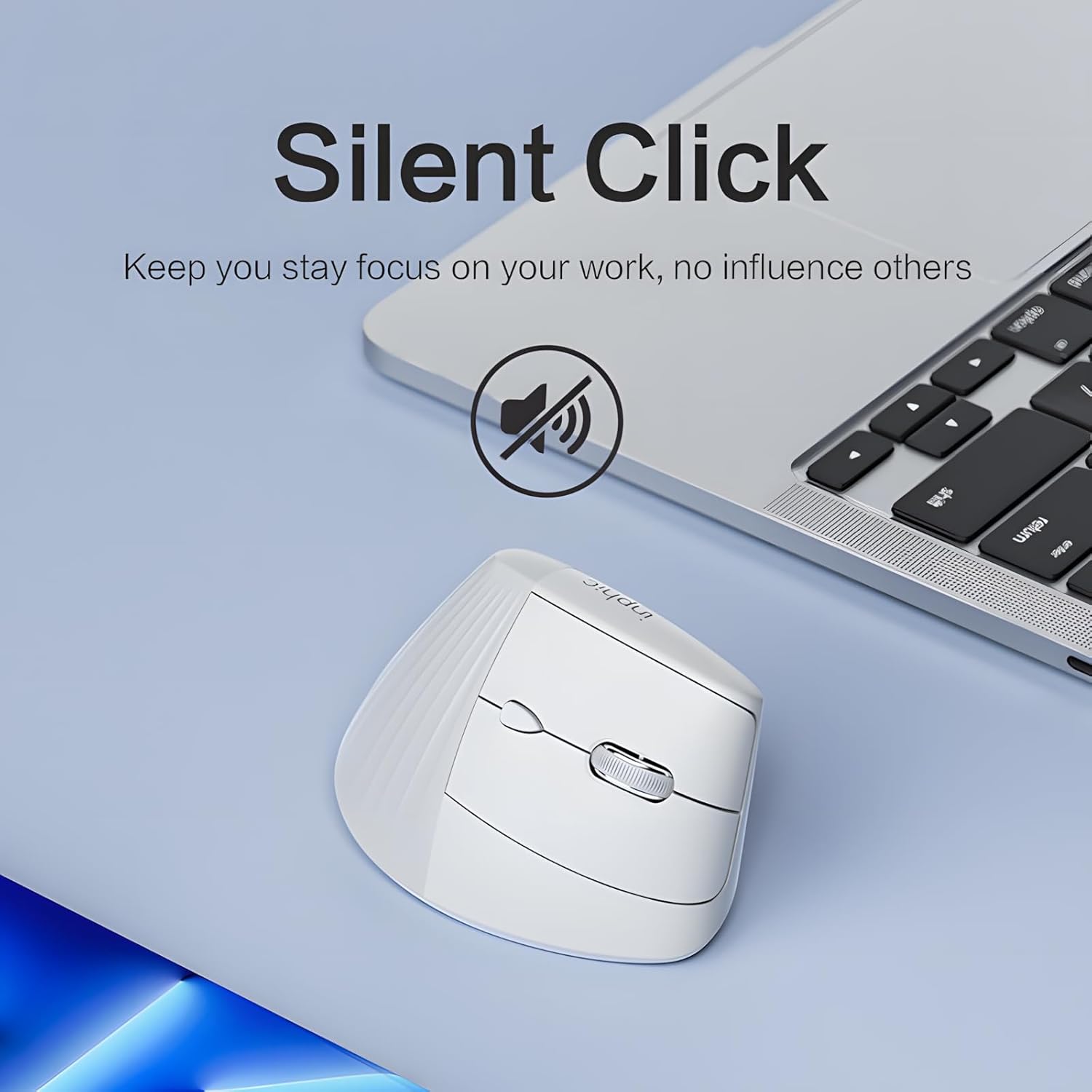
Image 4.1: The inphic X9 mouse highlighting its silent click capability, indicated by a muted speaker icon.
4.3 DPI Adjustment (5 Levels)
The mouse features a DPI switch button, allowing you to adjust cursor sensitivity. There are 5 adjustable DPI levels for precise tracking and responsiveness:
- 800 DPI
- 1200 DPI
- 1600 DPI
- 2000 DPI
- 2400 DPI
Press the DPI button (usually located near the scroll wheel) to cycle through the settings. A red indicator light may flash to confirm the change.

Image 4.2: Diagram illustrating the 5-level DPI switch on the inphic X9 mouse, with a red indicator light showing DPI changes.
4.4 "Return to Desktop" Key
The mouse includes a dedicated "Return to Desktop" key, often referred to as a "Boss-coming Key". Pressing this button instantly minimizes all open windows and displays your desktop, enhancing privacy and efficiency.

Image 4.3: The inphic X9 mouse highlighting the "Boss-coming Key" which provides a one-click return to the desktop function.
5. Disseny ergonòmic
The inphic X9 features an ergonomic vertical design, angled at 57 degrees, to promote a natural hand and wrist posture. This design aims to reduce wrist strain and discomfort often associated with traditional mouse usage, helping to prevent "mouse hand" syndrome.

Image 5.1: Illustration demonstrating the 57-degree ergonomic angle of the inphic X9 mouse, designed to maintain a natural wrist posture and alleviate discomfort.

Image 5.2: A diagram illustrating the difference between a natural, untwisted wrist posture promoted by the vertical mouse and a twisted wrist posture from a traditional mouse.
6. Manteniment
- Neteja: Feu servir un drap suau i sec per netejar el ratolí. Eviteu utilitzar productes químics agressius o materials abrasius.
- Emmagatzematge: Store the mouse in a cool, dry place when not in use.
- Cura de la bateria: To prolong battery life, avoid fully discharging the mouse frequently. Recharge when the battery indicator suggests low power.
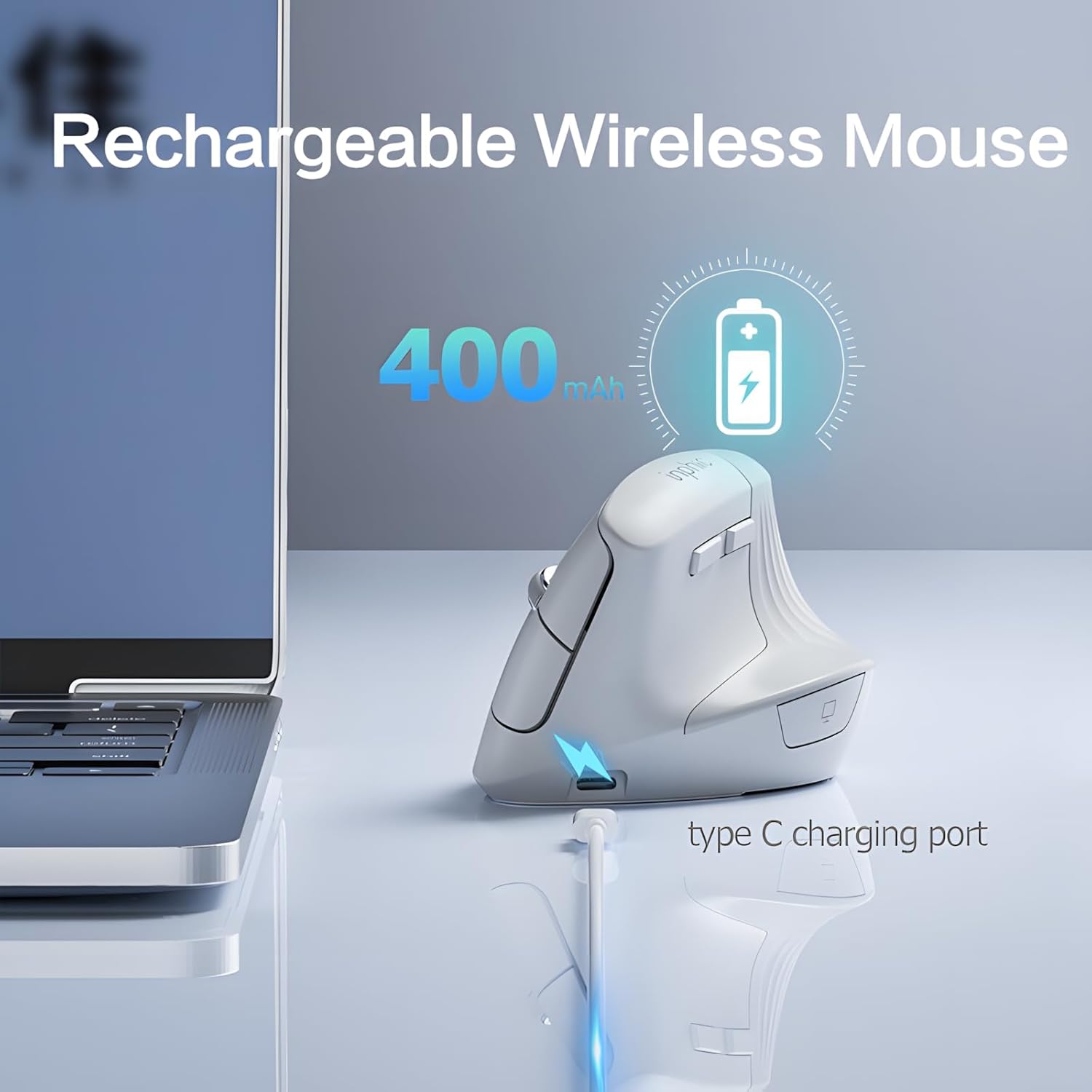
Image 6.1: The inphic X9 mouse connected to a Type-C charging cable, illustrating its rechargeable feature with a 400mAh battery.
7. Solució De Problemes
- El ratolí no respon:
- - Assegureu-vos que el receptor USB estigui ben connectat a un port USB que funcioni.
- - Check if the mouse is powered on using the switch on the underside.
- - Recharge the mouse if the battery is low.
- - Try plugging the USB receiver into a different USB port.
- - Reinicieu l'ordinador.
- El moviment del cursor és erràtic o lent:
- - Clean the optical sensor on the underside of the mouse.
- - Ensure you are using the mouse on a suitable surface (non-reflective, non-transparent).
- - Adjust the DPI setting to a higher level if the cursor is too slow (refer to Section 4.3).
- Problemes de connectivitat:
- - Ensure the mouse is within the 10-meter operating range of the USB receiver.
- - Avoid placing the receiver near strong interference sources (e.g., other wireless devices, large metal objects).
8. Especificacions
| Marca | ínfic |
| Model | X9 |
| Tecnologia de connectivitat | 2.4 Ghz sense fil |
| Tecnologia de detecció de moviment | Òptic |
| Nivells de DPI | 800, 1200, 1600, 2000, 2400 |
| Característiques especials | Ergonomic Design, Silent Click, Rechargeable, Return to Desktop Key |
| Bateria | 400mAh Rechargeable (Type-C charging) |
| Orientació de la mà | Ambidextre |
| Sistemes operatius compatibles | Windows XP, Linux |
| Dispositius compatibles | Ordinador portàtil, ordinador personal |
9. Garantia i Suport
inphic products are manufactured with quality and reliability in mind. For warranty information and technical support, please refer to the official inphic weblloc web o poseu-vos en contacte amb el vostre distribuïdor local. Conserveu el rebut de compra per a reclamacions de garantia.
Per a més ajuda, podeu visitar el inphic Store on Amazon.


