Introducció
Welcome to the user manual for your new Cello C2224SH 22 inch Full HD Frameless TV. This television is designed to provide a crisp and clear viewing experience with its 1080p Full HD resolution. It features built-in Freeview HD DVB-T2 and satellite tuners, along with Cello's patented Pitch Perfect Speakers for immersive sound. This manual will guide you through the setup, operation, and maintenance of your television to ensure optimal performance and enjoyment.

The Cello C2224SH 22 inch Full HD Frameless TV, showcasing its sleek design and 22-inch screen.
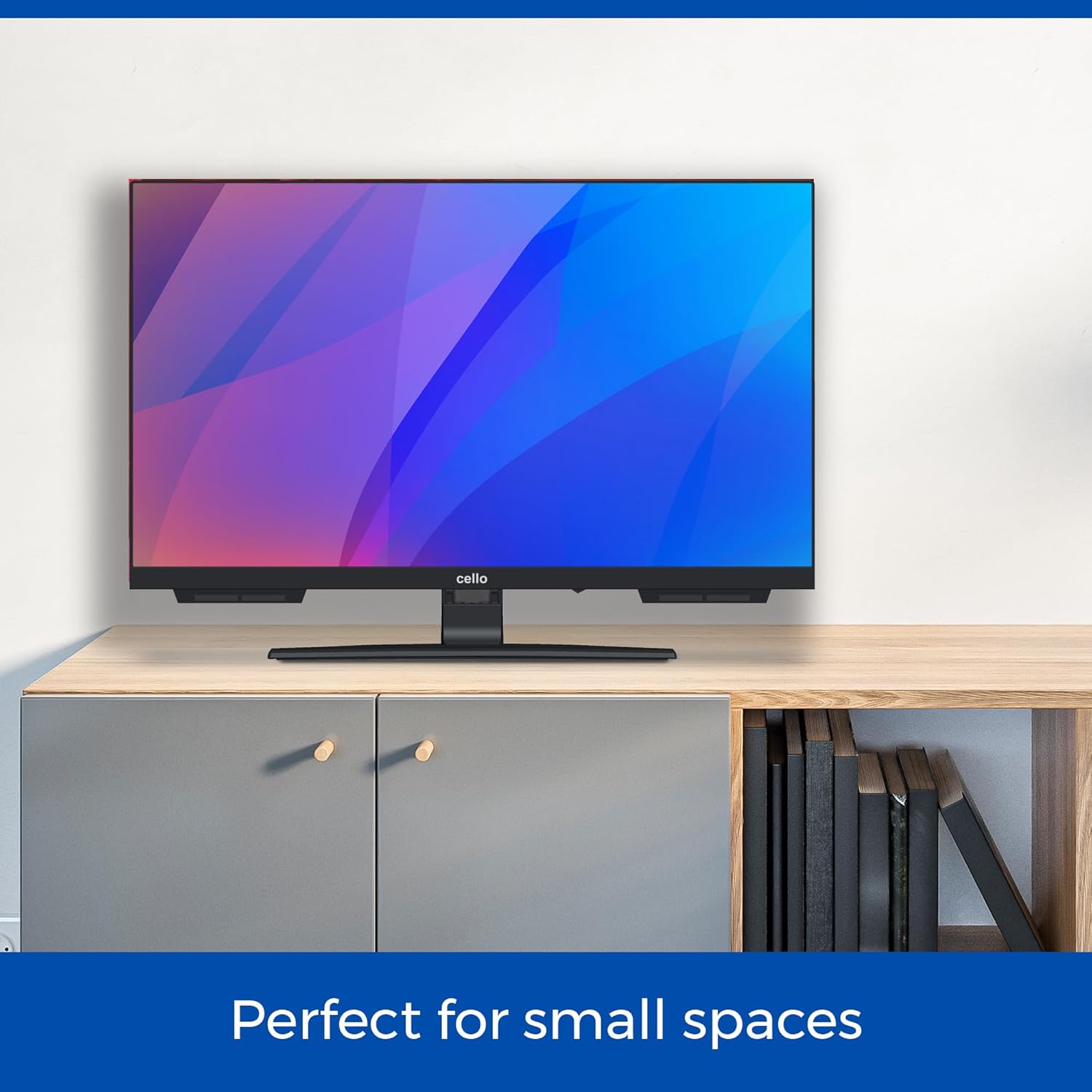
The Cello C2224SH TV is perfectly sized for smaller environments such as kitchens or bedrooms.
Configuració
Desembalatge i col·locació inicial
Carefully remove the TV from its packaging. Ensure you have all included components: the TV unit, power cable, and remote control. Place the TV on a stable, flat surface or mount it securely to a wall using a compatible VESA mount (not included).
Connecting Power and Antenna/Satellite
- Connect the supplied power cable to the TV's power input and then to a wall outlet.
- For Freeview HD, connect your terrestrial antenna cable to the RF input on the TV.
- For satellite channels, connect your satellite dish cable to the DVB-S2 input on the TV.
Connexió de dispositius externs
The Cello C2224SH TV offers various connectivity options:
- Ports HDMI: Connect devices such as Blu-ray players, gaming consoles, or streaming sticks using an HDMI cable. The TV has 1 HDMI port.
- Ports USB: Connect USB storage devices for media playback or to record Freeview programs. The TV has 2 USB ports.
- Port òptic: For high-quality audio output to a soundbar or home theatre system.

Illustration of the TV's USB and HDMI connectivity options for various external devices.
Assistent de configuració per primera vegada
En engegar-lo per primera vegada, el televisor us guiarà a través d'un assistent de configuració inicial. Seguiu les instruccions que apareixen a la pantalla per a:
- Seleccioneu el vostre idioma.
- Escaneja per obtenir informació gratuïta disponibleview (DVB-T2) and/or Satellite (DVB-S2) channels.
- Set up network connections if applicable (though this model is not a Smart TV, some features might require a network connection via an external device).
En funcionament
Funcions bàsiques
- Encès/apagat: Premeu el botó d'engegada del comandament a distància o del televisor.
- Selecció de canals: Use the number buttons or CH+/- on the remote to change channels.
- Control de volum: Use VOL+/- on the remote to adjust the volume.
- Font d'entrada: Press the SOURCE button on the remote to switch between HDMI, USB, DVB-T2, and DVB-S2 inputs.
Gratuïtview HD and Satellite TV
Your Cello TV includes built-in tuners for Freeview HD (DVB-T2) and Satellite (DVB-S2), providing access to a wide range of digital channels without the need for an external set-top box. After the initial channel scan, you can browse channels using the Electronic Program Guide (EPG).

The TV's integrated tuners allow access to numerous channels, reducing clutter from external devices.
USB Recording and Media Playback
Connect a USB storage device (e.g., a USB flash drive or external hard drive) to one of the TV's USB ports to:
- Record Live TV: Use the PVR (Personal Video Recorder) function to record Freeview programs directly to your USB device. Consult the on-screen menu for recording options.
- Reproducció multimèdia Files: View photos, play music, or watch videos stored on your USB device. Access the media player through the TV's menu.
Pitch Perfect Sound
The Cello C2224SH features a patented Pitch Perfect Sound design, which incorporates a speaker enclosure positioned below the TV. This innovative design enhances bass, clarifies mid-range frequencies, and refines high notes, delivering a more immersive audio experience.

Detail of the Pitch Perfect Sound speaker system, designed for enhanced audio quality.
Manteniment
Neteja del televisor
- Desendolleu sempre el televisor de la presa de corrent abans de netejar-lo.
- Feu servir un drap suau, sec i sense borrissol per netejar suaument la pantalla i la carcassa.
- Per a marques persistents a la pantalla, fregueu lleugeramentampNetegeu el drap amb aigua o amb un netejador de pantalles especialitzat. No ruixeu mai el netejador directament sobre la pantalla.
- Eviteu utilitzar netejadors abrasius, ceres o dissolvents, ja que poden danyar l'acabat del televisor.
Atenció General
- No bloquegeu les obertures de ventilació del televisor.
- Mantingueu el televisor allunyat de la llum solar directa, de fonts de calor i de l'excés de pols.
- Eviteu que el cable d'alimentació sigui trepitjat o pessigat.
- If the TV will not be used for an extended period, unplug it from the wall outlet.
Resolució de problemes
If you encounter issues with your Cello TV, please refer to the following common problems and solutions:
| Problema | Causa possible | Solució |
|---|---|---|
| Sense poder | Power cable not connected; Wall outlet not active. | Assegureu-vos que el cable d'alimentació estigui ben connectat. Proveu la presa de corrent amb un altre dispositiu. |
| Sense imatge / Pantalla negra | Incorrect input source selected; Loose antenna/HDMI cable. | Press SOURCE button to select correct input. Check all cable connections. |
| Sense so | Volume too low or muted; External audio device issues. | Increase volume, check mute status. If using external speakers, check their connections and power. |
| Mala qualitat d'imatge | Weak signal; Incorrect picture settings. | Check antenna/satellite signal strength. Adjust picture settings (brightness, contrast, sharpness) in the TV menu. |
| El control remot no funciona | Piles gastades; Obstrucció entre el comandament a distància i el televisor. | Replace batteries (2 AAA batteries required). Ensure no objects block the remote's signal path to the TV's IR receiver. |
If the problem persists after trying these solutions, please contact Cello customer support.
Especificacions
Below are the technical specifications for the Cello C2224SH 22 inch Full HD Frameless TV:
| Característica | Detall |
|---|---|
| Número de model | C2224SH |
| Mida de la pantalla | 22 polzades (56 cm) |
| Resolució | 1080p Full HD (1920 x 1080) |
| Tecnologia de visualització | LED |
| Freqüència d'actualització | 60 Hz |
| Connectivitat | 1x HDMI, 2x USB, 1x Optical, 1x RF (Antenna), 1x DVB-S2 (Satellite) |
| Característiques especials | Built-In Speaker (Pitch Perfect Sound), Bezel-Less Design, USB Recording (DVR) |
| Dimensions del producte (P x A x A) | 16D x 49W x 34H centímetres |
| Pes | 2.6 kg |
| Classe d'eficiència energètica | E |
| Components inclosos | Power Cable, Remote Control (requires 2 AAA batteries, included) |

Detailed product dimensions for the Cello C2224SH TV.
Garantia i Suport
Informació de la garantia
Your Cello C2224SH TV comes with a manufacturer's warranty. Please refer to the warranty card included in your product packaging for specific terms and conditions, including the warranty period and coverage details. Keep your proof of purchase for warranty claims.
Atenció al client
For any technical assistance, troubleshooting not covered in this manual, or warranty inquiries, Cello's dedicated customer care team is available to help. Please have your model number (C2224SH) and purchase details ready when contacting support.
- Telèfon: 0333-433-0312
- Correu electrònic: consumersupport@celloelectronics.com

Cello provides round-the-clock post-purchase support for all customer inquiries.


