Introducció
The RUIZHI Bluetooth 5.4 Dongle-Adapter provides a seamless wireless connection for your Windows PC. This USB dongle allows you to connect various Bluetooth-enabled devices such as headphones, mice, keyboards, controllers, and smartphones, enhancing your computing experience with improved speed, stability, and low power consumption.
This manual provides detailed instructions for setting up, operating, maintaining, and troubleshooting your Bluetooth adapter.
Característiques del producte
- Latest Bluetooth 5.4 + EDR Technology: Offers faster data transfer speeds (up to 3 Mbit/s) and low power consumption.
- Enhanced Stability and Anti-Interference: Reduces transmission loss and resolves issues with unstable device connections and signal interruptions.
- Àmplia compatibilitat: Supports Bluetooth 2.0/3.0/4.0/5.0/5.1/5.3 dual-mode devices.
- Plug and Play: No driver installation required for Windows 8.1/10/11.
- Latència baixa: Ensures a smoother entertainment experience with stable transmission efficiency.
- Disseny portàtil: Small and compact, requiring minimal space.
- Connexió multidispositiu: Connect multiple devices simultaneously, such as speakers, keyboards, headphones, mice, and gamepads.
- Interval de funcionament: 10-20 meters in open spaces.
Instruccions de configuració
Follow these steps to install and set up your RUIZHI Bluetooth 5.4 Dongle-Adapter.
1. Instal·lació de maquinari
- Locate an available USB port on your desktop or laptop computer.
- Carefully insert the RUIZHI Bluetooth 5.4 Dongle-Adapter into the USB port. Ensure it is fully seated.

Image: The RUIZHI Bluetooth 5.4 Dongle-Adapter being inserted into a laptop USB port. The image also shows compatibility with Windows 7, 8.1, 10, and 11.
2. Driver Installation (Windows)
The adapter supports various Windows operating systems. Please follow the instructions relevant to your system:
- Per a Windows 8.1, Windows 10 i Windows 11: The adapter is Plug and Play. Your operating system should automatically detect and install the necessary drivers. No manual installation is required.
- Per a Windows 7: Driver installation is required. Please download the driver from the following link: https://bit.ly/3QFZuHI. Follow the on-screen instructions to complete the driver installation.
Nota important: Aquest adaptador és no compatible with Mac OS, Linux, car radios, TVs, or other non-Windows systems.
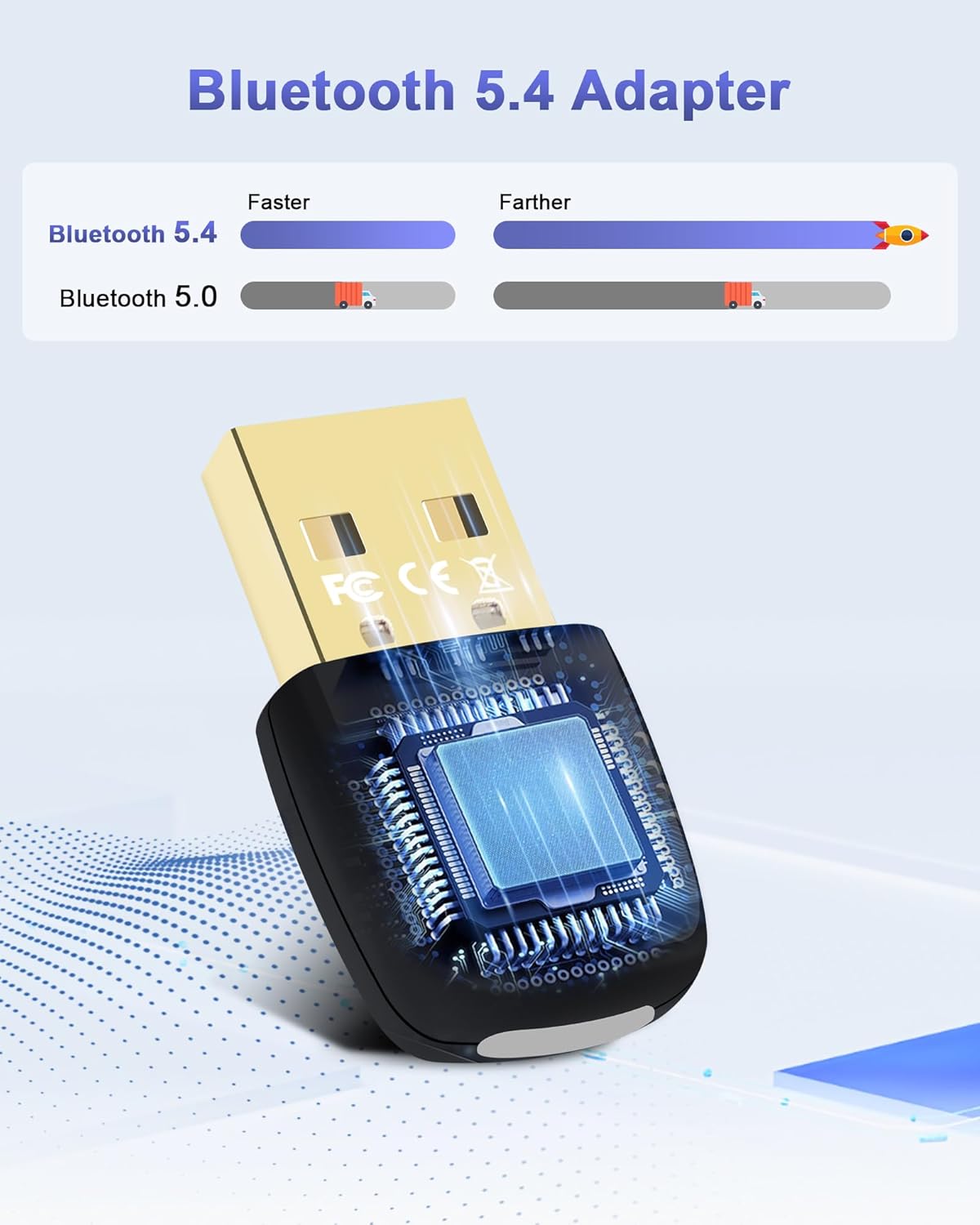
Image: A visual comparison illustrating that Bluetooth 5.4 offers faster speeds and farther range compared to Bluetooth 5.0.
Instruccions de funcionament
Once the adapter is installed, you can begin connecting your Bluetooth devices.
Vinculació de dispositius Bluetooth
- Ensure the RUIZHI Bluetooth 5.4 Dongle-Adapter is plugged into your PC.
- Al vostre PC amb Windows, navegueu fins a Configuració > Dispositius > Bluetooth i altres dispositius.
- Activeu el Bluetooth si encara no està habilitat.
- Feu clic a 'Add Bluetooth or other device' i seleccioneu 'Bluetooth'.
- Poseu el dispositiu Bluetooth (per exemple, auriculars, ratolí, teclat) en mode d'emparellament. Consulteu el manual del dispositiu per obtenir instruccions específiques sobre com fer-ho.
- Your PC will scan for available Bluetooth devices. Select your device from the list when it appears.
- Segueix les instruccions que apareixen a la pantalla per completar el procés d'emparellament, que pot incloure la introducció d'un PIN o la confirmació d'un codi.

Image: The RUIZHI Bluetooth 5.4 Dongle-Adapter shown with icons representing various compatible devices such as smartphones, Bluetooth speakers, headsets, keyboards, printers, gamepads, and mice, indicating simultaneous connection support.
Simultaneous Device Connection
The adapter supports connecting up to 7 Bluetooth devices simultaneously. However, please note that only un audio output device is supported at a time.
Manteniment
To ensure the longevity and optimal performance of your RUIZHI Bluetooth 5.4 Dongle-Adapter, follow these maintenance guidelines:
- Mantenir sec: Avoid exposing the adapter to moisture or liquids, as this can damage internal components.
- Netegeu suaument: If cleaning is necessary, use a soft, dry cloth. Do not use harsh chemicals or abrasive cleaners.
- Eviteu temperatures extremes: Do not expose the adapter to very high or very low temperatures.
- Emmagatzematge adequat: Quan no l'utilitzeu durant períodes prolongats, guardeu l'adaptador en un lloc fresc i sec, allunyat de la llum solar directa.
- Manejar amb cura: Eviteu deixar caure l'adaptador ni sotmetre'l a impactes forts.
Resolució de problemes
If you encounter issues with your RUIZHI Bluetooth 5.4 Dongle-Adapter, refer to the following common problems and solutions:
- Device Not Recognized / Not Functioning Immediately:
When first plugged in, the system may take 10-15 seconds to recognize and register the device. Allow a short period for the system to initialize the adapter. - Frequent Disconnections or Unstable Signal:
Ensure the adapter is securely plugged into the USB port. Try using a different USB port. Reduce the distance between the adapter and the connected Bluetooth device, and minimize obstructions. - No es pot emparellar amb el dispositiu:
Ensure your Bluetooth device is in pairing mode. Check that Bluetooth is enabled on your PC. Restart both your PC and the Bluetooth device, then attempt pairing again. - No Audio Output from Bluetooth Headphones/Speakers:
Verify that the Bluetooth audio device is selected as the default playback device in your Windows sound settings. Remember that only one audio output device is supported at a time. - Adapter Not Working After Sleep Mode or Restart:
If the adapter becomes unresponsive, try unplugging it from the USB port, restarting your computer, and then re-inserting the adapter. Ensure all Windows-native drivers for external Bluetooth devices are up to date. - Problemes d'incompatibilitat:
Confirm that your operating system is Windows 7, 8.1, 10, or 11. The adapter is not compatible with Mac OS, Linux, car radios, or TVs.
Especificacions
| Marca | RUIZHI |
| Model | Bluetooth 5.4 Dongle-Adapter |
| Interfície del maquinari | Bluetooth 5 |
| Datalink Protocol | Bluetooth |
| Velocitat de transferència de dades | 100 Megabits per second (up to 3 Mbit/s EDR) |
| Sistemes operatius compatibles | Windows 7/8.1/10/11 |
| Dispositius compatibles | Desktop, Laptop, Headphones, Keyboard, Mouse, Gamepads, Smartphones, Bluetooth Speakers, Bluetooth Printers |
| Dimensions (aprox.) | 29 mm (llargada) x 15 mm (amplada) x 5 mm (gruix) |
| Pes (aprox.) | 20 g |
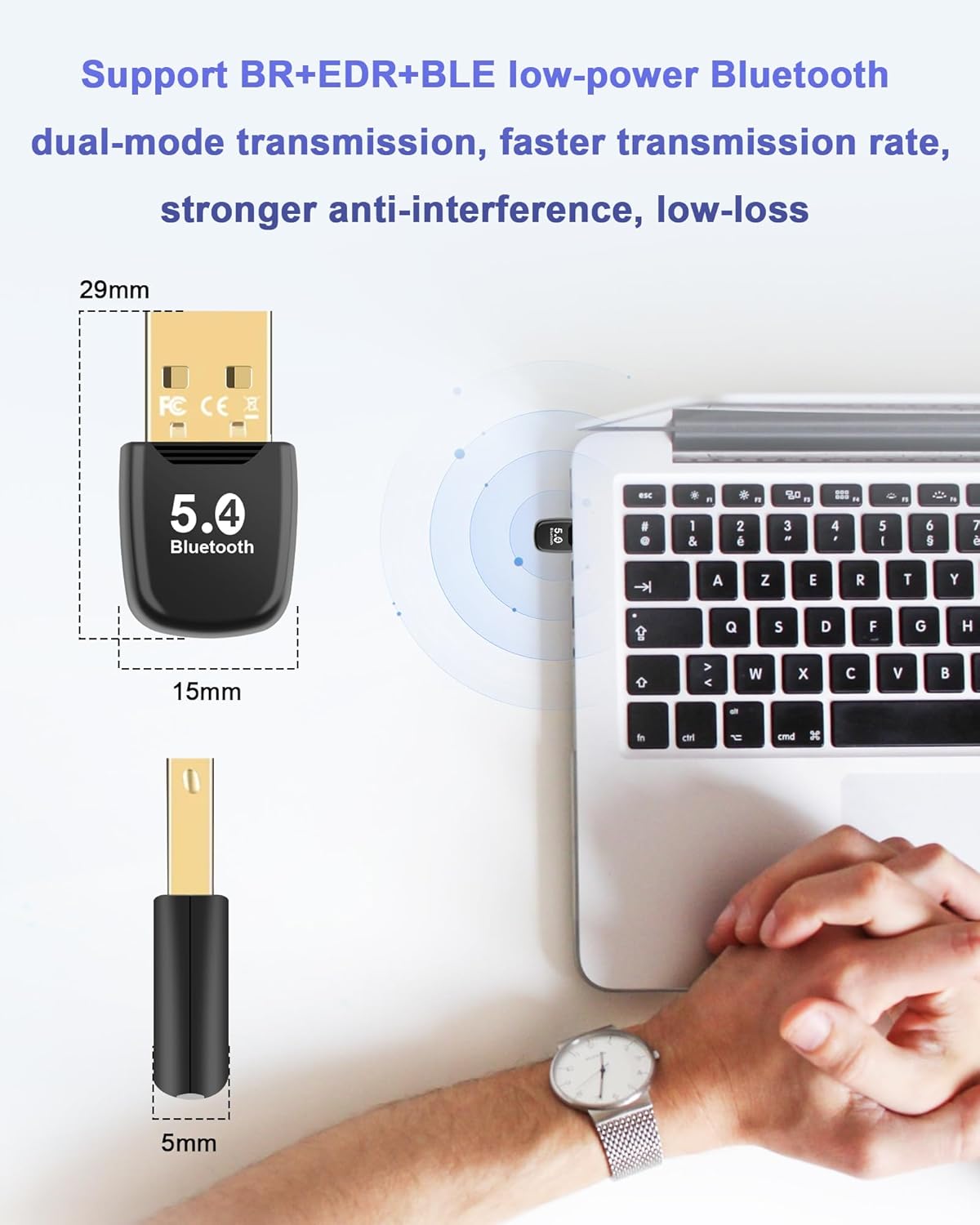
Image: The RUIZHI Bluetooth 5.4 Dongle-Adapter showing its compact dimensions (29mm length, 15mm width, 5mm thickness) and its connection to a laptop.
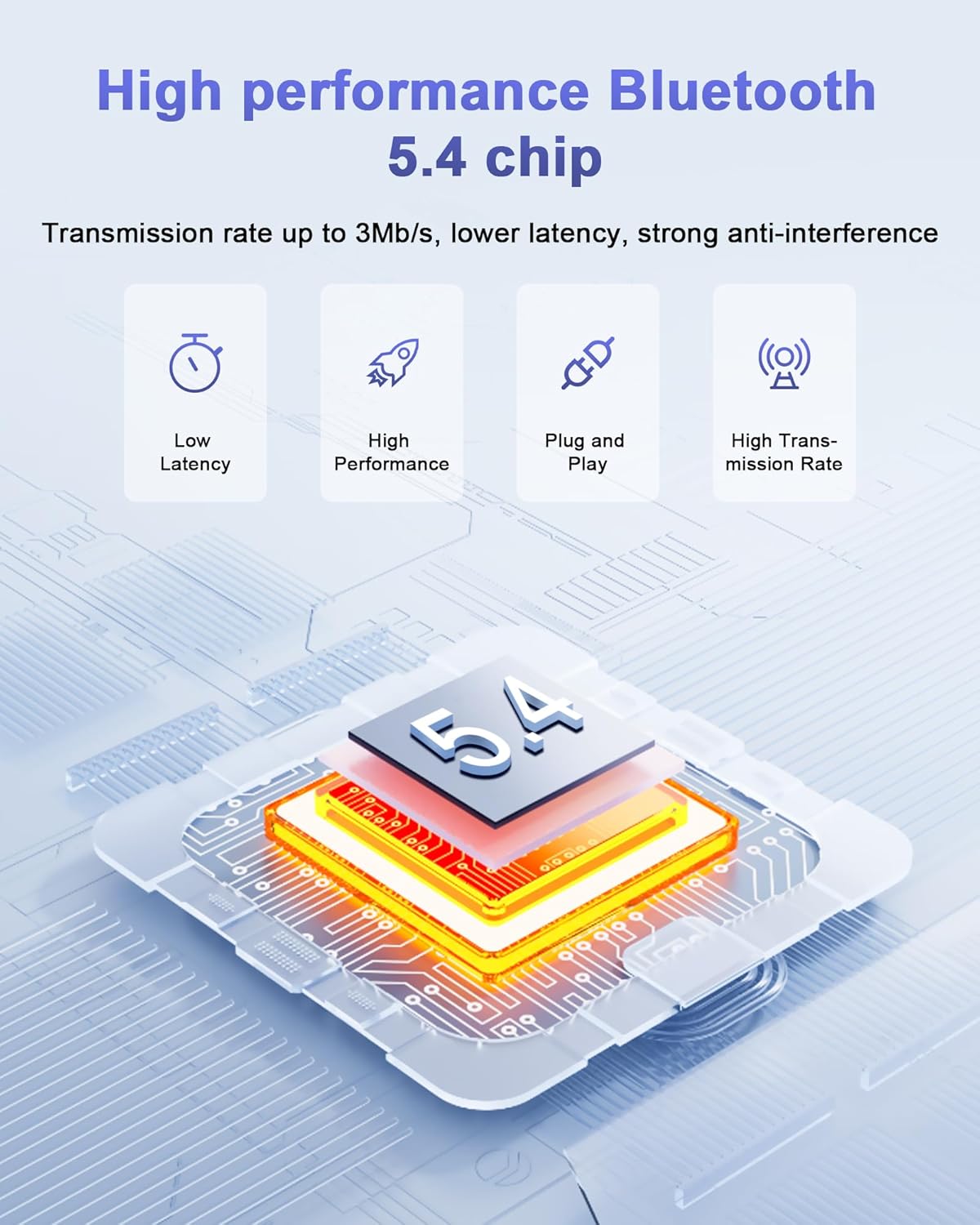
Image: A diagram highlighting the key features of the high-performance Bluetooth 5.4 chip: Low Latency, High Performance, Plug and Play, and High Transmission Rate.
Informació de seguretat
Si us plau, llegiu i seguiu aquestes pautes de seguretat per evitar danys al producte o lesions personals:
- No intenteu desmuntar ni modificar l'adaptador.
- Mantenir fora de l'abast dels nens.
- Eviteu temperatures extremes, la llum solar directa i ambients humits.
- Do not expose to fire or open flames.
Garantia i Suport
For warranty information or technical support, please refer to the retailer where you purchased the product or contact RUIZHI customer service directly. Keep your proof of purchase for any warranty claims.


