Introducció
This manual provides essential information for the setup, operation, and maintenance of your Logitech Combo Touch Keyboard Case for iPad Pro 11-inch (M4 & M5 models, 2024 & 2025). Please read this manual thoroughly before using the product to ensure optimal performance and longevity.
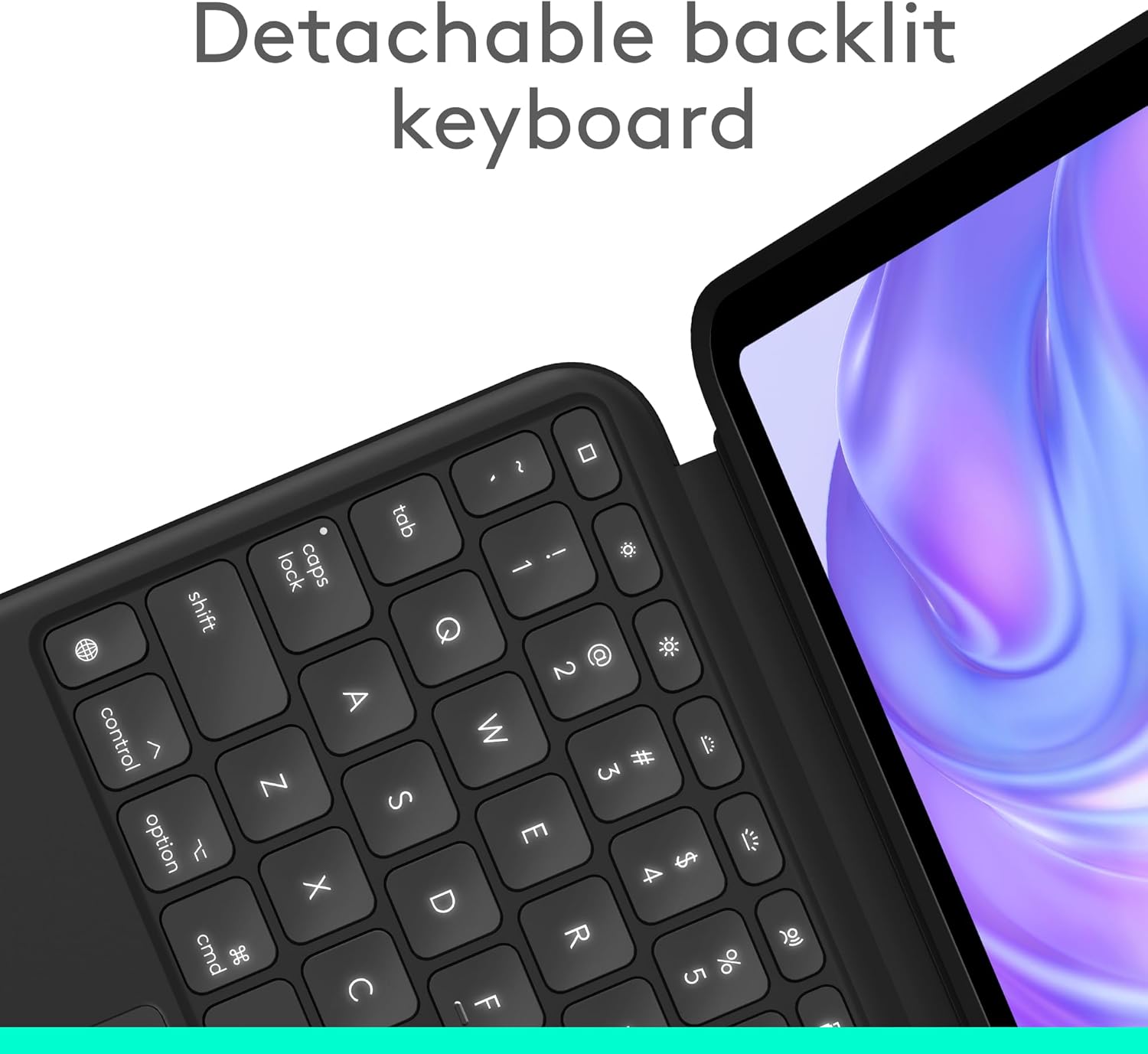
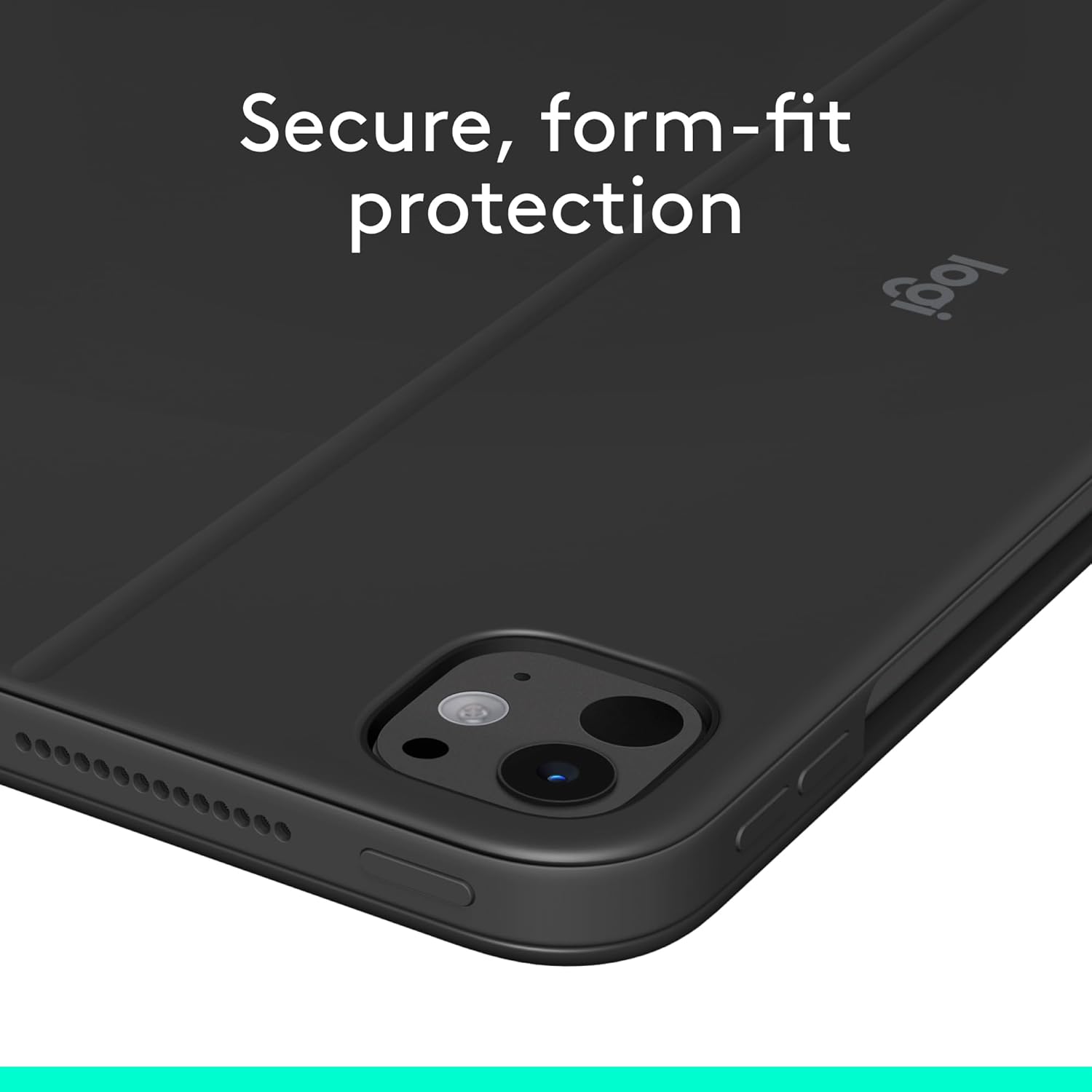
The Logitech Combo Touch transforms your iPad Pro into a versatile productivity tool, offering a detachable backlit keyboard, a large Multi-Touch trackpad, and a flexible kickstand for multiple use modes.
Què hi ha a la caixa
- Logitech Combo Touch Keyboard Case
- Manual d'instruccions (aquest document)
- USB Cable (Note: The keyboard is powered by the Smart Connector and does not require charging. The USB cable may be included for other accessories or general iPad charging.)
Compatibilitat
This keyboard case is designed for:
- iPad Pro 11-inch (M4 & M5 models, 2024 & 2025)
- Compatible iPad Models: A2836, A2837, A3006, A3357, A3358, A3359
Note: Not designed for use with iPad Pros featuring Nano-texture glass.
Configuració
1. Attaching Your iPad Pro
- Align your iPad Pro with the case. The camera cutout on the case should match your iPad's camera.
- Gently press your iPad into the protective frame of the case until it snaps securely into place. Ensure all edges are fully seated.
- The keyboard connects magnetically via the Smart Connector on your iPad. Align the Smart Connector on the keyboard with the corresponding pins on the iPad's side. The keyboard will automatically attach and power on.

2. Initial Connection (Smart Connector)
The Logitech Combo Touch Keyboard Case utilizes the Apple Smart Connector for power and data transfer. No Bluetooth pairing or charging of the keyboard is required.
Instruccions de funcionament
Utilitza els modes
The Logitech Combo Touch offers multiple versatile use modes:
- Mode d'escriptura: Position the iPad upright with the keyboard attached for comfortable typing.
- ViewMode d'acció: Detach the keyboard and use the flexible kickstand to prop up the iPad for watching videos or presentations.
- Mode d'esbós: Adjust the kickstand to a lower angle for drawing or writing with an Apple Pencil.
- Mode de lectura: Fold the keyboard back or detach it completely, then fold the kickstand flat against the iPad for a comfortable handheld reading experience.

Detachable Keyboard and Flexible Kickstand
The keyboard can be easily detached from the case, allowing you to use your iPad in tablet mode without the keyboard. The integrated flexible kickstand provides a wide range of viewing angles for various activities.

Backlit Keys and Multi-Touch Trackpad
The keyboard features adjustable backlit keys for comfortable typing in any lighting condition. The large Multi-Touch trackpad supports familiar gesture controls, enhancing your navigation and productivity.

Manteniment
Cleaning the Case and Keyboard
- Utilitzeu un drap suau i sense pelusa lleugerament dampened with water to clean the exterior of the case.
- For the keyboard keys, use a soft, dry cloth. Avoid excessive moisture.
- Do not use harsh chemicals, abrasive cleaners, or solvents, as these may damage the product.
Emmagatzematge
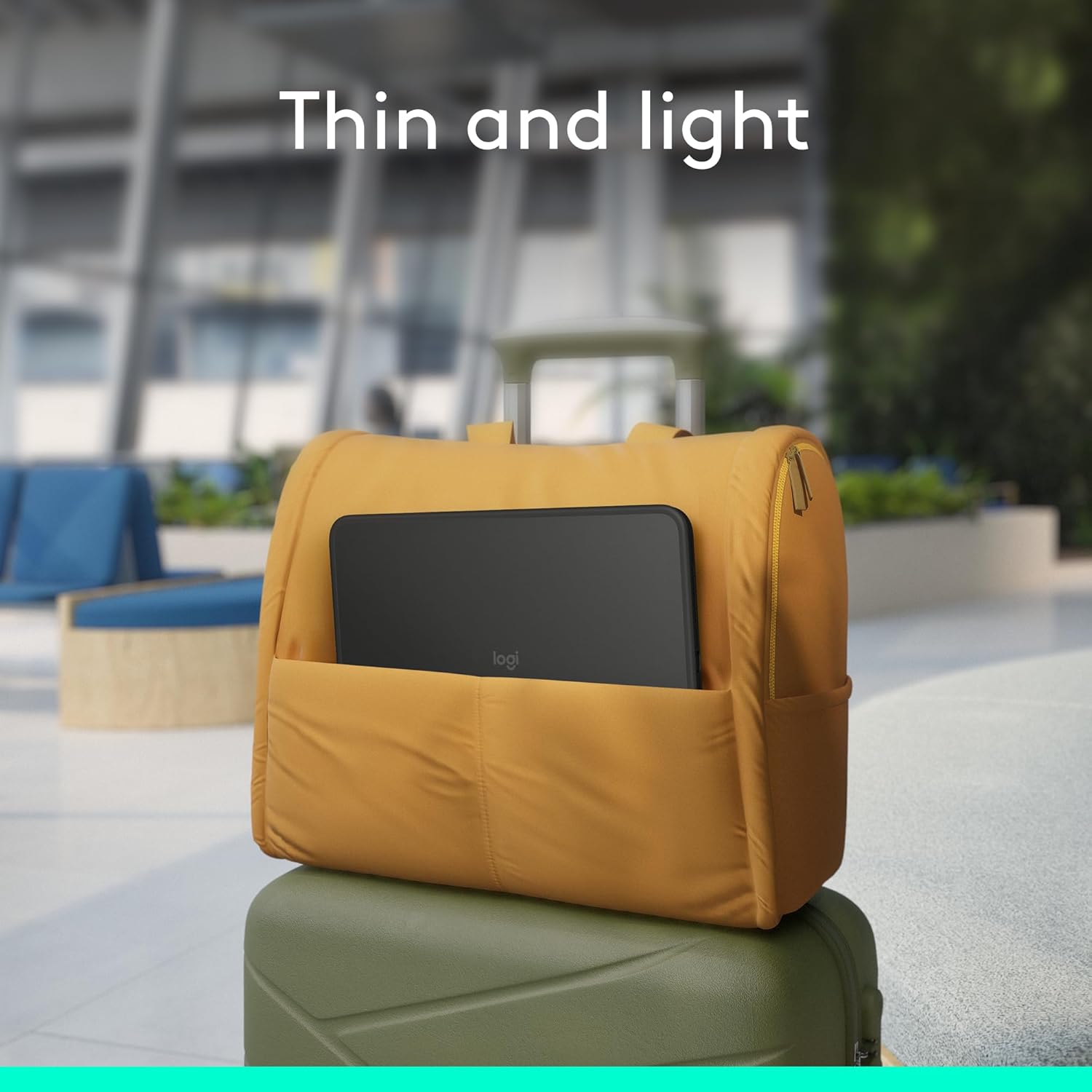
- When not in use, ensure the case is closed to protect both the iPad screen and the keyboard.
- Emmagatzemeu el producte en un lloc fresc i sec, lluny de la llum solar directa i de temperatures extremes.
Resolució de problemes
El teclat no respon
- Ensure your iPad Pro is correctly seated in the case and the Smart Connector pins are clean and making proper contact.
- Remove and reattach the keyboard to re-establish the Smart Connector connection.
- Reinicieu el vostre iPad Pro.
- Ensure your iPad Pro's operating system is up to date.
Trackpad Issues
- Clean the trackpad surface with a soft, dry cloth.
- Check iPad settings for trackpad sensitivity and gesture configurations.
La llum de fons no funciona
- Ensure the keyboard is properly connected via the Smart Connector.
- Adjust backlight brightness using the dedicated function keys on the keyboard.
Especificacions
| Marca | Logitech |
| Sèrie | Combo Touch |
| Número de model | 920-012861 |
| Dispositius compatibles | iPad Pro 11-inch (M4 & M5) |
| Tecnologia de connectivitat | Apple Smart Connector |
| Descripció del teclat | Membrana |
| Il·luminació del teclat | Single Color, Adjustable |
| Característiques especials | Integrated Stand, Lightweight, Low-Profile Key, Trackpad, Wrist Rest |
| Color | Mitjanit negre |
| Pes de l'article | 1.04 lliures |
| Dimensions del producte | 10 x 7.46 x 0.54 polzades |
Informació de la garantia
Your Logitech Combo Touch Keyboard Case is covered by a limited hardware warranty. For detailed information regarding warranty terms, conditions, and duration, please refer to the official Logitech weblloc web o la targeta de garantia inclosa amb l'embalatge del producte.
Typical warranty periods for Logitech products include:
- Garantia estàndard: Varies by region, typically 1-3 years.
- Plans de protecció ampliada: Additional protection plans may be available for purchase, offering extended coverage (e.g., 3-Year or 4-Year Protection Plans).
Conserveu el vostre comprovant de compra per a reclamacions de garantia.
Suport
Per obtenir més ajuda, assistència tècnica o per accedir a recursos addicionals, visiteu el lloc web d'assistència oficial de Logitech. weblloc:
You can also find FAQs, driver downloads, and community forums on the support page.


