Introducció
Thank you for choosing the ZTE U10 Mobile Wi-Fi device. This portable hotspot provides high-speed Wi-Fi 6 and 4G LTE connectivity, allowing you to stay connected on the go. It supports up to 32 devices simultaneously and features a long-lasting 2000 mAh battery. This manual provides essential information for setting up, operating, maintaining, and troubleshooting your ZTE U10 device.

Image: The ZTE U10 Mobile Wi-Fi device, a compact white oval-shaped device, is shown next to its blue product box. The device has a black circular display area on the front.
Configuració
Què hi ha a la caixa
- 1 x ZTE U10 Mobile Wi-Fi Device
- 1 x cable de càrrega USB tipus C
- 1 x Guia d'inici ràpid
- 1 x Targeta de garantia
Inserció de la targeta SIM
- Assegureu-vos que el dispositiu estigui apagat.
- Locate the SIM card slot, usually on the side or under the back cover.
- Insert a standard Nano-SIM card into the slot with the gold contacts facing down, as indicated by the diagram on the device.
- Premeu suaument fins que encaixi al seu lloc.
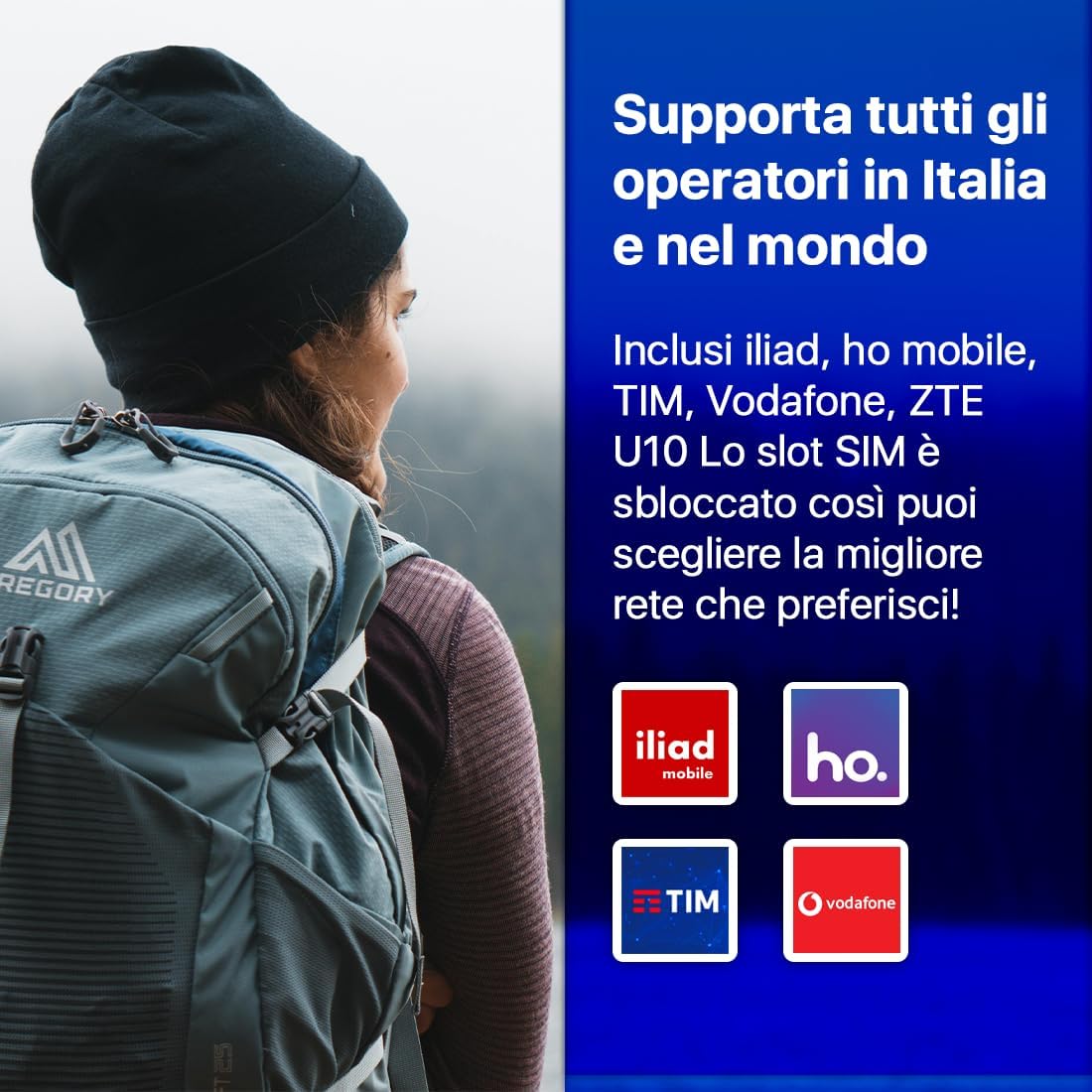
Image: This image illustrates that the ZTE U10 supports various mobile operators, including Iliad, Ho Mobile, TIM, and Vodafone, indicating its unlocked SIM slot for user flexibility.
Càrrega del dispositiu
Before first use, fully charge the ZTE U10.
- Connecteu el cable USB tipus C al port de càrrega del dispositiu.
- Connecteu l'altre extrem del cable a un adaptador de corrent USB compatible (no inclòs) o al port USB d'un ordinador.
- The battery indicator on the device will show charging status.
Encès/Apagat
- Per engegar: premeu i manteniu premut el botó d'engegada fins que els indicadors s'encenguin.
- Per apagar: premeu i manteniu premut el botó d'engegada fins que el dispositiu s'apagui.
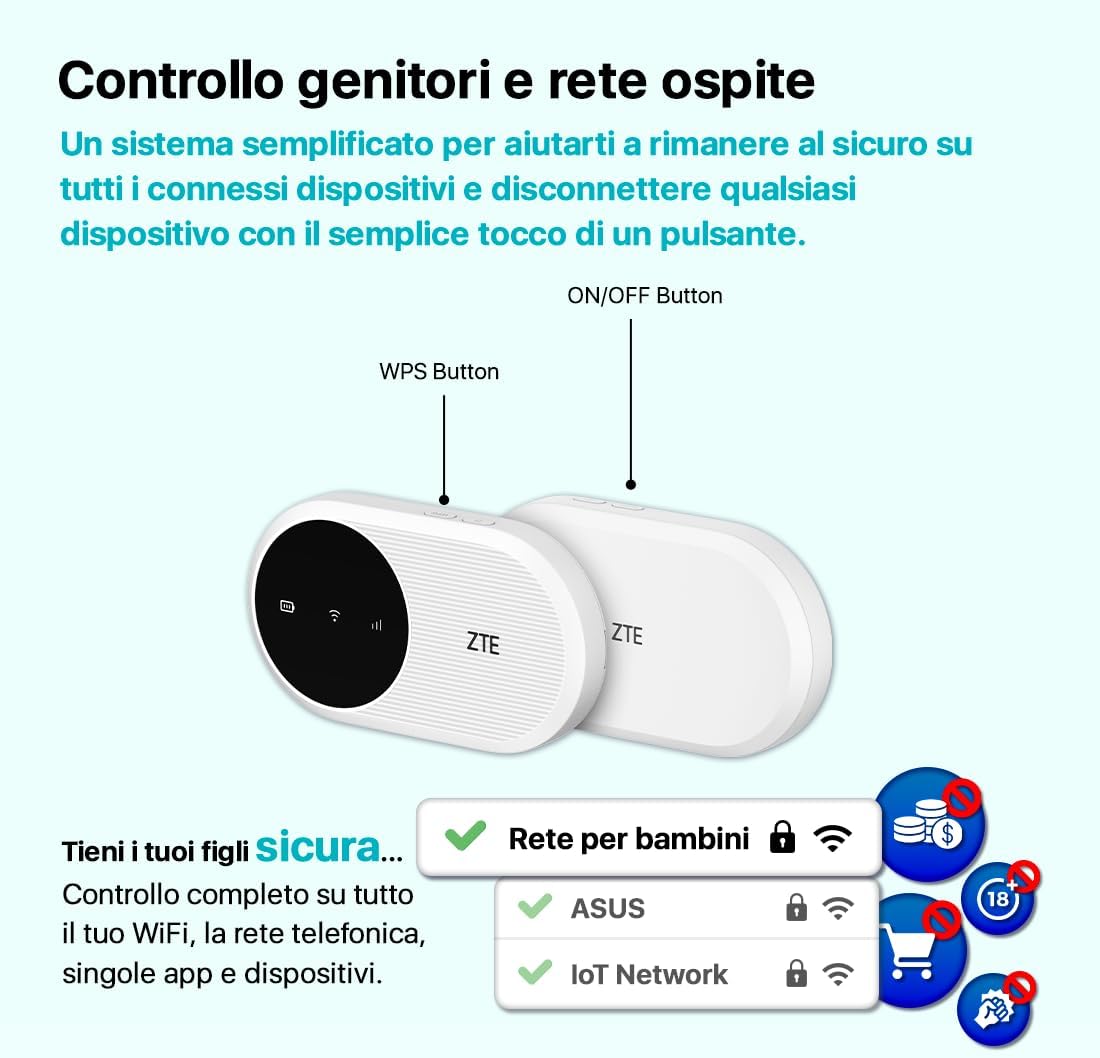
Image: A diagram of the ZTE U10 device highlighting the ON/OFF button and the WPS button. It also illustrates the parental control and guest network features, emphasizing simplified security management.
Funcionament del dispositiu
Connexió a Wi-Fi
- Power on your ZTE U10 device.
- On your computer, tablet, or smartphone, search for available Wi-Fi networks.
- Select the network name (SSID) displayed on your ZTE U10 screen or on the label inside the device.
- Enter the Wi-Fi password (Key) also found on the device label.
- El dispositiu ara hauria d'estar connectat a Internet.
The ZTE U10 supports connection for up to 32 devices simultaneously, making it ideal for sharing internet access with multiple users.

Image: This image highlights the ZTE U10's capabilities: 2.4GHz frequency, speeds up to 287Mbps, and support for connecting up to 32 devices. It shows two people relaxing in a field with the device between them, symbolizing portable connectivity.
Parental Control and Guest Network
The ZTE U10 offers simplified parental control and guest network features to help you manage online safety and access. You can disconnect any connected device with a simple touch of a button.
- Control parental: Manage and secure online access for connected devices.
- Xarxa de convidats: Provide separate Wi-Fi access for guests without sharing your main network password.
Integrated MIMO Antennas
The device is equipped with integrated 2.4 GHz MIMO antennas that automatically activate to boost signal strength and provide faster speeds when needed. This ensures a stable and strong connection, even in challenging environments.

Image: A person is shown outdoors, working on a laptop with the ZTE U10 device placed nearby, emitting a strong Wi-Fi signal. This illustrates the benefit of the integrated 2.4 GHz MIMO antennas for enhanced signal strength.
Using the ZTELink App
The ZTELink app provides an easy way to manage your ZTE U10 device and control your wireless router settings.
- Gestió: Manage your home network and check network status.
- Seguretat: Manage blacklists and prevent Wi-Fi abuse.
- Comandament a distància: Remote control of the network for easy management.
Download the ZTELink app from your device's app store (Google Play Store for Android, Apple App Store for iOS).
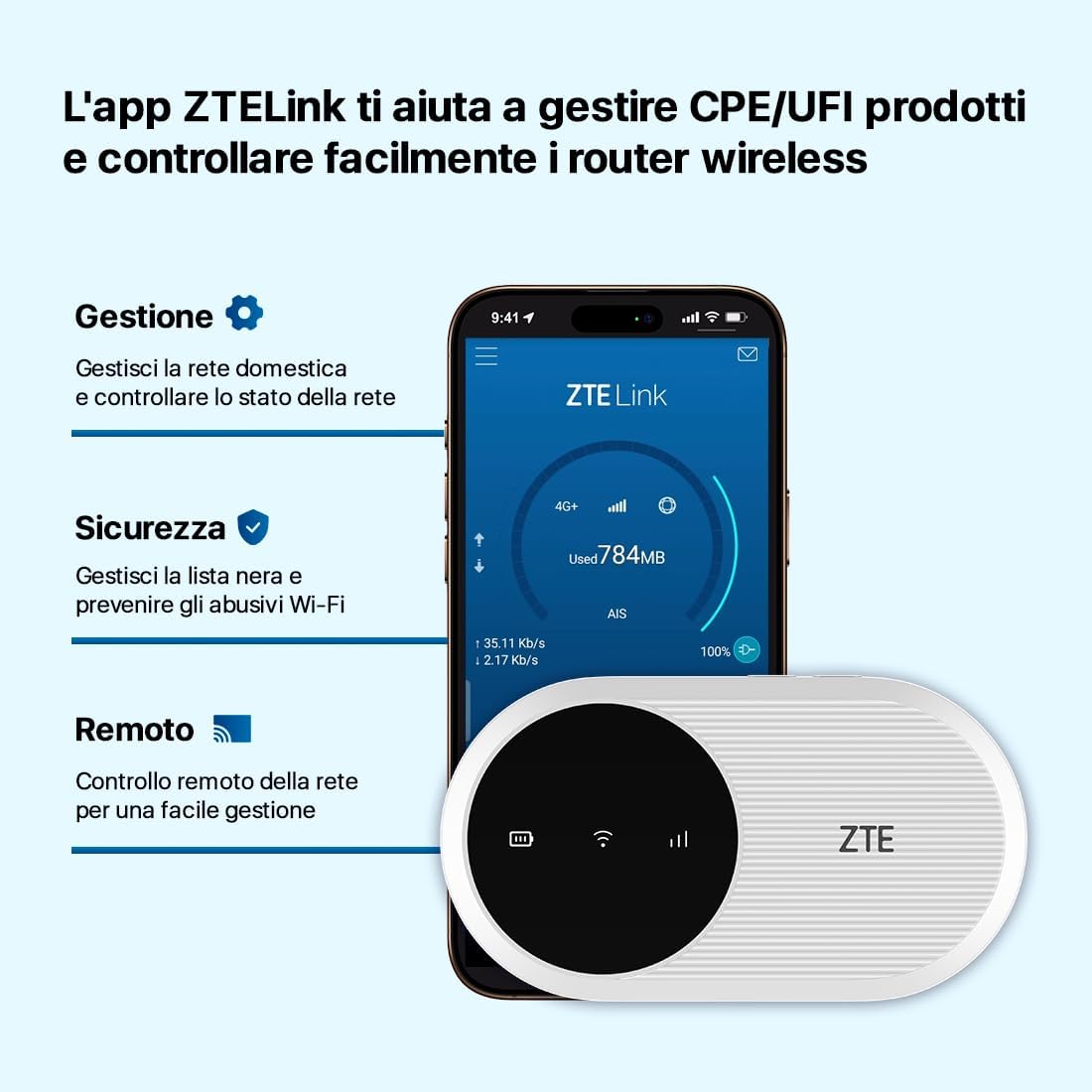
Image: A smartphone screen displaying the ZTELink app interface, showing network management, security settings, and remote control options for the ZTE U10 device. The ZTE U10 device is also shown next to the phone.
Manteniment
Cura de la bateria
- To maximize battery life, avoid exposing the device to extreme temperatures.
- Carregueu el dispositiu regularment, però eviteu sobrecarregar-lo durant períodes prolongats.
- If the device will not be used for a long time, charge it to about 50% before storing.
Neteja del dispositiu
- Use a soft, dry cloth to wipe the device.
- No utilitzeu netejadors líquids ni aerosols directament sobre el dispositiu.
- Mantingueu el port de càrrega net de pols i deixalles.
Resolució de problemes
| Problema | Causa possible | Solució |
|---|---|---|
| El dispositiu no s'encén. | Bateria baixa; el botó d'engegada no s'ha premut prou estona. | Charge the device; Press and hold the Power button for a few seconds. |
| Sense connexió a Internet. | SIM card not inserted correctly; No data plan; Network signal weak. | Reinsert SIM card; Check data plan with your operator; Move to an area with better signal. |
| No es pot connectar a la Wi-Fi. | Incorrect Wi-Fi password; Device too far from hotspot. | Verify Wi-Fi password; Move closer to the ZTE U10. |
| La bateria s'esgota ràpidament. | High usage; Old battery; High signal power setting. | Reduce number of connected devices; Adjust signal power via ZTELink app; Consider battery replacement if very old. |
For more advanced troubleshooting and settings, refer to the ZTELink app or the full online user manual.
Especificacions
| Característica | Detall |
|---|---|
| Nom del model | ZTE U10 |
| Marca | ZTE |
| Tecnologia de connectivitat | Wi-Fi, LTE |
| Comunicació sense fils estàndard | 802.11ax (Wi-Fi 6) |
| Classe de banda de freqüència | Single-band (2.4 GHz) |
| Max Speed (Download) | Fins a 150 Mbps |
| Max Speed (Upload) | Fins a 50 Mbps |
| Capacitat de la bateria | 2000 mAh (ió de liti) |
| Durada de la bateria | Fins a 8 hores (ús típic) |
| Dispositius compatibles | Fins a 32 dispositius alhora |
| Característiques especials | WI-FI 6, Integrated MIMO Antennas, Parental Control, Guest Network |
| Dispositius compatibles | Tablets, Smartphones, Laptops, Gaming Consoles, etc. |
| Color | Còdols blancs |
Garantia i Suport
The ZTE U10 Mobile Wi-Fi device comes with a 2 any de garantia des de la data de compra. Si us plau, conserveu el comprovant de compra per a reclamacions de garantia.
For technical support, product inquiries, or warranty service, please contact ZTE customer support through their official weblloc web o la informació de contacte que apareix a la targeta de garantia.
Recursos en línia: For the most up-to-date information, FAQs, and additional support, visit the official ZTE support weblloc.


