Producte acabatview
The CHERRY XTRFY M68 Pro Wireless Gaming Mouse is a high-performance peripheral designed for competitive gaming. It combines German engineering with Swedish design to deliver precision and speed. This mouse features an ultra-fast 8000Hz polling rate, a unique symmetrical shape with an extra-low front for enhanced control, and robust wireless performance.
Les característiques clau inclouen:
- Ultra-Fast 8K Mouse: Sends up to 8x more data than a standard 1000Hz gaming mouse for incredible speed and extremely low click-latency.
- Unique Symmetrical Shape: Designed with a particularly low front, allowing fingers to move closer to the plate for improved precision.
- Esport Level Wireless Performance: Utilizes 2.4 GHz wireless technology with a USB dongle for freedom of movement without compromising speed or response time.
- Ultra-Light and Robust: Weighing only 55g, this lightweight wireless mouse is ideal for competition-oriented games, enabling fast and precise movements.
- Bateria recarregable: One battery charge lasts up to 90 hours depending on Hz and play style. The flexible CHERRY XTRFY EZcord charging cable allows continued play while charging.
Contingut del paquet
Si us plau, assegureu-vos que tots els elements estiguin presents al paquet:
- Ratolí per a jocs sense fil CHERRY XTRFY M68 Pro
- Cable USB
- 4K-Dongle (USB receiver)
- Replacement Mouse Feet
- Manual d'instruccions
Configuració
- Carrega el ratolí: Before first use, connect the mouse to a USB port on your computer using the provided USB cable. The mouse can be used while charging.
- Connect the 4K-Dongle: Insert the 4K-Dongle (USB receiver) into an available USB port on your computer. The mouse will automatically connect to the dongle.
- Encès: Locate the power switch on the underside of the mouse and slide it to the "ON" position.
- Instal·lació del controlador (opcional): Your operating system should automatically recognize the mouse. For advanced customization and settings, visit the official CHERRY XTRFY website to download any specific software or drivers for the M68 Pro Wireless mouse.
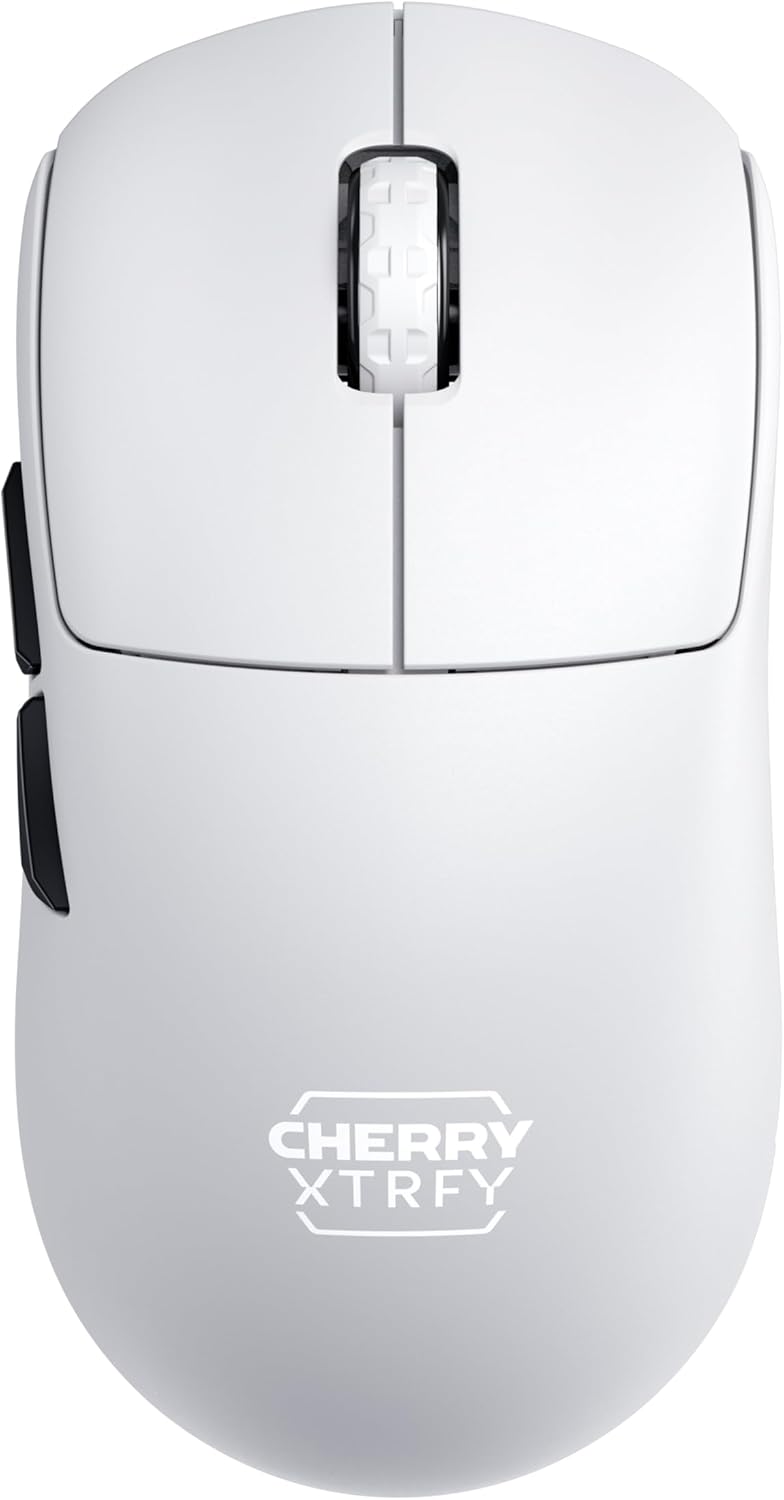
Figura 1: De dalt a baix view of the M68 Pro Wireless Gaming Mouse, showing the symmetrical design and scroll wheel.
Instruccions de funcionament
The M68 Pro Wireless mouse is designed for intuitive use with advanced features for gaming.
- Funcions bàsiques: The mouse features standard left and right click buttons, a clickable scroll wheel, and two side buttons.
- Ajust de DPI: The mouse supports multiple DPI (Dots Per Inch) settings to adjust cursor sensitivity. Refer to the official software (if applicable) for detailed instructions on customizing DPI profiles and assigning them to buttons.
- Taxa de sondeig de 8000 Hz: The 8000Hz polling rate ensures extremely fast data transmission to your computer, reducing input lag. This feature is automatically enabled when connected via the 4K-Dongle. Ensure your system can support this high polling rate for optimal performance.
- Estat de la bateria: The mouse may feature an LED indicator to show battery status. A low battery indicator will typically flash or change color.

Figure 2: The M68 Pro Wireless mouse in a typical gaming setup, highlighting its sleek design.
Manteniment
Proper maintenance ensures the longevity and performance of your M68 Pro Wireless mouse.
- Neteja: Feu servir un drap suau i sec per netejar la superfície del ratolí. Per a la brutícia persistent, netegeu lleugerament.ampRenta el drap amb aigua. Evita utilitzar productes químics agressius o materials abrasius.
- Cura de la bateria: To maximize battery lifespan, avoid fully discharging the mouse frequently. Recharge when the low battery indicator appears. Store the mouse in a cool, dry place if not used for extended periods.
- Mouse Feet Replacement: The package includes replacement mouse feet. If the existing feet show significant wear, carefully peel them off and apply the new ones, ensuring the surface is clean and dry for optimal adhesion.

Figura 3: Pro lateralfile of the M68 Pro Wireless mouse, showcasinels seus contorns ergonòmics.
Resolució de problemes
| Problema | Causa possible | Solució |
|---|---|---|
| El ratolí no respon | Low battery; Dongle not connected; Mouse powered off; Interference. | Charge the mouse; Ensure 4K-Dongle is securely plugged in; Turn mouse ON; Move mouse closer to dongle or away from other wireless devices. |
| Retard o moviment erràtic | Interference; Surface issues; Low battery; Dongle too far. | Reduce wireless interference; Use on a clean, suitable mouse pad; Charge the mouse; Move dongle closer to mouse. |
| El ratolí no es carrega | Faulty USB cable or port; Mouse not connected properly. | Try a different USB port or cable; Ensure the cable is fully inserted into the mouse and computer. |

Figura 4: Frontal view of the M68 Pro Wireless mouse, showcasing és baix en profile disseny.
Especificacions
| Característica | Detall |
|---|---|
| Número de model | CX-M68W-PRO-WHITE |
| Marca | XTRFY DE CIRER |
| Tecnologia de connectivitat | Radio Frequency, USB |
| Tecnologia de detecció de moviment | Òptic |
| Característiques especials | Lightweight, Rechargeable, Wireless |
| Dimensions del producte | 4.85 x 2.4 x 0.04 polzades |
| Pes de l'article | 10.7 unces |
| Bateries | Necessita 1 bateria de ions de liti (inclosa) |
| Fabricant | Cherry Europe GmbH |
| Color | white us |
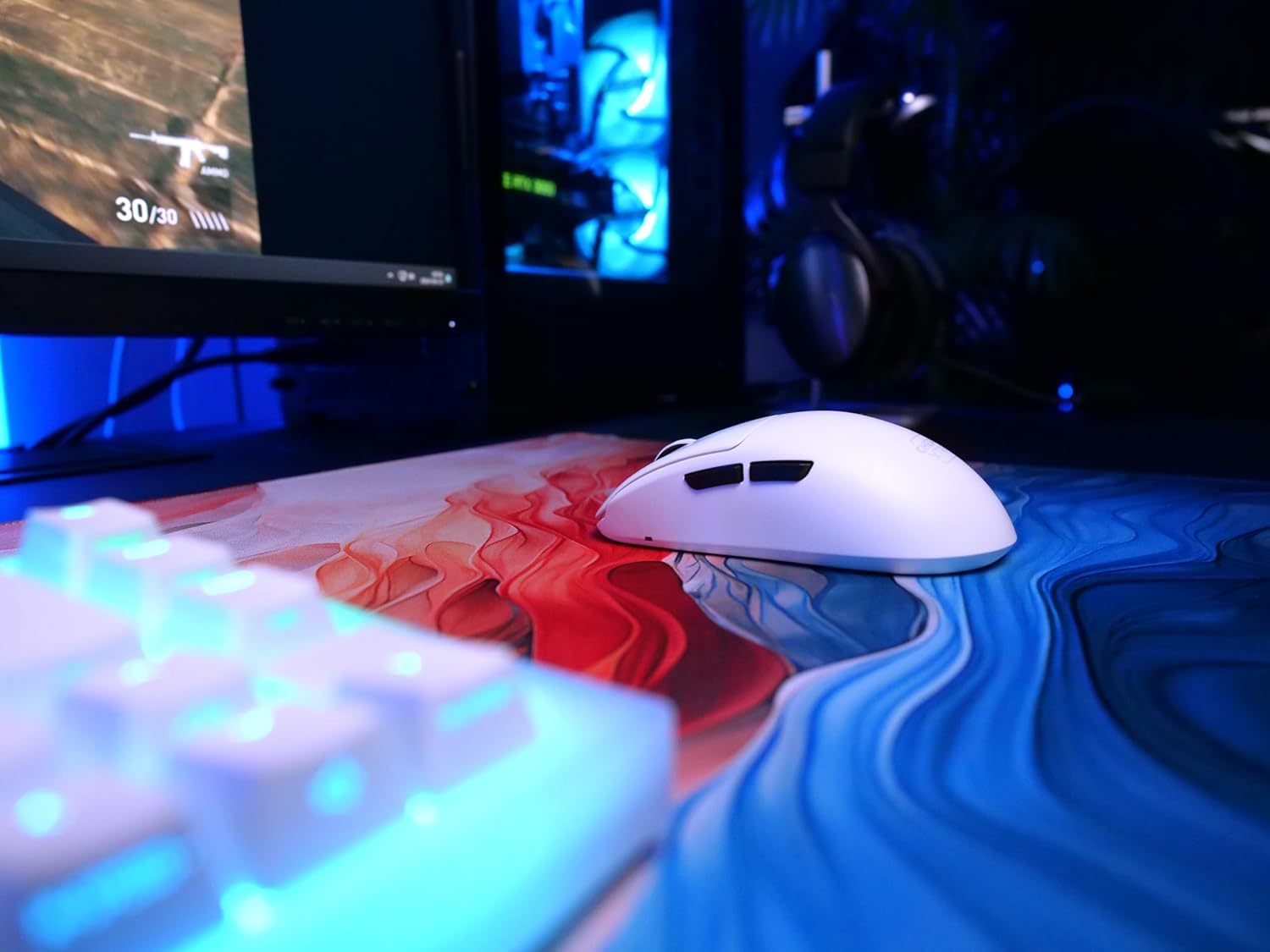
Figure 5: The M68 Pro Wireless mouse positioned beside a gaming keyboard, illustrating its compact size.
Garantia i Suport
For warranty information, please refer to the documentation included with your product or visit the official CHERRY XTRFY weblloc web. Conserveu el comprovant de compra per a reclamacions de garantia.
For technical support, troubleshooting beyond this manual, or inquiries about replacement parts, please visit the CHERRY XTRFY Store on Amazon o els seus canals de suport oficials.

Figura 6: posterior view of the M68 Pro Wireless mouse, showing its symmetrical shape.


