1. Introducció
This manual provides detailed instructions for the installation, operation, and maintenance of your DoHonest Dash Cam Front and Rear (Model ZD72). Please read this manual thoroughly before using the product to ensure proper function and safety.
The DoHonest 4K Dual Dash Cam is designed to enhance driving safety and provide comprehensive recording capabilities. It features ultra HD 4K front recording and full HD 1080P rear recording, superior night vision, built-in GPS, 5G WiFi connectivity, and reliable accident recording features.

Image: DoHonest Dash Cam ZD72 main unit, rear camera, and smartphone app display.
2. Contingut del paquet
Verifiqueu que tots els elements que s'enumeren a continuació s'inclouen al vostre paquet. Si falta algun element o hi ha algun malmès, poseu-vos en contacte amb l'atenció al client.
- 1 càmera frontal 4K
- 1 x 1080P In-car Rear Camera
- 1 x Muntatge de ventosa
- 1 cable d'alimentació de 11.5 peus amb carregador de cotxe
- 1 cable de càmera posterior de 23 peus
- 1 x cable d'alimentació USB tipus C
- 1 cable de dades USB tipus C
- 1 x 32GB Memory Card (Included)
- 1 x manual d'instruccions

Image: Visual representation of the DoHonest Dash Cam ZD72 package contents.
3. Configuració i instal·lació
The DoHonest Dash Cam is designed for effortless plug-and-play installation. Follow these steps for proper setup.
3.1 Installing the Front Dash Cam
- Netegeu la zona del parabrisa on voleu muntar la càmera del salpicader.
- Attach the suction cup mount to the front dash cam.
- Securely attach the suction cup mount to the cleaned area on your windshield, ensuring it does not obstruct your view.
- Insert the included 32GB microSD card into the dash cam's memory card slot.
- Connect the 11.5ft Power Supply Cable with Car Charger to the dash cam and plug the other end into your vehicle's cigarette lighter socket.
3.2 Instal·lació de la càmera posterior
- Determineu una ubicació adequada per a la càmera posterior, normalment al parabrisa posterior, assegurant-vos una visió clara view.
- Clean the chosen area thoroughly.
- Mount the rear camera using its adhesive or screws (if applicable and provided).
- Connect the 23ft Rear Camera Cable to the rear camera and route it neatly to the front dash cam. Plug the cable into the AV-IN port on the front dash cam.

Image: Installation diagram for the DoHonest Dash Cam, showing front and rear camera placement and cable routing.
4. Instruccions de funcionament
4.1 Engegada/apagada
- The dash cam will automatically power on and begin recording when connected to your vehicle's power supply and the engine starts.
- It will automatically power off when the vehicle's engine is turned off and power supply is disconnected.
4.2 Modes d'enregistrament
- Enregistrament en bucle: The dash cam continuously records video in segments (e.g., 1, 3, or 5 minutes). When the memory card is full, it automatically overwrites the oldest unlocked footage.
- Sensor G (enregistrament d'emergència): En cas d'impacte o col·lisió sobtada, el sensor G integrat detectarà l'esdeveniment i bloquejarà automàticament el segment de vídeo actual, evitant que es sobreescrigui amb l'enregistrament en bucle.
- Mode d'aparcament 24/7: With an optional hardwire kit (not included), the dash cam can monitor your vehicle even when parked. It uses motion detection to automatically record incidents and features low-voltage protection to prevent draining your car's battery.
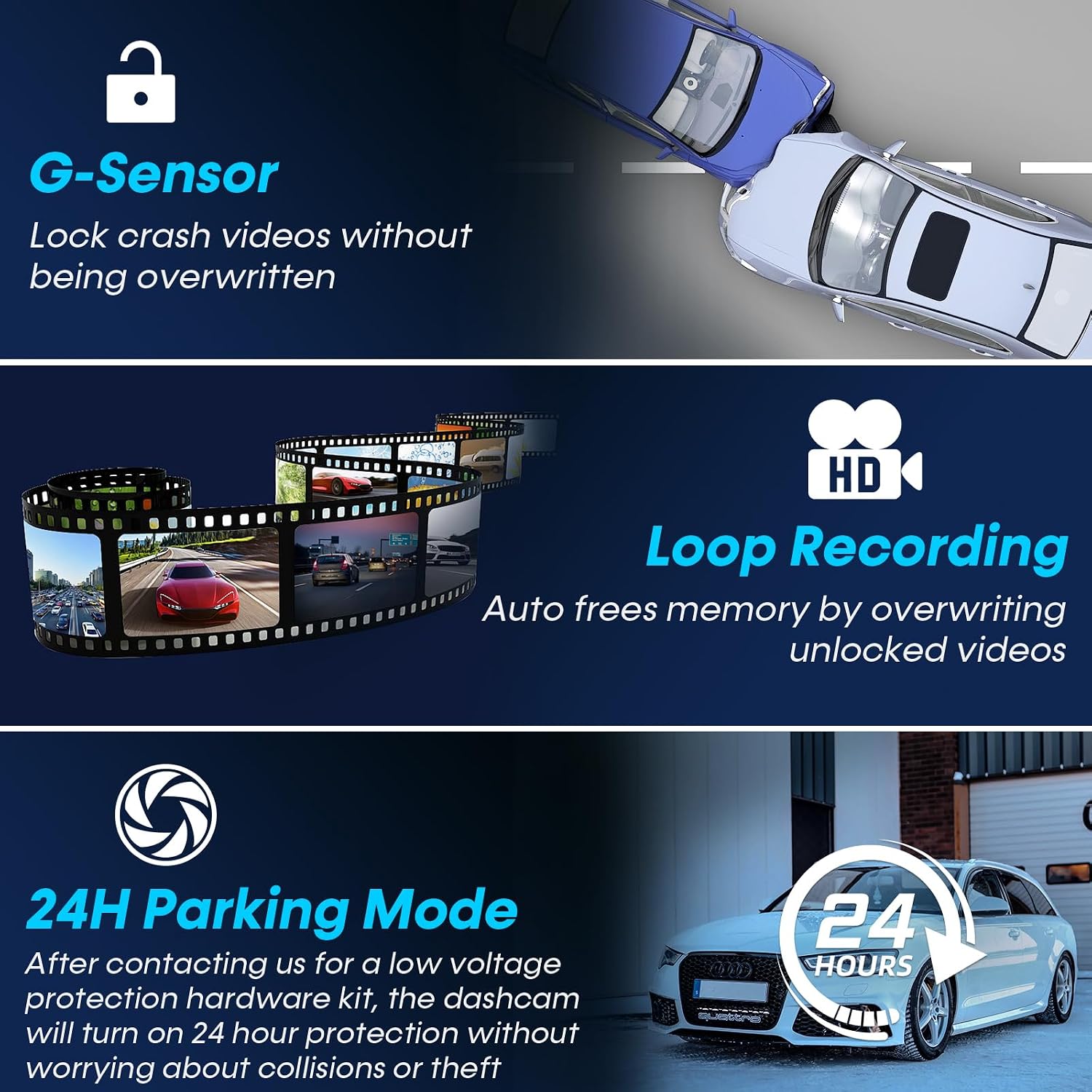
Image: Explanation of G-Sensor, Loop Recording, and 24H Parking Mode features.
4.3 Funcionalitat del GPS
The built-in GPS module tracks your vehicle's location, speed, and routes. This data can be viewed via the dedicated smartphone app or on a PC/Mac, providing valuable evidence in case of an accident and allowing you to review your journey history.

Image: GPS tracking and 5G WiFi connectivity for the DoHonest Dash Cam.
4.4 5G Wi-Fi and App Control
Connect your dash cam to your smartphone via 5G Wi-Fi for instant video downloads, live view, and easy sharing of footage. The dedicated app allows you to manage recordings and access GPS data directly from your device.
4.5 Visió nocturna
The dash cam features superior night vision with HDR/WDR technology and an F1.5 large aperture lens, enhancing light intake by 45%. This ensures clear footage in low-light conditions and at night, improving visibility and safety.

Image: Demonstration of Super Night Vision capabilities in various lighting conditions.
5. Manteniment i cura
- Neteja: Feu servir un drap suau i sec per netejar les lents i la pantalla de la càmera. Eviteu utilitzar productes de neteja abrasius o dissolvents.
- Targeta de memòria: Regularly format the microSD card (at least once a month) to ensure optimal performance and prevent data corruption. The dash cam supports up to 512GB microSD cards.
- Actualitzacions de firmware: Check the DoHonest official website periodically for any available firmware updates to ensure your dash cam has the latest features and improvements.
- Temperatura: The dash cam is built with heat-resistant aluminum alloy. However, avoid prolonged exposure to extreme temperatures (both hot and cold) to maintain optimal performance and longevity.
6. Solució De Problemes
If you encounter issues with your DoHonest Dash Cam, please refer to the following common solutions.
- La càmera del salpicader no s'encén:
- Assegureu-vos que el cable d'alimentació estigui connectat correctament tant a la càmera del salpicader com a la presa de corrent del vehicle.
- Check if the vehicle's power outlet (cigarette lighter) is functioning correctly.
- Recording Issues (e.g., "Card Full" error):
- Format the microSD card regularly within the dash cam's settings.
- Ensure you are using a high-speed (Class 10 or U3 recommended) microSD card.
- Comproveu si l'enregistrament en bucle està habilitat a la configuració.
- Poca qualitat de vídeo:
- Netegeu les lents de la càmera amb un drap suau.
- Assegureu-vos que s'hagi tret la pel·lícula protectora de les lents.
- Comproveu la configuració de la resolució de vídeo al menú de la càmera del salpicader.
- GPS no rastrejant:
- Assegureu-vos que la càmera del salpicader tingui una visió clara view del cel per a la recepció de satèl·lits.
- Verify GPS functionality is enabled in the settings.
- Problemes de connexió Wi-Fi:
- Assegureu-vos que el Wi-Fi de la càmera del salpicader estigui activat.
- Reinicieu tant la càmera del salpicader com el telèfon intel·ligent.
- Ensure you are within close proximity to the dash cam for a stable connection.
If the problem persists, please contact DoHonest customer support for further assistance.
7. Especificacions
| Marca | Fes honest |
| Model | ZD72 |
| Resolució de captura de vídeo | Davant: 4K (2160P), Posterior: 1080P |
| Davant Viewangle ing | 170 graus |
| posterior Viewangle ing | 150 graus |
| Mida de la pantalla | LCD de 3.16 polzades |
| Tecnologia de connectivitat | Wi-Fi (5G), GPS |
| Tipus de memòria flash | microSD |
| Mida de la targeta de memòria inclosa | 32 GB |
| Max Supported Storage | 512 GB |
| Característiques especials | 4K Front and rear dual cam, Time-lapse, WDR, Loop Recording, G-sensor, Parking Monitor, Built-In GPS/ Wi-Fi/Microphone/Speaker, Super Night Vision, Motion Sensor, Easy to Install, App Control, 360 Degree, Screen Saver, Live Speed, Voice Alert, Built-In Super Capacitor, Support 512GB SD Card Max, APP for iOS & Android, 2 Year Reliable Warranty |
| Tipus de muntatge | Muntatge del parabrisa |
| Dimensions del producte | 5.08 x 7.6 x 4.5 cm; 540 g |

Image: Key specifications and design features of the DoHonest Dash Cam ZD72.
8. Garantia i Suport
The DoHonest Dash Cam ZD72 comes with a 2 Year Reliable Warranty. This warranty covers manufacturing defects and ensures the product meets its specified performance standards.
For technical support, warranty claims, or any questions regarding your product, please contact DoHonest customer service. Refer to the contact information provided in the product packaging or on the official DoHonest weblloc.


