2. Què hi ha a la caixa
- Robot x 1
- Control remot x 1
- Battery x 1 (pre-installed in robot)
- Manual d'instruccions x 1
- Cable de càrrega USB x 1
- Toy Cannonball x 3

Image: All components included in the Holyton K103 Robot package.
Model: K103 | Brand: Holyton
The Holyton K103 Robot Toy offers an exciting and educational interactive experience for children. This remote-controlled robot features gesture sensing, auto-demonstration, dance moves, music, and voice recording capabilities. Crafted from child-friendly, BPA-free ABS material, it is designed for durability and safety, ensuring smooth, burr-free edges to protect little hands. The robot is rechargeable, providing extended playtime after a quick charge, making it an ideal companion for imaginative play and developing logical thinking skills.
Image: All components included in the Holyton K103 Robot package.
Avís: Small accessories are included. To avoid accidental ingestion, ensure children play under adult supervision, especially with the toy cannonballs.
The robot is crafted from child-friendly, BPA-free ABS material with smooth, burr-free edges to protect little hands.
The robot comes with a pre-installed rechargeable Lithium Polymer battery. Before first use, fully charge the robot.
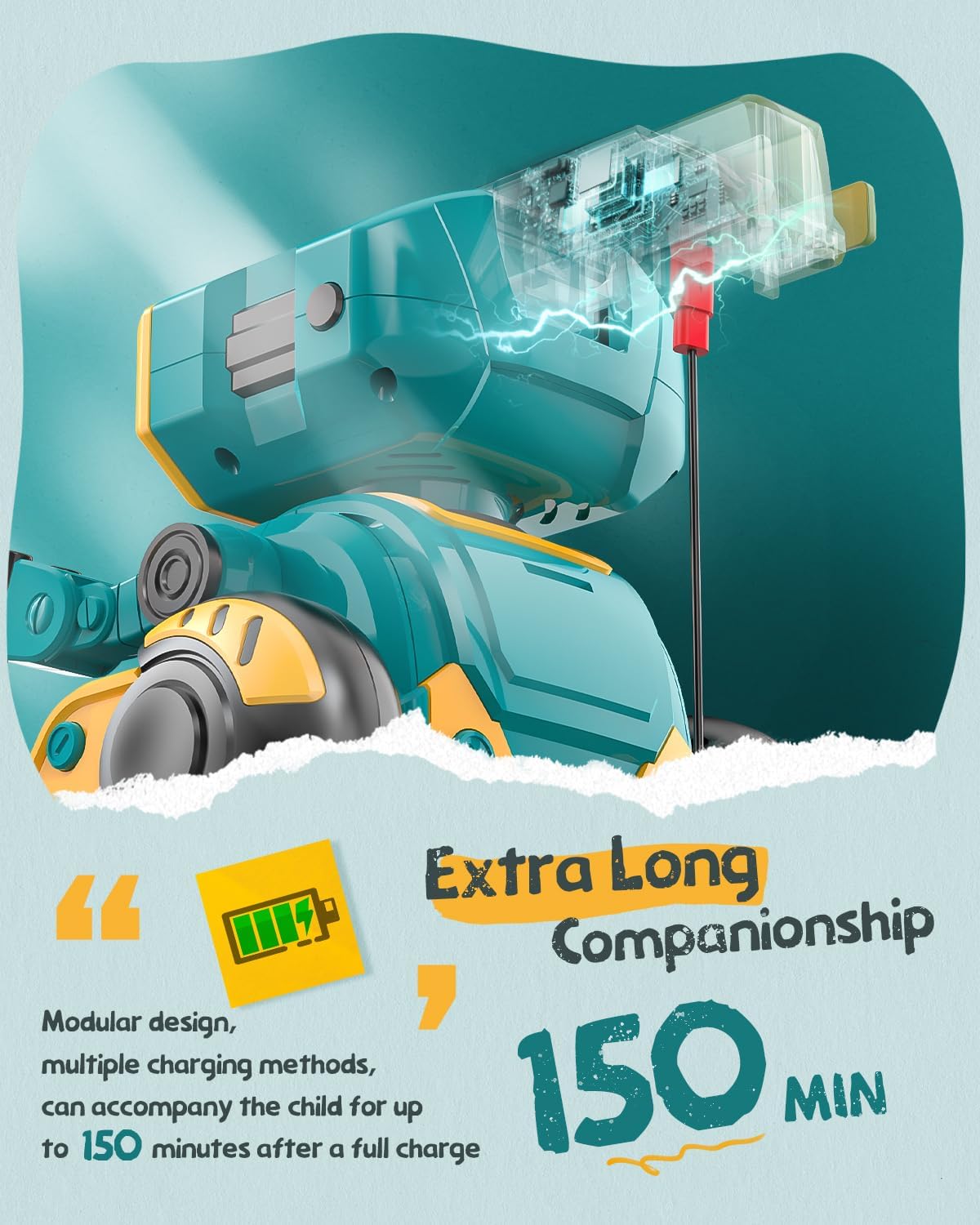
Image: The robot's charging port and battery indicator.
El comandament a distància requereix 2 piles AAA (no incloses).
Familiarize yourself with the robot's functions and the remote control buttons for optimal play.
Press the power button on the robot's chest to turn it on. The LED eyes will light up. Press again to turn off.

Image: The robot's main body showing the power button.
The remote control allows for various movements and actions. Refer to the remote control layout for button identification.

Image: The robot and its remote control, highlighting interactive features.
The robot is equipped with gesture sensing technology. Wave your hand in front of the robot to trigger specific movements or sounds.
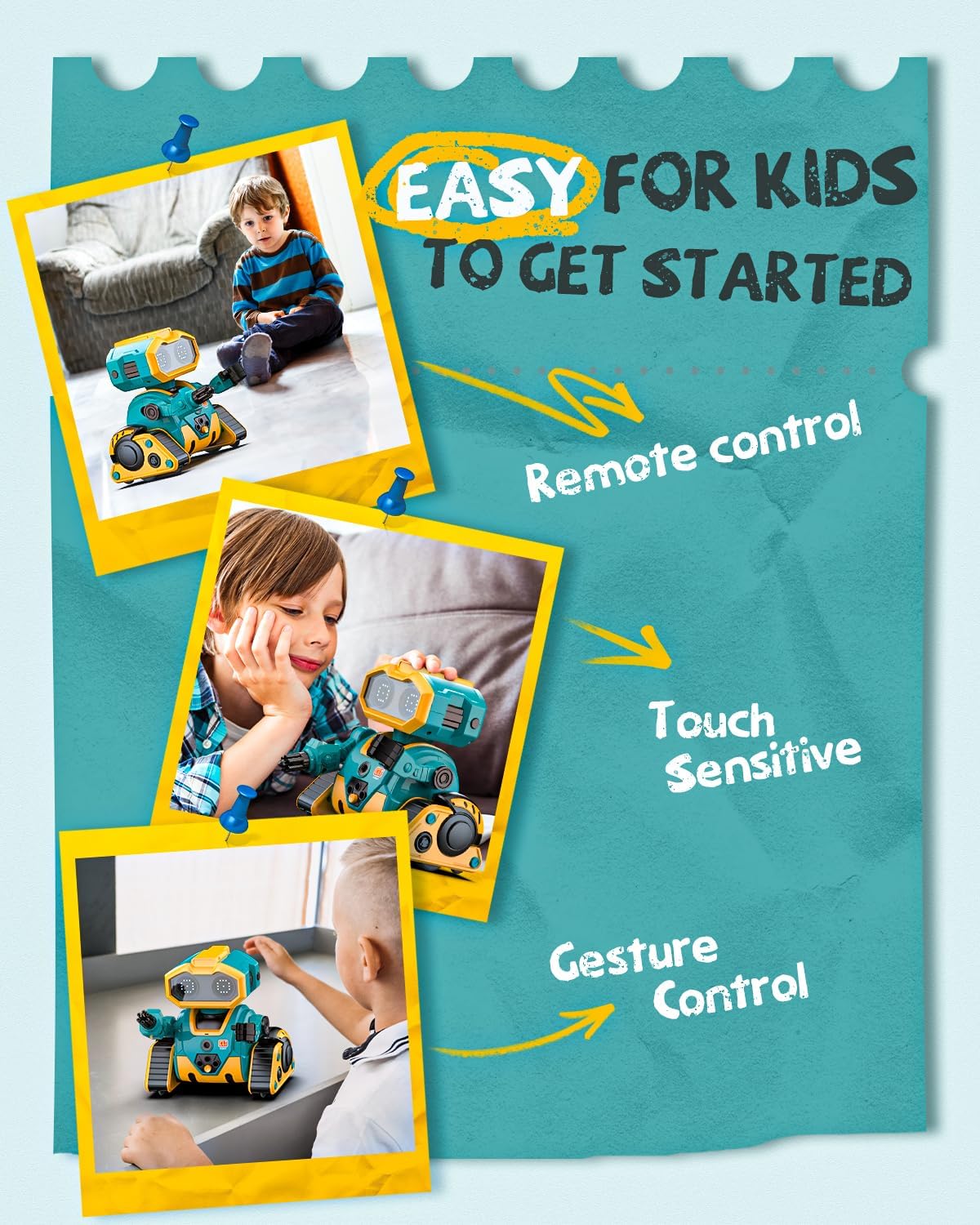
Image: Demonstrating gesture control and touch sensitivity.
Record your voice through the remote control, and the robot will play it back in a robotic voice.
You can program a sequence of actions for the robot to perform.
The robot comes with toy cannonballs that can be launched from its arm.
Vídeo: Acabatview of Holyton K103 Robot features including activation, dancing, encyclopedia, LED expressions, demonstration, recording, programming, touch sensing, gesture recognition, and arm launcher.
| Problema | Causa possible | Solució |
|---|---|---|
| El robot no s'encén. | Bateria baixa o no carregada. | Charge the robot fully using the USB cable. |
| El comandament a distància no respon. | Les piles del comandament a distància estan baixes o instal·lades incorrectament. | Replace AAA batteries in the remote control, ensuring correct polarity. |
| Robot not moving or moving erratically. | Interferència o fora de rang. | Ensure no obstacles are blocking the robot. Move closer to the robot. |
| Voice recording/playback unclear. | Microphone too far or background noise. | Speak closer to the remote's microphone in a quiet environment. |
 |
Dron Holyton HS330: Instruccions d'ús i guia de seguretat Aquest manual complet per al dron Holyton HS330 proporciona instruccions detallades sobre la configuració, el funcionament segur, els modes de vol, les especificacions i la resolució de problemes. Lectura essencial per a tots els usuaris. |
 |
Manual d'usuari i guia de seguretat del dron Holyton HT50 Manual d'usuari complet per al dron Holyton HT50, que cobreix la configuració, les operacions de vol, les directrius de seguretat, les especificacions i la resolució de problemes. Apreneu a utilitzar el vostre dron HT50 de manera segura. |
 |
Dron Holyton HT02: Instruccions d'ús i manual Instruccions completes i manual per al dron Holyton HT02, que cobreixen la configuració, el funcionament, les pautes de seguretat i les especificacions. Apreneu a volar i mantenir el vostre dron. |
 |
Orbit Bot Instruction Manual - Wireless Interactive Robot Comprehensive instruction manual for the Orbit Bot, a wireless and interactive robot. Learn how to set up, control, and maintain your Orbit Bot using voice commands, gesture control, and the dedicated app. Includes safety warnings and FCC compliance information. |
 |
Light Up Dance Mat Instruction Manual - Interactive Toy Guide Comprehensive instruction manual for the Light Up Dance Mat, detailing its features, modes, operation, battery installation, and safety guidelines. An engaging toy for children aged 3 and up. |
 |
Turn Off That Nose! Choreography Notes - Music K-8 Detailed choreography instructions for the song 'Turn Off That Nose!' from Music K-8, Vol. 26, No. 2, created by Melissa Schott. Includes step-by-step movements for intro, verses, chorus, and tag sections, with measure and count breakdowns. |