1. Introducció
This manual provides essential information for the safe and efficient use of your Thomson 50UG5C14 50-inch 4K Ultra HD Smart Google TV. Please read it thoroughly before operating the device and retain it for future reference.
Your new television features a 50-inch 4K Ultra HD display, Google TV operating system, Wi-Fi connectivity, Dolby Audio, HDR10 support, Bluetooth 5.1, and a Triple-Tuner for cable, satellite, and antenna reception. It also includes multiple HDMI and CI+ ports for versatile connectivity.

Image 1.1: Visual comparison illustrating the difference between Full HD (FHD) and 4K Ultra HD (UHD) resolutions. The 4K UHD display offers significantly more detail and clarity.
2. Instruccions de seguretat importants
Seguiu sempre aquestes precaucions de seguretat bàsiques quan feu servir el televisor:
- Font d'alimentació: Connecteu el televisor només a una presa de corrent de CA del volum especificat.tage.
- Ventilació: Ensure adequate ventilation. Do not block ventilation openings or install near heat sources.
- Aigua i humitat: No exposeu el televisor a la pluja ni a la humitat. No col·loqueu objectes plens de líquids a sobre del televisor.
- Neteja: Desendolleu el televisor abans de netejar-lo. Feu servir un drap suau i sec. No utilitzeu netejadors líquids ni en aerosol.
- cables: Eviteu que els cables d'alimentació siguin trepitjats o pessigats.
- Muntatge: Use only wall mounts or stands recommended by the manufacturer. Ensure the TV is securely mounted to prevent tipping.
- Llamp: Desendolleu el televisor durant tempestes o quan no l'utilitzeu durant períodes prolongats.
- Manteniment: No intenteu atendre aquest producte vosaltres mateixos. Consulteu tots els serveis a personal de servei qualificat.
3. Què hi ha a la caixa
Please check the contents of your package. It should include:
- Thomson 50UG5C14 50-inch 4K Ultra HD Smart Google TV
- Control remot
- Cable d'alimentació
- Central Stand (and associated screws)
- Manual d'usuari (aquest document)
- Bateries per a comandament a distància
4. Configuració
4.1 Attaching the Central Stand
Your Thomson TV comes with a central stand for stable placement on a flat surface. Follow these steps to attach it:
- Col·loqueu amb cura la pantalla del televisor amb la pantalla cap avall sobre una superfície suau i neta per evitar ratllades.
- Align the central stand with the mounting holes on the bottom of the TV.
- Fixeu el suport amb els cargols proporcionats. Assegureu-vos que tots els cargols estiguin ben ajustats.

Imatge 4.1: Frontal view of the Thomson 50UG5C14 TV with its central stand. The image also indicates approximate dimensions: 111 cm width, 68 cm total height, 64 cm screen height, and 28 cm stand depth.

Image 4.2: This graphic demonstrates the swivel stand feature, allowing the TV to be rotated up to 30 degrees for optimal viewangles d'ajust.
4.2 Connexió de dispositius externs
Refer to the back panel diagram for connecting your devices:

Imatge 4.3: Detallada view of the TV's back panel connections. From left to right, top to bottom: LAN port, AV IN, Digital Optical Audio Out, 2x USB 2.0, HDMI 2.1 + eARC, 2x HDMI 2.0, CI+ slot, USB 3.0, DVB T2/C/S2 antenna inputs.
- Potència: Connecteu el cable d'alimentació al televisor i després a una presa de corrent.
- Antenna/Cable/Satellite: Connect your antenna, cable, or satellite feed to the appropriate DVB T2/C/S2 input.
- Dispositius HDMI: Connect Blu-ray players, game consoles, or other HDMI devices to the HDMI ports. HDMI 2.1 supports eARC for enhanced audio return channel functionality.
- Dispositius USB: Insert USB drives for media playback into the USB 2.0 or USB 3.0 ports.
- Xarxa: Per a una connexió a Internet per cable, connecteu un cable Ethernet al port LAN.
- CI+ Module: Insert your CI+ module (for pay TV services) into the CI+ slot.
4.3 Engegada inicial i configuració de Google TV
After connecting all cables, plug in the TV and press the power button on the remote control. The TV will guide you through the initial setup process, which includes:
- Selecció de la llengua
- Connecting to a Wi-Fi network (or using the wired LAN connection)
- Signing in with your Google account to access Google TV features and apps
- Scanning for available TV channels
5. Funcionament del televisor
5.1 Funcions de control remot
The included remote control allows you to navigate the TV's features. It includes backlit buttons for use in low-light conditions and dedicated buttons for popular streaming services.

Image 5.1: The remote control features a Google Assistant button for voice commands, a profile switch button, direct access buttons for YouTube, Netflix, Prime Video, Apple TV+, and Live TV, and backlit buttons for visibility in the dark.
5.2 Interfície de Google TV
Google TV organizes your content from various streaming services and live TV into a personalized home screen. You can browse recommendations, manage your watch list, and discover new content.
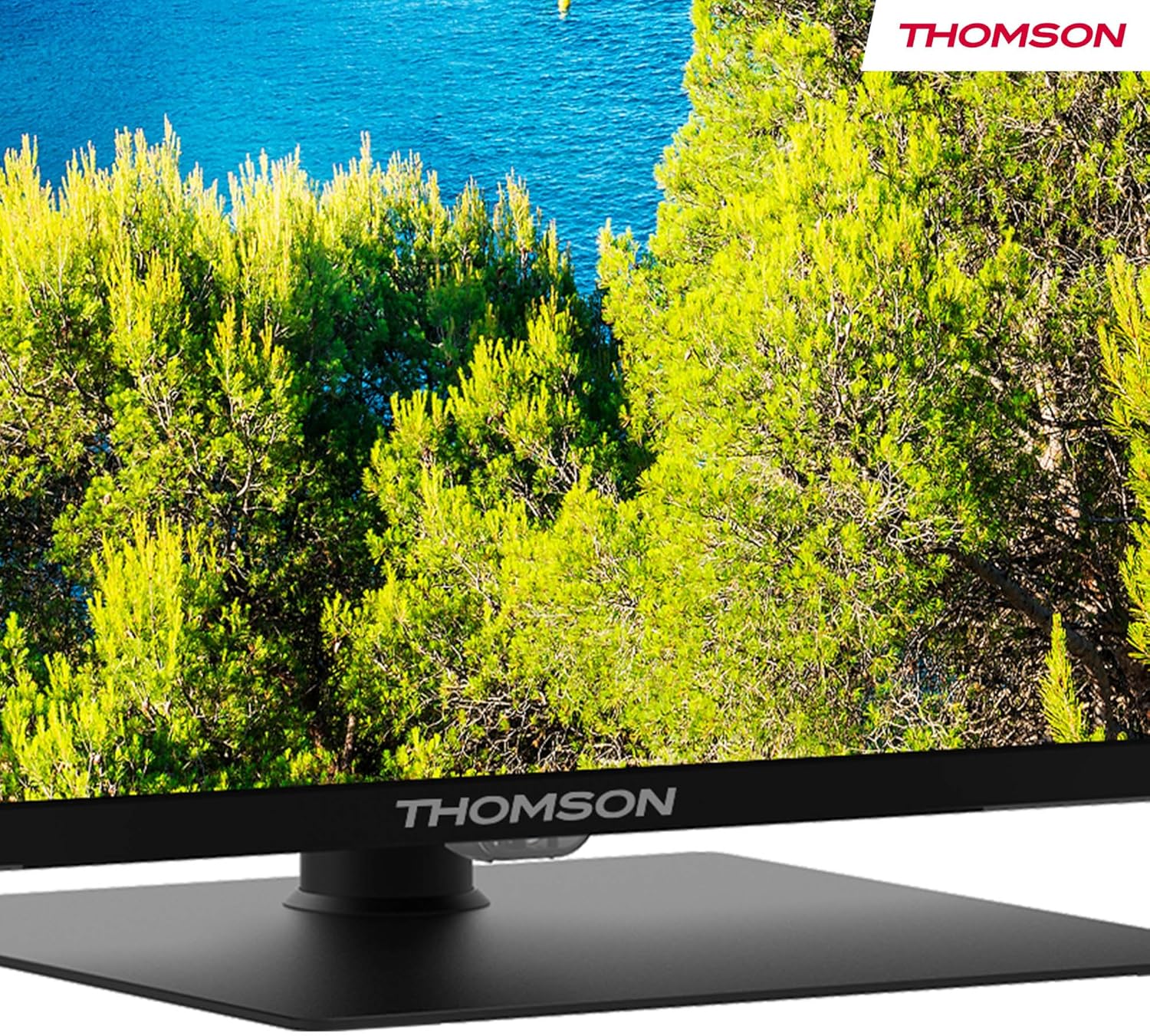
Image 5.2: The Google TV interface displays personalized recommendations and quick access to various streaming applications like Prime Video, Netflix, Disney+, and YouTube.
5.3 Control per veu amb l'Assistent de Google
Use the built-in Google Assistant for hands-free control. Press the Google Assistant button on your remote and speak your command to search for content, control smart home devices, or get information.

Imatge 5.3: Un usuari que interactua amb l'Assistent de Google a través del comandament a distància, demostrant la funcionalitat de les ordres de veu.
5.4 Dolby Audio
Experience dynamic sound with Dolby Audio technology, providing clear dialogue, enhanced detail, and immersive surround sound.

Image 5.4: This graphic visually represents the immersive sound experience provided by Dolby Audio technology.
5.5 Google Cast
Google Cast allows you to stream photos, videos, and music directly from your compatible smart devices (phones, tablets, computers) to your TV.

Image 5.5: The Google Cast feature enables seamless streaming of content from various smart devices to the television.
6. Manteniment
6.1 Neteja de la pantalla
Per netejar la pantalla, primer desendolleu el televisor. Netegeu suaument la pantalla amb un drap suau i sense borrissol. Per a marques difícils, netegeu lleugerament.ampNetegeu el drap amb aigua o amb un netejador de pantalles especialitzat. No ruixeu mai líquid directament sobre la pantalla.
6.2 Neteja de l'armari
Wipe the TV cabinet with a soft, dry cloth. Avoid using abrasive cleaners, waxes, or solvents as they can damage the finish.
6.3 Cura del comandament a distància
Keep the remote control dry and clean. Replace batteries when they are depleted. Do not mix old and new batteries or different types of batteries.
7. Solució De Problemes
If you encounter issues with your TV, consult the following table for common problems and solutions:
| Problema | Causa possible | Solució |
|---|---|---|
| Sense poder | Power cable disconnected; power outlet not working | Check power cable connection; test outlet with another device |
| No hi ha imatge, però hi ha so | Incorrect input source selected; external device off or disconnected | Press the 'Input' button on the remote to select the correct source; check external device power and connections |
| No hi ha so, però hi ha imatge | Volum silenciat o massa baix; configuració d'àudio incorrecta | Unmute or increase volume; check audio output settings in TV menu |
| El comandament a distància no funciona | Batteries depleted or incorrectly inserted; obstruction between remote and TV | Replace batteries; ensure clear line of sight (if not Bluetooth); re-pair Bluetooth remote if necessary |
| No es pot connectar a la Wi-Fi | Incorrect password; router issue; TV too far from router | Verify Wi-Fi password; restart router; move TV closer to router or use wired connection |
| La qualitat de la imatge és deficient | Low-resolution source; picture settings incorrect; antenna signal weak | Ensure source content is high resolution; adjust picture settings (brightness, contrast, sharpness); check antenna connection and signal strength |
Si el problema persisteix després de provar aquestes solucions, poseu-vos en contacte amb l'atenció al client.
8. Especificacions
| Característica | Detall |
|---|---|
| Número de model | 50UG5C14 |
| Mida de la pantalla | 50 polzades (127 cm) |
| Tecnologia de visualització | LED |
| Resolució | 4K Ultra HD (2160p) |
| Freqüència d'actualització | 60 Hz |
| Sistema operatiu | Google TV |
| Tecnologia d'àudio | Dolby Audio |
| Suport HDR | HDR10 |
| Connectivitat | Wi-Fi, Bluetooth 5.1, HDMI (2x HDMI 2.1, 2x HDMI 2.0), USB (1x USB 3.0, 2x USB 2.0), LAN, CI+, AV In, Digital Optical Audio Out |
| Tipus de sintonitzador | Triple-Tuner (DVB-T2/C/S2) |
| Relació d'aspecte | 16:9 |
| Dimensions del producte (W x D x H) | 111 x 28.1 x 67.61 cm (amb suport) |
| Pes | 16 kg |
| Classificació d'eficiència energètica | F |
9. Garantia i Suport
9.1 Informació de la garantia
Your Thomson 50UG5C14 television is covered by a 3 any de garantia des de la data de compra. Aquesta garantia cobreix els defectes de fabricació i garanteix un rendiment fiable. Si us plau, conserveu el comprovant de compra per a reclamacions de garantia.
9.2 Atenció al client
For technical assistance, troubleshooting beyond this manual, or warranty inquiries, please visit the official Thomson support website or contact their customer service. Refer to the documentation included with your product for specific contact details.


