1. Introducció
This manual provides detailed instructions for the installation, operation, and maintenance of your TP-Link TC82 KIT Solar-Powered Outdoor Security Camera. This device is designed to provide reliable outdoor surveillance with the convenience of solar power, offering 2K 3MP video resolution, color night vision, and smart person detection.
2. Contingut del paquet
Verify that all components are present in your package. The TP-Link TC82 KIT typically includes:
- TP-Link TC82 Security Camera
- Panell solar
- Suport de muntatge i cargols
- Cable de càrrega USB
- Guia d'inici ràpid
Note: Specific contents may vary. Refer to the packaging for exact details.
3. Configuració i instal·lació
The TC82 KIT offers flexible, wire-free installation thanks to its solar power capabilities. Ensure the camera is fully charged before initial setup.
3.1 Càrrega de la càmera
Before mounting, connect the camera to a power source using the provided USB cable to ensure it has sufficient charge for initial setup. A full charge is recommended for optimal performance.
3.2 Instal·lació de l'aplicació i configuració del compte
- Download the Tapo app from your device's app store (iOS or Android).
- Create a TP-Link ID or log in with an existing one.
- Follow the in-app instructions to add your TC82 camera.
3.3 Muntatge de la càmera i del panell solar
Trieu una ubicació que ofereixi una exposició òptima a la llum solar per al panell solar i una zona clara view for the camera. The camera and solar panel can be installed as a compact unit or separately using the 4-meter cable for flexible placement.
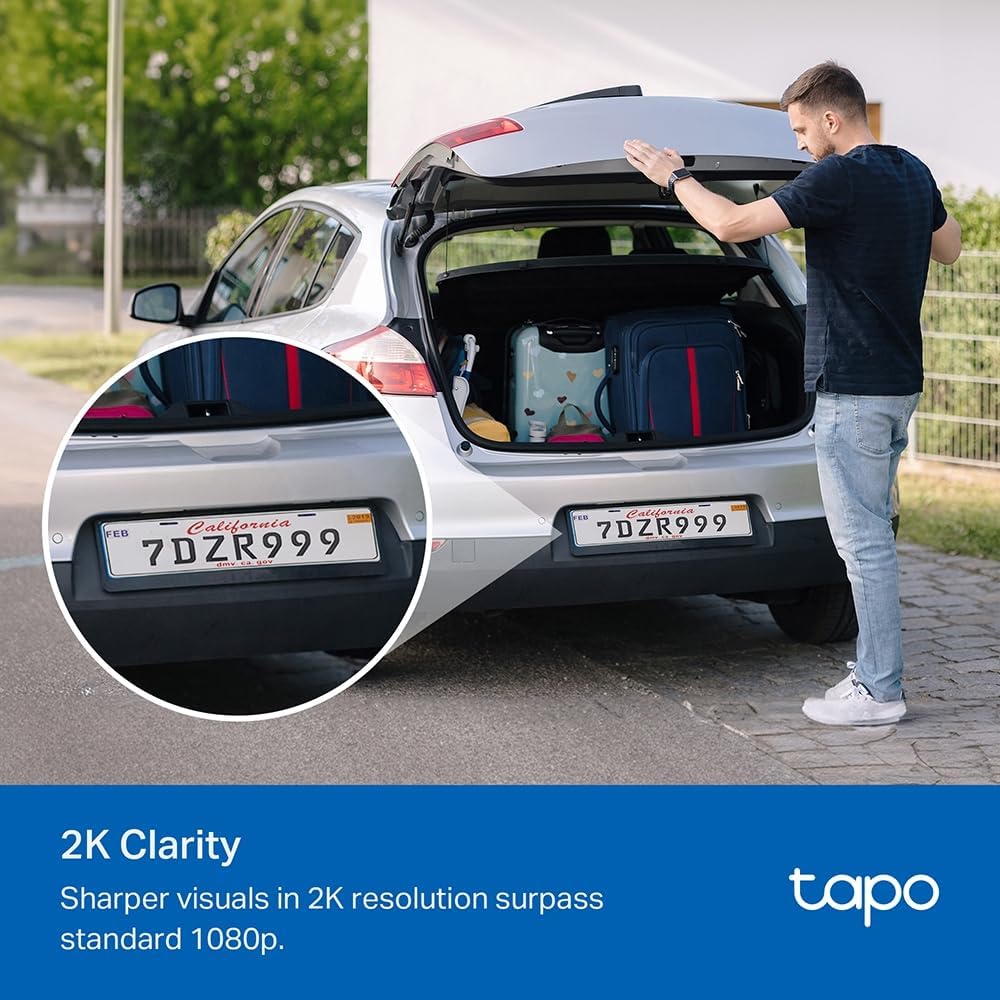
Image: The TP-Link TC82 KIT camera and solar panel are shown mounted on a wall, illustrating the flexible installation options where they can be attached together or separately with a cable for optimal sun exposure.
- Col·locació del panell solar: Ensure the solar panel receives at least 45 minutes of direct sunlight daily for continuous monitoring.
- Col·locació de la càmera: Position the camera to cover the desired surveillance area. The camera is IP65 weather-resistant, suitable for outdoor use.
- Use the provided mounting template and screws to securely attach the bracket to a wall or suitable surface.
- Attach the camera and solar panel to the bracket.
- Connect the solar panel cable to the camera.
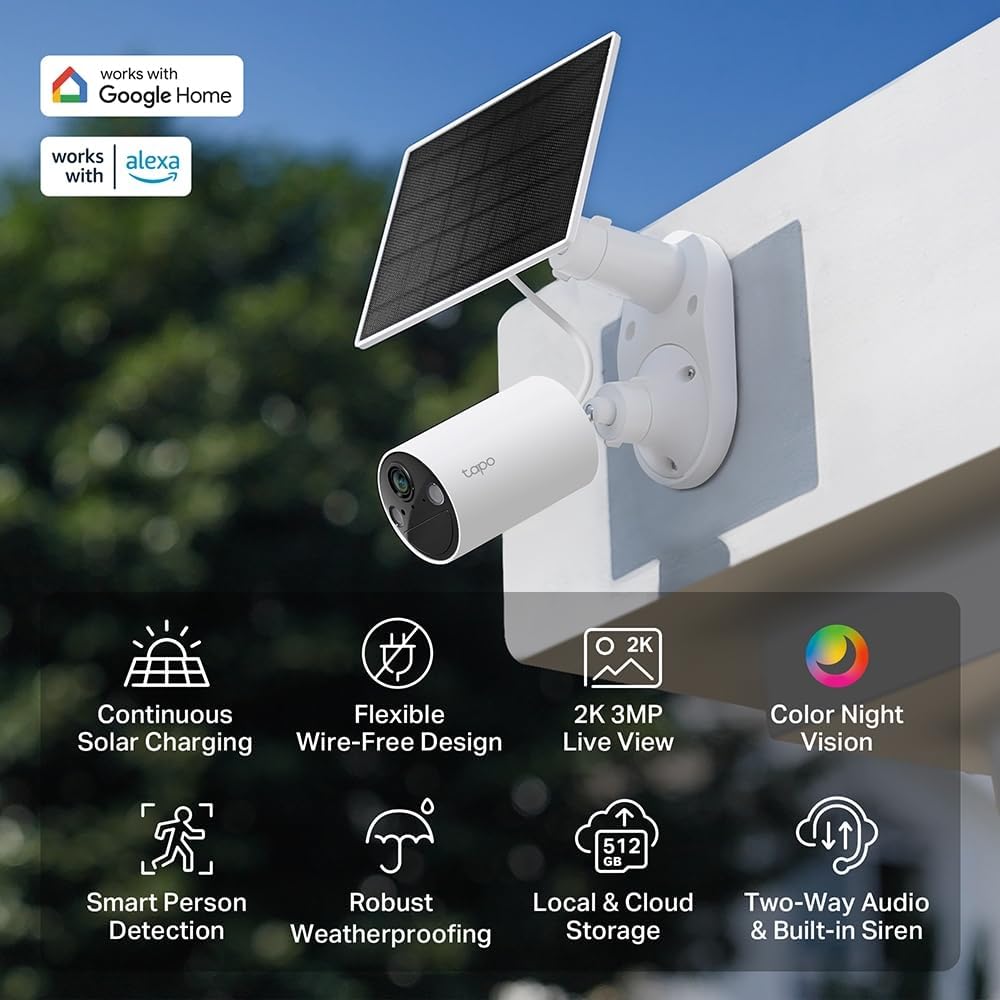
Imatge: Un cop mésview of the TP-Link TC82 KIT camera and solar panel, highlighting key features such as continuous solar charging, wire-free design, 2K 3MP live view, color night vision, smart person detection, robust weatherproofing, local and cloud storage, and two-way audio with a built-in siren.
4. Instruccions de funcionament
Operate your TC82 KIT camera using the Tapo app on your smartphone or tablet.
4.1 Viu View i Enregistrament
- Open the Tapo app and select your TC82 camera to view el feed en directe.
- The camera provides 2K 3MP resolution for clear visuals, surpassing standard 1080p.
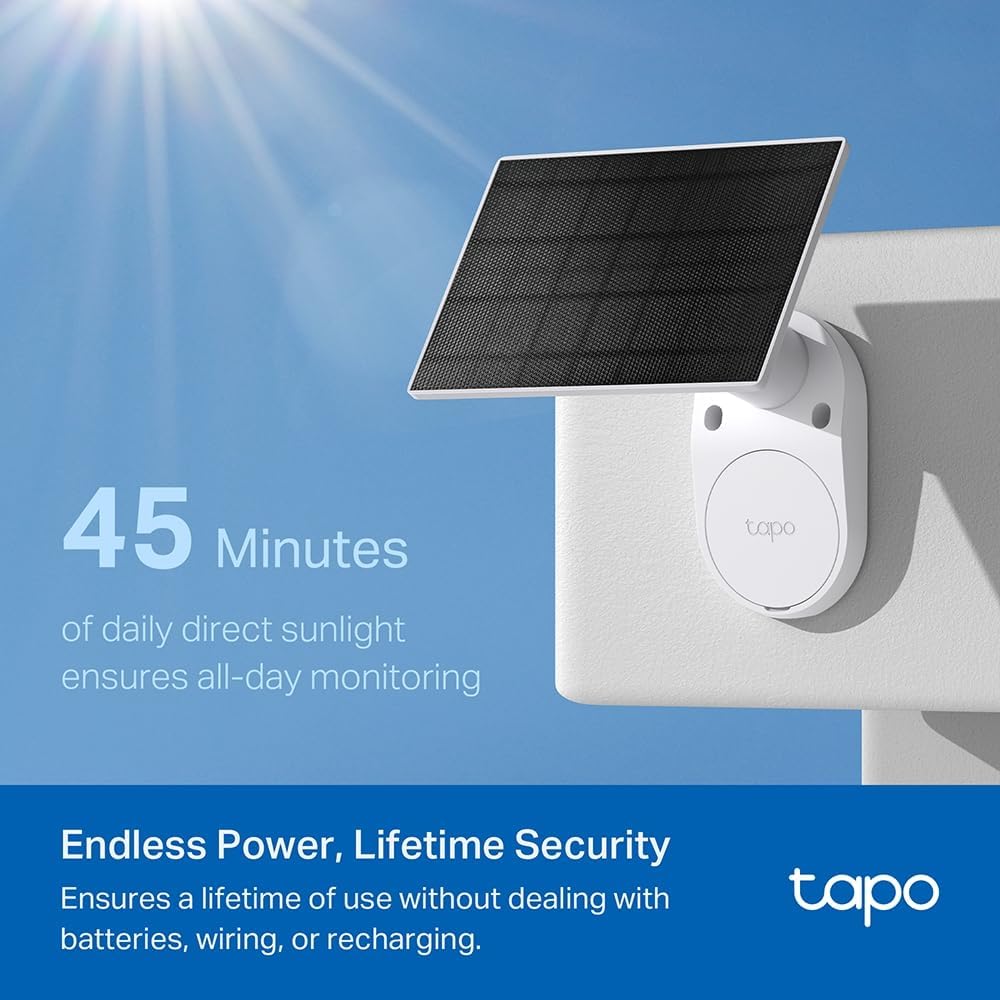
Image: A car's license plate is displayed with a magnified section, illustrating the superior 2K clarity of the TP-Link TC82 KIT camera, which offers sharper visuals compared to standard 1080p.
4.2 Visió nocturna
The camera features color night vision, capturing detailed and vivid nighttime colors up to 30 feet (9 meters).
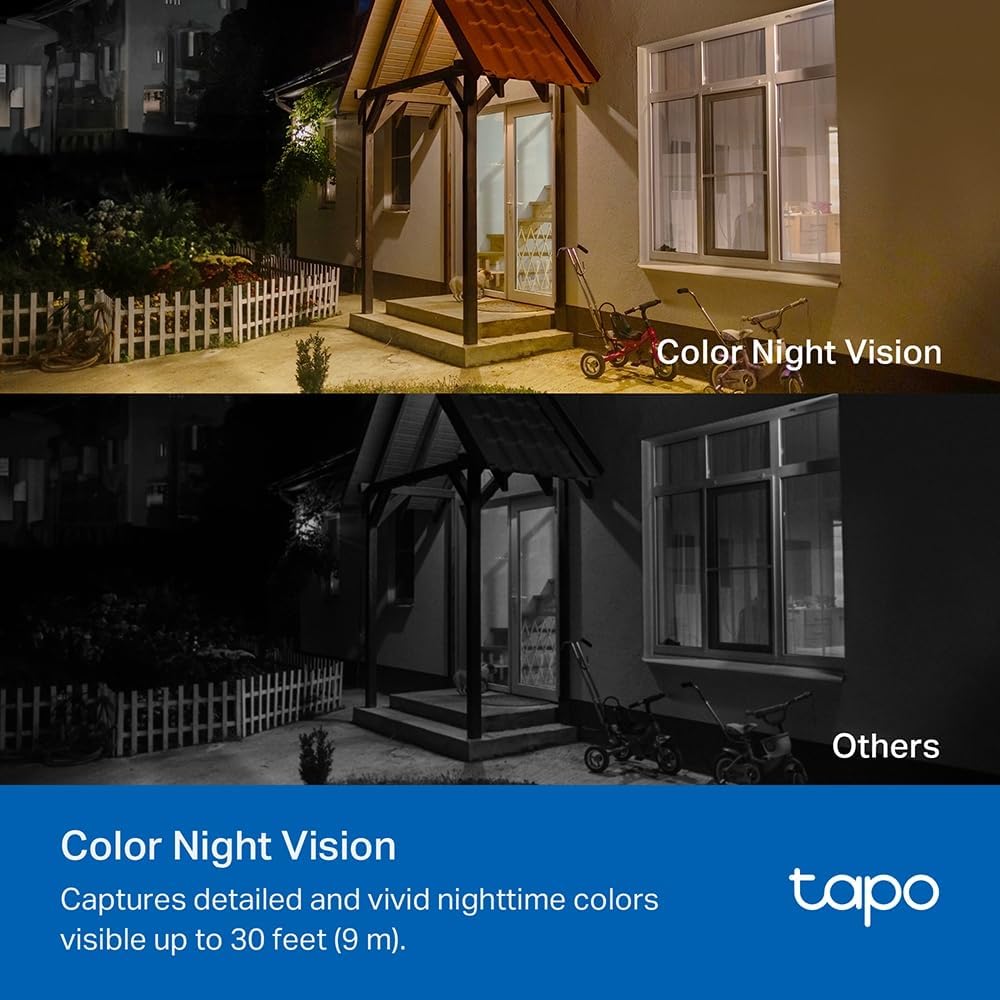
Image: A comparison image showing a house at night. The upper portion demonstrates the camera's color night vision, displaying the scene with natural colors, while the lower portion shows a typical monochrome night vision view, labeled 'Others'.
4.3 Smart Person Detection
The TC82 KIT utilizes smart person detection to identify human figures, reducing false alerts from pets or other moving objects. You will receive notifications on your phone when a person is detected.

Image: A child is depicted playing with a soccer ball in a yard, with a blue box highlighting the child, demonstrating the camera's smart person detection capability that alerts users when a person is identified.
4.4 Àudio bidireccional
Use the two-way audio feature via the Tapo app to communicate with visitors or deter intruders.
4.5 Opcions d'emmagatzematge
The camera supports both local storage (via microSD card, up to 512GB) and cloud storage options (subscription may be required).
5. Manteniment
Un manteniment regular garanteix un rendiment òptim i una llarga vida útil de la càmera de seguretat.
- Neteja: Netegeu periòdicament la lent de la càmera i el panell solar amb un drap suau i sec.amp drap per eliminar la pols i les restes. Eviteu productes de neteja abrasius.
- Eficiència del panell solar: Assegureu-vos que el panell solar estigui lliure d'obstruccions (per exemple, fulles, neu) que puguin bloquejar la llum solar.
- Actualitzacions de firmware: Check the Tapo app regularly for firmware updates to ensure your camera has the latest features and security enhancements.
- Salut de la bateria: While solar-powered, monitor battery status via the app, especially during prolonged periods of low sunlight.
6. Solució De Problemes
If you encounter issues with your TC82 KIT, refer to the following common solutions:
6.1 La càmera no es connecta a la Wi-Fi
- Assegureu-vos que la vostra xarxa Wi-Fi sigui de 2.4 GHz.
- Check that the camera is within range of your Wi-Fi router.
- Reinicieu el router i la càmera.
- Verify the Wi-Fi password entered in the Tapo app is correct.
6.2 Mala qualitat de vídeo
- Comproveu la velocitat de la vostra connexió a Internet.
- Netegeu la lent de la càmera.
- Assegureu-vos que no hi hagi obstacles en el camp de la càmera view.
6.3 Solar Panel Not Charging
- Ensure the solar panel is receiving direct sunlight for several hours daily.
- Netegeu la superfície del panell solar.
- Check the connection cable between the solar panel and the camera.
- Verify the ambient temperature is within the operating range.
6.4 Alertes de moviment falses
- Adjust the motion detection sensitivity settings in the Tapo app.
- Define activity zones to monitor specific areas and ignore others.
7. Especificacions
| Característica | Especificació |
|---|---|
| Número de model | KIT TC82 |
| Resolució de gravació de vídeo | 2K (2304 x 1296 píxels) |
| Effective Fixed Resolution | 3 megapíxels |
| Tecnologia de comunicació sense fils | Wi-Fi |
| Protocol de connectivitat | Wi-Fi |
| Font d'alimentació | Energia solar |
| Gamma de visió nocturna | 30 peus (9 metres) |
| Característiques especials | Two-way audio, Motion detector, Night vision |
| Nivell de resistència a l'aigua | Impermeable (IP65) |
| Material | Plàstic |
| Tipus de muntatge | Muntatge de paret |
| Dimensions (L x A x A) | 20.3 x 26.1 x 9.7 centímetres |
| Composició de la bateria | Ió de liti (1 inclòs) |
| Dispositius compatibles | Smartphone, tauleta |
| Tipus de controlador | Amazon Alexa |
| Usos recomanats del producte | Outdoor Security, Indoor Security |
8. Garantia i Suport
For detailed warranty information, technical support, and access to the latest software updates, please visit the official TP-Link website or contact their customer support. Information regarding spare parts availability and guaranteed software updates is not provided in this document.
You can typically find support resources, FAQs, and contact information at www.tp-link.com/support.