Introducció
Thank you for choosing RadioShack Stereo Earphones. These wired earbuds are designed to provide clear audio and convenient hands-free communication, featuring an inline microphone and volume control. This manual will guide you through the setup, operation, maintenance, and troubleshooting of your new earphones to ensure a satisfying listening experience.
Configuració
Setting up your RadioShack Stereo Earphones is straightforward. Follow these steps to begin using your earphones with your compatible device.
Connexió al dispositiu
- Identifica el connector d'àudio: Locate the 3.5mm audio jack on your smartphone, tablet, laptop, or MP3 player. This is typically a small, circular port.
- Inseriu l'endoll: Gently insert the 3.5mm audio plug of your RadioShack earphones into the device's audio jack until it clicks into place. Ensure a secure connection.
- Verifica la connexió: Once connected, your device should automatically route audio through the earphones. If not, check your device's audio output settings.

Image: RadioShack Stereo Earphones connected to a smartphone, demonstrating proper plug insertion.

Imatge: Detallada view of the 3.5mm audio jack, ready for connection.
Instruccions de funcionament
Your RadioShack Stereo Earphones feature an inline control unit for easy management of audio and calls.
Control d'àudio
- Puja el volum (+): Press the '+' button on the inline control to increase the audio volume.
- Baixar el volum (-): Press the '-' button on the inline control to decrease the audio volume.
- Reproduir/pausa: Press the central multi-function button once to play or pause audio playback.
- Pista següent: Double-press the central multi-function button to skip to the next track.
- Pista anterior: Triple-press the central multi-function button to go back to the previous track.
Gestió de trucades
- Respondre/Finalitzar la trucada: Press the central multi-function button once to answer an incoming call or end an active call.
- Rebutja la trucada: Press and hold the central multi-function button for approximately 2 seconds to reject an incoming call.
- Assistent de veu: Press and hold the central multi-function button for approximately 3 seconds to activate your device's voice assistant (e.g., Siri, Google Assistant).
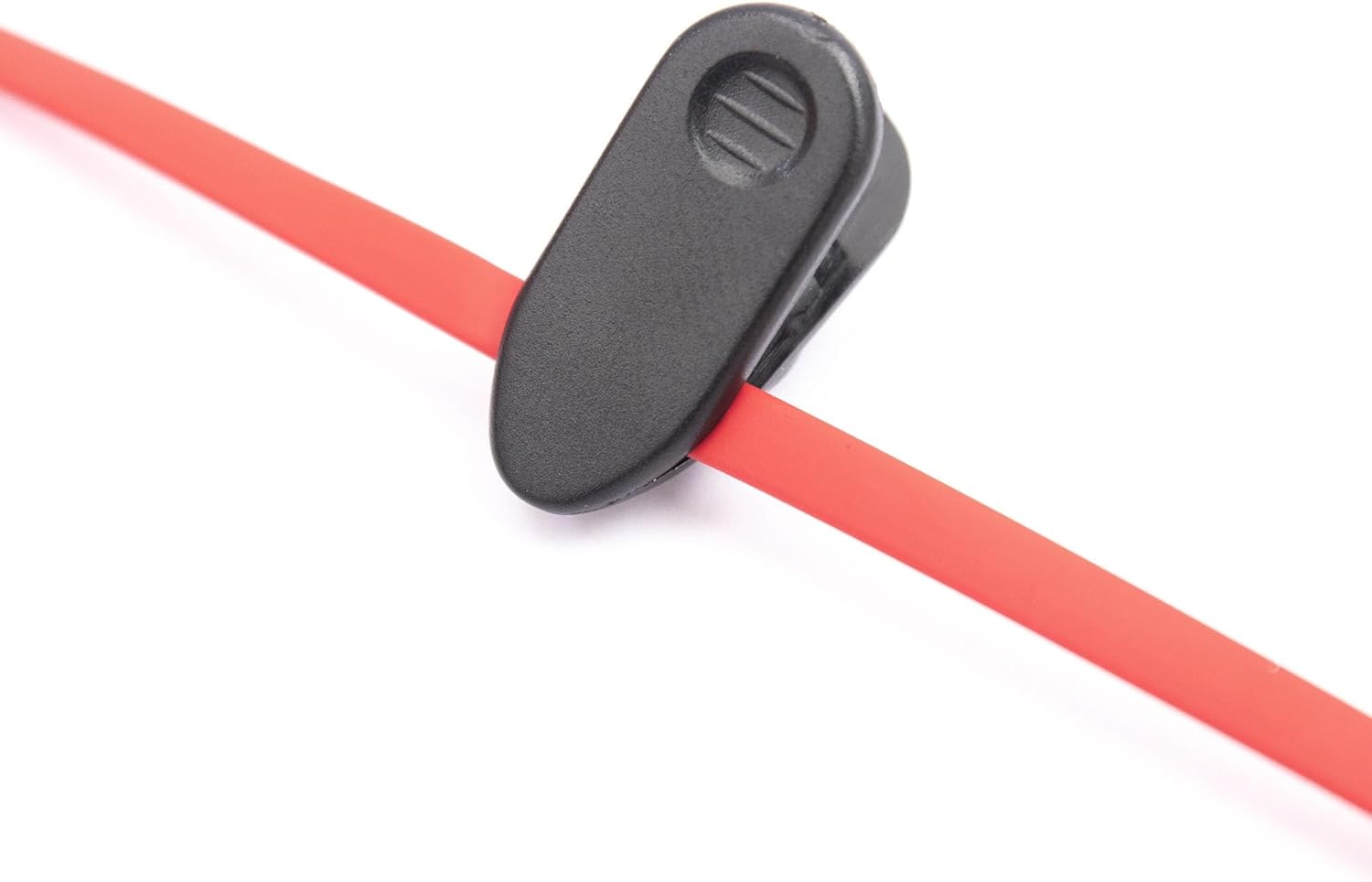
Image: Close-up of the inline control unit, showing volume and multi-function buttons.

Image: Feature diagram highlighting the various functions of the earphones.
Manteniment
Proper care and maintenance will extend the lifespan of your RadioShack Stereo Earphones and ensure consistent performance.
Neteja
- Auriculars: Gently wipe the earbud tips with a soft, dry, lint-free cloth. Do not use harsh chemicals or abrasive materials.
- Cable: The tangle-free flat cable can be wiped clean with a slightly damp cloth if necessary, then immediately dried.
- Jack: Keep the 3.5mm audio jack clean and free of dust or debris.
Emmagatzematge
- Store your earphones in a clean, dry place when not in use.
- Eviteu les temperatures extremes i la llum solar directa.
- Utilize the included cable clip to manage the cord and prevent tangling during storage or transport.

Image: Cable clip for convenient cable management and storage.
Resolució de problemes
If you encounter issues with your RadioShack Stereo Earphones, refer to the following common problems and solutions.
| Problema | Causa possible | Solució |
|---|---|---|
| Sense so o so distorsionat. | Loose connection, incorrect audio output setting, low device volume, damaged cable/jack. | Ensure the 3.5mm jack is fully inserted. Check your device's audio output settings. Increase device volume. Test with another device to rule out earphone damage. |
| El micròfon no funciona. | Incorrect device settings, app permissions, microphone obstruction. | Verify microphone permissions in your device's settings for the app you are using. Ensure the microphone on the inline control is not obstructed. Test with another app or device. |
| Volume control buttons not responding. | Incompatibility with device, software glitch. | Some older devices may not fully support inline controls. Restart your device. Ensure the connection is secure. |
Especificacions
Detailed technical specifications for your RadioShack Stereo Earphones.
| Característica | Detall |
|---|---|
| Nom del model | RadioShack Stereo Earphones With Microphone |
| Número de model | 3304244-PNT |
| Tecnologia de connectivitat | Amb cable |
| Conector d'auriculars | 3.5 mm Jack |
| Col·locació de l'orella | A l'orella |
| Factor de forma | A l'orella |
| Tipus de control | Control de volum |
| Característica del cable | Sense enredos |
| Pes de l'article | 1.44 unces |
| Dimensions del paquet | 6.06 x 2.64 x 1.06 polzades |
| Fabricant | Radioshack |
| País d'origen | Xina |
Garantia i Suport
For warranty information and customer support, please refer to the official RadioShack weblloc web o contacteu directament amb el venedor. Conserveu el rebut de compra per a qualsevol reclamació de garantia.
You can find more information and contact details on the official RadioShack store page:


