Introducció
This manual provides detailed instructions for the installation, operation, and maintenance of your Fortdows Android 13 Car Radio. This unit is designed specifically for Toyota Corolla models from 2014 to 2016, offering advanced features such as a 10.2-inch touchscreen, wireless CarPlay, Android Auto, Bluetooth, GPS, 5G WiFi, and an HD reversing camera.
Configuració i instal·lació
The Fortdows car radio is designed for non-destructive installation, aiming to integrate seamlessly with your vehicle's existing systems. Professional installation is recommended.
Contingut del paquet
Verify that all components are present in the package.

Imatge: Més deview of the Fortdows car radio package contents, showing the main head unit, power cable, USB cables, RCA cable, CanBus, 4G antenna, reversing line, backup camera, external microphone, crowbar tool, and GPS antenna.
- Main Head Unit (10.2-inch touchscreen)
- Cable d'alimentació
- Cable USB original
- Cable USB * 2
- Cable RCA
- CanBus Decoder
- Antena 4G
- Línia inversa
- Càmera de seguretat
- Micròfon extern
- Eina de palanca
- Antena GPS
Passos d'instal·lació (directrius generals)
- Preparació: Disconnect the vehicle's battery before beginning installation.
- Treure la unitat original: Carefully remove the factory radio and trim using the provided crowbar tool.
- Connecteu el cablejat: Connect the power cable, USB cables, RCA cable, CanBus, 4G antenna, reversing line, backup camera, external microphone, and GPS antenna to their respective ports on the new head unit and vehicle harness. Ensure all connections are secure.
- Muntatge: Position the new Fortdows unit into the dashboard opening. Some minor modifications (e.g., trimming tabs) may be necessary for a perfect fit in certain vehicle configurations.
- Unitat segura: Secure the unit in place using the vehicle's mounting points.
- Funcionalitat de prova: Reconnect the battery and power on the unit to test all functions (audio, touchscreen, steering wheel controls, camera, GPS, etc.) before fully reassembling the dashboard.
- Torneu a muntar: Reinstall any removed trim pieces.

Image: Comparison of a Toyota Corolla dashboard before and after the installation of the Fortdows car radio, demonstrating the integrated appearance.
Instruccions de funcionament
Encès/Apagat
Press and hold the power button (if available) or turn the vehicle ignition to the ACC or ON position to power on the unit. The unit will boot up, which may take a few seconds.
Interfície de pantalla tàctil
The 10.2-inch 1280*800 IPS touchscreen provides a responsive and clear display. Navigate through menus and applications by tapping, swiping, and pinching.

Image: The main interface of the Fortdows car radio, showing a clean layout with icons for navigation, music, phone, and other applications.
CarPlay sense fil i Android Auto
Aquesta unitat admet CarPlay sense fil i Android Auto per a una integració perfecta amb els telèfons intel·ligents.
- Activa el Bluetooth/Wi-Fi: Assegureu-vos que el Bluetooth i la Wi-Fi estiguin activats al vostre telèfon intel·ligent.
- Parella el dispositiu: On the car radio, go to the CarPlay or Android Auto application and follow the on-screen instructions to pair your phone.
- Funcions d'accés: Once connected, you can access navigation, music, phone calls, and other compatible apps directly from the car radio screen.

Image: A visual representation of the CarPlay and Android Auto interfaces on the car radio, demonstrating navigation, music, and phone call functionalities.
Connectivitat Bluetooth
Connecta el teu telèfon intel·ligent mitjançant Bluetooth per a trucades de mans lliures i transmissió d'àudio.
- Aneu a la configuració de Bluetooth a la ràdio del cotxe.
- Activa el Bluetooth al telèfon i busca els dispositius disponibles.
- Seleccioneu la ràdio del cotxe de la llista i confirmeu l'aparellament.
WiFi 5G
The unit supports 5G WiFi for faster internet connectivity.
- Access the WiFi settings on the car radio.
- Select your desired WiFi network and enter the password if required.
- Once connected, you can download apps, stream content, and browse the internet.

Image: The car radio screen displaying various applications and highlighting the 5G WiFi functionality, indicating enhanced network performance.
Navegació GPS
The built-in GPS module provides accurate navigation.
- Open the pre-installed navigation application or download your preferred GPS app from the app store.
- Ensure the GPS antenna is properly installed for optimal signal reception.
Ràdio FM
Access the FM radio application to listen to local radio stations.
- Open the "FM Radio" app.
- Feu servir la funció d'escaneig per trobar emissores disponibles o sintonitzar manualment una freqüència.
- Desa les teves emissores preferides per accedir-hi ràpidament.
DSP Sound Adjustment
The Digital Signal Processor (DSP) allows for multi-sound field adjustment and audiophile-grade lossless sound quality.
- Navigate to the "Sound Settings" or "DSP" application.
- Adjust equalizer settings, sound effects, and sound field to customize your audio experience.

Image: A visual representation of the DSP sound technology, illustrating how sound is optimized within the car cabin for an enhanced audio experience.
Controls del volant (SWC)
The unit is compatible with your vehicle's original steering wheel controls, allowing for convenient operation without diverting attention from the road.
- After installation, the steering wheel controls should automatically function.
- If not, access the "Steering Wheel Control" settings in the unit's menu to map the buttons.
- Functions typically include volume adjustment, track skipping, and answering/ending calls.

Image: Depiction of steering wheel controls and their corresponding functions on the car radio, such as call handling and media playback.
HD Reversing Camera
La part posterior HD 1080P inclosaview càmera proporciona una clara view of the area behind your vehicle, enhancing safety during reversing maneuvers.
- When the vehicle is shifted into reverse gear, the camera feed will automatically display on the screen.
- The camera features night vision for visibility in low-light conditions.

Imatge: Una simulació view from the backup camera displayed on the car radio screen, complete with parking guidelines for assistance.
Manteniment
Neteja de pantalles
To clean the touchscreen, gently wipe it with a soft, lint-free cloth. For stubborn smudges, slightly dampNetegeu el drap amb aigua o un netejador de pantalles. Eviteu productes químics agressius o materials abrasius.
Actualitzacions de programari
Periodically check for software updates through the unit's settings menu or the manufacturer's weblloc per garantir un rendiment òptim i l'accés a noves funcions.
Resolució de problemes
| Problema | Causa possible | Solució |
|---|---|---|
| La unitat no s'encén. | Cablejat incorrecte; Fusible fundit; Bateria del vehicle desconnectada. | Check power cable connections. Verify vehicle fuses. Ensure battery is connected. |
| Slow boot-up time. | Normal for Android systems; Background apps. | This is often normal. Close unnecessary background applications. |
| Senyal GPS deficient. | Antena GPS no instal·lada correctament o obstruïda. | Ensure the GPS antenna is mounted in a clear location with an unobstructed view del cel. Comproveu la connexió de l'antena. |
| El CarPlay/Android Auto no es connecta. | Bluetooth/Wi-Fi off on phone; Incorrect pairing; Software issue. | Ensure phone's Bluetooth and Wi-Fi are on. Re-pair the device. Restart both phone and car radio. |
| Els comandaments del volant no funcionen. | CanBus not connected; Controls not mapped. | Verify CanBus connection. Go to SWC settings to map buttons. |
| Unit does not fit perfectly. | Minor variations in vehicle dashboard. | Some minor trimming of plastic tabs may be required for a flush fit. Consult a professional installer. |
Especificacions
- Sistema operatiu: Android 13
- Processador: Octa-core
- RAM: 4 GB
- ROM: 32 GB
- Mida de la pantalla: 10.2 polzades
- Resolució de pantalla: 1280*800P IPS Touchscreen
- Connectivitat: Wireless CarPlay, Android Auto, Bluetooth 5.0, 5G Wi-Fi, USB
- Àudio: Built-in DSP (Digital Signal Processor), Audiophile-grade lossless sound quality
- Suport de càmera: 1080P HD posteriorview Càmera amb visió nocturna
- Navegació: GPS integrat
- Compatibilitat: Toyota Corolla 2014, 2015, 2016
- Tipus de muntatge: Muntatge al quadre de comandament
- Pes de l'article: 4.54 lliures
- Dimensions del paquet: 19.1 x 8.3 x 4.8 polzades
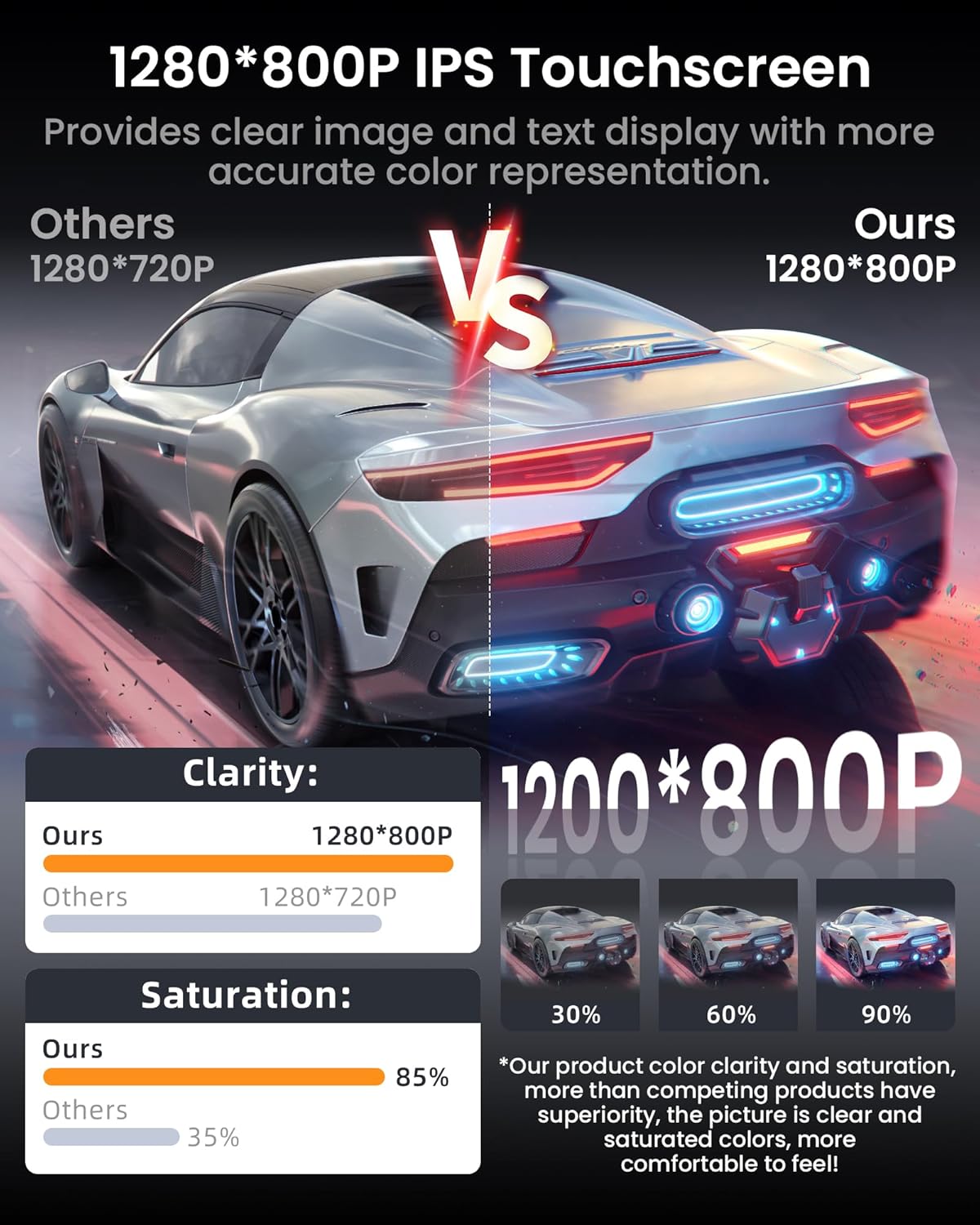
Image: An illustration highlighting the 8-core processor, 4GB RAM, and 32GB ROM specifications of the car radio, emphasizing its performance capabilities.
Garantia i Suport
Fortdows provides customer support for its products.
- Garantia: 1 anys de garantia
- Política de devolució: 7 Days Return Policy
- Defectes: Return on Defects
For technical assistance, installation difficulties, or warranty claims, please contact Fortdows customer support.


Image: Warranty and customer support details, including warranty period, return policy, and contact information.
Correu electrònic d’atenció al client: fortdows.cam@gmail.com
Oficial Weblloc: www.fancygod.com


