1. Producte acabatview
The Techkey USB Bluetooth 5.4 Adapter (Model 5.4BT) provides advanced Bluetooth connectivity for your desktop PC. Featuring Bluetooth 5.4+EDR technology and an extended antenna, this adapter offers a long transmission range and efficient wireless communication for various devices.
Característiques principals:
- Bluetooth 5.4+EDR: Utilizes the latest Bluetooth 5.4 technology with Enhanced Data Rate (EDR) for faster speeds and improved anti-interference capabilities. It is backward compatible with Bluetooth 5.3, 5.2, 4.2, 4.0, and earlier versions.
- Interval estès: Equipped with Class 1 radio technology and an external antenna, providing a transmission range of up to 500 feet (150 meters) in open environments.
- Plug & Play: Designed for easy installation on supported Windows operating systems without the need for additional driver software.
- Suport multidispositiu: Connects up to 5 Bluetooth wireless devices simultaneously, including headphones, keyboards, mice, speakers, and printers.
- Compatibilitat del sistema: Exclusively compatible with Windows 11, Windows 10, and Windows 8.1. Not compatible with Mac OS, Linux, car stereo systems, XBOX, PS4, or TVs.

Image 1.1: The Techkey USB Bluetooth 5.4 Adapter with its external antenna.
2. Contingut del paquet
Si us plau, verifiqueu que tots els elements siguin presents al paquet:
- 1 x Techkey USB Bluetooth Network Adapter (Model 5.4BT)
3. Instruccions de configuració
Follow these steps to install and configure your Techkey USB Bluetooth 5.4 Adapter:
- Prepara el teu ordinador: Ensure your desktop PC is running Windows 11, Windows 10, or Windows 8.1. If your PC has a built-in Bluetooth adapter, it is recommended to disable it through Device Manager before installing the Techkey adapter to avoid conflicts.
- Inseriu l'adaptador: Plug the Techkey USB Bluetooth 5.4 Adapter into an available USB port on your desktop PC. For optimal performance and range, consider using a USB 3.0 port if available.
- Instal·lació automàtica: The adapter is designed for 'Plug & Play' functionality on supported Windows operating systems. Your system should automatically detect the new hardware and install the necessary drivers. This process may take a few moments.
- Verifica la instal·lació: Once the installation is complete, navigate to your PC's Bluetooth settings (typically found in 'Settings' > 'Devices' > 'Bluetooth & other devices' on Windows 10/11). Ensure that Bluetooth is turned 'On' and the adapter is recognized.

Image 3.1: The adapter connected to a desktop PC, illustrating the Plug & Play setup.
Informació del conductor:
For Windows 11, 10, and 8.1, the adapter typically functions without manual driver installation. If you encounter any issues, ensure your Windows operating system is up to date. The product is not compatible with operating systems other than Windows 11/10/8.1.
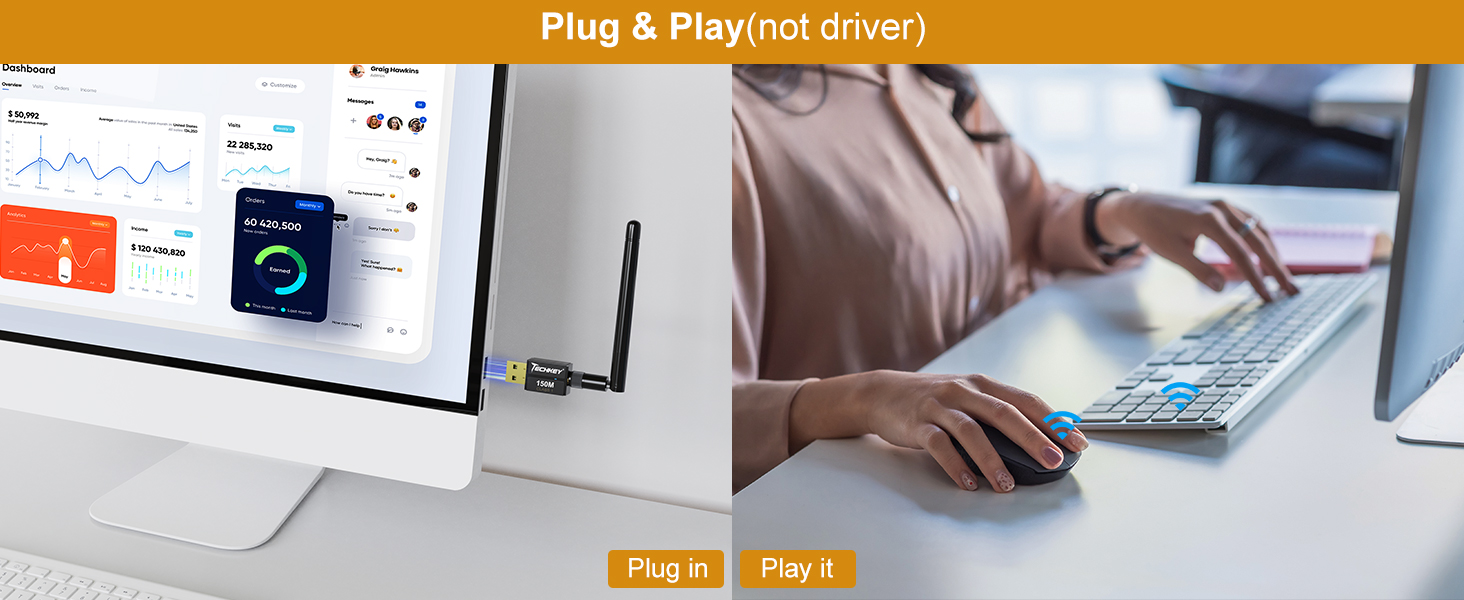
Image 3.2: Visual representation of the adapter's Plug & Play feature.
4. Instruccions de funcionament
Vinculació de dispositius Bluetooth:
- Ensure Bluetooth is enabled on your PC (Settings > Devices > Bluetooth & other devices).
- Put your Bluetooth device (e.g., headphones, mouse, keyboard) into pairing mode. Refer to your device's manual for specific instructions.
- On your PC, click 'Add Bluetooth or other device' and select 'Bluetooth'.
- Your PC will scan for nearby Bluetooth devices. Select your device from the list and follow any on-screen prompts to complete the pairing process.
Connexió de diversos dispositius:
The Techkey USB Bluetooth 5.4 Adapter supports simultaneous connections with up to 5 Bluetooth wireless devices. Repeat the pairing process for each device you wish to connect.

Image 4.1: The adapter's capability to connect up to 5 devices simultaneously.
Understanding Transmission Range:
The adapter offers an extended range of up to 500 feet (150 meters) in open areas. However, physical obstructions such as walls, furniture, and other wireless interference (e.g., Wi-Fi routers, microwaves) can significantly reduce the actual transmission range and signal quality. For best performance, maintain a clear line of sight between the adapter and your connected devices.

Image 4.2: Illustration of wide Bluetooth coverage within a home environment.
Velocitat de transferència de dades:
With EDR technology and Bluetooth Low Energy (BLE) configuration, this adapter achieves data transfer speeds of up to 3Mbps, ensuring efficient and fast wireless data connections.
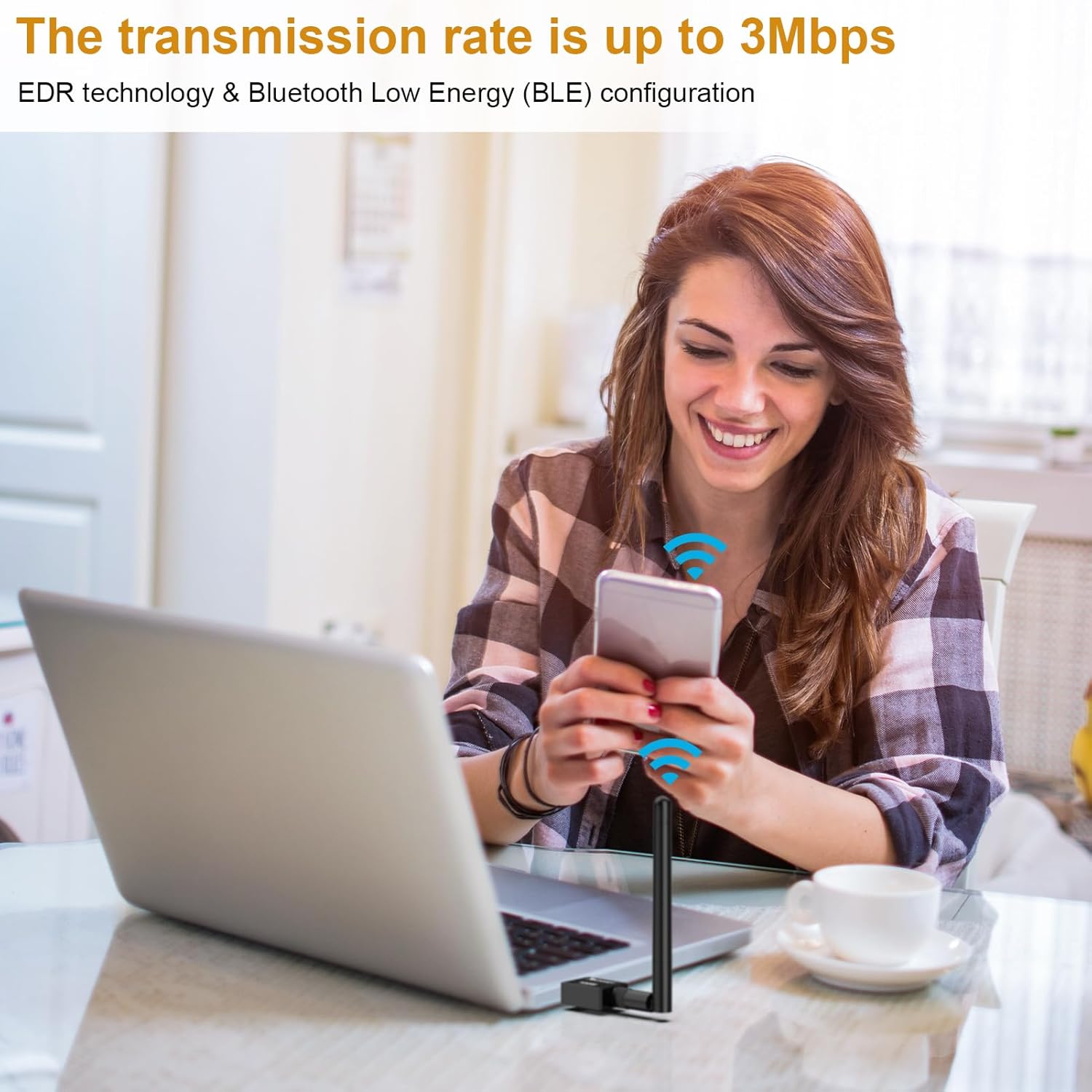
Image 4.3: Visualizing the 3Mbps transmission rate for efficient data transfer.
5. Manteniment
To ensure the longevity and optimal performance of your Techkey USB Bluetooth 5.4 Adapter, consider the following:
- Mantenir net: Periodically clean the adapter with a soft, dry cloth. Avoid using liquid cleaners or solvents.
- Protegir de danys: Avoid physical impact, extreme temperatures, and moisture. Do not bend or force the antenna.
- Emmagatzematge adequat: Quan no l'utilitzeu durant períodes prolongats, guardeu l'adaptador en un lloc fresc i sec.
6. Solució De Problemes
If you encounter issues with your Techkey USB Bluetooth 5.4 Adapter, refer to the following common problems and solutions:
- Dispositiu no detectat:
- Assegureu-vos que l'adaptador estigui ben connectat a un port USB.
- Prova amb un port USB diferent.
- Reinicieu el vostre ordinador.
- Verify that your operating system is Windows 11, 10, or 8.1.
- No es poden emparellar dispositius:
- Assegureu-vos que el Bluetooth estigui habilitat al vostre ordinador.
- Confirm your device is in pairing mode and discoverable.
- Acosteu el dispositiu a l'adaptador.
- Remove any previously paired instances of the device from your PC's Bluetooth settings and attempt to pair again.
- Poor Connection Quality or Limited Range:
- Reduce physical obstructions between the adapter and the connected device.
- Minimitzar les interferències d'altres dispositius sense fil (per exemple, encaminadors Wi-Fi, telèfons sense fil).
- Ensure the adapter's antenna is positioned optimally.
- Update your PC's operating system to the latest version.
- Audio Stuttering or Disconnections (for audio devices):
- Ensure no other high-bandwidth Bluetooth devices are actively transferring data simultaneously.
- Check for and disable any conflicting built-in Bluetooth adapters on your PC.
- Try moving the adapter to a different USB port, preferably a USB 3.0 port.
7. Especificacions
| Característica | Especificació |
|---|---|
| Model | 5.4BT |
| Versió Bluetooth | 5.4 + EDR (Taxa de dades millorada) |
| Compatibilitat enrere | Bluetooth 5.3/5.2/4.2/4.2 LE/4.0/2.1+EDR |
| Interfície del maquinari | USB |
| Rang de transmissió | Up to 500ft / 150m (in open areas) |
| Velocitat de transferència de dades | Fins a 3 megabits per segon (Mbps) |
| Sistemes operatius compatibles | Windows 11, Windows 10, Windows 8.1 |
| Sistemes operatius incompatibles | Mac OS, Linux, Car Stereo Systems, XBOX, PS4, TVs |
| Simultaneous Device Connections | Fins a 5 dispositius |
| Dispositius compatibles | Headphones, Keyboards, Mice, Speakers, Printers, etc. |
| Pes de l'article | 1.44 unces (aprox. 0.04 kg) |
| Dimensions del paquet | 4.25 x 3.7 x 0.67 polzades |
| Fabricant | Shenzhen Denos Trade Co., Ltd. |

Image 7.1: Supported operating systems for the adapter.
8. Informació de la garantia
Specific warranty details for the Techkey USB Bluetooth 5.4 Adapter are typically provided at the point of purchase or within the product packaging. Please refer to your purchase documentation or contact the seller for information regarding warranty coverage and terms.
9. Suport
For technical assistance, troubleshooting beyond this manual, or inquiries regarding your Techkey USB Bluetooth 5.4 Adapter, please contact Techkey customer support through the retailer's platform or the official Techkey website. When contacting support, please have your product model (5.4BT) and purchase information readily available.


