ADESSO iMouse X1 6-Button Gaming Mouse User Manual
Guia completa per a la instal·lació, el funcionament i el manteniment.
Introducció
Thank you for choosing the ADESSO iMouse X1 Multi-Color 6-Button Gaming Mouse. This manual provides detailed instructions to help you set up, operate, and maintain your new gaming mouse, ensuring optimal performance and longevity. The iMouse X1 is designed for precision and comfort, featuring an optical sensor, adjustable DPI settings, and an ergonomic ambidextrous design.
Configuració
Connexió del ratolí
Localitzeu un port USB disponible al vostre ordinador.
Plug the USB connector of the iMouse X1 into the USB port.
Your operating system should automatically detect and install the necessary drivers. No additional software installation is typically required for basic functionality.
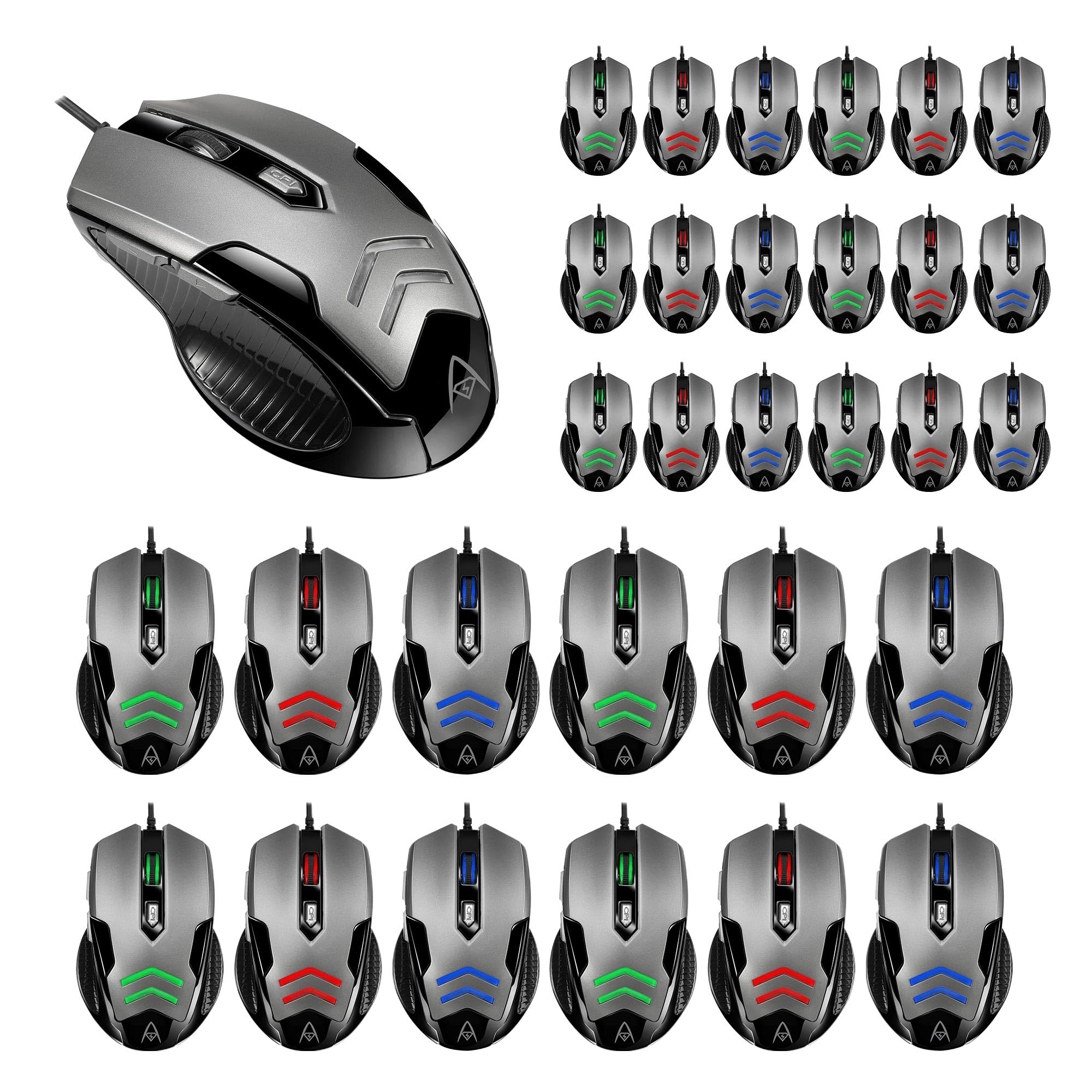
Figure 1: The ADESSO iMouse X1 Gaming Mouse, illustrating its sleek design and USB connectivity. This image shows the overall appearance of the mouse, ready for connection to a computer.
Operating the iMouse X1
Funcions del botó
The iMouse X1 features 6 programmable buttons for enhanced control and navigation:
Botó esquerre de clic: Funció de clic principal estàndard.
Botó dret: Standard secondary click function, typically for context menus.
Roda de desplaçament: Scrolls content up or down. Can also be pressed for a middle-click function.
Botó de commutació de DPI: Ajusta la sensibilitat del ratolí (DPI).
Botó Endavant: Navega cap endavant web navegadors o file explorers (located on the left side).
Botó enrere: Navega cap enrere web navegadors o file explorers (located on the left side).
Ajust de la sensibilitat dels DPI
The iMouse X1 allows you to change its sensitivity on the fly using the dedicated DPI switch button. Each DPI setting is indicated by a different LED backlight color:
1000 DPI: Retroil·luminació LED blanca
1600 DPI: Green LED backlight
2400 DPI: Il·luminació LED de color blau
3200 DPI: Red LED backlight
Press the DPI switch button repeatedly to cycle through these sensitivity levels until you find your preferred setting.
Disseny ergonòmic
The iMouse X1 features an ambidextrous design with texturized sides, providing a comfortable and secure grip for both left and right-handed users during extended use.
Manteniment
Neteja del ratolí
Desconnecteu el ratolí de l'ordinador abans de netejar-lo.
Utilitzeu un drap suau i sense pelusa lleugerament dampEsbandiu amb aigua o una solució netejadora suau per netejar la superfície del ratolí.
Eviteu utilitzar productes químics agressius, netejadors abrasius o humitat excessiva, ja que poden danyar el ratolí.
Per al sensor òptic, feu servir un bastonet de cotó lleugerament sec.ampened with isopropyl alcohol to gently clean the lens. Ensure it is dry before reconnecting.
Emmagatzematge
Quan no l'utilitzeu durant períodes prolongats, guardeu el ratolí en un entorn net i sec, allunyat de la llum solar directa i de temperatures extremes.
Resolució de problemes
El ratolí no respon
Comprova la connexió USB: Assegureu-vos que el cable USB estigui ben connectat a un port USB que funcioni de l'ordinador. Proveu-ho amb un altre port USB.
Reinicieu l'ordinador: De vegades, un simple reinici de l'ordinador pot resoldre els problemes de connectivitat.
Prova en un altre ordinador: If possible, test the mouse on another computer to determine if the issue is with the mouse or your computer's setup.
La configuració de DPI no canvia
Assegureu-vos que esteu prement el botó de commutació de DPI correcte.
Observe the LED backlight color change to confirm DPI adjustment. If no color change occurs, the button might be malfunctioning.
El moviment del cursor és erràtic o inexacte
Neteja el sensor òptic: Dust or debris on the optical sensor can interfere with tracking. Refer to the Maintenance section for cleaning instructions.
Superfície del coixinet de ratolí: Assegureu-vos que feu servir el ratolí sobre una superfície adequada, no reflectant i uniforme. Eviteu el vidre o les superfícies molt reflectants.
Especificacions
Marca
ARA
Model
iMouse X1
Tecnologia de connectivitat
USB
Detecció de moviment
Òptic
Nivells de DPI
1000/1600/2400/3200
Nombre de botons
6
Vida útil del canvi
10 milions de clics
Ergonomia
Ambidextrous with Texturized Sides
Característica especial
Multi-Color LED Backlight (DPI indicator)
Garantia i Suport
For detailed warranty information and technical support, please refer to the official ADESSO weblloc web o poseu-vos en contacte amb el servei d'atenció al client. Conserveu el rebut de compra per a reclamacions de garantia.
Guia ràpida del teclat i ratolí òptic sense fil ergonòmic Adesso Tru-Form Media 1600 Aquesta guia ràpida proporciona instruccions de configuració, especificacions, consells per a la resolució de problemes i definicions de tecles d'accés directe per al teclat i ratolí òptic sense fil ergonòmic Adesso Tru-Form Media 1600 (model: WKB-1600CB).