1. Introducció
Thank you for choosing the SHARP 55GL4060E 55-inch 4K Ultra HD Google TV. This manual provides essential information for setting up, operating, and maintaining your new television. Please read this manual thoroughly before using the product to ensure safe and optimal performance. This television features a 4K Ultra HD display, Google TV operating system, HDMI 2.1 with eARC, Dolby Vision HDR, Dolby Atmos immersive sound, integrated Google Assistant, and Chromecast built-in.
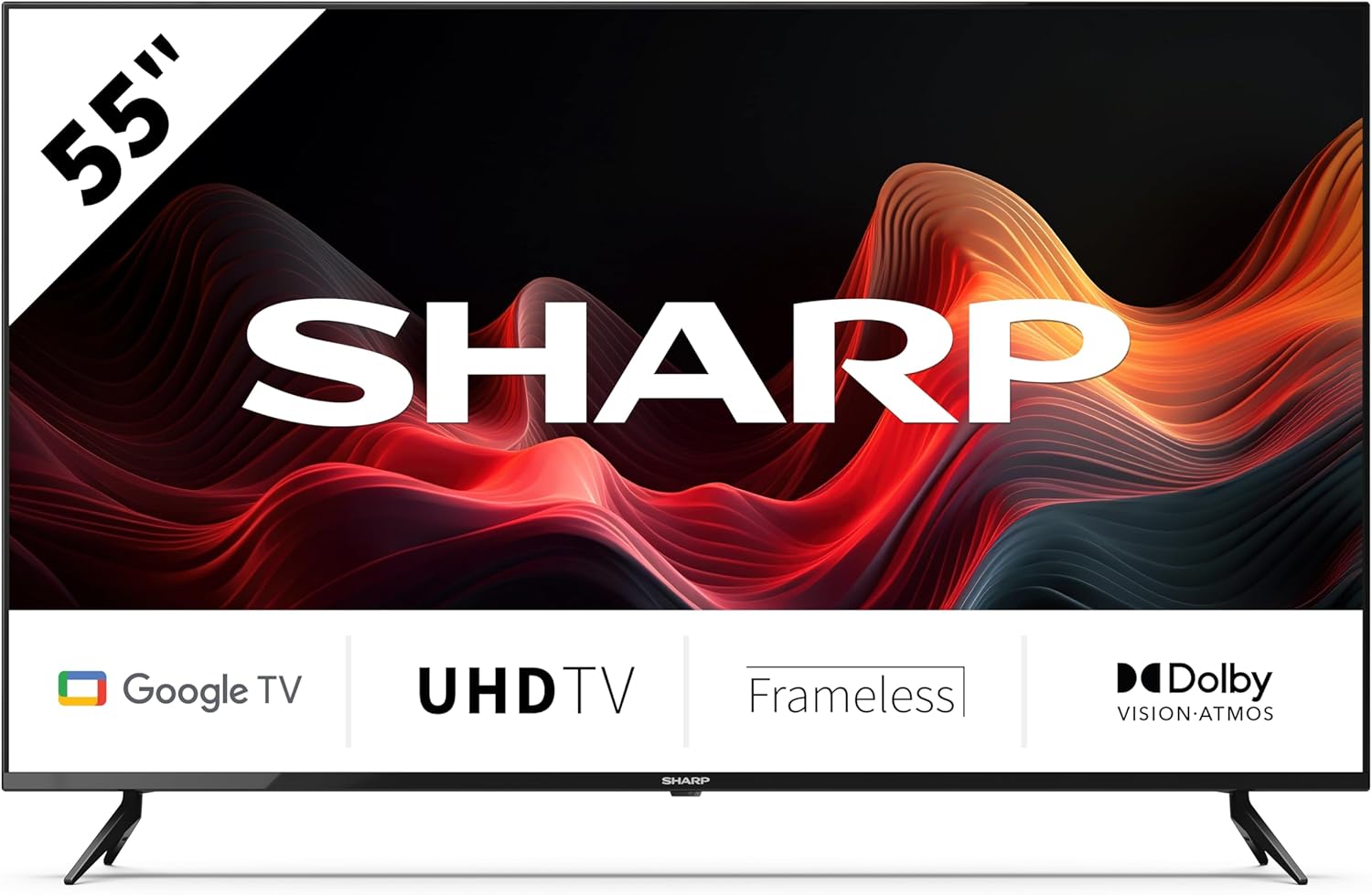
This image displays the SHARP 55GL4060E television from the front, showcasing its 55-inch frameless screen, the SHARP logo at the bottom center, and the two V-shaped stands. The screen shows a vibrant abstract red and orange waveform design. Below the screen, icons indicate 'Google TV', 'UHD TV', 'Frameless', and 'Dolby Vision Atmos'.
2. Informació de seguretat
Observeu les següents precaucions de seguretat per evitar danys i garantir un funcionament segur:
- Font d'alimentació: Connecteu el televisor només a una presa de corrent de CA amb el volum correctetage. No sobrecarregueu les preses de corrent.
- Ventilació: Ensure adequate ventilation around the TV. Do not block ventilation openings. Avoid placing the TV on soft surfaces or in enclosed spaces.
- Neteja: Desendolleu el televisor abans de netejar-lo. Feu servir un drap suau i sec. No utilitzeu netejadors líquids ni en aerosol.
- Aigua i humitat: No exposeu el televisor a la pluja ni a la humitat. No col·loqueu objectes plens de líquids, com ara gerros, a sobre del televisor.
- Col·locació: Place the TV on a stable, level surface. If wall-mounting, use a VESA-compatible mount and ensure it is securely installed. Keep the TV away from direct sunlight, heat sources, and strong magnetic fields.
- Nens: Superviseu els nens per evitar que s'enfilin al televisor o al suport.
3. Contingut del paquet
Verifiqueu que tots els elements estiguin presents a l'embalatge:
- SHARP 55GL4060E 55-inch 4K Ultra HD Google TV
- Control remot
- Bateries AAA (x2)
- Guia d'inici ràpid
- TV Stands (x2) and Screws
4. Configuració
4.1 Fixació dels suports de TV
- Col·loqueu amb cura la pantalla del televisor amb la pantalla cap avall sobre una superfície suau i plana per evitar que es faci malbé.
- Alineeu cada suport amb els forats de cargol corresponents a la part inferior del televisor.
- Fixeu els suports amb els cargols proporcionats. Assegureu-vos que estiguin ben ajustats.
4.2 Muntatge a la paret
If you choose to wall-mount your TV, ensure you use a VESA-compatible wall mount. The VESA mounting dimensions for this model are 400 x 300 mm. Consult a professional for wall mounting installation to ensure safety and proper attachment.
4.3 Connexió de dispositius externs
- HDMI: Connect devices such as Blu-ray players, game consoles, or set-top boxes to the HDMI ports. This TV features 4 HDMI 2.1 ports with eARC support.
- USB: Connect USB storage devices for media playback or software updates to the 2 USB ports.
- Ethernet: Per a una connexió a Internet estable, connecteu un cable Ethernet des del router al port LAN del televisor.
- Wi-Fi: Connecta't a la teva xarxa sense fil per accedir a Internet i a les funcions de Smart TV.
- Bluetooth: Emparella dispositius amb Bluetooth com ara auriculars o barres de so.
4.4 Configuració inicial
- Connecteu el cable d'alimentació a una presa de corrent.
- Premeu el botó d'engegada del comandament a distància per encendre el televisor.
- Follow the on-screen instructions to complete the initial setup, including language selection, network connection, and Google account sign-in.
5. Funcionament del televisor
5.1 Control remotview
The remote control allows you to navigate the Google TV interface, adjust settings, and control playback. Insert the two AAA batteries into the remote control, ensuring correct polarity.
5.2 Funcions bàsiques
- Potència: Premeu per engegar o apagar el televisor.
- Volum: Utilitzeu els botons de volum per ajustar el nivell de so.
- Entrada: Select the desired input source (HDMI 1, HDMI 2, USB, etc.).
- Navegació: Use the directional pad and OK button to move through menus and make selections.
- Inici: Return to the Google TV home screen.
5.3 Funcions de Google TV
- Assistent de Google: Prem el botó de l'Assistent de Google del comandament a distància i parla al micròfon per cercar contingut, controlar dispositius domèstics intel·ligents o obtenir informació.
- Chromecast integrat: Cast content from your compatible smartphone, tablet, or computer directly to your TV.
- Aplicacions: Accedeix a una àmplia gamma de serveis i aplicacions de streaming des de Google Play Store.
6. Manteniment
6.1 Neteja del televisor
- Pantalla: Netegeu suaument la pantalla amb un drap suau i sense borrissol. Per a marques difícils, netegeu lleugerament.ampHumitegeu el drap amb aigua (no ruixeu directament sobre la pantalla).
- Cos: Netegeu el marc i el suport del televisor amb un drap suau i sec.
- Precaució: Do not use abrasive cleaners, alcohol, benzene, or thinners, as these can damage the TV's surface.
6.2 Actualitzacions de programari
Your Google TV may receive automatic software updates. You can also manually check for updates through the TV's settings menu to ensure you have the latest features and security patches.
7. Solució De Problemes
Si teniu problemes amb el televisor, consulteu els problemes i solucions més comuns següents:
- Sense energia: Ensure the power cord is securely plugged into both the TV and the electrical outlet. Try a different outlet.
- Sense imatge/so: Verifiqueu que s'ha seleccionat la font d'entrada correcta. Comproveu totes les connexions de cable (HDMI, etc.). Reinicieu els dispositius connectats.
- El control remot no funciona: Revisa les piles i canvia-les si cal. Assegura't que no hi hagi cap obstrucció entre el comandament a distància i el sensor d'infrarojos del televisor.
- Problemes de connexió de xarxa: Restart your router and modem. Check Wi-Fi password. If using Ethernet, ensure the cable is connected properly.
- Problemes de qualitat d'imatge: Ajusta la configuració de la imatge (brillantor, contrast, color). Assegura't que la font del contingut sigui d'alta qualitat.
For persistent issues, consult the online support resources or contact customer service.
8. Especificacions
| Característica | Especificació |
|---|---|
| Marca | Afilat |
| Número de model | 55GL4060E |
| Mida de la pantalla | 55 polzades |
| Tecnologia de visualització | LED |
| Resolució | 4K Ultra HD |
| Freqüència d'actualització | 60 Hz |
| Sistema operatiu | Google TV |
| Característiques especials | Google Assistant and Chromecast built-in, Dolby Vision, Dolby Atmos |
| Tecnologia de connectivitat | Bluetooth, Ethernet, HDMI (4x HDMI 2.1 with eARC), USB (2x), Wi-Fi |
| Color | Negre |
| Dimensions del producte (amb suport) | 1116.4 x 692.9 x 264.7 mm (W x H x D) |
| Dimensions del producte (sense suport) | 1116.4 x 651.3 x 91.5 mm (W x H x D) |
| Distance between stands | 1095 mm |
| Pes net | 11 kg |
| Suport de muntatge a paret VESA | 400 x 300 mm |
| Dispositius compatibles | Laptop, smartphone, tablet, game console |
| Composició de la bateria | Alkaline (2 AAA included) |
9. Garantia i Suport
Per obtenir informació sobre la garantia, consulteu la targeta de garantia inclosa amb el producte o visiteu el lloc web oficial de Sharp. website. For technical support, troubleshooting assistance, or service inquiries, please contact Sharp customer support through their official channels. Keep your purchase receipt as proof of purchase.


