1. Introducció
The FiiO K11 is a compact desktop Digital-to-Analog Converter (DAC) and Headphone Amplifier designed to deliver high-fidelity audio. It features a fully-differential 24-bit R2R resistor array, offering a unique sound signature. The K11 incorporates a powerful amplifier section, dual operating modes (NOS/OS), and versatile output options to enhance your listening experience.

2. Contingut del paquet
Before proceeding with setup, please verify that all items are present in the package:
- Unitat FiiO K11 R2R
- Adaptador d'alimentació
- Cable d'alimentació
- USB Type-C to USB Type-A Data Cable
- Headphone Adapter (e.g., 6.35mm to 3.5mm)
- Guia d'inici ràpid
- Targeta de garantia
3. Instruccions de configuració
3.1 Connexió d'alimentació
- Connect the power adapter to the FiiO K11's power input port.
- Connecteu el cable d'alimentació a una presa de corrent adequada.
3.2 Connexió d'entrada d'àudio
The FiiO K11 supports various digital audio inputs:
- Entrada USB: Connect your computer or other USB audio source to the K11 using the provided USB Type-C to USB Type-A cable.
- Entrada coaxial: Use a coaxial cable to connect a digital audio source.
- Entrada òptica: Use an optical cable to connect a digital audio source.
3.3 Connexió de sortida d'àudio
The FiiO K11 offers multiple audio output options:
- Sortides d'auriculars:
- 6.35 mm d'una sola punta: For standard headphones.
- 4.4 mm equilibrat: For headphones with a balanced connection.
- Sortida de línia (RCA): Connecteu-vos a un extern ampamplificador o altaveus actius mitjançant cables RCA.
3.4 Configuració inicial
Upon first use or after a reset, you may need to configure basic settings using the multi-function knob:
- Configuració de guany: The K11 features three-level gain modes. Adjust the gain to match the sensitivity of your headphones. For most headphones, a medium gain setting is suitable. For high-impedance or low-sensitivity headphones, a high gain setting may be necessary.
- Mode de sortida: Select between Headphone Out (PO) with adjustable volume or Line Out (LO) for fixed-level output to external ampaixecadors.
- Sampling Mode (NOS/OS): Choose between Non-Oversampling (NOS) and Oversampling (OS) modes. NOS mode maintains the original sampling rate for a more organic sound, while OS mode upsamples to 384kHz for increased detail and clarity. Experiment to find your preferred sound signature.

4. Instruccions de funcionament
4.1 Multi-function Knob Operation
The FiiO K11 utilizes a single multi-function knob for most operations:
- Encès/apagat: Press and hold the knob to power the device on or off.
- Control de volum: Rotate the knob clockwise to increase volume and counter-clockwise to decrease volume. The K11 uses an NJW1195A precise digital volume chipset for accurate adjustment.
- Navegació del menú: Short press the knob to enter the menu. Rotate to scroll through options, and short press again to select.
- Selecció d'entrada: Within the menu, you can select the desired audio input (USB, Coaxial, Optical).
4.2 Mostra informació
The custom, high-contrast LCD screen on the K11 provides real-time information:
- SampTarifa de ling: Displays the current audio sampling rate (e.g., 192kHz, DSD256).
- Nivell de volum: Shows the current volume setting.
- Configuració de guany: Indicates the active gain level (Low, Medium, High).
- Mode de sortida: Displays whether Headphone Out (PO) or Line Out (LO) is active.

4.3 NOS/OS Dual Operating Modes
The K11 offers two distinct operating modes for signal processing:
- NOS (Non-Oversampling) Mode: This mode processes the audio signal at its original sampling rate. It aims to preserve the authentic sound, offering a more natural and musical presentation.
- OS (Oversampling) Mode: This mode upsamples all incoming audio signals to 384kHz for processing. It is designed to deliver enhanced detail, clarity, and a more refined sound.
These modes are freely switchable via the device's menu, allowing users to choose based on their preference and the audio content.

5. Manteniment
Per garantir la longevitat i el rendiment òptim del vostre FiiO K11, seguiu aquestes pautes de manteniment:
- Neteja: Use a soft, dry cloth to wipe the exterior of the device. Avoid using liquid cleaners or abrasive materials, as they may damage the finish or internal components.
- Medi ambient: Operate and store the K11 in a clean, dry environment, away from direct sunlight, extreme temperatures, and high humidity.
- Ventilació: Ensure adequate ventilation around the device to prevent overheating. Do not block any ventilation openings.
- Gestió de cables: Handle cables carefully. Avoid excessive bending or pulling, which can damage connectors or internal wiring.
6. Solució De Problemes
Si teniu problemes amb el vostre FiiO K11, consulteu els passos de resolució de problemes habituals següents:
- Sense sortida de so:
- Check all cable connections (power, input, output).
- Ensure the correct input source is selected on the K11.
- Verifiqueu que el volum no estigui al mínim ni silenciat.
- Confirma que els auriculars o els altaveus estiguin connectats correctament i funcionin.
- Cracking Noise on PC (High Sample Rates):
- If experiencing cracking or distortion when using high sample rates (e.g., 32-bit/384kHz) on a PC, try installing the latest FiiO USB drivers from the official FiiO weblloc.
- Alternatively, reduce the audio output settings on your PC to 24-bit/192kHz or lower to see if the issue resolves.
- Coaxial Input Dropouts (192/24):
- Some users may experience brief dropouts when using the coaxial input at 192kHz/24-bit. Try using a different coaxial cable or switch to the optical input if available.
- Reducing the sample rate of the source device may also resolve this.
- Idle Standby Not Working / Display Issues:
- If the idle standby function does not activate or the display shows signal sampling rate when no signal is present, check for firmware updates on the FiiO website. These issues may be addressed in future firmware revisions.
- High Line Out Voltage:
- The Line Out (LO) mode may output a high voltage (above 2V), which could cause clipping in some preamplifiers. If this occurs, switch the K11 to variable output mode (PO) and reduce the volume to an appropriate level (e.g., around -96dB) before connecting to your preamp.
7. Especificacions
| Característica | Especificació |
|---|---|
| Marca | FiiO |
| Model | K11 |
| Material | Aliatge d'alumini |
| Pes de l'article | 2.13 lliures |
| Dimensions del paquet | 9.65 x 7.76 x 2.44 polzades |
| Tipus d'interfície | USB, coaxial, òptic |
| Preses de sortida d'àudio | 6.35mm (Single-Ended), 4.4mm (Balanced), RCA (Line Out) |
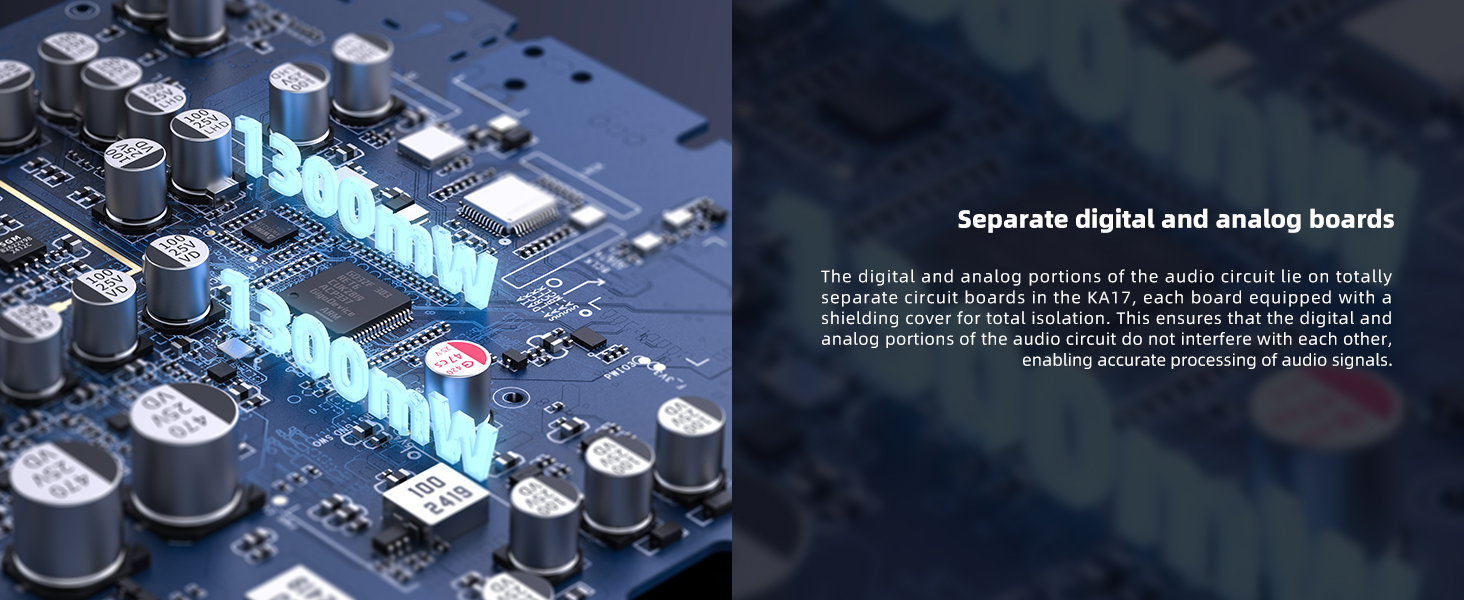
| Potència de sortida màxima | Up to 1300mW x 2 |
| Supported PCM | Fins a 32 bits/384 kHz |
| DSD compatible | DSD256 (Native mode required) |
| Arquitectura DAC | Fully-Differential 24-Bit R2R Resistor Array |
| Modes de funcionament | NOS (Non-Oversampling), OS (Oversampling) |
| Font d'alimentació | 12 V DC extern |

8. Garantia i Suport
8.1 Informació de la garantia
For detailed warranty terms and conditions, please refer to the warranty card included in your product package or visit the official FiiO website. Warranty coverage typically includes manufacturing defects for a specified period from the date of purchase.
8.2 Atenció al client
Should you require further assistance, technical support, or have questions not covered in this manual, please contact FiiO customer support through their official weblloc:
- Oficial de FiiO Weblloc: www.fiio.com
Please have your product model (K11) and purchase information ready when contacting support.


