Introducció
The Boompods Boomtag is a rechargeable smart Bluetooth tracking tag designed to help you keep track of your valuable items. Compatible with the Apple Find My network, this device provides precise, real-time location updates, ensuring your belongings are always within reach. It features a durable design, a long-lasting rechargeable battery, and a loud alarm to assist in locating misplaced items. The Boomtag is also made from ocean-bound plastic, reflecting a commitment to environmental responsibility.

Image: The Boompods Boomtag in blue, attached to a set of keys, next to an iPhone displaying the Apple Find My application interface, showing the tag's location and options to play sound or get directions. Below are multiple Boomtags en diferents colors.
Guia de configuració
1. Desembalatge i càrrega inicial
Upon opening the package, verify that all components are present: the Boompods Boomtag and a USB-C to USB-C charging cable. Before first use, it is recommended to fully charge your Boomtag. Connect the provided USB-C cable to the Boomtag's charging port and plug the other end into a compatible USB-C power adapter (not included). A small red light will illuminate during charging and will extinguish once the battery is full.

Image: A blue Boompods Boomtag with a USB-C charging cable plugged into its port, illustrating the rechargeable feature. Text on the image highlights "Introducing BOOMPODS TAG RECHARGEABLE" and "Works with Apple Find My".
2. Pairing with Apple Find My
The Boompods Boomtag is designed to work exclusively with the Apple Find My network. Ensure your Apple device (iPhone, iPad, or Mac) is updated to the latest iOS/iPadOS/macOS version and has Bluetooth enabled.
- Obriu el Troba el meu aplicació al teu dispositiu Apple.
- Navegueu fins a Elements pestanya.
- Toqueu + icona a l'extrem superior dret.
- Seleccioneu Afegeix un altre element.
- Follow the on-screen instructions. Your device will search for nearby Find My compatible items.
- Once the Boomtag is detected, tap Connecta't.
- Give your Boomtag a name (e.g., "Keys," "Backpack") and choose an emoji to represent it.
- Confirm the pairing. Your Boomtag is now linked to your Apple ID and visible in the Find My app.
Nota important: The Boompods Boomtag is not compatible with Android devices.
Operating Your Boomtag
1. Locating an Item
To find your misplaced item, use the Find My app:
- Obriu el Troba el meu app and select the Elements pestanya.
- Tap on the name of your Boomtag.
- You will see its current or last known location on a map.
- If the item is nearby, tap Reprodueix el so. The Boomtag will emit a loud 100dB alarm, helping you pinpoint its exact location.
- For more precise location, if your device supports it, you may see an option for Troba a prop which uses Ultra Wideband technology for directional guidance.

Image: A hand holding a purple Boompods Boomtag attached to a set of keys. The image explains that the Boomtag emits a secure Bluetooth signal for the Find My network.
2. Lost Mode
If your item is lost and out of Bluetooth range, you can enable Lost Mode:
- En el Troba el meu app, select your Boomtag.
- Desplaceu-vos cap avall fins a Mode perdut i toqueu Activa.
- Follow the prompts to enter a phone number or email address where you can be contacted if someone finds your item.
- You can also choose to be notified when your item's location is updated.
The Apple Find My network leverages millions of Apple devices worldwide to help locate your item. If another Apple device comes within Bluetooth range of your lost Boomtag, its location will be securely and anonymously relayed to you via iCloud.
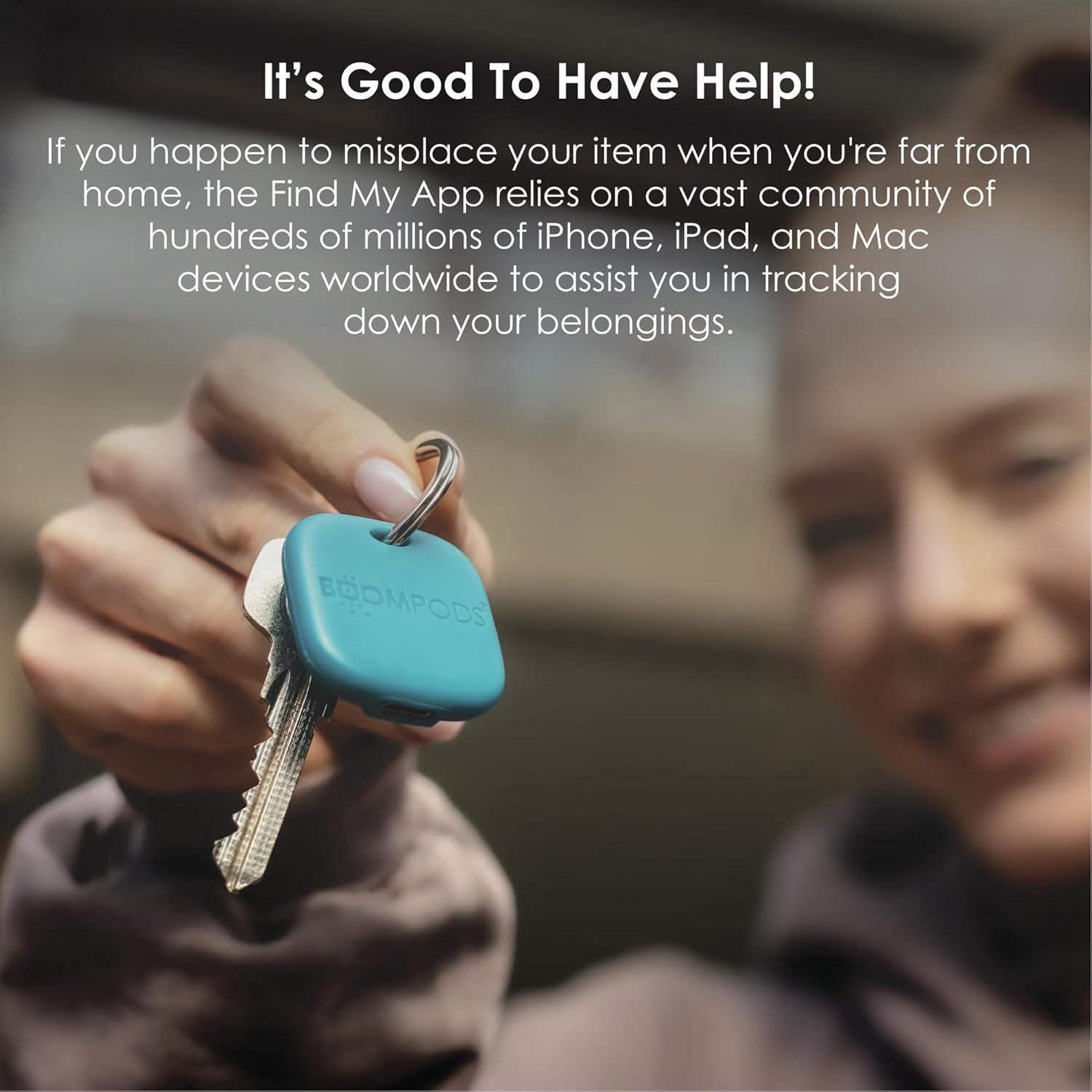
Image: A hand holding a blue Boompods Boomtag attached to a set of keys. The image emphasizes the community aspect of the Find My app in tracking down belongings.
Manteniment
1. Neteja
To clean your Boompods Boomtag, gently wipe it with a soft, damp drap. Eviteu utilitzar productes químics agressius, netejadors abrasius o dissolvents, ja que poden danyar l'acabat o els components interns del dispositiu.
2. Durabilitat i resistència a l'aigua
El Boomtag is designed to be durable and features an IPX7 water resistance rating, meaning it can withstand immersion in up to 1 meter of water for 30 minutes. While it is resistant to splashes and brief immersion, it is not recommended for prolonged underwater use. The device operates effectively in temperatures ranging from -10℃ to 50℃.

Image: A blue Boompods Boomtag attached to a camera and another blue Boomtag attached to a backpack, demonstrating its versatility for tracking various items. The background shows blurred plastic bottles, emphasizing the product's material.
3. Battery Life and Recharging
El Boomtag's rechargeable Lithium-polymer battery provides approximately 6 months of use on a full charge. When the battery is low, you will receive a notification in the Find My app. To recharge, use the provided USB-C cable. The charging time is typically short, and the indicator light will confirm charging status.
Resolució de problemes
| Problema | Possible causa/solució |
|---|---|
| Boomtag not appearing in Find My app. |
|
| Sound not playing or too quiet. |
|
| Boomtag no carregant. |
|
| Boomtag not compatible with my phone. |
|
Especificacions
- Marca: Boompods
- Model: B0DBR6WY8Z
- Color: Ocean Blue (other colors may be available)
- Connectivitat: Bluetooth BLE 5.2
- Dispositius compatibles: Apple iPhone, iPad, Mac (via Find My app)
- Bateria: 3.7V 130mAh Rechargeable Lithium-polymer
- Durada de la bateria: Up to 6 months on a full charge
- Volum de l'alarma: 100 dB
- Freqüència del so: 200 Hz a 5 kHz
- Temperatura de funcionament: -10 ℃ a 50 ℃ (14 °F a 122 °F)
- Material: Ocean-bound plastic
- Resistència a l'aigua: IPX7 (fins a 1 metre durant 30 minuts)
- Port de càrrega: USB-C

Image: A black Boompods Boomtag showing its USB-C charging port, set against a background of blurred plastic bottles, illustrating its construction from ocean-bound plastic and partnership with #tide ocean SA.
Garantia i Suport
The Boompods Boomtag ve amb a 24 mesos de garantia des de la data de compra, que cobreix els defectes de fabricació. Conserveu el comprovant de compra per a reclamacions de garantia.
For technical support, warranty inquiries, or further assistance, please visit the official Boompods website or contact their customer service department. Refer to the product packaging or the Boompods weblloc web per obtenir la informació de contacte més actualitzada.
For more information about Boompods and their commitment to sustainability, you can visit their brand store: Boompods Brand Store.


