1. Introducció
The Donner DDP-200 Pro is an advanced digital piano designed for both beginners and experienced musicians. It features an 88-key graded weighted keyboard, a 2.4-inch IPS color screen, and a wide array of sounds and functions to enhance your musical journey. This manual provides essential information for setting up, operating, and maintaining your instrument.

Figure 1: Donner DDP-200 Pro Digital Piano
2. Muntatge i muntatge
Carefully unpack all components and ensure all parts are present before beginning assembly. Follow the step-by-step instructions provided in the assembly guide included with your piano. For visual assistance, refer to the official assembly tutorial video below.
Video 1: How to assemble the Donner DDP-200 Pro home digital piano. This video provides a step-by-step guide to correctly assemble your new digital piano.
Once the main frame is assembled, connect the pedal unit to the designated port and plug in the power adapter. Ensure all connections are secure before powering on the instrument.
3. Característiques clau
3.1. 88-Key Graded Weighted Keyboard
The DDP-200 Pro features an 88-key graded hammer action keyboard with four levels of force sensing. This design provides an authentic piano feel, with heavier touch in the lower register and lighter touch in the upper register, mimicking an acoustic grand piano. Adjust the force sensitivity to match your playing style.

Figure 2: The 88-key graded hammer action keyboard offers an authentic playing experience.
3.2. Exceptional Sound Quality
Experience rich and clear sound with 256-note polyphony and two 25W stereo speakers. The auto-pitch stabilization system ensures consistent intonation during performances. The piano offers a diverse sound library including 120 rhythms, 130 demo songs, and 138 timbres.
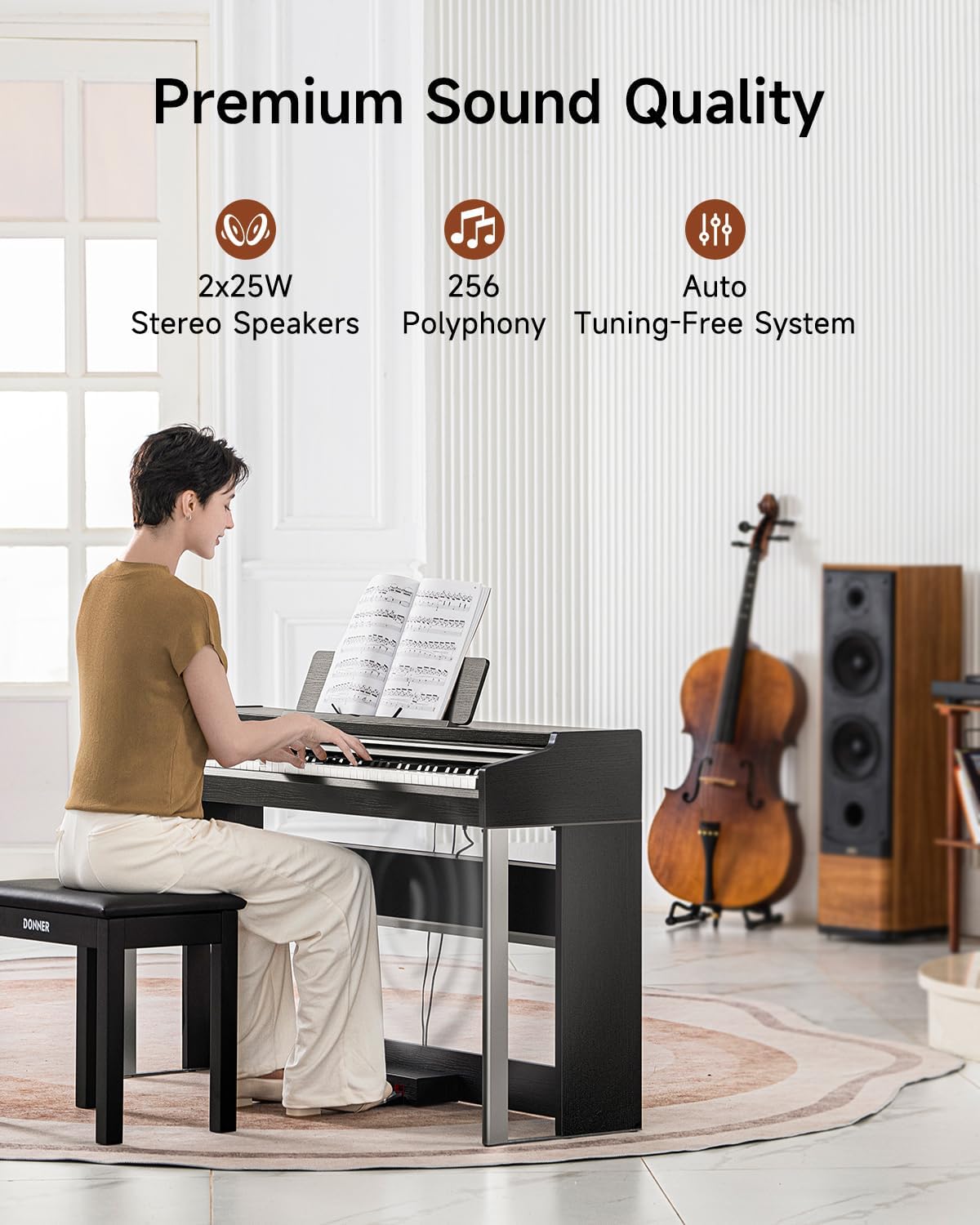
Figure 3: Premium sound quality with powerful stereo speakers and high polyphony.
3.3. 2.4" IPS Full-View Pantalla de color
Navigate through the piano's functions effortlessly using the intuitive 2.4-inch IPS full-view color screen with touch button design. This display provides clear visuals and easy control over settings and features.
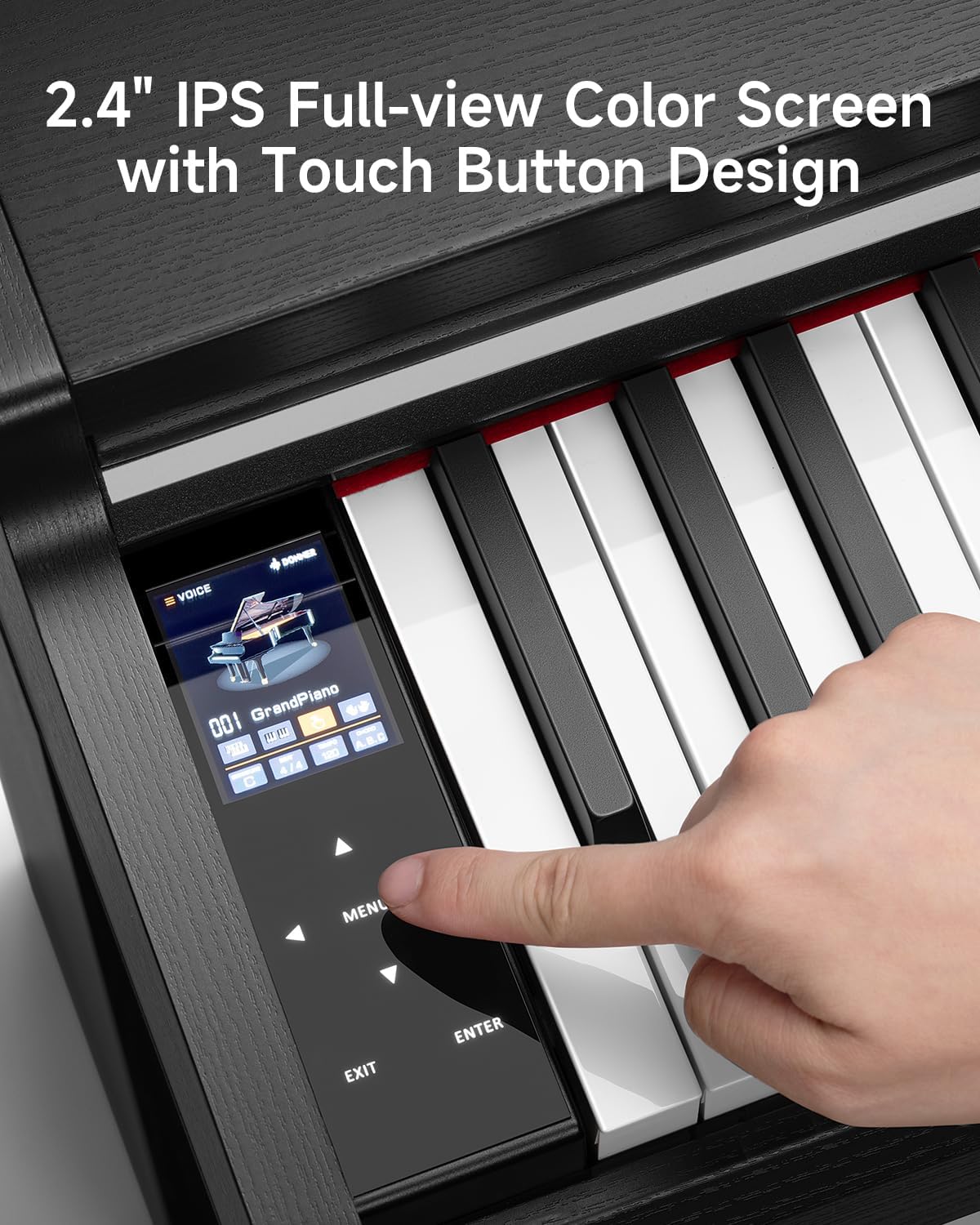
Figure 4: The IPS color screen offers intuitive control and enhanced visuals.
3.4. Multi-Functional Capabilities
The DDP-200 Pro supports various modes including dual-tone and dual-keyboard features for versatile performances. It also includes follow-along and recording functions to aid in skill development. Advanced features like EQ adjustment, pitch fine-tuning, effects modulation, and transpose are available for personalized sound customization.

Figure 5: Smart multi-functions make daily practice easier and more engaging.
3.5. Connectivity and Pedals
The piano offers multiple connectivity options including USB Type A or Type C for external devices, a dedicated pedal jack, audio output jack, and a headphone jack for silent practice. It comes with a metal three-pedal system (soft, sostenuto, and sustain) for enhanced musical expression.

Figure 6: Various connectivity options for versatile use.

Figure 7: The three-pedal system provides comprehensive control over sustain and tone.
4. Instruccions de funcionament
This section covers the basic operation of your Donner DDP-200 Pro Digital Piano. For a detailed tutorial on common functions, please watch the video below.
Video 2: DDP-200 Pro Common Functions Tutorial. This video guides you through the various features and settings of your digital piano.
4.1. Engegada/Apagada i Volum
- Potència: Locate the power button on the control panel and press it to turn the piano on or off.
- Volum: Use the dedicated volume knob or buttons on the control panel to adjust the master volume.
4.2. Selecting Tones, Rhythms, and Demo Songs
- Use the navigation buttons and the IPS screen to browse and select from the 138 available timbres (tones), 120 rhythms, and 130 demo songs.
4.3. Gravació i reproducció
- The piano features a recording function. Consult the detailed manual or the tutorial video for specific steps on how to record and play back your performances.
4.4. Funcions avançades
- Mode dividit: Divide the keyboard into two sections, allowing two different instrument sounds to be played simultaneously.
- Veu dual: Layer two different instrument sounds to create a richer, more complex tone.
- Metrònom: Activate the built-in metronome to assist with timing and rhythm practice.
- Transposing & Fine-Tuning: Adjust the pitch of the entire keyboard or fine-tune individual notes for specific musical requirements.
- EQ Adjustment & Effects: Customize the sound further using the equalizer and various built-in effects.
5. Manteniment
Proper care ensures the longevity and optimal performance of your digital piano.
- Neteja: Use a soft, dry cloth to wipe down the surface of the piano. For keys, a slightly damp Es pot utilitzar un drap amb sabó suau, seguit d'un drap sec. Eviteu productes de neteja o dissolvents abrasius.
- Medi ambient: Keep the piano away from direct sunlight, extreme temperatures, and high humidity.
- Protecció: When not in use, consider using a dust cover to protect the keys and surface.
6. Solució De Problemes
Si teniu algun problema, consulteu les solucions habituals següents:
- Sense so: Check if the piano is powered on, volume is up, and headphones are not plugged in (unless intended). Ensure external speakers are connected correctly if used.
- Les tecles no responen: Apagueu i torneu a apagar el piano. Si el problema persisteix, poseu-vos en contacte amb el servei d'atenció al client.
- So distorsionat: Check volume levels of both the piano and any connected external devices. Ensure cables are securely connected.
7. Especificacions
| Característica | Detall |
|---|---|
| Nom del model | DDP-200 Pro |
| Marca | Donner |
| Nombre de claus | 88 |
| Tipus de teclat | Graded Weighted Keys, Hammer Action |
| Polifonia | 256 |
| Altaveus | 2 altaveus estèreo de 25 W |
| Mostra | 2.4" IPS Full-view Color Digital Display |
| Connectivitat | USB Type A or Type C, Pedal Jack, Audio Output, Headphone Jack |
| Característiques especials | Recording, Split Mode, Dual Voice, Metronome, EQ Adjustment, Pitch Fine-Tuning, Effects Modulation, Transpose |
| Pes de l'article | 93.5 lliures |
| Dimensions del paquet | 57.09 x 18.5 x 13.39 polzades |
| Font d'alimentació | Battery Powered (Note: Typically digital pianos are AC powered, this might refer to internal battery for settings or a specific model variant. Please verify with product packaging.) |
| Nivell d'habilitat | Tots |
8. Garantia i Suport
For warranty information, please refer to the documentation included with your product or visit the official Donner website. For technical support, troubleshooting assistance, or any inquiries regarding your Donner DDP-200 Pro Digital Piano, please contact Donner customer service directly. Contact details can typically be found on the product packaging or the official Donner weblloc.


