1. Introducció
This user manual provides comprehensive instructions for the Xiaomi Redmi Pad SE 8.7", a versatile tablet designed for everyday use. It features an 8.7-inch LCD display with HD resolution (800 x 1340 pixels), powered by a MediaTek Helio G99 Octa-Core processor, and runs on Android 14 with Xiaomi HyperOS. With its 6650mAh battery, it offers extended usage for browsing, media consumption, and light gaming.
Please read this manual thoroughly to ensure proper operation and maintenance of your device.
2. Què hi ha a la caixa
En obrir l'embalatge del producte, trobareu els següents elements:
- Xiaomi Redmi Pad SE 8.7" Tablet
- Cable USB (tipus C)
- Adaptador de paret
- SIM Ejector Tool (for microSD card slot)
- Guia d'inici ràpid
- Informació de seguretat i garantia

Imatge: Anvers i revers view of the Xiaomi Redmi Pad SE 8.7" tablet, showcasing its design and rear camera module.
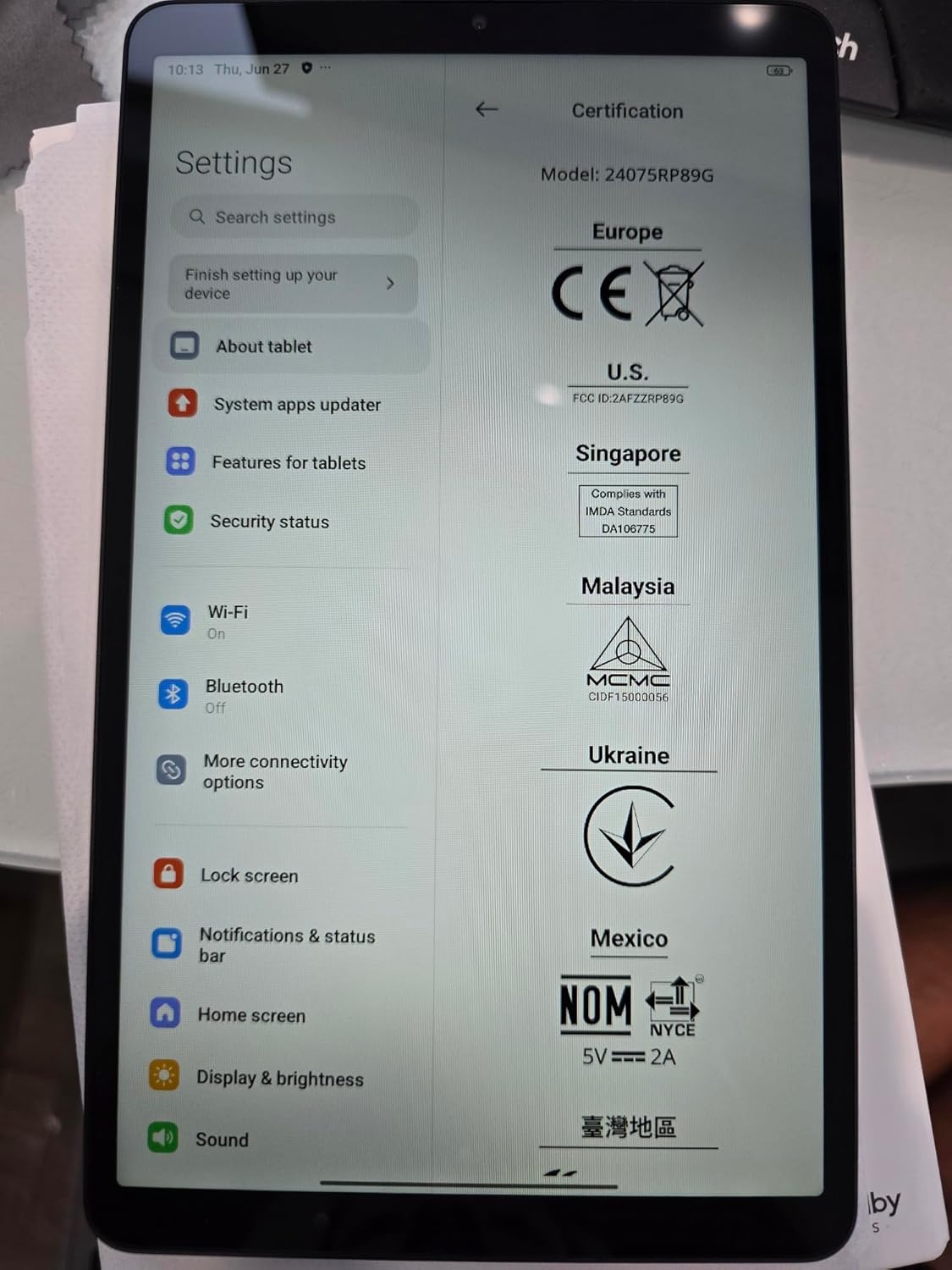
Image: The tablet displaying its settings screen, confirming the model and certification details.
The tablet is securely packaged, and the accessories are neatly organized within the box. The included wall adapter is a standard type, and the USB-C cable facilitates charging and data transfer. A SIM ejector tool is provided for accessing the microSD card slot, allowing for storage expansion.
3. Configuració inicial
3.1 Encès
To power on your Xiaomi Redmi Pad SE 8.7", press and hold the power button located on the side of the device until the Xiaomi logo appears on the screen. Follow the on-screen prompts to complete the initial setup process, which includes selecting your language, connecting to Wi-Fi, and agreeing to terms and conditions.
3.2 Screen Lock and Security
During setup, you will be prompted to set up a screen lock. Options typically include PIN, pattern, password, and Face Unlock. Face Unlock provides a convenient way to secure your device. You can adjust these settings later in the device's security menu.
3.3 Navegació
The tablet defaults to gesture-based navigation. You can swipe from the bottom for home, swipe and hold for recent apps, and swipe from the sides to go back. If preferred, you can switch to traditional button navigation (back, home, recent apps) in the system settings under "Gestures" or "System Navigation."
4. Com utilitzar la tauleta
4.1 User Interface (HyperOS)
Your tablet runs on Xiaomi HyperOS, offering a streamlined and intuitive user experience. The home screen displays all your app icons by default. Swiping left from the home screen reveals the Google Discover news feed.
Control Center & Notifications
Swipe down from the top-right corner of the screen to access the Control Center, where you can quickly adjust settings like volume, brightness, Wi-Fi, Bluetooth, and more. Swipe down from the top-left corner to view les teves notificacions.
4.2 Display and Media
The 8.7-inch HD LCD display is suitable for general media consumption. While the screen brightness is adequate for indoor use, it may appear less vibrant in very bright outdoor conditions. The tablet supports up to 1440p resolution for YouTube videos and features Widevine L1 certification, ensuring high-definition streaming quality on platforms like Netflix.
4.3 Rendiment i jocs
Equipped with a MediaTek Helio G99 Octa-Core processor, the Redmi Pad SE 8.7" delivers performance typical for an entry-level tablet. It can handle everyday tasks and light gaming, such as PUBG Mobile and Asphalt 9, without significant overheating or glitches during extended use. For demanding games or heavy multitasking, performance may vary.
4.4 Àudio
The tablet features speakers on each side with Dolby Atmos support, providing a surprisingly loud and clear audio experience for its size. This enhances the immersion when watching videos or listening to music.
Funcionalitat de càmera 4.5
The tablet includes an 8MP rear camera and a 5MP front camera. The camera application is straightforward, offering modes such as Night, Photo, Video, and Document. Video recording is supported up to 1080p resolution. While suitable for basic photography and video calls, the camera quality is not comparable to high-end smartphone cameras.
5. Especificacions
| Característica | Especificació |
|---|---|
| Marca | Xiaomi |
| Nom del model | Redmi Pad SE 8.7 |
| Mida de la pantalla | LCD de 8.7 polzades |
| Resolució de pantalla màxima | 1340 x 800 píxels |
| Sistema operatiu | Android 14, HyperOS |
| Processador | MediaTek Helio G99 Octa-Core 2.0GHZ |
| RAM | 4GB (also available in 6GB variant) |
| Emmagatzematge | 128 GB (ampliable amb microSD) |
| Càmera posterior | 8 MP |
| Càmera frontal | 5 MP |
| Bateria | 6650 mAh Lithium-Polymer (included) |
| Carregant | Up to 18W Fast Charging (USB-C) |
| Connectivitat | WiFi, Bluetooth 5.3 (WIFI Version, NO SIM CARD) |
| Dimensions (LxWxH) | 8.32 x 0.34 x 4.94 polzades |
| Pes de l'article | 1.1 lliures |
6. Manteniment
6.1 Cura de la bateria
The 6650mAh battery provides excellent endurance, lasting approximately 9.5 hours during continuous video playback at 100% screen brightness. To maximize battery life, consider reducing screen brightness, closing unused applications, and enabling power-saving modes when not actively using the tablet. Avoid exposing the device to extreme temperatures.
6.2 Neteja general
Use a soft, lint-free cloth to clean the screen and body of the tablet. Avoid using abrasive materials or harsh chemicals, which can damage the display or finish. For stubborn smudges, a slightly damp es pot utilitzar un drap amb aigua i assecar-lo immediatament.
6.3 Actualitzacions de programari
Regularly check for and install software updates to ensure your tablet has the latest features, security patches, and performance improvements. You can typically find update options in the "Settings" menu under "About tablet" or "System updates."
7. Solució De Problemes
This section addresses common issues you might encounter with your Xiaomi Redmi Pad SE 8.7".
7.1 El dispositiu no s'encén
- Assegureu-vos que la bateria estigui carregada. Connecteu la tauleta al carregador i espereu uns minuts abans d'intentar tornar-la a engegar.
- Mantingueu premut el botó d'engegada durant almenys 10-15 segons per realitzar un reinici forçat.
7.2 Problemes de connectivitat Wi-Fi
- Toggle Wi-Fi off and on in the Control Center or Settings.
- Reinicieu el vostre encaminador Wi-Fi.
- Oblida't de la xarxa a la configuració del Wi-Fi i torna a connectar-te.
7.3 Les aplicacions es bloquegen o es bloquegen
- Tanqueu l'aplicació i torneu-la a obrir.
- Esborra la memòria cau i les dades de l'aplicació a Configuració > Aplicacions.
- Assegureu-vos que l'aplicació estigui actualitzada a la seva darrera versió.
- Reinicieu la tauleta.
7.4 Rendiment lent
- Tanca les aplicacions en segon pla.
- Allibera espai d'emmagatzematge eliminant innecessaris files o aplicacions.
- Perform a factory reset as a last resort (back up your data first).
8. Garantia i Suport
Your Xiaomi Redmi Pad SE 8.7" is covered by Xiaomi's standard product warranty. Please refer to the "Safety and Warranty Information" booklet included in your product packaging for detailed terms and conditions, including warranty period and coverage.
Per a assistència tècnica, servei o més consultes, visiteu el servei d'assistència oficial de Xiaomi. weblloc web o poseu-vos en contacte amb el seu servei d'atenció al client. Normalment, podeu trobar la informació de contacte al lloc web oficial de Xiaomi. weblloc web o a la documentació de la garantia.
Always ensure you have your product's model number and serial number ready when contacting support.


