Introducció
Welcome to your new Amazon Fire TV 50-inch Omni QLED Series smart television. This manual provides essential information for setting up, operating, maintaining, and troubleshooting your device. Please read these instructions carefully to ensure optimal performance and longevity of your television.
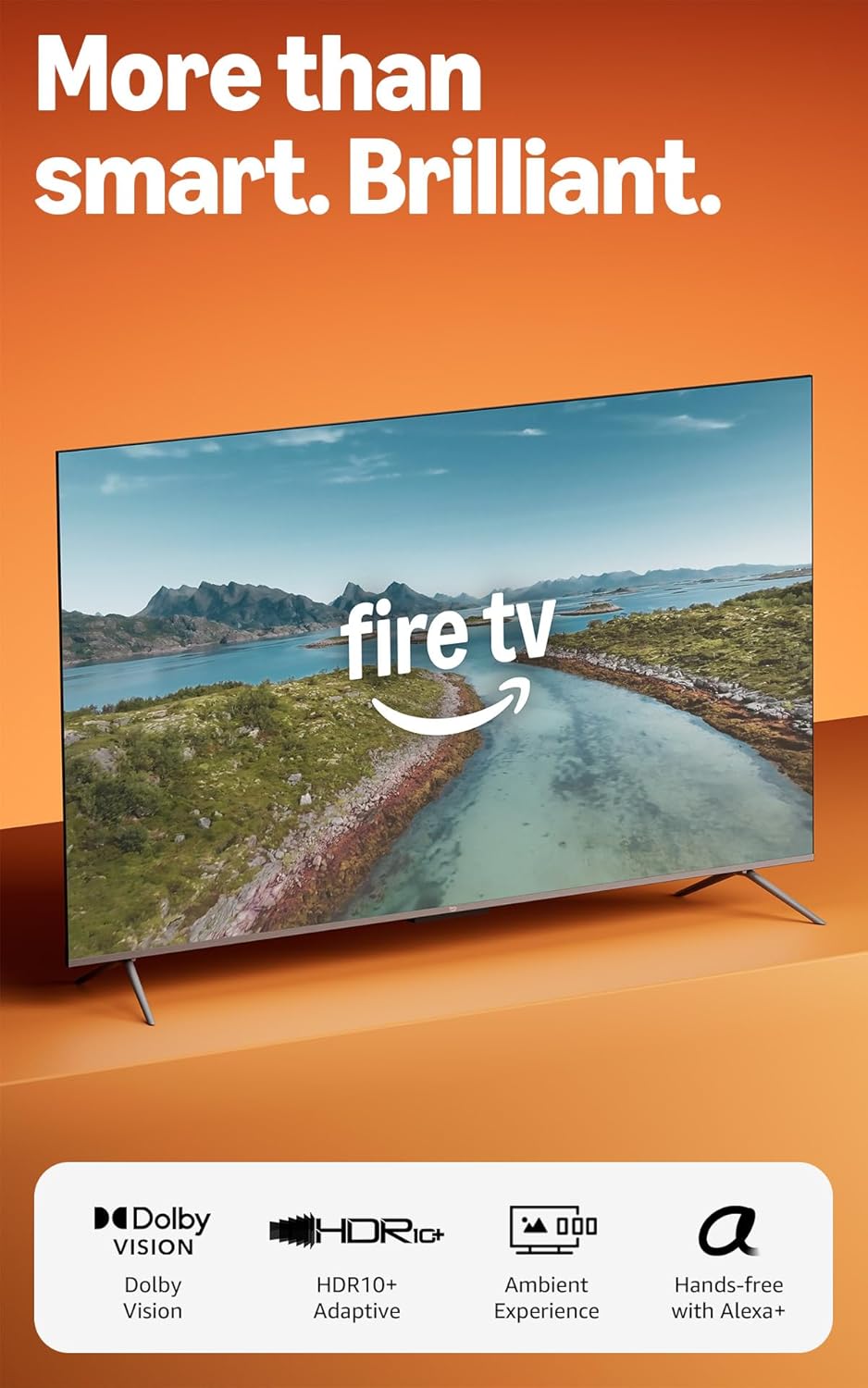
Image: The Amazon Fire TV Omni QLED Series television, showcasing its sleek design and vibrant display with a scenic image.
Configuració
1. Desembalatge i muntatge
Carefully remove all components from the packaging. Ensure you have all items listed in the 'Included in the Box' section.
- Muntatge del suport de TV: Attach the two TV stand legs to the television using the four provided screws. Ensure they are securely fastened.
- Connexió d'alimentació: Connecteu el cable d'alimentació al televisor i després a una presa de corrent.
- Configuració remota: Insert the two AAA batteries into the Alexa Voice Remote Enhanced.
2. Engegada inicial i connexió de xarxa
Upon first power-on, the TV will guide you through the initial setup process. This includes selecting your language, connecting to a Wi-Fi network, and signing in with your Amazon account.
- Connexió Wi-Fi: Select your Wi-Fi network from the list and enter the password. The TV supports Wi-Fi 6 for fast and stable connectivity.
- Connexió Ethernet: For a wired connection, connect an Ethernet cable from your router to the Ethernet port on the TV.
3. Connexió de dispositius externs
Your Fire TV Omni QLED Series includes multiple ports for connecting external devices.
- Ports HDMI: Connect soundbars, gaming consoles, Blu-ray players, and other devices to the four HDMI inputs (3 HDMI 2.0 + 1 HDMI 2.1 with eARC).
- Port USB: Use the USB 3.0 port for connecting storage devices or other compatible accessories.
- Sortida d'àudio òptic digital: Connect to external audio systems using the digital optical audio port.
Com fer funcionar el teu Fire TV
1. Picture and Sound Quality
Experience stunning visuals with the 4K QLED display, enhanced by Dolby Vision and HDR10+ Adaptive for vibrant colors and deep contrast in any lighting condition. Dolby Audio provides rich sound.

Image: An illustration demonstrating the enhanced contrast achieved through local dimming zones, showing how individual sections of the backlight can be controlled for deeper blacks and brighter whites.
2. Smart Features and Navigation
The Fire TV Omni QLED Series runs on Fire OS, offering a fast and intuitive user interface. A quad-core processor ensures smooth app loading and navigation.
- Hands-Free Alexa: Control your TV, find content, manage smart home devices, and more using just your voice. Say "Alexa" followed by your command, even when the screen is off.
- Alexa Voice Remote Enhanced: Alternatively, press the Alexa button on your remote to issue commands.
- Descobriment de contingut: Easily find movies, TV episodes, and free content from various streaming services. Subscriptions may apply for certain services.
- Jocs: Play games instantly with Amazon Luna and Xbox Game Pass without needing a console.
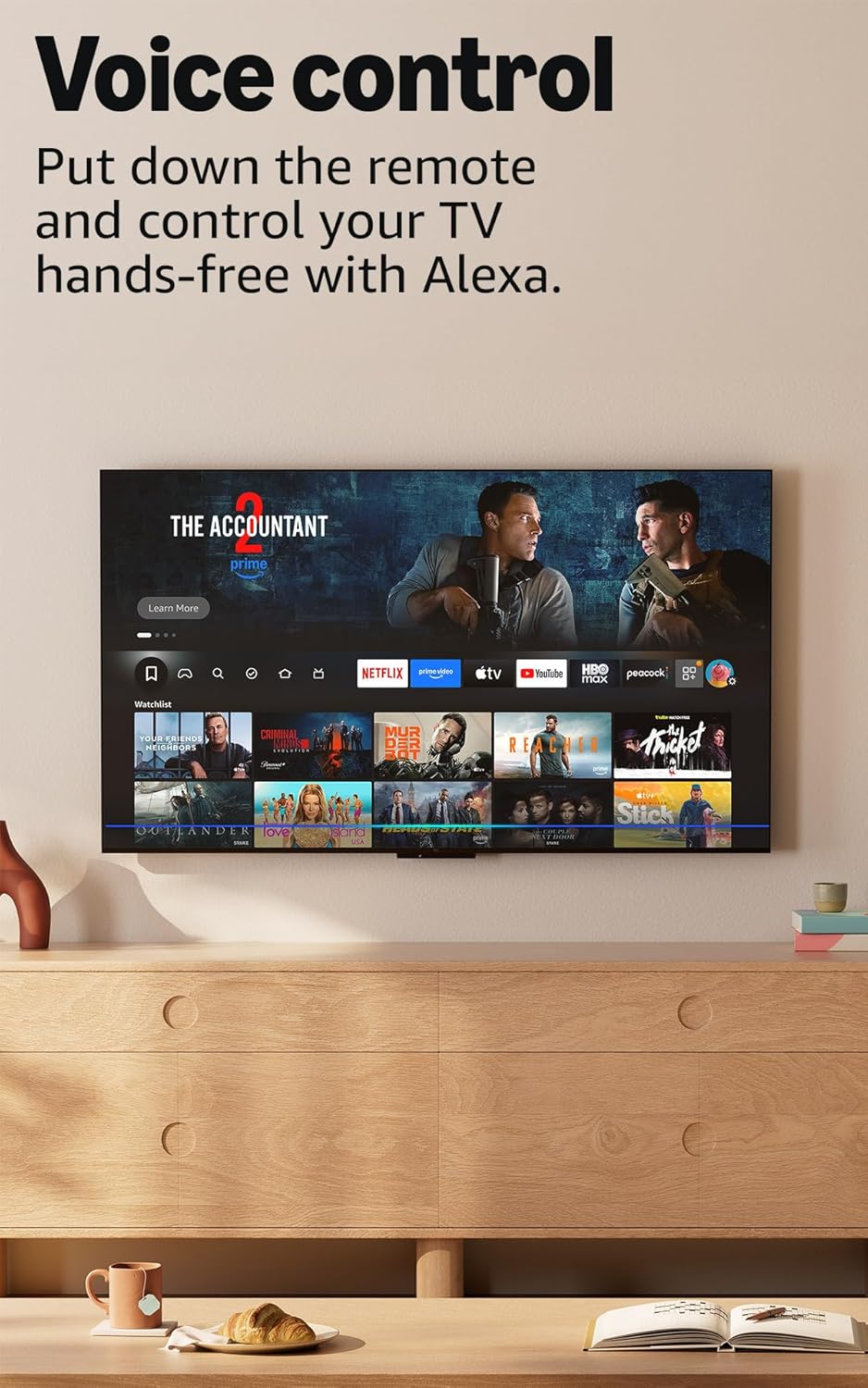
Image: The Fire TV interface showing various streaming applications and content, highlighting the hands-free voice control feature with Alexa.
3. Omnisense Technology and Ambient Experience
Built-in sensors detect your presence, waking the display instantly to show artwork or allow quick access to your content.

Image: The Fire TV in ambient mode, displaying a piece of art on the screen, demonstrating the 'Instantly On' feature where sensors activate the display when someone is nearby.
4. Característiques d'accessibilitat
The Fire TV Omni QLED Series includes several accessibility options:
- veuView Lector de pantalla: Provides audio feedback for navigation and content for users who are blind or visually impaired.
- Lupa de pantalla: Allows zooming in and out, and panning across the screen.
- Bàner de text: Consolidates on-screen text into a compact, customizable banner.
- Subtítols tancats: Available for videos and TV shows where supported.
- Descripció d'àudio: Provides verbal descriptions of on-screen actions, facial expressions, and scene changes (availability varies by content).
- Bluetooth Hearing Aids/Headphones: Supports audio streaming to compatible Bluetooth hearing aids and headphones for private listening.
Manteniment
1. Cleaning Your Television
To maintain the clarity of your screen, gently wipe the display with a soft, dry, lint-free cloth. For stubborn marks, lightly dampNetegeu el drap amb aigua o una solució de neteja segura per a pantalles. Eviteu productes químics agressius o materials abrasius.
2. Privacy Controls
Your Fire TV is designed with privacy protections. Utilize the physical switch to electronically disconnect the microphones when hands-free Alexa is not desired.
Resolució de problemes
1. Picture or Audio Issues
- Stuttering/Audio Desync: If content stutters or audio desyncs, especially within streaming apps, try restarting the app or the television. Ensure your internet connection is stable and sufficient for streaming 4K content.
- Sortida d'àudio: If audio sounds incomplete or incorrect without an external sound system, check your audio settings within the streaming service or TV settings. Streaming audio may default to 5.1 surround sound; adjust to stereo if you are using the TV's internal speakers.
2. User Interface Lag or Glitches
- Menu Responsiveness: If menus lag or the system hangs, try restarting the TV. Ensure the TV's software is up to date.
- HDMI Input Lock: If the TV gets stuck on the HDMI input menu, try pressing the 'Home' button on your remote or using a voice command to navigate to the home screen.
3. Rendiment general
- Slow App Loading: Ensure your Wi-Fi signal is strong or use a wired Ethernet connection. Close unused applications running in the background.
- El comandament a distància no respon: Check the batteries in your Alexa Voice Remote Enhanced. If issues persist, try re-pairing the remote according to the Quick Start Guide.
Especificacions
| Característica | Detall |
|---|---|
| Resolució | 3840 x 2160 (4K UHD) |
| High Dynamic Range (HDR) format | HDR10, HLG, HDR10+ Adaptive, Dolby Vision |
| Tipus de llum de fons | LED directe |
| Freqüència d'actualització | 60 Hz |
| Mida de la pantalla | 50" (Viewable display size: 49.5“) |
| Ports HDMI | 3 HDMI 2.0 + 1 HDMI 2.1 amb eARC |
| Wi-Fi & Ethernet connectivity | Port Wi-Fi 6 + 1 Ethernet |
| USB | 1 USB 3.0 |
| Sortida d'àudio òptic digital | 1 Digital Optical Audio Port |
| Suport de veu | Hands-free with Alexa, press and ask Alexa with Fire TV Alexa Voice Remote Enhanced or free Fire TV app |
| Suport d'àudio | Dolby Digital Plus with passthrough of Dolby-encoded audio |
| Potència d'àudio | 10W + 10W |
| Sistema operatiu (SO) | Sistema operatiu Fire |
| Product size with stand | 43.7" x 28.6" x 11.1" |
| Pes (amb suport) | 19.0 lliures |
| Estàndard de muntatge a la paret VESA | 300 mm x 300 mm |
| Número SKU | K7Q3MT |
| Inclòs a la caixa | Fire TV Omni QLED TV, Alexa Voice Remote Enhanced, TV stand (2 legs, 4 screws), power cord, 2 AAA batteries, Quick Start Guide |
Garantia i Suport
1. Garantia del producte
Your Amazon Fire TV Omni QLED Series includes a 1-year limited warranty and service. Optional 3-Year and 4-Year Extended Warranties are available for U.S. customers and sold separately. Use of Fire TV is subject to the terms found aquí.
2. Software Security Updates
Information regarding software security updates can be found aquí. If you already own a Fire TV, visit Gestioneu el vostre contingut i dispositius for device-specific information.
3. Content Availability
Please note that certain apps and services are subject to change or withdrawal at any time. They may not be available in all areas and languages, and may require separate subscriptions.