Introducció
The Portronics Glide Stylus Pencil is designed to enhance your digital creativity and productivity on compatible iPad models. It offers a natural writing and drawing experience with advanced features like tilt sensitivity and palm rejection. This manual provides instructions for setup, operation, and maintenance of your stylus.
Què hi ha a la caixa
En obrir el paquet, trobareu els elements següents:
- Portronics Glide Stylus Pencil
- Cable de càrrega tipus C.
- Extra Replacement Nib

Image: The Portronics Glide Stylus Pencil, a Type-C charging cable, and an extra nib are neatly arranged within the product packaging.
Configuració
Encès i apagat
The Portronics Glide Stylus Pencil does not require Bluetooth pairing. To turn on the stylus, simply double-tap the top end of the pencil. Double-tap again to turn it off.

Image: A hand demonstrates double-tapping the top of the stylus, indicating the power on/off action.
Enganxament magnètic
The stylus can be magnetically attached to the side of your compatible iPad for convenient storage and portability. Please note that this magnetic attachment does not support wireless charging.

Image: The stylus is shown magnetically attached to the side of an iPad, highlighting its portability feature.
Instruccions de funcionament
Ús general
Once powered on, the stylus is ready for immediate use on your iPad. It allows for seamless drawing, note-taking, and navigation.

Image: A person is actively using the Portronics Glide Stylus Pencil to draw on an iPad, demonstrating its use for creative tasks.
Tecnologia de rebuig de palma
The stylus features palm rejection technology, allowing you to rest your hand naturally on the iPad screen without interfering with your writing or drawing. This provides a comfortable and intuitive user experience.

Image: A hand rests on the iPad screen while the stylus is in use, illustrating the palm rejection feature which prevents unintended marks.
Angle Tilt Sensitivity
The Portronics Glide Stylus supports angle tilt sensitivity, enabling you to create dynamic line variations and shading. By tilting the stylus, you can achieve different line thicknesses and effects, similar to using a traditional pencil.

Image: A visual representation shows how tilting the stylus at different angles (90°, 60°, 30°) produces varying line thicknesses, demonstrating tilt sensitivity.
Disseny ergonòmic
The stylus is designed with an ergonomic grip to ensure comfort and stability during extended periods of use, making it suitable for long drawing or writing sessions.
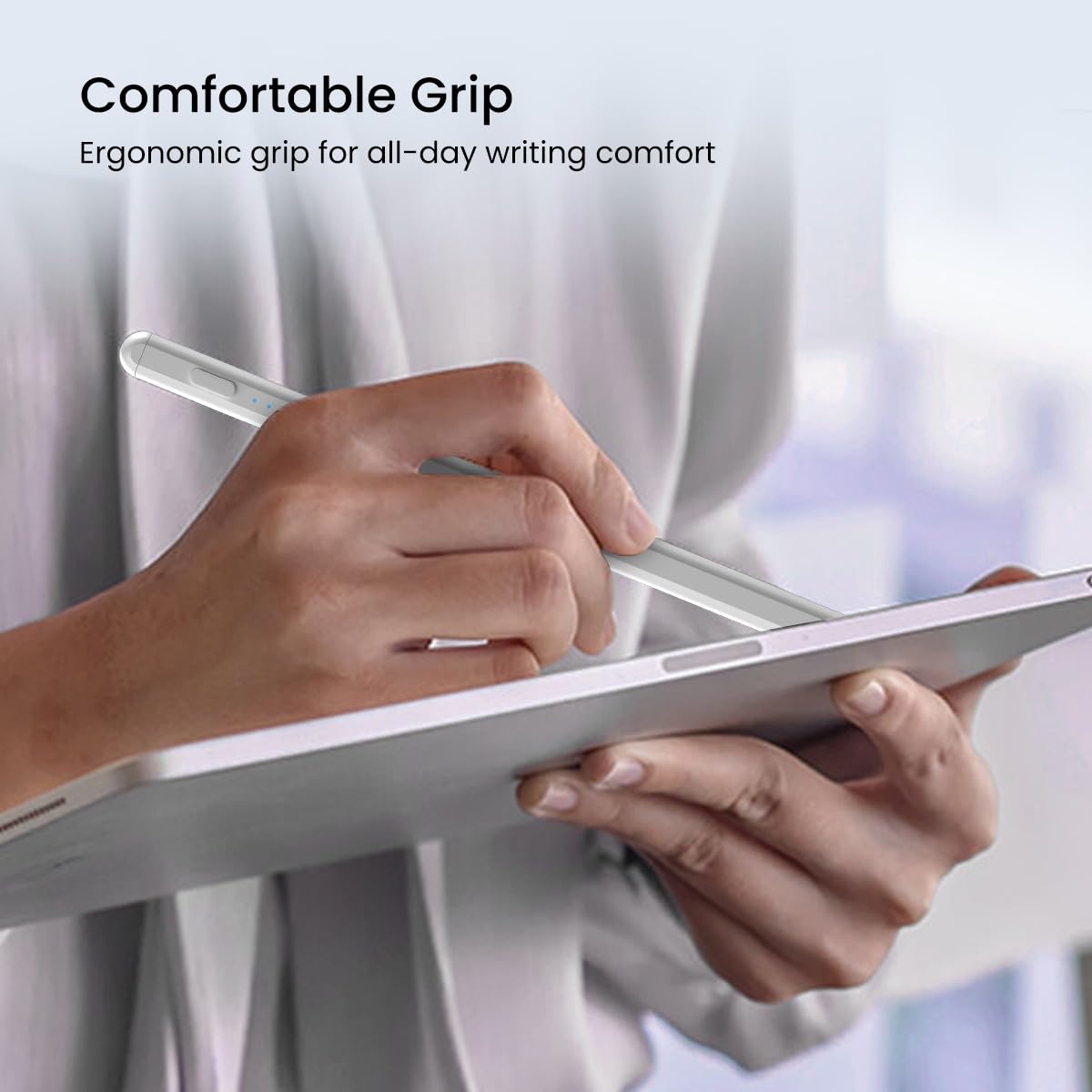
Image: A hand holds the stylus in a comfortable grip while interacting with an iPad, emphasizing the ergonomic design.
Carregant
The Portronics Glide Stylus Pencil features a Type-C charging port for quick and convenient recharging. An LED indicator light provides real-time feedback on the battery status and charging progress.
- Temps de càrrega: Aproximadament 30 minuts per a una càrrega completa.
- Battery Standby Life: Up to 269 minutes (approximately 4.5 hours) on standby.

Image: The stylus is shown connected to a Type-C charging cable, with an indicator light visible, illustrating the charging process.
Compatibilitat
The Portronics Glide Stylus Pencil is specifically designed to work with Apple iPad models released between 2020 and 2024. Ensure your iPad model falls within this range for optimal performance.

Image: Several iPad models are displayed alongside the stylus, indicating its wide compatibility with iPads released between 2020 and 2024.
Manteniment
Substitució de la punta
An extra replacement nib is included with your stylus. To replace the nib, gently twist the old nib counter-clockwise to remove it, then twist the new nib clockwise until it is securely in place.
Image: The stylus is shown with an extra nib, and an arrow illustrates the process of screwing on the replacement nib.
Resolució de problemes
- El llapis òptic no respon: Ensure the stylus is charged and turned on (double-tap the top).
- Rendiment inconsistent: Check if the nib is securely attached. If worn, replace it with the spare nib.
- Accidental touches: Verify that palm rejection is functioning correctly. This feature is typically automatic.
- Problemes de càrrega: Use the provided Type-C cable and a compatible power adapter. Check the LED indicator for charging status.
Especificacions
| Característica | Detall |
|---|---|
| Marca | Portronics |
| Número de model | POR-2757 |
| Color | Blanc |
| Material | Plàstic ABS |
| Pes de l'article | 72 g |
| Dimensions del producte | 21 x 6 x 1.8 cm |
| Tipus de bateria | Polímer de liti (1 inclòs) |
| Contingut d'energia de la bateria | 125 mAh |
| Temps de càrrega de la bateria | 30 minuts |
| Durada mitjana de la bateria en espera | 269 minuts |
| Compatibilitat | iPad models 2020-2024 |
Vídeo oficial del producte
Video: This video provides a quick overview of the Portronics Glide Stylus Pencil, demonstrating its unboxing, how to turn it on, basic writing and drawing functions, tilt sensitivity, palm rejection, Type-C charging, and magnetic attachment to an iPad.
Garantia i Suport
For warranty information and customer support, please refer to the contact details provided on the product packaging or visit the official Portronics website. You can also contact Portronics Digital Pvt Ltd at help@portronics.com or +91 9555-245-245.


