Introducció
This manual provides comprehensive instructions for the Bewinner Smart Watch with Earbuds. Please read this manual carefully before using the product to ensure proper operation and to maximize its features.

Image: The Bewinner Smart Watch with its integrated earbuds, showcasinel disseny elegant d'ambdós components.
The Bewinner Smart Watch with Earbuds is a versatile 2-in-1 device, combining a smart watch with Bluetooth earphones. It offers a seamless experience for music, calls, and fitness tracking, making it an ideal companion for various activities.
Contingut del paquet
En obrir el paquet, comproveu que hi hagi tots els components:
- Bewinner Smart Watch with integrated Earbuds
- Cable de càrrega (USB)
- Additional Watch Strap
- Manual d'usuari (aquest document)

Imatge: Una clara view of all items included in the product package: the smartwatch, two earbuds, a USB charging cable, and an additional watch strap.
Configuració
1. Càrrega del dispositiu
Before initial use, fully charge the smart watch and earbuds. Connect the provided USB charging cable to the charging port on the watch and a compatible USB power source. The watch display will indicate charging status.
The earbuds charge automatically when placed inside the watch's compartment, provided the watch has sufficient battery.

Imatge: De dalt a baix view of the smartwatch with its earbud storage compartment open, showing the charging contacts for the earbuds.
2. Encès / apagat
To power on the watch, press and hold the side button until the screen illuminates. To power off, navigate to the settings menu on the watch, select "Power Off," and confirm.
3. Emparellament amb el telèfon intel·ligent
- Download the companion application from your smartphone's app store (compatible with Android 7.0+ and iOS 11.0+).
- Activa el Bluetooth al teu telèfon intel·ligent.
- Open the companion application and follow the on-screen instructions to search for and connect to your Bewinner Smart Watch.
- Confirma la sol·licitud d'emparellament tant al teu telèfon intel·ligent com al rellotge.
Once paired, the watch will synchronize time, date, and notifications from your phone.
Instruccions de funcionament
1. Navigating the Smart Watch Interface
The watch features a 2.01-inch HD touch screen. Swipe left, right, up, or down to access different functions and menus. Tap to select an option.
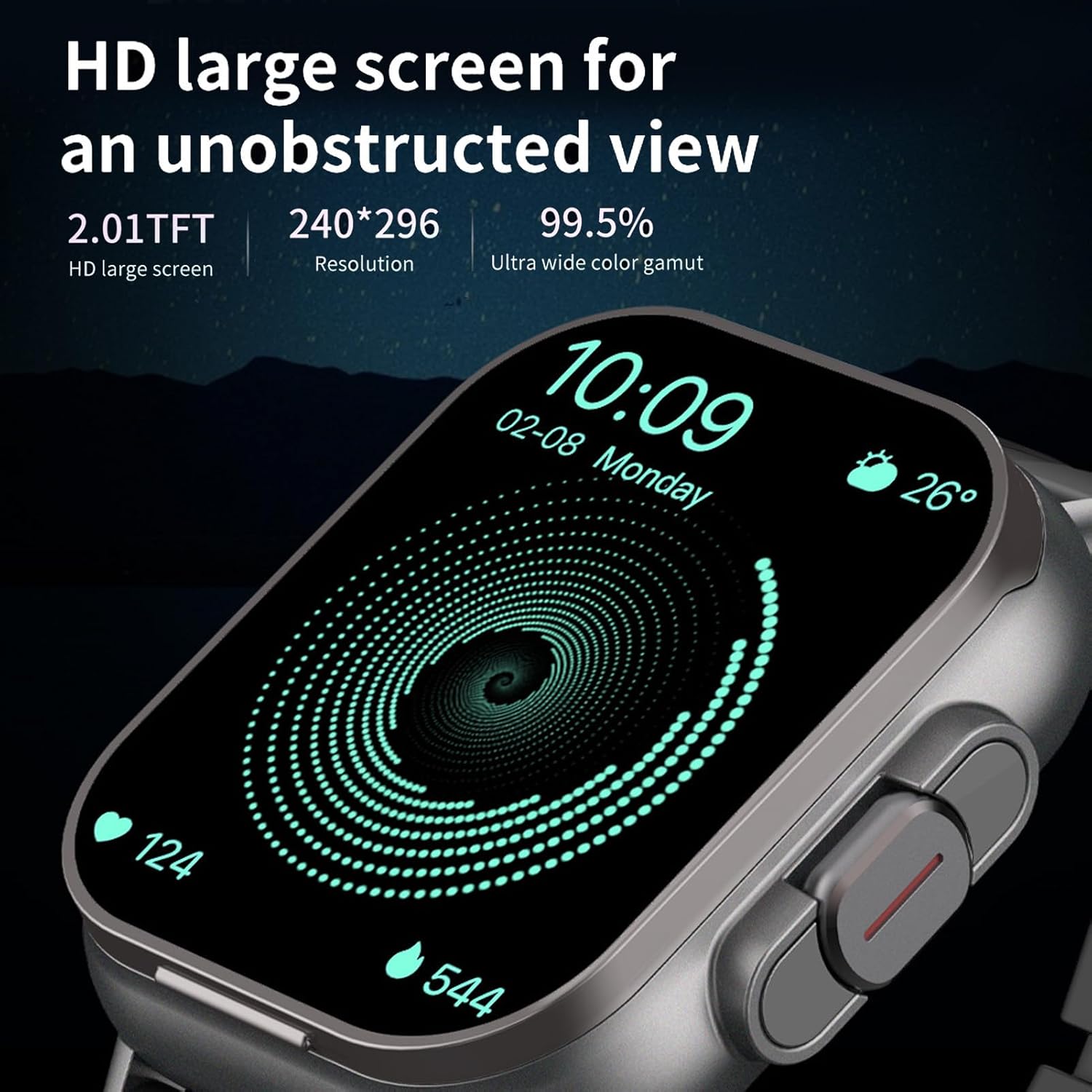
Image: A close-up of the smartwatch's vibrant 2.01-inch HD display, showcasing its clear resolution and wide color gamut.
2. Using the Integrated Earbuds
The earbuds are stored within the watch itself. To access them, gently touch the clasp to open the upper cover of the watch.

Image: The smartwatch with its top cover flipped open, revealing the earbuds as they are ejected for easy access.
Once removed, the earbuds will automatically attempt to connect to your paired smartphone. They are designed for stable music playback and call handling.
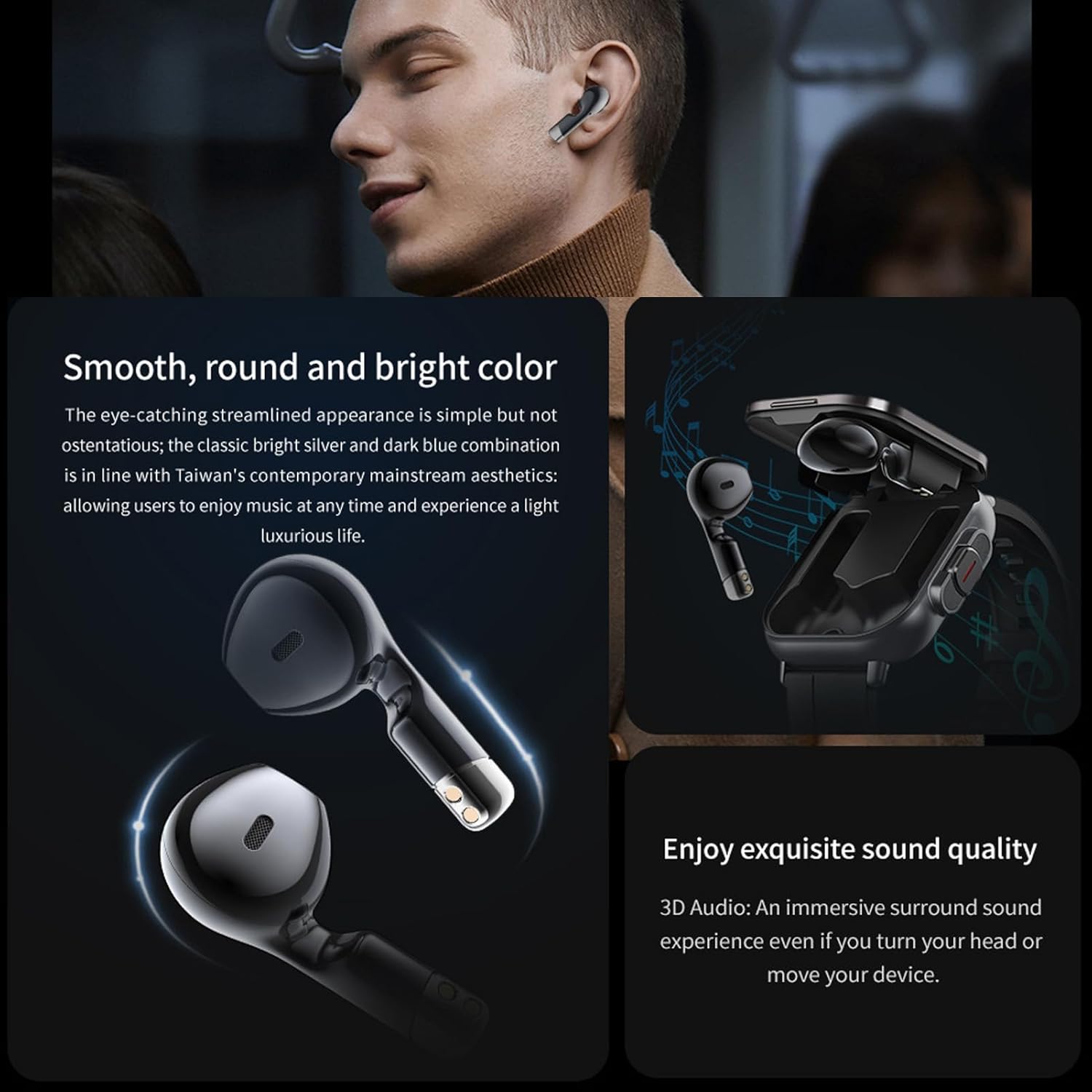
Image: A person wearing the earbuds, with an inset showing the earbuds and the smartwatch, illustrating their combined use for audio and timekeeping.
3. Funcions de seguiment de l'activitat física
The watch supports various sports modes and fitness tracking functions:
- Monitorització de la freqüència cardíaca: Registra contínuament la teva freqüència cardíaca.
- Comptador de passos: Records daily steps taken.
- Calorie Burn: Estima les calories cremades en funció de l'activitat.
- Múltiples modes esportius: Includes outdoor running, hiking, functional strength training, badminton, and more.
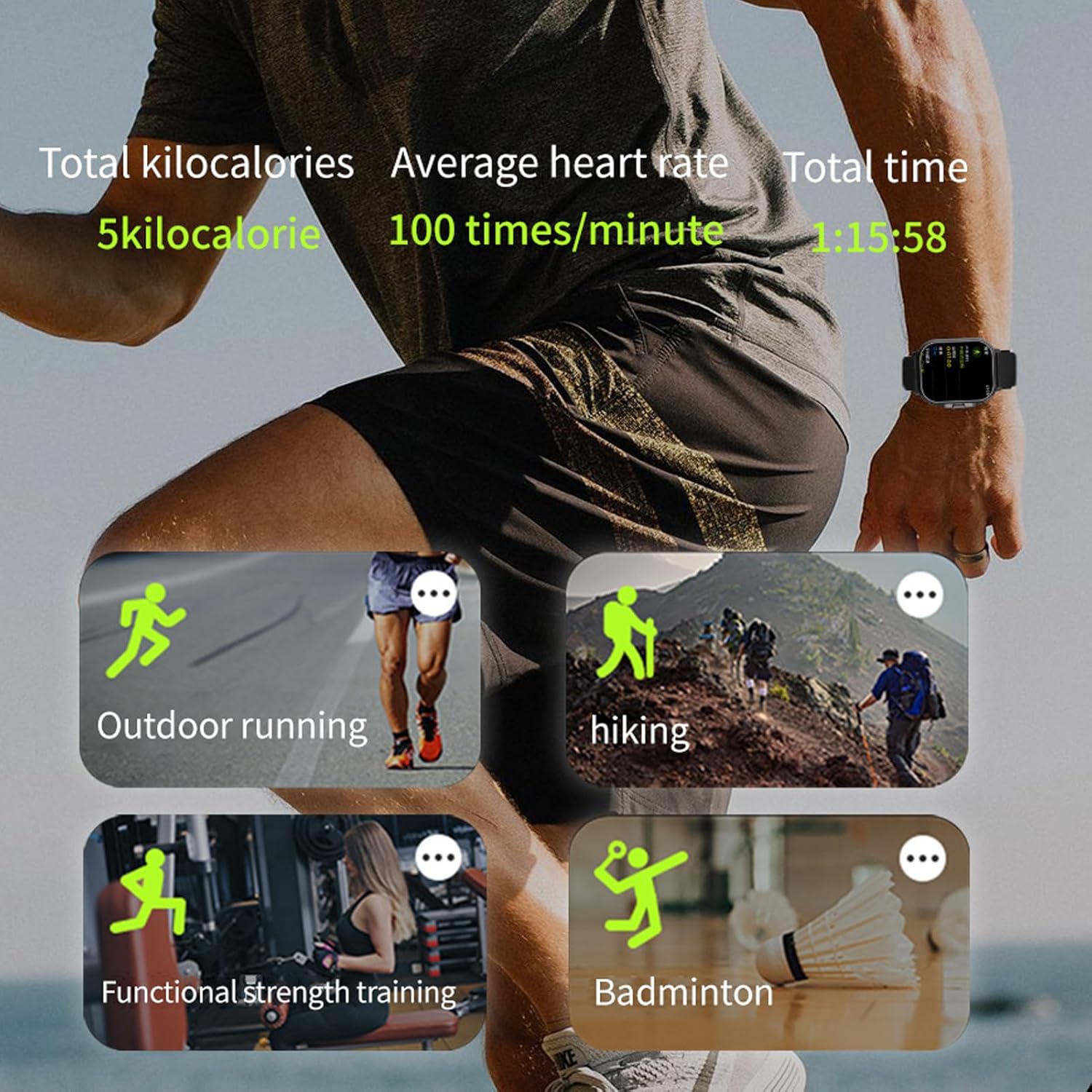
Image: The smartwatch display showing various sports tracking metrics like total kilocalories, average heart rate, and total time, alongside icons for different activities such as outdoor running, hiking, functional strength training, and badminton.
4. Notifications and Other Functions
Once paired, the watch can display notifications for messages, calls, and app alerts from your smartphone. Other features include:
- Control remot de la càmera
- Previsió meteorològica
- Alarma intel·ligent
- Find Mobile Phone function
Manteniment
1. Neteja
Regularly clean the watch screen and strap with a soft, dry cloth. For stubborn smudges, a slightly damp es pot fer servir un drap i assecar-lo immediatament. Eviteu utilitzar productes químics agressius o materials abrasius.
Clean the earbud charging contacts and the watch's earbud compartment periodically to ensure proper charging and connection.
2. Cura de la bateria
To prolong battery life, avoid fully discharging the device frequently. Charge the watch and earbuds regularly. Store the device in a cool, dry place when not in use for extended periods.
3. Resistència a l'aigua
Refer to the product specifications for details on water resistance. Avoid submerging the device beyond its rated capabilities. Do not press buttons underwater.
Resolució de problemes
| Problema | Causa possible | Solució |
|---|---|---|
| El rellotge no s'encén | Bateria baixa; mal funcionament del dispositiu | Charge the watch for at least 30 minutes. If still unresponsive, contact support. |
| Els auriculars no es carreguen | Dirty contacts; watch battery low; improper placement | Clean charging contacts on earbuds and watch. Ensure watch is charged. Re-seat earbuds correctly. |
| No es pot emparellar amb el telèfon | Bluetooth desactivat; problema amb l'aplicació; el rellotge no està en mode d'emparellament | Ensure Bluetooth is on. Restart phone and watch. Reinstall app. Check watch's Bluetooth settings. |
| Dades de fitness inexactes | Improper watch fit; sensor obstruction; software glitch | Ensure watch is snug on wrist. Clean sensor area. Restart watch. Update firmware if available. |
Especificacions
- Nom del model: Bewinnernhw91gkeft-12
- Mida de la pantalla: 2.01 Inches HD Touch Screen
- Capacitat de la bateria: 250 mAh (Watch)
- Temps de reproducció de l'auricular: Approximately 4.5 hours (continuous music)
- Connectivitat: Bluetooth
- Compatibilitat: Android 7.0+/iOS 11.0+
- Característica especial: Corretja ajustable
- Estil: Seguidor de fitnes
Garantia i Suport
Per obtenir informació sobre la garantia i assistència tècnica, consulteu la pàgina oficial de Bewinner. weblloc web o contacteu amb el vostre distribuïdor. Conserveu el rebut de compra com a comprovant de compra.
Per a més ajuda, podeu visitar el Botiga Bewinner a Amazon.


