1. Introducció
The Xiaomi A27i 27-inch monitor (Model: P27FBA-RAGL) is designed to provide a clear and natural viewing experience with its Full HD (1920 × 1080) IPS hard screen. Featuring a 100Hz high refresh rate and a 7.5mm ultra-slim body with narrow bezels on three sides, it enhances both work efficiency and daily entertainment. This manual provides essential information for setting up, operating, maintaining, and troubleshooting your new monitor.
2. Contingut del paquet
Si us plau, verifiqueu que tots els elements que s'enumeren a continuació estiguin inclosos al vostre paquet:
- Monitor × 1
- Base × 1
- Suport × 1
- Cable HDMI × 1
- Tornavís × 1
- Cargols × 2
- Adaptador d'alimentació × 1
- Manual d'usuari × 1
- Targeta de garantia × 1
3. Guia de configuració
3.1 Muntatge físic
- Muntar el suport: Attach the bracket to the base using the provided screws and screwdriver. Ensure it is securely fastened.
- Attach Stand to Monitor: Carefully align the assembled stand with the mounting slot on the back of the monitor. Gently push until it clicks into place.
- Connectar l'alimentació: Plug the power adapter into the DC IN port on the monitor and then into a power outlet.
- Connecteu el cable de vídeo: Connect one end of the HDMI cable (or DisplayPort cable, if using) to the corresponding port on the monitor and the other end to your computer's video output port.

Figura 3.1: posterior view of the Xiaomi A27i monitor with input ports.
3.2 Configuració inicial
After connecting your monitor, power on your computer. The monitor should automatically detect the signal. If not, you may need to adjust display settings on your computer:
- Windows: Right-click on the desktop, select 'Display settings'. Under 'Multiple displays', choose 'Extend these displays' or 'Duplicate these displays' as needed.
- macOS: Go to System Settings > Displays.
4. Instruccions de funcionament
The Xiaomi A27i monitor features an intuitive On-Screen Display (OSD) menu for adjusting various settings. The control button is located on the back of the monitor, typically near the power input.
4.1 Navegació pel menú OSD
| Funcionament del botó | Funció |
|---|---|
| Premeu breument cap a la dreta | Enter the main menu (when no menu displayed) / Enter/Select (when main menu displayed) |
| Premeu curtament per amunt/avall | Open brightness settings / Switch Menu adjusting values |
| Premeu breument cap a l'esquerra | Open signal source switching list / Return |
| Premeu curtament el centre | Turn the monitor on / Open the shortcut menu / Enter/Select |
| Manteniu premut durant 3 segons | Tancament |
4.2 Key Settings
- Mode d'imatge: Select from various preset modes (e.g., Standard, Movie, Energy Saver) or customize your own.
- Brillantor i contrast: Adjust these to your preferred levels for optimal viewing.
- Temperatura de color: Choose between Warm, Cool, or Custom settings to fine-tune the color balance.
- HDR: Enable or disable High Dynamic Range for enhanced contrast and color.
- Entrada: Manually select the input source (HDMI or DP) if auto-detection fails.
- Freqüència d'actualització: Ensure your computer's display settings match the monitor's 100Hz refresh rate for the smoothest experience.
5. Característiques del producte
The Xiaomi A27i monitor is equipped with several advanced features to enhance your visual experience:
- FHD Resolution: Clear and Natural Picture Quality
The IPS hard screen with a 178° visual angle and 1920 × 1080 resolution ensures high-definition picture quality and a vivid viewing experience, whether you're viewing tables and documents, or watching videos. - 16.7 Million Colors for Vivid and Natural Images
16.7 million colors, up to 8-bit* high color depth, and a 99% sRGB color gamut, create high-quality vivid pictures, and more natural and bright photographs and videos. - ΔE<2* Screen Calibration: Accurately Restore True Colors
Every Xiaomi Monitor A27i has been strictly inspected for correct color calibration before leaving the factory, effectively reducing display color issues. A professional display for those with professional demands! - 100Hz High Refresh Rate: Ultra-Smooth Working Experience
With a refresh rate of up to 100Hz, it can effectively reduce lag and freezing when browsing web pages and tables, not only improving working efficiency but also providing a better dynamic picture display for daily entertainment. Say goodbye to ghosting and lagging, and get more enjoyment from your work and entertainment. - Comfortable Low Blue Light: Clear and Protect Your Eyes
With TÜV Low Blue Light Certification, the low blue light mode can filter short-wave blue light, ensuring comfort even after working long hours. DC dimming can effectively reduce display flicker to protect your eyes even more. - Ultra-Slim Body and Narrow Bezels
The 7.5mm ultra-slim body and unique narrow bezel design on three sides greatly improve viewing angles and offer an enhanced, more immersive experience. When multiple displays are used together, the viewing experience is even more impressive.
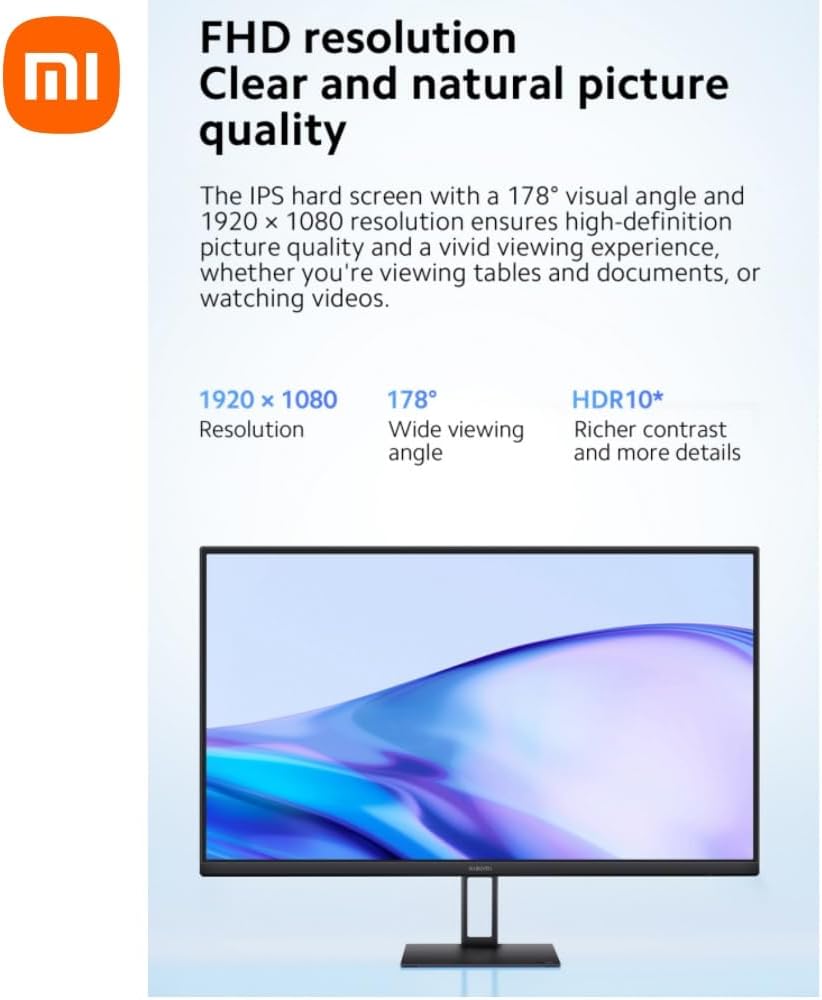
Figure 5.1: FHD Resolution and Wide Viewangle ing.
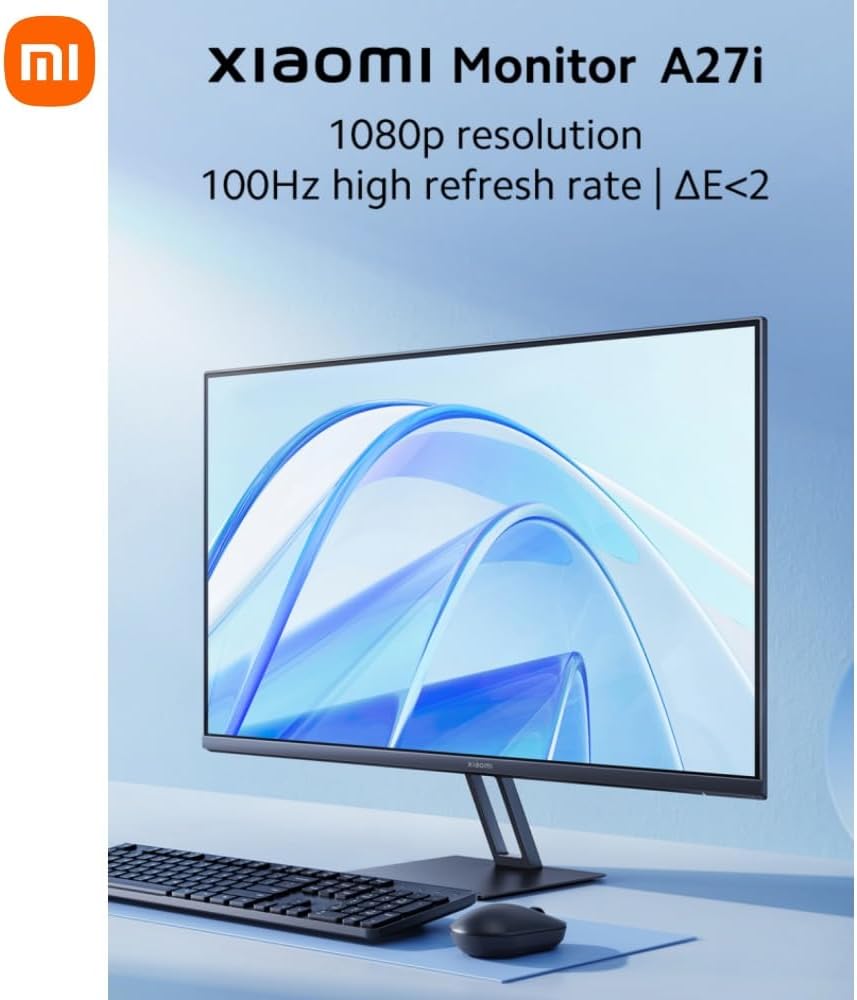
Figure 5.2: Rich Color Depth and sRGB Gamut.
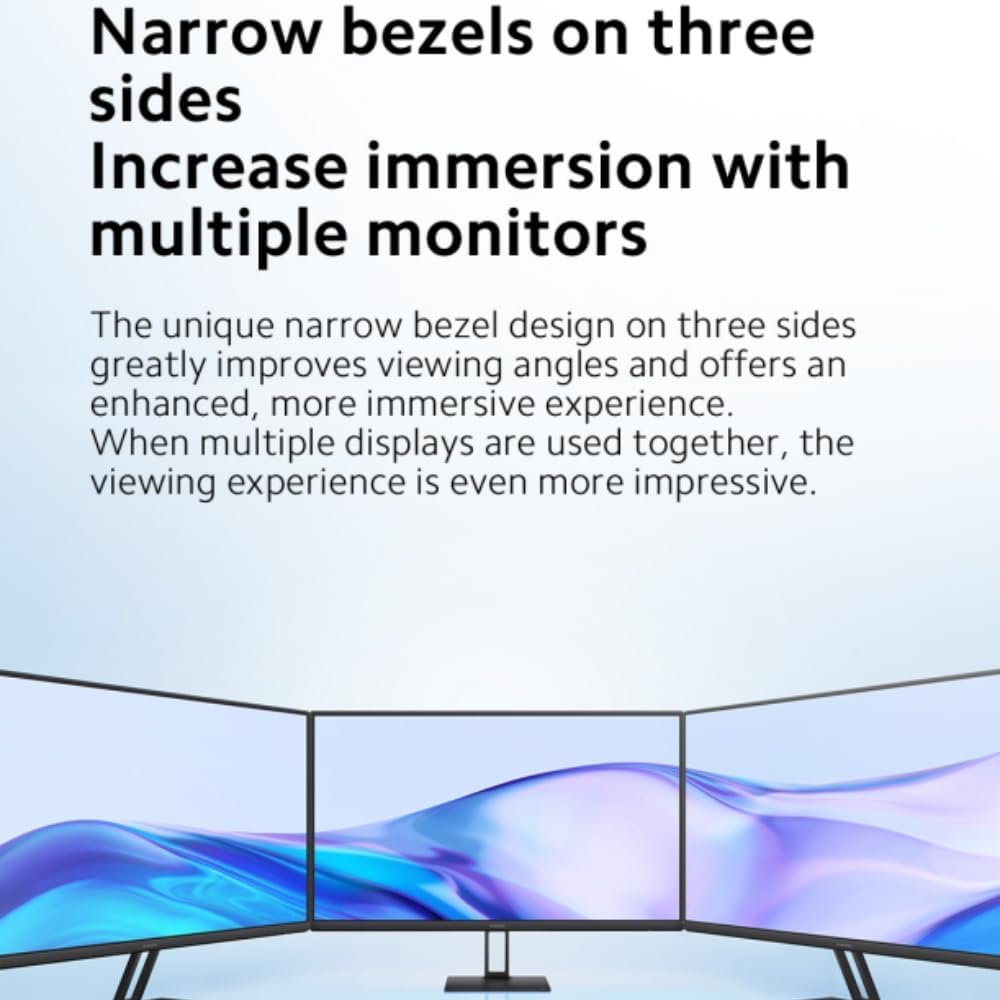
Figure 5.3: Factory Color Calibration for Accuracy.
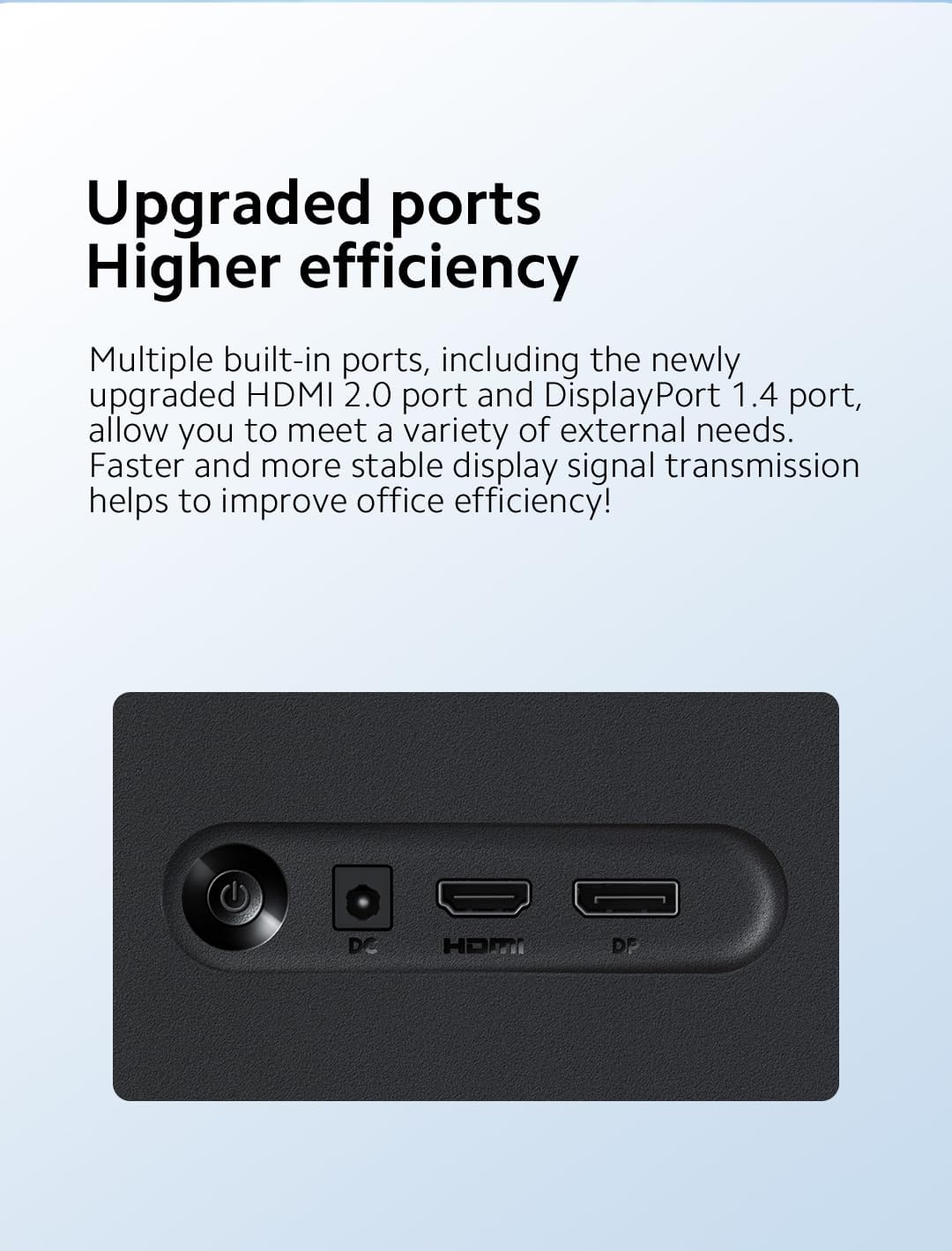
Figure 5.4: High Refresh Rate for Smooth Visuals.

Figure 5.5: Narrow Bezels for Increased Immersion.
6. Manteniment
Proper maintenance ensures the longevity and optimal performance of your Xiaomi A27i monitor.
- Neteja de la pantalla: Feu servir un drap suau i sense borrissol dissenyat específicament per a electrònica. Per a taques difícils, fregueu lleugerament.ampen the cloth with water or a screen-cleaning solution. Never spray liquid directly onto the screen.
- Neteja de la Casing: Netegeu la part c del monitorasing with a soft, dry cloth. Avoid using abrasive cleaners, waxes, or solvents as they can damage the finish.
- Ventilació: Assegureu-vos que les obertures de ventilació del monitor no estiguin bloquejades per evitar el sobreescalfament.
- Emmagatzematge: Quan no l'utilitzeu durant períodes prolongats, guardeu el monitor en un lloc fresc i sec, allunyat de la llum solar directa i de temperatures extremes.
7. Solució De Problemes
Si teniu problemes amb el monitor, consulteu la taula següent per veure els problemes i les solucions més habituals:
| Problema | Causa possible | Solucions |
|---|---|---|
| No es pot activar | Sense poder | Assegureu-vos que l'adaptador d'alimentació estigui endollat correctament. |
| La imatge és fosca | Brillantor/contrast no ajustat correctament | Ajusteu la brillantor i el contrast. |
| La imatge és nerviosa o té ondulacions | Interferència | Mantingueu el monitor lluny dels dispositius electrònics que puguin causar interferències elèctriques. |
| No hi ha imatge a la pantalla | Sense senyal, entrant en mode de repòs | Engegueu l'ordinador. Assegureu-vos que la targeta gràfica de l'ordinador funciona correctament. Assegureu-vos que el cable estigui connectat correctament. |
| El monitor mostra que la resolució actual no és compatible | La resolució és incorrecta | Utilitzeu la configuració de resolució recomanada especificada. |
8. Especificacions
| Característica | Especificació |
|---|---|
| Model de producte | P27FBA-RAGL |
| Entrada de potència | 12V⎓2.0A |
| Potència nominal | 24W |
| Mida de la pantalla | 27 polzades |
| Viewangle ing | 178° (H) / 178° (V) |
| Brillantor | 250 nits (típic) |
| Relació de contrast | 1000:1 |
| Profunditat de color | 16.7M |
| Relació d'aspecte | 16:9 |
| Resolució | 1920 × 1080 (FHD) |
| Panel Refresh Rate (max.) | 100 Hz |
| G to G Response Time | 6 ms (típic) |
| Dimensions (inclosa la base) | 612.3 (L) × 170 (A) × 451.7 (Al) mm |
| Weight (including base) | 3.6 kg |
| Mida del suport de paret | VESA 75mm × 75mm |
| Tilt (angle) | -5° ± 2 ~+ 15° ± 2 |
| Port DP | ×1 |
| Port HDMI 2.0 | ×1 |
| DC IN Cable Port | ×1 |
9. Garantia i Suport
For warranty information and support, please refer to the Warranty Card included in your package. You can also visit the official Xiaomi weblloc web o poseu-vos en contacte amb el seu servei d'atenció al client per obtenir més ajuda.
Xiaomi oficial Weblloc: www.mi.com


