1. Introducció
The Raddy RF205 is a compact and versatile portable FM radio designed for convenient listening on the go. It features advanced Bluetooth 5.3 connectivity, allowing for both FM signal output to Bluetooth headphones and use as a Bluetooth speaker for your devices. With its integrated MP3 player, alarm clock, and Type-C charging, the RF205 offers a comprehensive audio experience in a pocket-sized form factor.

Image: The Raddy RF205 radio displayed on a desk, highlighting its key features including Bluetooth 5.3, alarm clock, Type-C charging, and a 3.5mm headset jack.
2. Contingut del paquet
Si us plau, reviseu el paquet acuradament per assegurar-vos que tots els articles hi són i estan en bon estat:
- Raddy RF205 Portable FM Radio
- Cable de càrrega USB-A a tipus C
- Bossa amb cordó
- Corretja de canell
- Manual del propietari (aquest document)

Image: A flat lay of the Raddy RF205 radio and its included accessories: a grey carrying pouch, a black wrist strap, and a USB-A to Type-C charging cable.
3. Característiques del producte
- Receptor de FM: Access a wide range of local and international FM stations.
- Disseny compacte: Lightweight and portable, designed to fit easily in a pocket or bag.
- BT 5.3 Connection: Supports dual-way Bluetooth output, allowing FM signal conversion to Bluetooth headphones or using the radio as a Bluetooth speaker.
- Funcions addicionals: Features a time display and alarm clock functionality.
- Bateria recarregable: Equipped with a 500mAh battery for extended playback, rechargeable via Type-C.

Image: The Raddy RF205 radio being placed into a pocket, demonstrating its small and portable design. Key dimensions and weight are overlaid on the image.
4. Configuració
4.1. Carregant la bateria
Before first use, fully charge the radio's internal 500mAh Lithium Ion battery. Use the provided USB-A to Type-C charging cable and connect it to a standard USB power adapter (not included) or a computer's USB port.
- Connect the Type-C end of the cable to the radio's charging port.
- Connecteu l'extrem USB-A a una font d'alimentació.
- L'indicador de càrrega a la pantalla mostrarà l'estat de càrrega.
- Una càrrega completa sol trigar aproximadament 1.5 hores.

Image: The Raddy RF205 radio connected to a laptop via its Type-C charging port. An inset highlights the 3.5mm headset jack located on the side of the device.
4.2. Engegada inicial
To power on the radio, press and hold the power button (usually labeled with a power symbol) for approximately 2 seconds. The display will illuminate, and the radio will start in the last used mode (e.g., FM or Bluetooth).
5. Instruccions de funcionament
5.1. Funcionament de la ràdio FM
- Antena: For optimal FM reception, fully extend the telescopic antenna.
- tuning: Use the dedicated tuning buttons (e.g., "Tune +" / "Tune -") to manually adjust the frequency. For automatic scanning, press and hold the scan button (refer to the specific button layout on your device).
- Estacions preseleccionades: The radio may support saving favorite stations. Consult the manual's button diagram for specific instructions on saving and recalling presets.
- Ús d'auriculars: When headphones are connected to the 3.5mm jack, they can also act as an antenna, potentially improving reception in some areas.
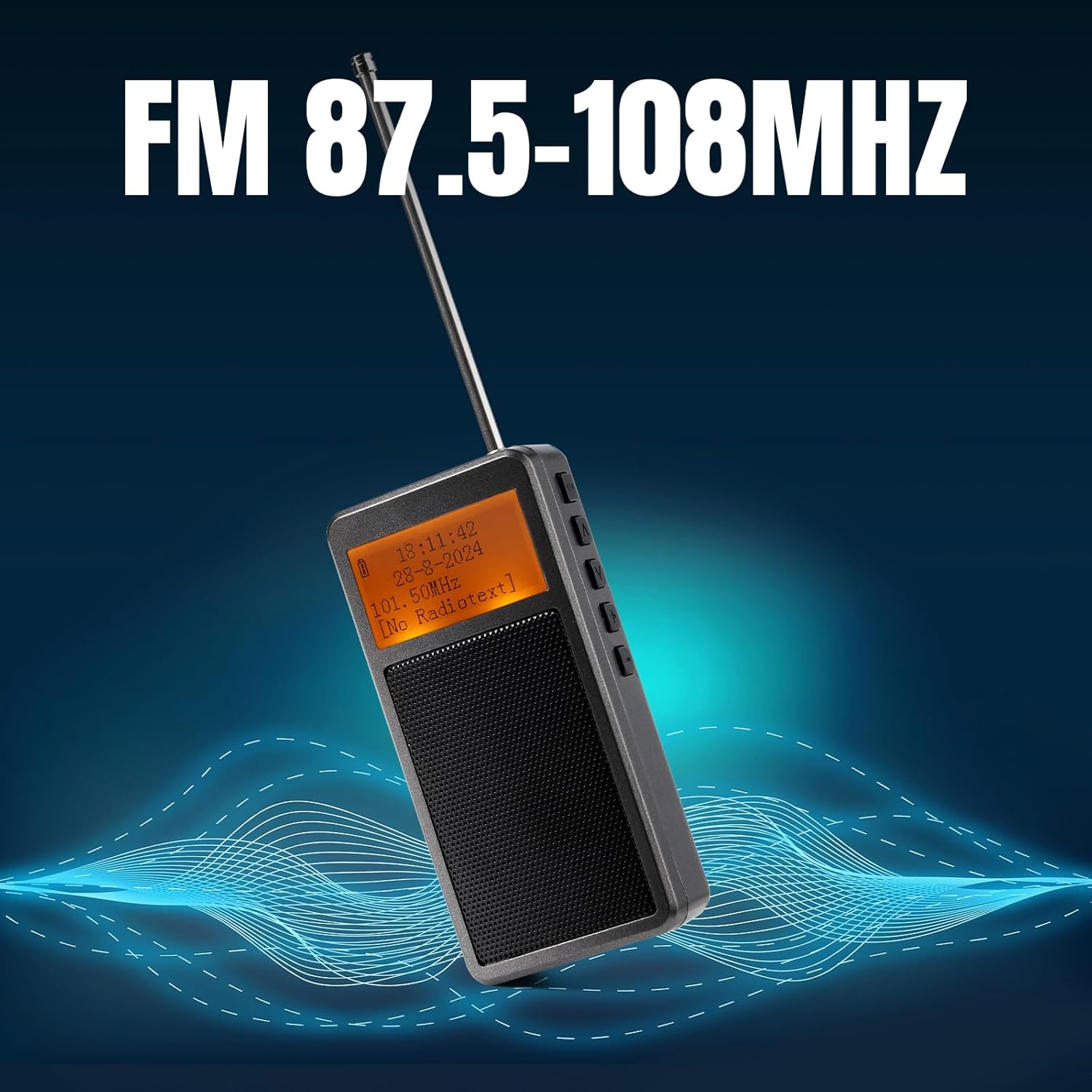
Image: The Raddy RF205 radio with its antenna extended, illustrating its FM reception capability across the 87.5-108MHz frequency range.
5.2. Bluetooth Connectivity (BT 5.3)
The RF205 offers versatile Bluetooth functionality:
- FM-to-Bluetooth Output: To listen to FM radio through Bluetooth headphones, ensure the radio is in FM mode. Activate Bluetooth pairing on the radio (refer to button functions for "BT" or "Mode" button). Put your Bluetooth headphones into pairing mode. Once paired, the FM audio will be transmitted to your headphones.
- Bluetooth Speaker Input: To use the RF205 as a Bluetooth speaker for your smartphone or other devices, switch the radio to Bluetooth input mode. On your smartphone, search for "Raddy RF205" (or similar name) in the Bluetooth settings and pair. Audio from your phone will now play through the radio's speaker.
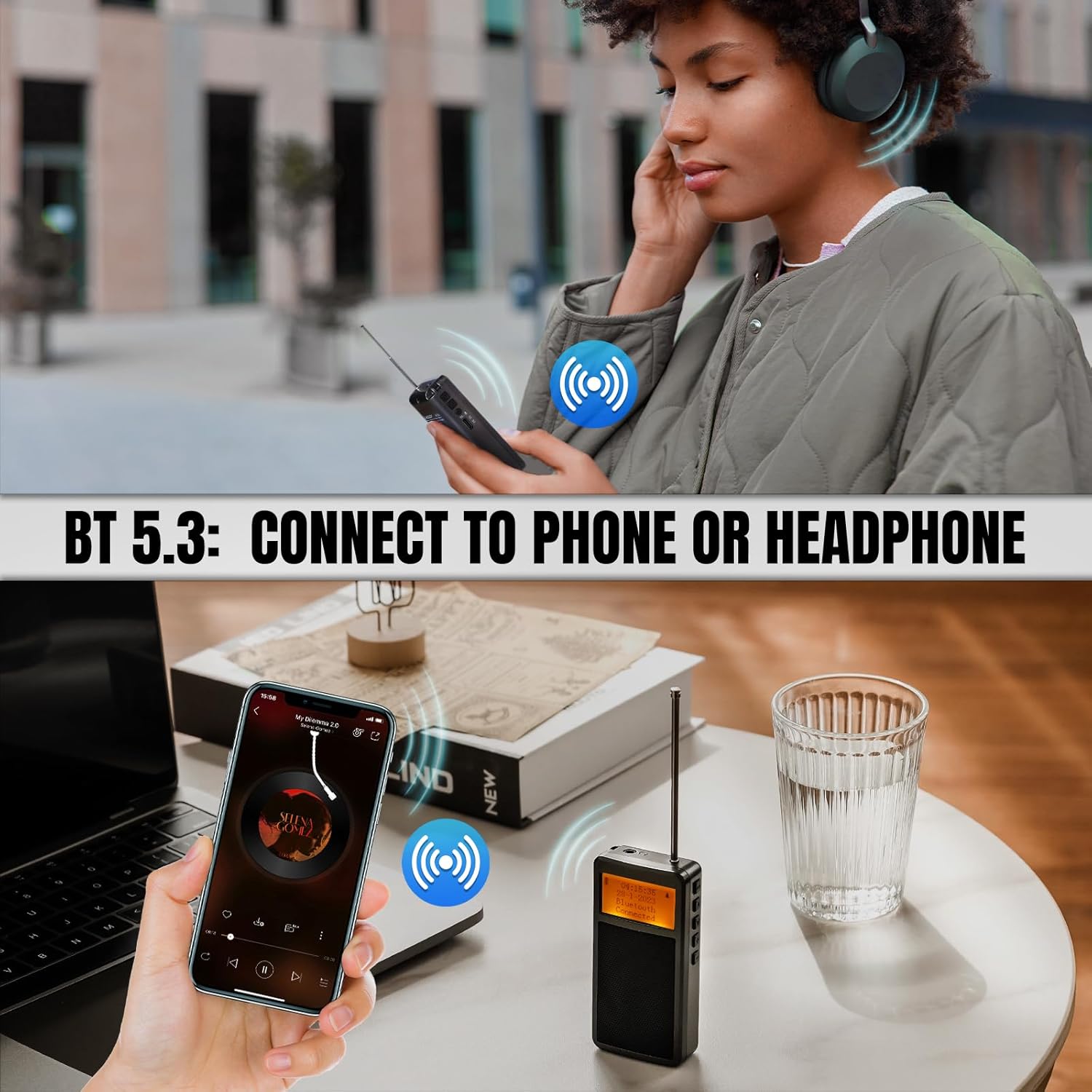
Image: Illustrations showing the Raddy RF205's Bluetooth 5.3 capabilities, including connecting to Bluetooth headphones for private listening and functioning as a Bluetooth speaker for a smartphone.
5.3. Time and Alarm Settings
The radio features a time display and an alarm clock. Refer to the specific button combinations in the included quick start guide or the full manual for setting the time and configuring alarms. Typically, a "Mode" or "Set" button is used to cycle through settings, and tuning buttons adjust values.
6. Manteniment
- Neteja: Feu servir un drap suau i sec per netejar l'exterior de la ràdio. No utilitzeu productes de neteja abrasius ni dissolvents.
- Emmagatzematge: Guardeu la ràdio en un lloc fresc i sec, allunyat de la llum solar directa i de temperatures extremes.
- Cura de la bateria: To prolong battery life, avoid fully discharging the battery frequently. Recharge the radio regularly, even if not in use, to maintain battery health.
- Antena: Handle the telescopic antenna with care to prevent bending or breaking.
7. Solució De Problemes
| Problema | Possible causa/solució |
|---|---|
| Sense electricitat / La ràdio no s'encén | Battery is depleted. Connect to a Type-C charger and allow it to charge for at least 15 minutes before attempting to power on again. Ensure the charging cable and power source are functional. |
| Mala recepció FM |
|
| Problemes de connexió Bluetooth |
|
| La pantalla està en blanc o il·legible |
|
| Distorsió del so o volum baix |
|
8. Especificacions
| Característica | Detall |
|---|---|
| Número de model | 420922790 |
| Dimensions del producte | 2 x 2 x 4 polzades (aprox. 5.08 x 5.08 x 10.16 cm) |
| Pes de l'article | 5.3 unces (aproximadament 150 grams) |
| Bateria | 1 bateria de ions de liti (500 mAh) |
| Port de càrrega | Tipus-C |
| Tecnologia de connectivitat | Bluetooth 5.3 |
| Tecnologia del sintonitzador | FM (87.5-108 MHz) |
| Característiques especials | Portable, Alarm Clock, MP3 Music Player Speaker |
| Color | Gris |
9. Garantia i Suport
Raddy products are designed for reliability and performance. For specific warranty details, please refer to the warranty card included with your product or visit the official Raddy website. In case of any issues or questions regarding your RF205 radio, please contact Raddy customer support through their official channels or the retailer from whom you purchased the product.
Manufacturer: Raddy
Per a més ajuda, podeu visitar el Raddy Brand Store on Amazon.


