Introducció
This manual provides essential information for the safe and efficient use of your Anker USB-C Flow Cord (Model A8553). Please read these instructions carefully before using the product and retain them for future reference.
Producte acabatview
Característiques clau
- Soft Silicone Exterior: Provides a skin-friendly and comfortable feel, preventing tangles.
- 25,000+ Bend Lifespan: Engineered for durability, withstanding extensive bending.
- 480 Mbps Data Transfer: Supports efficient data synchronization between devices.
- Càrrega ràpida de 240 W: Delivers high-speed power delivery for compatible devices.
Què hi ha a la caixa
- Anker USB-C Flow Cord (Model A8553)
- Silicone Cable Tie (for organization)
Visuals del producte
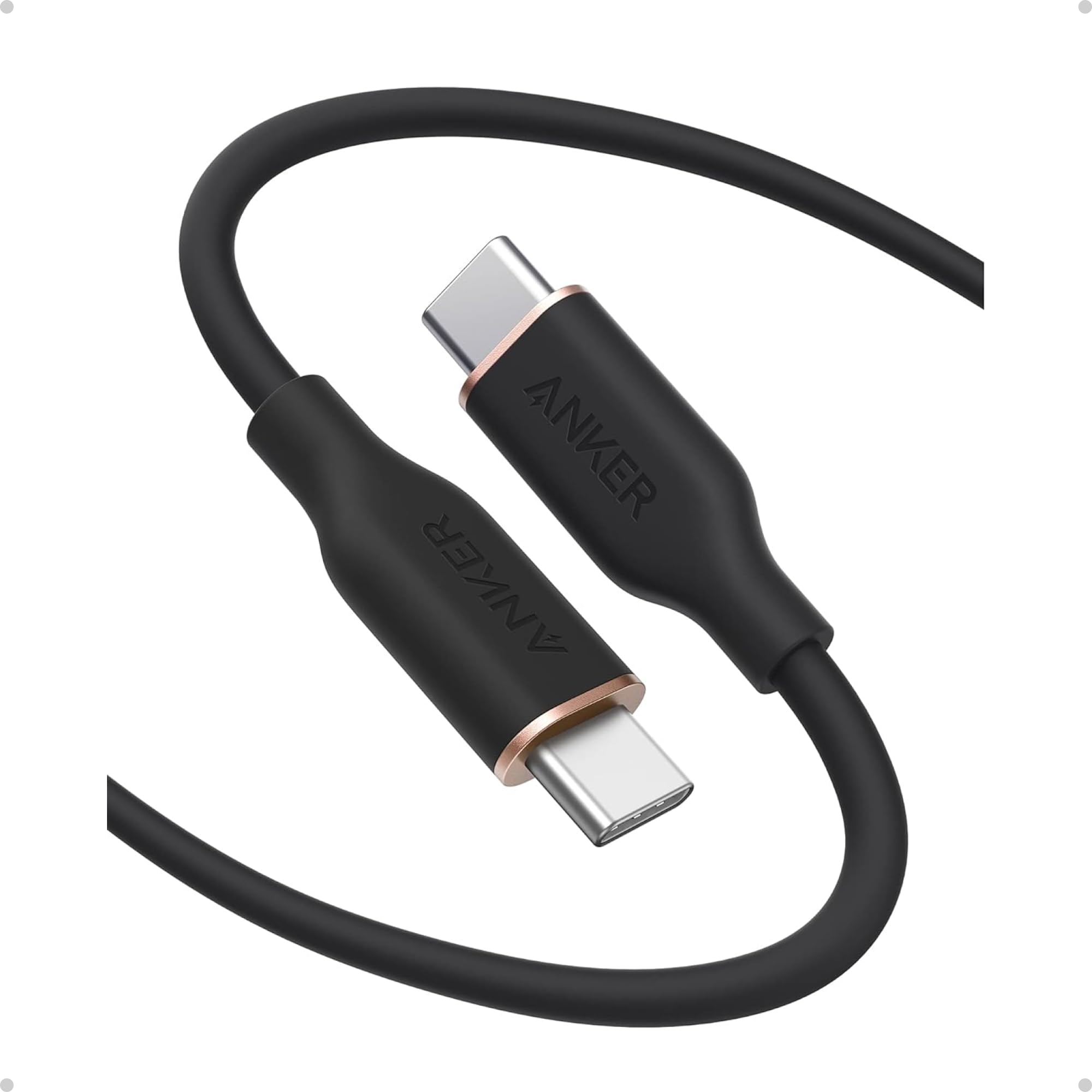
Figure 1: Anker USB-C Flow Cord (Model A8553) in black, 6 feet length.
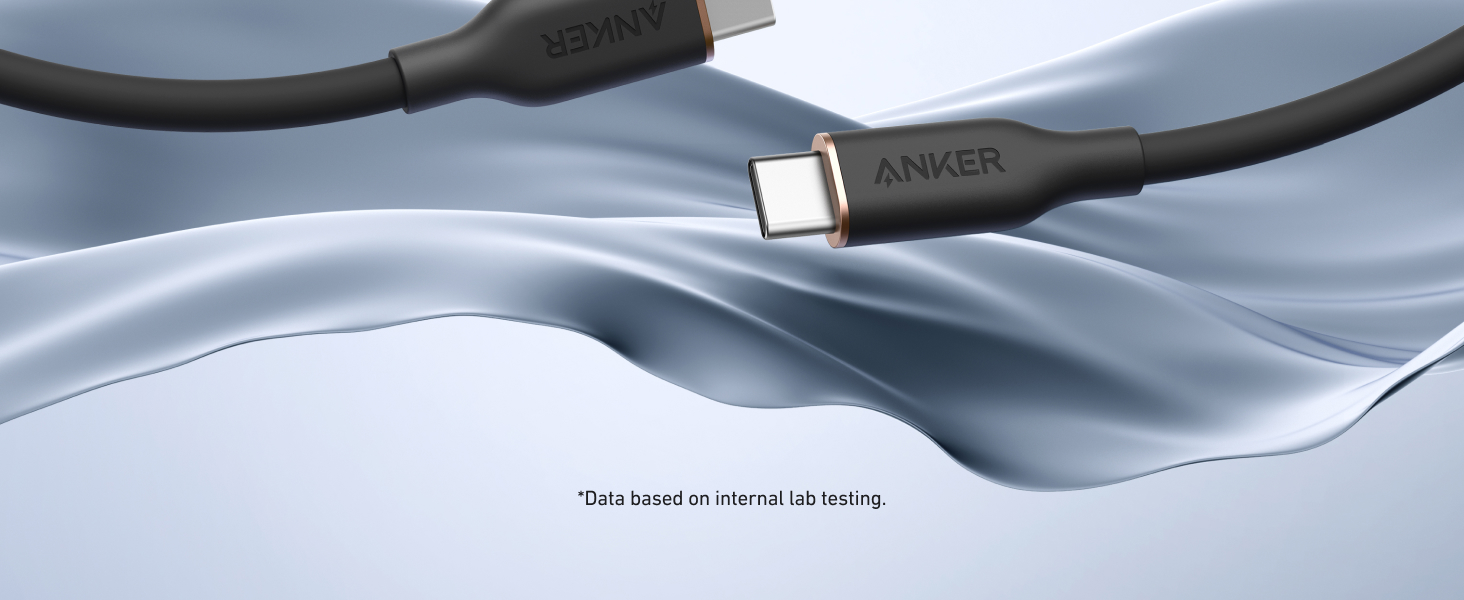
Figure 2: Demonstrates the soft, skin-friendly silicone exterior of the cable.

Figure 3: Illustration of the cable's 240W ultra-fast charging capability, showing a MacBook Pro charging to 50% in 26 minutes.

Figure 4: Visual representation of the cable's superior strength, designed to withstand up to 220 lbs and over 25,000 bends.

Figure 5: Comprehensive compatibility chart for the USB-C Flow Cord, showing support for a wide range of Apple, Samsung, and other USB-C devices.
Configuració
- Desembalar: Carefully remove the Anker USB-C Flow Cord from its packaging.
- Inspeccionar: Check the cable and connectors for any signs of damage. Do not use if damaged.
- Connectar: Insert one end of the USB-C cable into a compatible power adapter or device's USB-C port.
- Connectar el dispositiu: Insert the other end of the USB-C cable into your target device's USB-C port for charging or data transfer.
Instruccions de funcionament
Carregant
To charge your device, connect the Anker USB-C Flow Cord to a compatible USB-C power adapter (up to 240W) and then to your device. Ensure both the power adapter and your device support the desired charging wattage for optimal performance. The cable is designed to deliver power efficiently and safely.
Transferència de dades
For data transfer, connect the Anker USB-C Flow Cord between two compatible USB-C devices. The cable supports data transfer speeds of up to 480 Mbps (USB 2.0 standard). This allows for quick synchronization of files, photos, and other data between your devices.
Compatibilitat
The Anker USB-C Flow Cord is designed for wide compatibility with various USB-C enabled devices. Compatible devices include, but are not limited to:
- Dispositius Apple: iPhone 15 Series, iPhone 16 Series, iPhone 17 Series, MacBook Pro (2020 and newer), MacBook Air (2018 and newer), iPad Pro 12.9" (5th/4th/3rd Gen), iPad Pro 11" (4th/3rd/2nd/1st Gen), iPad Air (5th/4th Gen).
- Dispositius Samsung: Galaxy S20 Series, Galaxy S24 Series, Galaxy Note10 Series, Galaxy Note20 Series, Google Pixel 5 Series, Google Pixel 6 Series, Google Pixel 7 Series, Google Pixel 8 Series, Google Pixel 3 XL, Google Pixel 4 XL, Google Pixel 5 XL.
- Altres dispositius: Lenovo ThinkPad E490 / X390 / X1 Carbon (2019 / 2023), Lenovo Yoga 720, and other USB-C enabled smartphones, tablets, and laptops.
Note: This cable does not support screen mirroring and offers limited charging speed for the 16" MacBook Pro (2021 / 2022).
Manteniment
- Neteja: Wipe the cable with a soft, dry cloth. Avoid using harsh chemicals or abrasive materials.
- Emmagatzematge: Store the cable in a cool, dry place. Use the included silicone cable tie to keep it neatly coiled and prevent tangles.
- Manipulació: Avoid excessive force when plugging or unplugging the cable. Do not bend the cable sharply at the connectors.
- Temperatura: No exposeu el cable a temperatures extremes ni a la llum solar directa durant períodes prolongats.
Resolució de problemes
Device Not Charging or Charging Slowly
- Assegureu-vos que els dos extrems del cable estiguin ben connectats.
- Verify that your power adapter is functioning correctly and is compatible with your device's charging requirements.
- Comprova si el port de càrrega del dispositiu està net i lliure de brutícia.
- Confirm that your power adapter supports the required wattage for fast charging (up to 240W for this cable).
No Data Transfer
- Ensure both devices are properly connected via the USB-C Flow Cord.
- Check the settings on both devices to ensure data transfer is enabled.
- Restart both devices and try connecting again.
Cable Appears Damaged
If the cable or connectors show signs of physical damage (fraying, bending, discoloration), discontinue use immediately to prevent potential hazards. Contact customer support for assistance.
Especificacions
| Marca | Anker |
| Número de model | A8553 |
| Tipus de connector | USB C a USB C |
| Tipus de cable | USB C a USB C |
| Característica especial | Silicone exterior |
| Velocitat de transferència de dades | 480 megabits per segon (USB 2.0) |
| Wattage | 240 watts |
| Volum màximtage | 20 Volts |
| Pes de l'article | 2.24 unces |
| Longitud | 6 peus (1.8 metres) |
| Color | Negre |
| UPC | 194644212698 |
Garantia i Suport
The Anker USB-C Flow Cord comes with an 18 mesos de garantia from the date of purchase. This warranty covers manufacturing defects and ensures reliable performance. For warranty claims, technical support, or any product-related inquiries, please contact Anker customer service through their official weblloc web o el venedor on es va comprar el producte.
Please have your proof of purchase and the product model number (A8553) ready when contacting support.
Vídeos de productes
Video 1: Anker USB-C Cable features, highlighting its long-lasting, tangle-free design and available colors. This video demonstrates the cable's flexibility and material quality.
Video 2: Anker Premium USB Cable overview, espectacleasing its design and functionality for various devices.