1. Introducció
Thank you for choosing the Oraolo BS02 Portable Bluetooth Speaker. This manual provides essential information for setting up, operating, and maintaining your speaker. Please read it carefully before use to ensure optimal performance and longevity of your device.
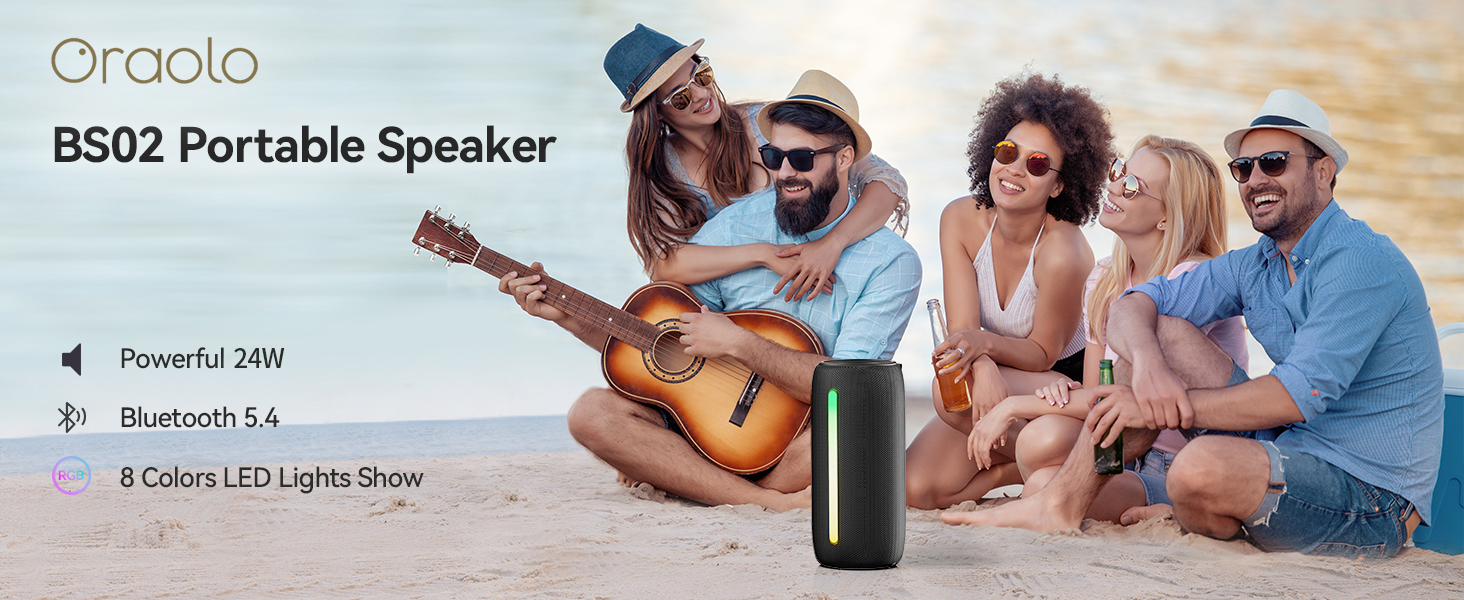
Image: The Oraolo BS02 Portable Speaker in an outdoor setting, highlighting its portability and suitability for gatherings.
2. Contingut del paquet
Si us plau, comproveu el paquet per veure si hi ha els elements següents:
- 1 x Oraolo BS02 Bluetooth Speaker
- 1 x cable de càrrega tipus C
- 1 cable d'entrada auxiliar
- 1 x Manual d'usuari (aquest document)
3. Producte acabatview
Familiaritzeu-vos amb els components i els controls de l'altaveu.
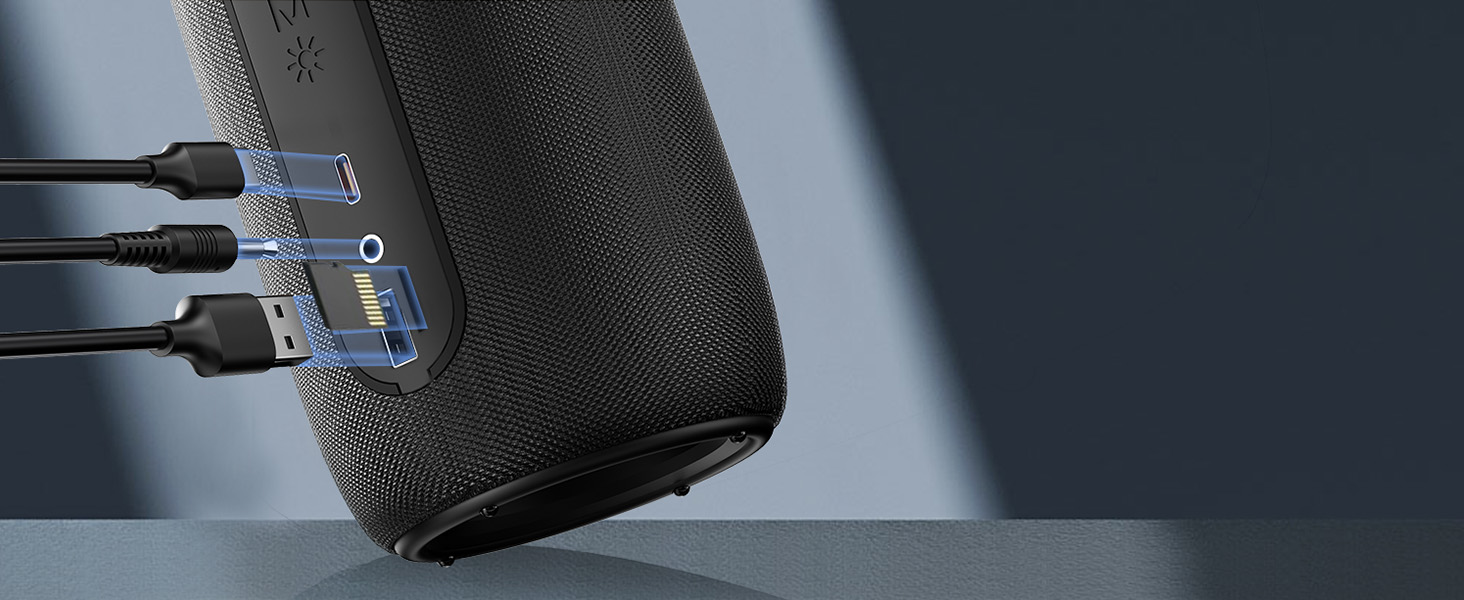
Image: Detailed diagram showing the control buttons and their corresponding functions on the Oraolo BS02 speaker.
3.1. Botons i funcions
| Botó/indicador | Premsa breu | Premsa llarga | Twice Press |
|---|---|---|---|
| Botó d'encendre (⏸) | Reproduir / Pausa | Encès / apagat | Phone Call Option |
| Pujar volum (+) | Puja el volum | Pista següent | N/A |
| Baixar volum (-) | Baixa el volum | Pista anterior | N/A |
| Botó de llum (☀) | Canvi de llum | Llum ON / OFF | N/A |
| Botó de mode (M) | Mode d'entrada | Mode Bluetooth | Emparellament TWS |
3.2. Ports

Imatge: Una imatge detallada view of the speaker's connectivity ports, including Type-C for charging, AUX-in, TF Card slot, and USB port.
- Port de tipus C: Per carregar l'altaveu.
- Port d'entrada AUX: Per connectar dispositius d'àudio externs mitjançant un cable d'àudio de 3.5 mm.
- Ranura per a targetes TF: Per reproduir música directament des d'una targeta TF (MicroSD).
- Port USB: For connecting USB storage devices to play music.
4. Configuració i connexió
4.1. Carregant l’altaveu
Before first use, fully charge the speaker. Connect the provided Type-C charging cable to the speaker's Type-C port and the other end to a USB power adapter (not included) or a computer's USB port. The charging indicator light will show charging status and turn off when fully charged. A full charge takes approximately 2 hours.
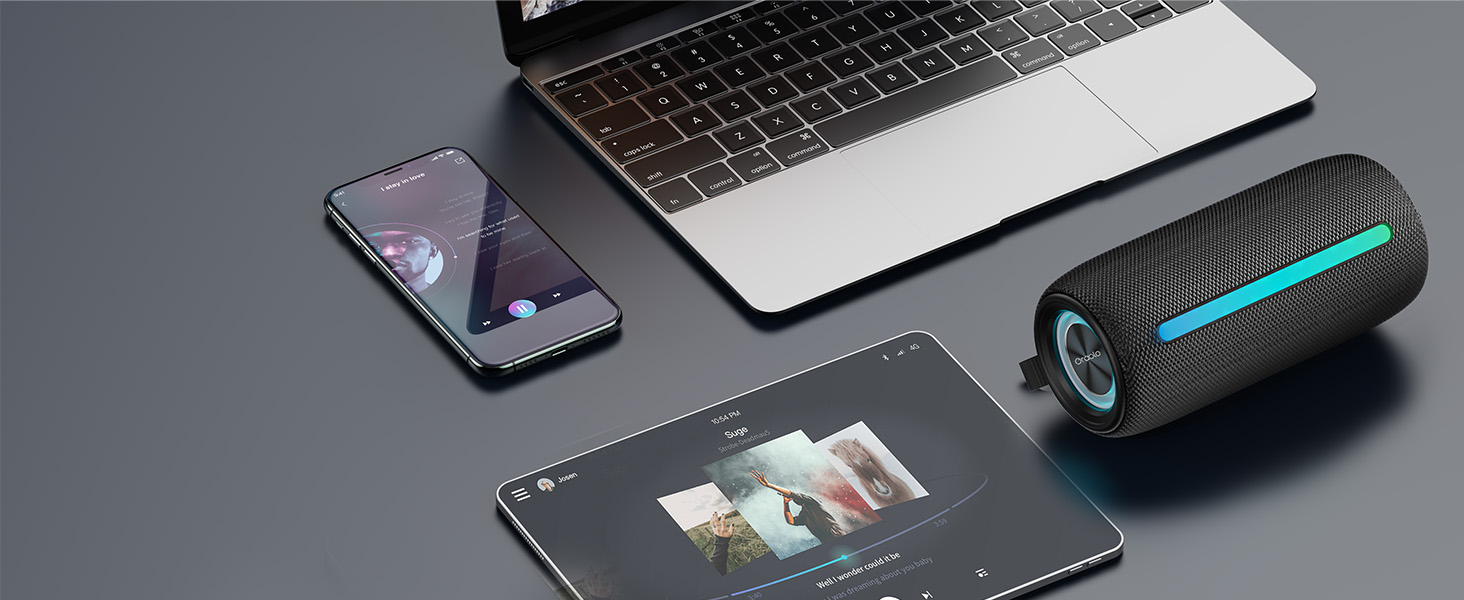
Image: The speaker connected via its Type-C port for charging, illustrating the charging process.
4.2. Emparellament Bluetooth
- Encès: Premeu llargament el botó d'engegada (⏸) to turn on the speaker. It will automatically enter Bluetooth pairing mode, indicated by a flashing blue light.
- Activa el Bluetooth: Al dispositiu (telèfon intel·ligent, tauleta, ordinador), activeu el Bluetooth.
- Selecciona l'altaveu: Cerca "Oraolo BS02" in the Bluetooth device list and select it to connect.
- Confirmació de connexió: Once connected, the speaker will emit a confirmation tone, and the blue light will stop flashing and remain solid.
L'altaveu es tornarà a connectar automàticament al darrer dispositiu emparellat quan s'engegui, si el dispositiu es troba dins del rang i el Bluetooth està habilitat.
4.3. Emparellatge estèreo sense fil veritable (TWS)
You can pair two Oraolo BS02 speakers together for a powerful 48W 360° surround sound experience.
- Power On Both Speakers: Turn on both Oraolo BS02 speakers. Ensure they are not connected to any other Bluetooth devices.
- Initiate TWS Pairing: On one of the speakers (this will be the primary speaker), double press the Mode button (M). The speaker will enter TWS pairing mode.
- Connexió automàtica: The two speakers will automatically search for and connect to each other. A confirmation tone will sound once TWS pairing is successful.
- Connecta't al dispositiu: Now, connect your device to the primary speaker via Bluetooth as described in section 4.2. Both speakers will play audio simultaneously.

Image: Illustration of two Oraolo BS02 speakers connected via TWS, demonstrating the enhanced 48W stereo sound.
To disconnect TWS, double press the Mode button (M) on either speaker again.
4.4. AUX-in Mode
Connect an external audio device (e.g., MP3 player, computer) to the speaker using the provided 3.5mm AUX IN cable. The speaker will automatically switch to AUX-in mode. Use your connected device to control playback.
4.5. TF Card / USB Mode
Insert a TF (MicroSD) card or a USB flash drive into the respective port. The speaker will automatically detect the storage device and begin playing audio files. Use the speaker's controls to manage playback.
5. Instruccions de funcionament
5.1. Reproducció de música
- Reproduir/pausa: Premeu breument el botó d'engegada (⏸).
- Pujar el volum: Short press the Volume Up button (+).
- Baixar el volum: Short press the Volume Down button (-).
- Pista següent: Long press the Volume Up button (+).
- Pista anterior: Long press the Volume Down button (-).
5.2. Trucades amb mans lliures
- Respondre/Finalitzar la trucada: Double press the Power button (⏸).
- Rebutja la trucada: Premeu llargament el botó d'engegada (⏸) during an incoming call.
5.3. Modes d'il·luminació RGB
The speaker features dynamic RGB lighting effects. You can change the lighting mode or turn the lights off.

Image: Visual representation of the different RGB lighting modes available on the speaker, including static colors and dynamic effects.
- Canvia el mode de llum: Short press the Light button (☀) to cycle through available modes (Solid Color, Breath Gradient, Lights Blink).
- Turn Lights ON/OFF: Long press the Light button (☀).
Note: Turning off the RGB lights can extend battery playtime significantly.
6. Manteniment i cura
- Neteja: Netegeu l'altaveu amb un suau, damp tela. No utilitzeu productes químics aggressivs ni netejadors abrasius.
- Resistència a l'aigua: The speaker is IPX6 waterproof, meaning it can withstand powerful water jets. Do not submerge the speaker in water. Ensure the charging port cover is securely closed before exposure to water.
- Emmagatzematge: Guardeu l'altaveu en un lloc fresc i sec, allunyat de la llum solar directa i de temperatures extremes.
- Bateria: Per allargar la durada de la bateria, carregueu l'altaveu almenys un cop cada tres mesos si no l'utilitzeu regularment.

Image: The speaker being splashed with water, illustrating its IPX6 waterproof capability for outdoor use.
7. Solució De Problemes
| Problema | Causa possible | Solució |
|---|---|---|
| L'altaveu no s'encén. | Bateria baixa. | Carregueu l'altaveu completament. |
| No es pot emparellar amb un dispositiu Bluetooth. | Speaker not in pairing mode; Device Bluetooth off; Too far from speaker; Previously connected to another device. | Ensure speaker is in pairing mode (flashing blue light). Turn Bluetooth on/off on your device. Move device closer to speaker. Disconnect from other devices. |
| Sense so. | Volum massa baix; Mode d'entrada incorrecte; El dispositiu no reprodueix. | Increase speaker and device volume. Press 'M' button to cycle through input modes. Ensure audio is playing on your device. |
| L'emparellament TWS ha fallat. | Speakers too far apart; One speaker already connected to a device. | Ensure both speakers are close to each other. Disconnect both speakers from any Bluetooth devices before initiating TWS pairing. |
| Durada de la bateria curta. | RGB lights are on; High volume level. | Turn off RGB lights by long pressing the Light button. Reduce volume level. |
8. Especificacions
| Característica | Detall |
|---|---|
| Nom del model | Oraolo BS02 |
| Potència de sortida | 24W (Single Speaker), 48W (TWS Paired) |
| Versió Bluetooth | 5.4 |
| Classificació impermeable | IPX6 |
| Hora de joc | Up to 10 hours (at 50% volume, lights off) |
| Temps de càrrega | Aprox. 2 hores |
| Port de càrrega | Tipus-C |
| Entrades d'àudio | Bluetooth, AUX-in, TF Card, USB |
| Dimensions (L x A x A) | 10P x 5A x 20H centímetres |
| Pes | 0.45 quilos |
| Material | Plàstic |
9. Garantia i Suport
The Oraolo BS02 Portable Bluetooth Speaker comes with a limited warranty. Please refer to the warranty card included in your package for specific terms and conditions. For technical support, troubleshooting assistance, or warranty claims, please contact Oraolo customer service through the retailer where you purchased the product or visit the official Oraolo weblloc.
Fabricant: Oraolo
Lloc de treball: US


