1. Introducció
The FunFlix G1 Mini Projector is a compact and versatile device designed for home entertainment and portable use. This manual provides essential information for setting up, operating, and maintaining your projector to ensure optimal performance and longevity.
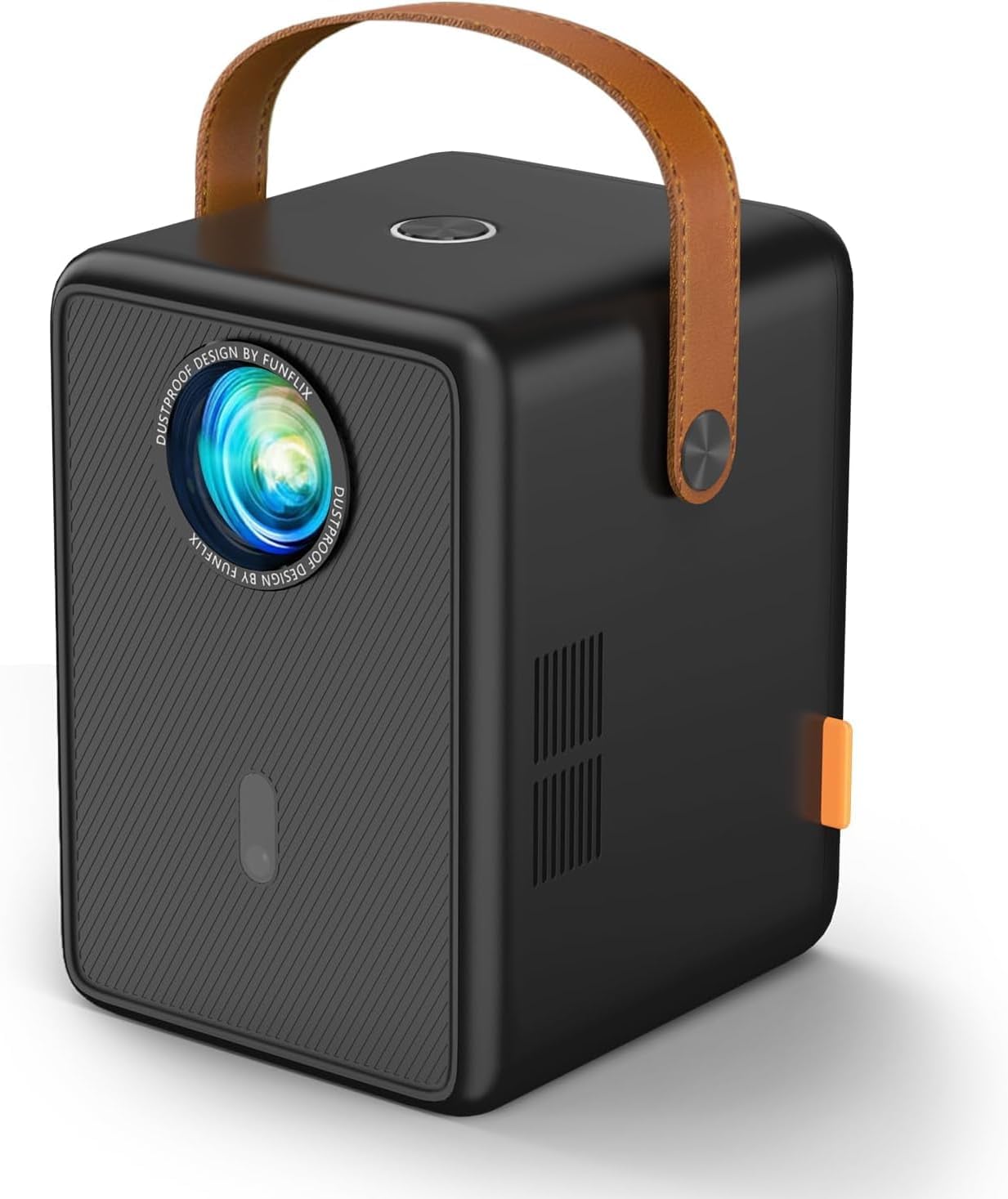
Figure 1: FunFlix G1 Mini Projector. This compact device features a sleek design with a leather handle for easy portability.
2. Què hi ha a la caixa
- FunFlix G1 Mini Projector (x1)
- Manual d'instruccions (x1)
- Cable HDMI (x1)
- Cable AV (x1)
- Cable d'alimentació (x1)
3. Configuració
3.1 Connexió d'alimentació
- Connecteu el cable d'alimentació al port d'entrada d'alimentació del projector.
- Connecteu l'altre extrem del cable d'alimentació a una presa de corrent adequada.
- Premeu el botó d'encesa del projector o del comandament a distància per encendre el dispositiu.
3.2 Ajust de l'enfocament i la distorsió trapezoidal
The projector features electric focus and 4P/4D keystone correction for optimal image clarity and shape.
- Enfocament elèctric: Use the remote control to adjust the focus until the image is sharp and clear. This feature allows for quick and precise adjustments.
- 4P/4D Keystone Correction: If the projected image appears trapezoidal, use the remote control to access the keystone correction settings. Adjust the four corners or four sides of the image to achieve a perfect rectangular display.
- Funció de zoom: The projector supports 50%-100% zoom, allowing you to adjust the screen size without moving the projector.

Figure 2: Illustrates the 4D Keystone Correction feature, allowing for flexible image adjustment from various angles.

Figure 3: Demonstrates the electric focus and 50%-100% zoom capabilities, enabling precise image sizing and clarity.
3.3 Connectivitat
The FunFlix G1 offers multiple connectivity options:
- HDMI: Connect devices like laptops, TV sticks, gaming consoles (PS5), and Chromecast using the provided HDMI cable.
- USB: Plug in USB drives for direct media playback.
- Sortida d'àudio de 3.5 mm: Connecteu auriculars o altaveus externs per millorar l'àudio.
- WiFi 6: Supports 2.4G and 5G dual WiFi for stable and fast wireless mirroring from Android and iOS devices.
- Bluetooth 5.2: Connecteu auriculars o altaveus Bluetooth sense fil.
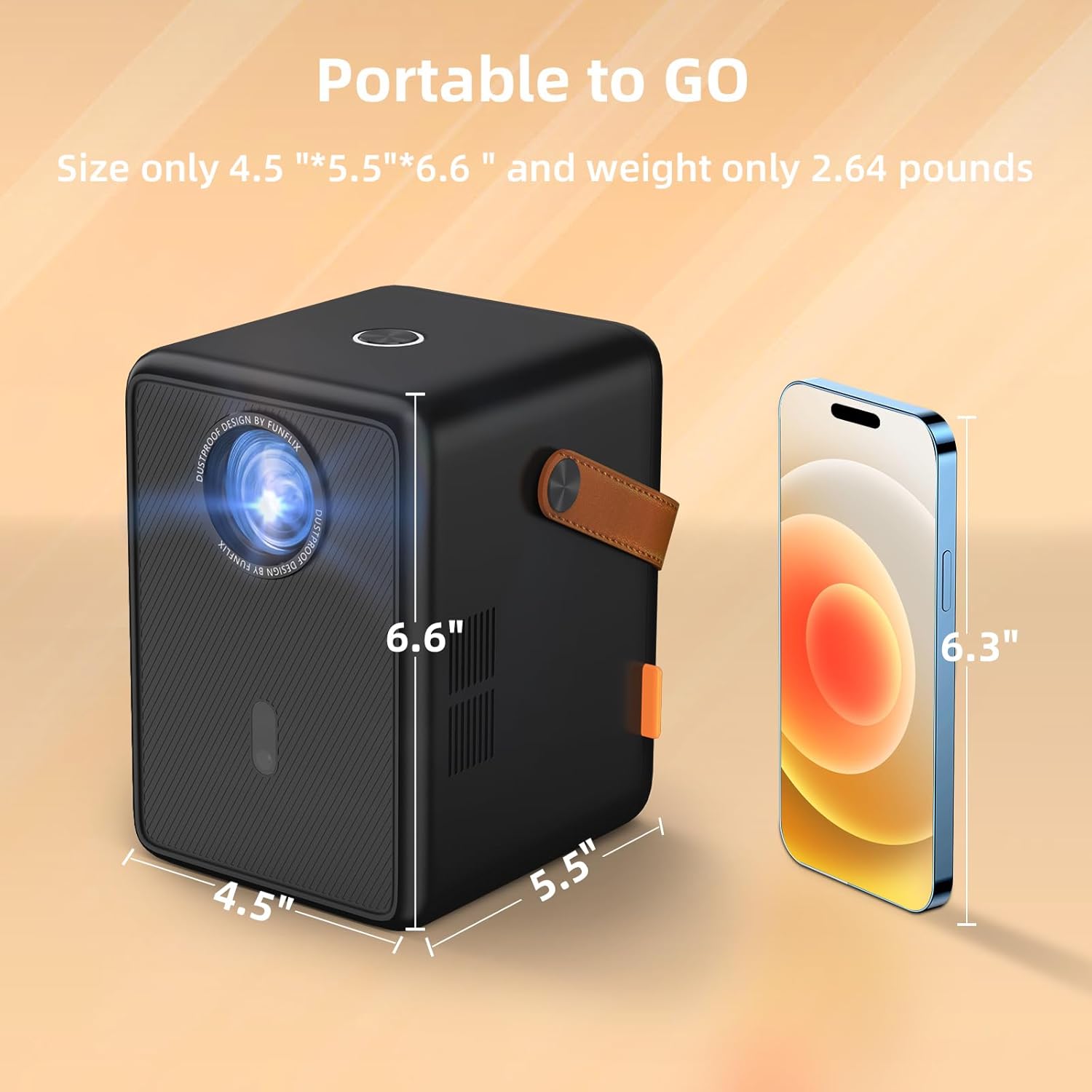
Figura 4: posterior view of the projector showing HDMI, USB, and audio ports for diverse connectivity.

Figure 5: Illustration of the upgraded Bluetooth 5.2 function, allowing seamless connection to external audio devices.
4. Instruccions de funcionament
4.1 Funcionament bàsic
- Encès/apagat: Premeu el botó d’engegada del projector o del comandament a distància.
- Navegació: Use the arrow keys and OK button on the remote control to navigate through the on-screen menu.
- Selecció de la font: Select the desired input source (HDMI, USB, Screen Mirroring) from the main menu.
4.2 Mirall de pantalla
The projector supports wireless screen mirroring via WiFi 6 for Android and iOS devices.
- Assegureu-vos que el dispositiu mòbil i el projector estiguin connectats a la mateixa xarxa Wi-Fi.
- Seleccioneu "Screen Mirroring" al menú principal del projector.
- On your mobile device, activate the screen mirroring function (e.g., 'Screen Mirroring' on iOS, 'Smart View' or 'Cast' on Android) and select the projector from the list of available devices.
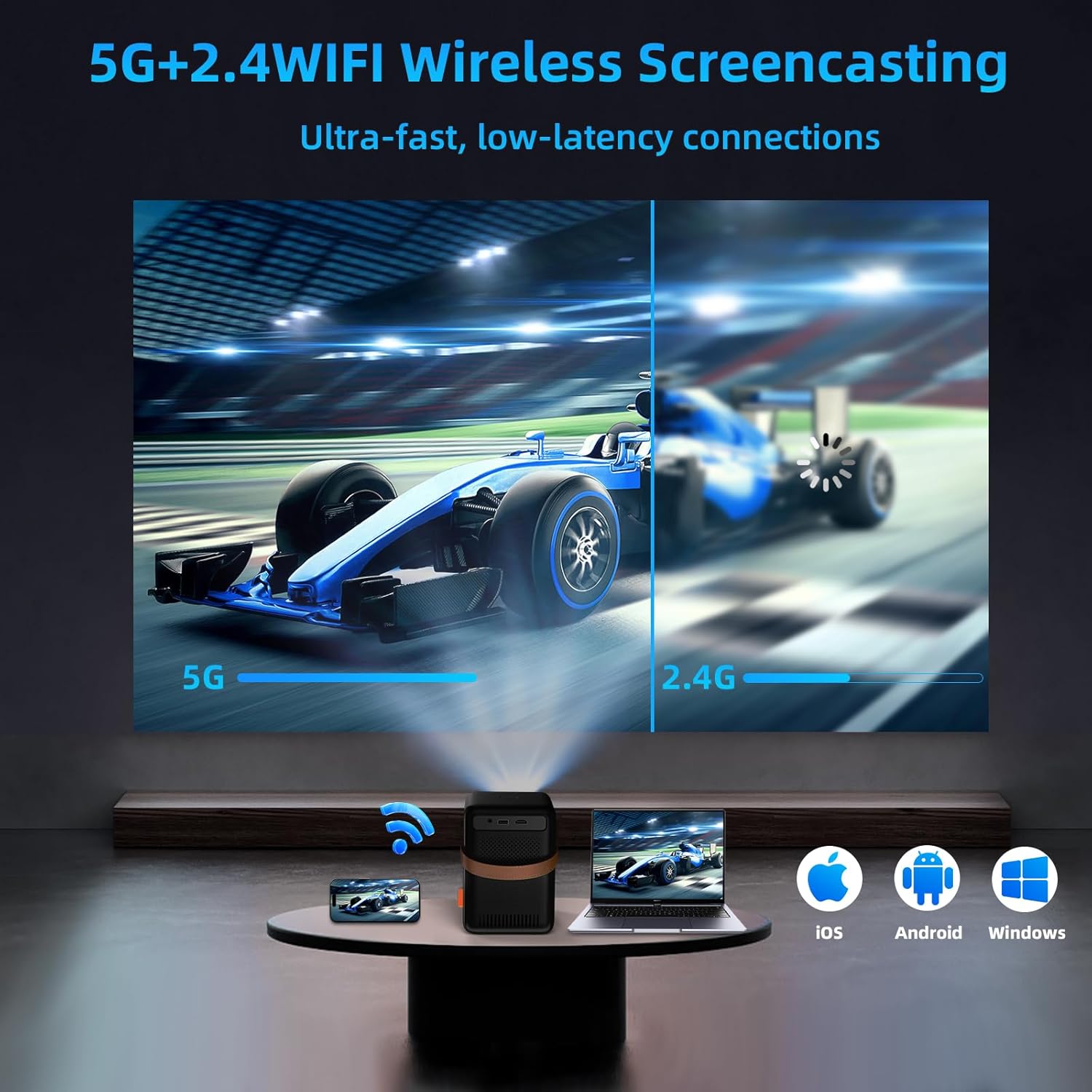
Figure 6: Demonstrates wireless screencasting from various devices (iOS, Android, Windows) using 5G+2.4 WiFi.
4.3 Reproducció multimèdia
Play media directly from a USB drive or connected HDMI device.
- Reproducció USB: Insert a USB drive into the USB port. Select 'Media' or 'File Manager' from the main menu to browse and play your files.
- HDMI Playback: Connect your device via HDMI. Select 'HDMI' as the input source.
4.4 Projection Settings
Access the 'Settings' menu to fine-tune your projection experience.
- Mode de projecció: Adjust settings for front, rear, ceiling, or desktop projection.
- Zoom Settings: Fine-tune the 50%-100% zoom level.
- Auto Trapezoid: Enable or disable automatic keystone correction.
- Keystone manual: Manually adjust 4-point or 4-side keystone correction for precise image shaping.
5. Manteniment
5.1 Neteja
The FunFlix G1 projector features an IP5X dustproof design to minimize dust accumulation and extend its lifespan.
- Regularly wipe the projector's exterior with a soft, dry cloth.
- Per a la lent, feu servir un drap i una solució especials per netejar lents. Eviteu materials abrasius.
- Ensure ventilation vents are clear of obstructions to prevent overheating.

Figure 7: Highlights the IP5X dustproof feature, designed to prevent dust from entering and ensure a clearer picture over time.
6. Solució De Problemes
- Sense energia: Check if the power cable is securely connected and the power outlet is functional.
- Sense imatge: Ensure the correct input source is selected. Check HDMI/USB cable connections. Adjust focus.
- Imatge borrosa: Adjust the electric focus ring. Use keystone correction if the image is distorted.
- Sense so: Check volume levels on both the projector and the connected device. Ensure external speakers/headphones are properly connected or paired via Bluetooth.
- Problemes de connexió sense fil: Verify both devices are on the same WiFi network. Restart the projector and mobile device.
7. Especificacions
- Resolució nativa: 1280 x 720P (Supports 1080P Full HD)
- Brillantor: 13000 lúmens
- Relació de contrast: 15000:1
- Mida de projecció: Fins a 300 polzades
- Focus: Enfocament elèctric
- Correcció Keystone: 4P/4D Keystone Correction
- Zoom: 50%-100%
- WiFi: WiFi 6 (2.4G & 5G Dual Band)
- Bluetooth: Bluetooth 5.2
- Àudio: Built-in High-Fidelity Stereo Surround Speakers
- Connectivitat: HDMI, USB, 3.5mm Audio Out
- Dimensions: 5.2 x 6.18 x 6.88 polzades (13.2 x 15.7 x 17.5 cm)
- Pes: 2.64 lliures (1.2 kg)
- Característiques especials: IP5X Dustproof, Low Noise
8. Garantia i Suport
FunFlix offers a three-year warranty for this product. In case of damage, a free replacement service will be provided. For further assistance or support, please refer to the contact information provided in your product packaging or visit the official FunFlix weblloc.


