1. Introducció
This manual provides detailed instructions for the setup, operation, and maintenance of your MOREFINE M8S Mini PC. Please read this manual thoroughly before using the device to ensure proper functionality and longevity.
2. Contingut del paquet
Verifiqueu que tots els elements siguin presents al paquet:
- 1 x MOREFINE M8S Mini PC
- 1 x adaptador de corrent
- 1 x Manual d'usuari
- 1 x cable HDMI
3. Producte acabatview
The MOREFINE M8S is a compact and powerful mini PC designed for various applications, from home entertainment to office tasks. It features a 12th Gen Intel N95 processor, 12GB LPDDR5 RAM, and a 500GB NVMe M.2 SSD.

Figure 3.1: The compact MOREFINE M8S Mini PC, shown held in a hand to illustrate its small size.
Característiques principals:
- Processador: 12th Gen Intel N95 (up to 3.4GHz, 4 Cores/4 Threads)
- Memòria: 12GB LPDDR5 4800MHz RAM (non-removable)
- Emmagatzematge: 500GB M.2 NVMe SSD (expandable up to 2TB with 2242 NVMe SSD)
- Gràfics: Intel UHD Graphics, supporting 4K@60Hz
- Sortida de visualització: Dual HDMI ports and one DP port for triple display support
- Connectivitat: WiFi 5, Bluetooth 5.0, Ethernet RJ45 1000M
- Ports: USB 3.2 x 3, HDMI x 2, DP x 1, 3.5mm Audio Jack, Type-C x 1 (12V/3A)
- Refrigeració: Pure copper silent fan for efficient heat dissipation
- Funcions addicionals: Auto Power On, Wake On LAN, Support for Linux/Ubuntu OS

Figura 3.2: Mésview of the MOREFINE M8S Mini PC's core specifications, including processor, memory, storage, and cooling system.
Disseny del port:
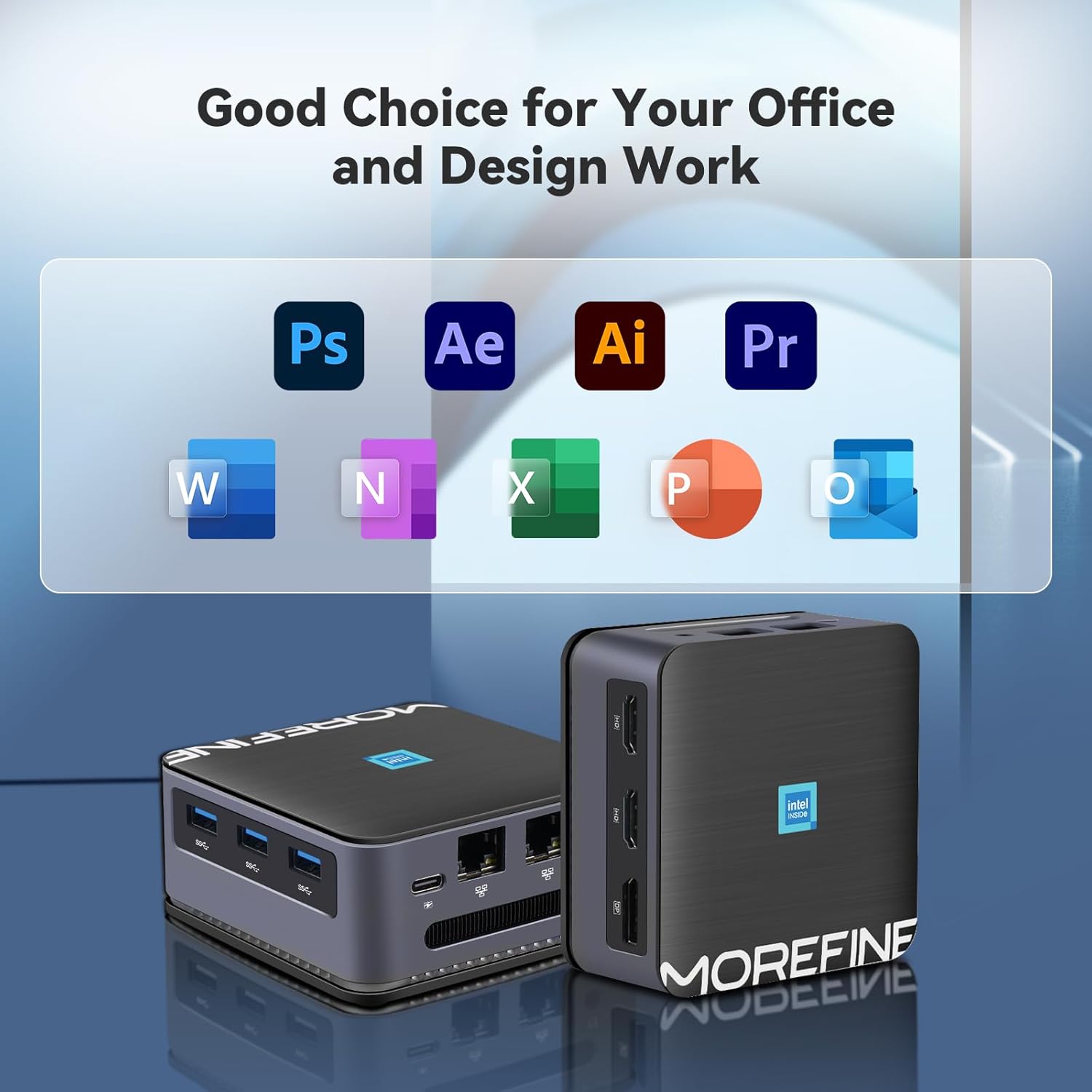
Figure 3.3: The MOREFINE M8S Mini PC displaying its front and rear ports, including USB, HDMI, DP, Ethernet, and Type-C connections.
4. Instruccions de configuració
- Connecta a la pantalla: Use the provided HDMI cable to connect the Mini PC to your monitor or TV. The device supports up to three displays via its dual HDMI ports and one DP port.
- Connecteu els perifèrics: Plug in your keyboard, mouse, and any other USB devices into the available USB 3.2 ports.
- Connecteu-vos a la xarxa: For wired internet, connect an Ethernet cable to the RJ45 port. For wireless internet, ensure your WiFi network is available.
- Connectar l'alimentació: Plug the power adapter into the Mini PC's power input (Type-C 12V/3A) and then into a power outlet.
- Encès: Press the power button located on the front of the Mini PC. The system will boot up.
5. Instruccions de funcionament
Initial Boot and Operating System:
Upon first boot, the Mini PC will typically guide you through the operating system setup (e.g., Windows 11). Follow the on-screen prompts to configure your language, region, network, and user account.
Connecting Multiple Displays:
The MOREFINE M8S supports up to three displays simultaneously. Connect your monitors to the available HDMI and DP ports. The operating system should automatically detect and configure the displays. You can adjust display settings (resolution, orientation, extension/duplication) through your operating system's display settings.
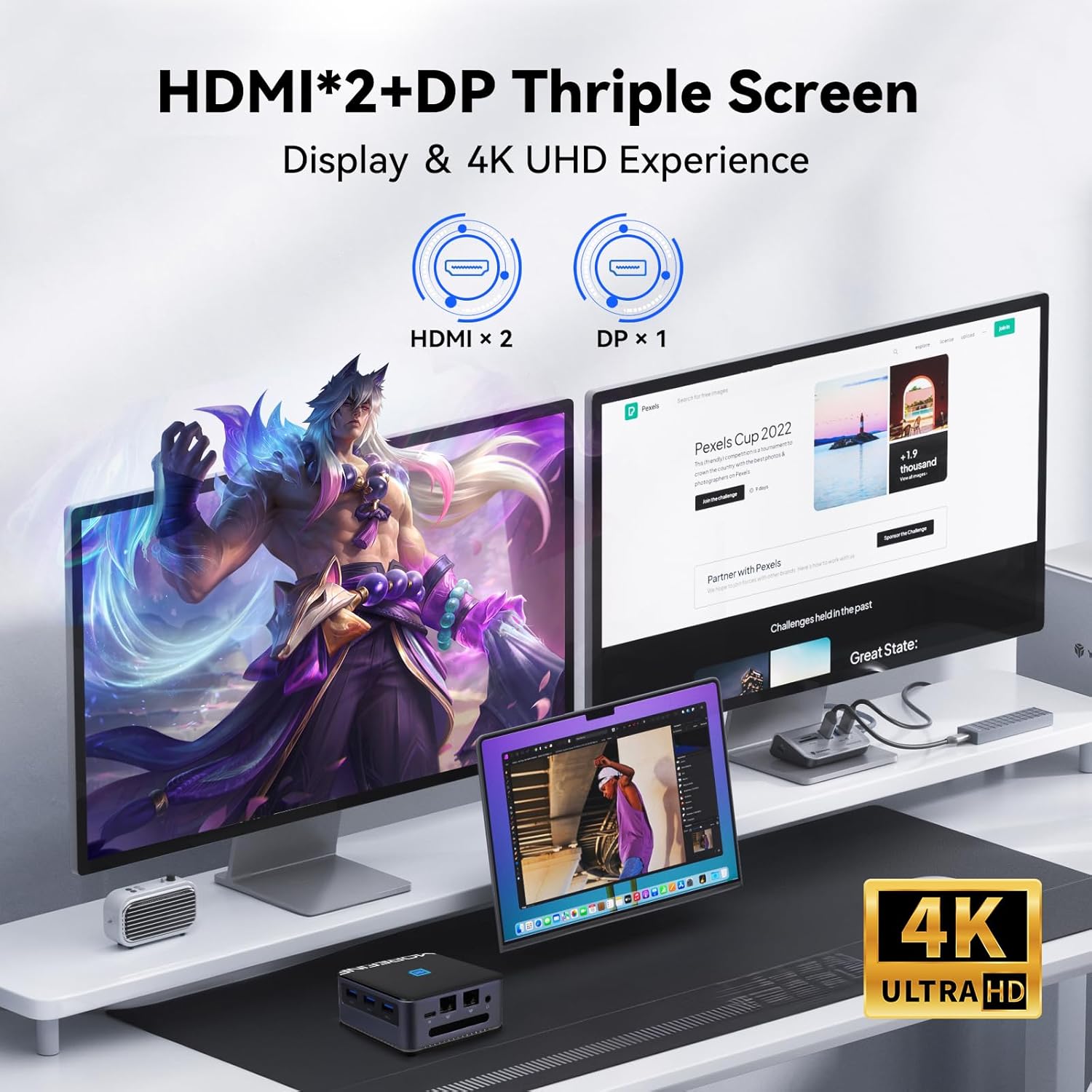
Figure 5.1: The MOREFINE M8S Mini PC connected to three monitors, demonstrating its 4K UHD triple display capability.
Connectivitat de xarxa:
- Wi-Fi: Access your operating system's network settings to connect to a wireless network.
- Bluetooth: Enable Bluetooth in your operating system settings to pair with compatible devices like keyboards, mice, or headphones.
- Ethernet: For a stable wired connection, ensure an Ethernet cable is connected to the RJ45 port.
Gestió d'energia:
- Apagar: Always shut down the Mini PC properly through the operating system to prevent data loss.
- Wake On LAN: This feature allows you to power on the Mini PC remotely over a network. Ensure it is enabled in the BIOS/UEFI settings and configured in your network adapter properties.
6. Manteniment
Neteja:
Regularly clean the exterior of the Mini PC with a soft, dry cloth. Ensure ventilation openings are free from dust to maintain optimal cooling performance. Do not use liquid cleaners directly on the device.
Actualitzacions de programari:
Keep your operating system and drivers updated to ensure system stability, security, and performance. Check for updates regularly through your operating system's settings.
Expansió d'emmagatzematge:
The Mini PC supports M.2 2242 NVMe SSD expansion up to 2TB. If you plan to upgrade or add storage, consult a qualified technician or refer to specific upgrade guides to avoid damaging the device.

Figura 6.1: Una explosió view of the MOREFINE M8S Mini PC, showing internal components such as the silent copper cooling fan, M.2 WiFi module, LPDDR5 memory, and M.2 SSD slot.
7. Solució De Problemes
If you encounter issues with your Mini PC, refer to the following common troubleshooting steps:
- Sense energia:
- Assegureu-vos que l'adaptador de corrent estigui connectat correctament tant al Mini PC com a una presa de corrent que funcioni.
- Verifiqueu que la presa de corrent funciona connectant-hi un altre dispositiu.
- Sense pantalla:
- Check that the HDMI/DP cable is securely connected to both the Mini PC and the monitor.
- Assegureu-vos que el monitor estigui encès i configurat a la font d'entrada correcta.
- Prova un cable de pantalla o monitor diferent si és possible.
- Sense connexió a Internet:
- For Wi-Fi, check if other devices can connect to your network. Restart your router if necessary.
- For Ethernet, ensure the cable is properly connected and your router/modem is working.
- Comproveu la configuració de l'adaptador de xarxa al vostre sistema operatiu.
- Rendiment lent:
- Tanca les aplicacions innecessàries que s'executen en segon pla.
- Assegureu-vos que el vostre sistema operatiu i els controladors estiguin actualitzats.
- Check for sufficient free storage space on your SSD.
Si els problemes persisteixen, poseu-vos en contacte amb l'atenció al client per obtenir més ajuda.
8. Especificacions
| Característica | Especificació |
|---|---|
| Processador | 12th Gen Intel N95 (up to 3.4 GHz, 4 Cores, 4 Threads) |
| RAM | 12 GB LPDDR5 4800MHz (non-removable) |
| Emmagatzematge | 500 GB M.2 NVMe SSD (supports 2242 NVMe SSD expansion to 2TB) |
| Coprocessador gràfic | Gràfics Intel UHD |
| Resolució de pantalla màxima | 3840x2160 Pixels (4K@60Hz) |
| Sortida de visualització | 2 x HDMI, 1 x DP (Triple Display Support) |
| Tipus sense fil | Wi-Fi 5 (802.11ac) |
| Bluetooth | Bluetooth 5.0 |
| Ethernet | RJ45 1000M |
| Ports USB | 3 x USB 3.2 |
| Altres ports | 1 x 3.5mm Audio Jack, 1 x Type-C (12V/3A Power Input) |
| Sistema operatiu | OS (Compatible with Windows 11, Linux, Ubuntu) |
| Pes de l'article | Approximately 0.102 ounces (device only) |
| Dimensions | 3.42 x 3.42 x 1.53 polzades (87 x 87 x 39 mm) |
9. Garantia i Suport
For any product defects, updates, or support inquiries, please contact MOREFINE customer service. Refer to the contact information provided with your purchase or visit the official MOREFINE weblloc de recursos de suport.
Nota: Attempting to modify internal components without proper knowledge or authorization may void your warranty.


