Introducció
Thank you for choosing the NBCP Game Controller for PS4. This controller is designed to enhance your gaming experience with advanced features such as Hall Effect sensors, 6-axis gyroscopic motion control, dual motors for vibration feedback, and multi-platform compatibility. Please read this manual carefully to ensure proper setup and operation.
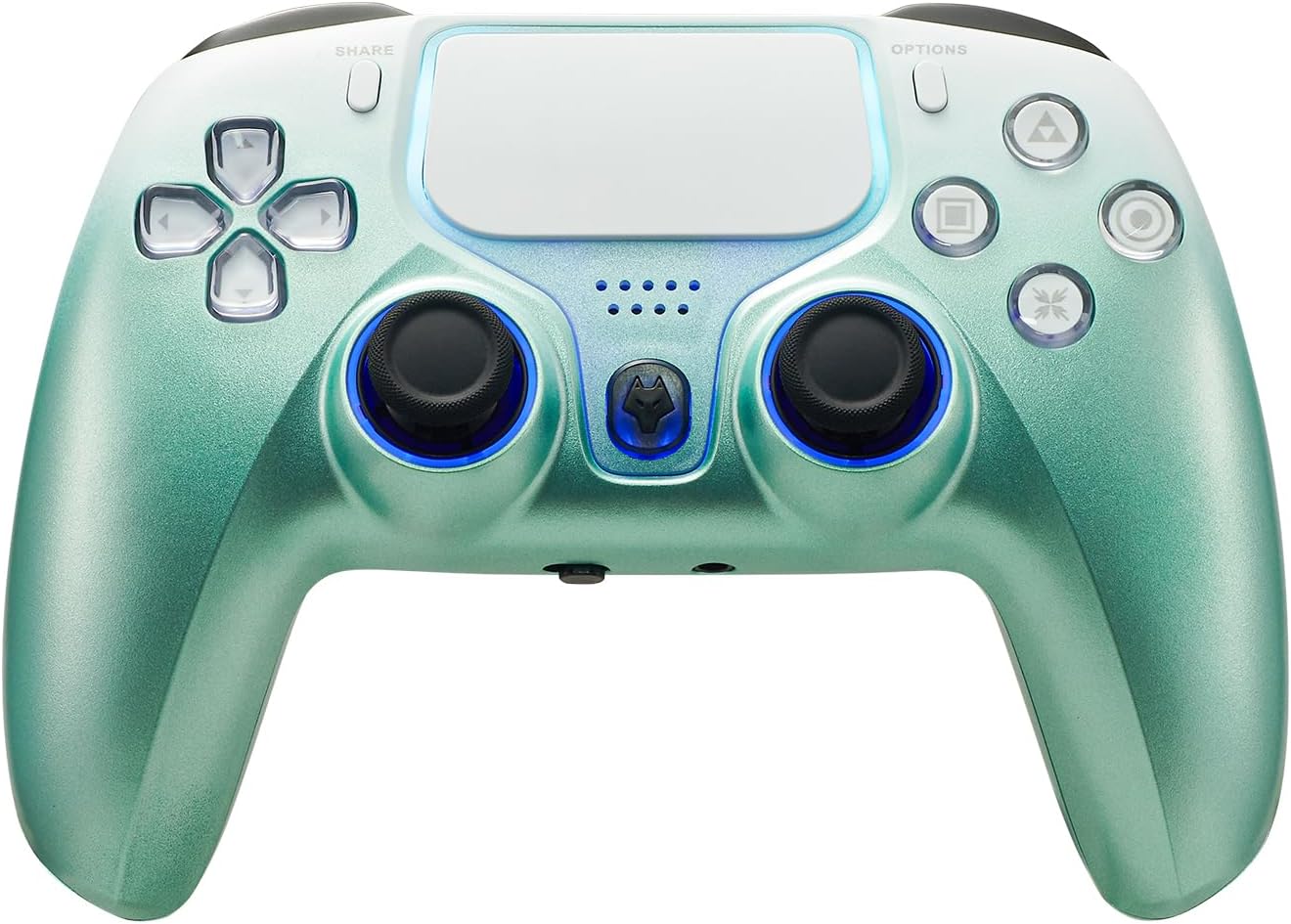
Imatge: Frontal view of the NBCP Game Controller for PS4 in Dark Green, showcasinel seu disseny ergonòmic i la disposició dels botons.
Contingut del paquet
- 1 x NBCP Game Controller for PS4
- 1 x cable de càrrega USB
- 1 x Manual d'usuari (aquest document)
Característiques del producte
Precision Control with Hall Effect Triggers & 6-Axis Gyro
Experience ultra-responsive gameplay with Hall Effect trigger sensors for smoother, more accurate input and elimination of drift. The integrated 6-axis gyroscopic motion control provides high precision fine-tuning of body feel, crucial for fast and accurate movements in games.

Image: The controller with illustrative lines showing the 6-axis gyroscopic movement capabilities, highlighting its precision.
Adjustable Sensitivity & Full Audio Support
Customize joystick and trigger sensitivity to match your playstyle. The controller features a 3.5mm audio jack with a MIC switch for in-game voice communication and immersive audio.
RGB Lighting & Stylish Design
The controller features vibrant RGB joystick rings, an illuminated touchpad, and dynamic LED accents. Its transparent shell with crystal-clear buttons offers a premium aesthetic.
Sensitive Touch Pad
The integrated sensitive touch pad supports drag and drop, sliding contact, and multipoint input, providing an exciting game experience.

Image: A finger interacting with the sensitive touch pad, demonstrating its functionality for various inputs.
Vibració de motor dual
Experience realistic vibration feedback with dual motors that respond to in-game actions, providing an immersive experience.
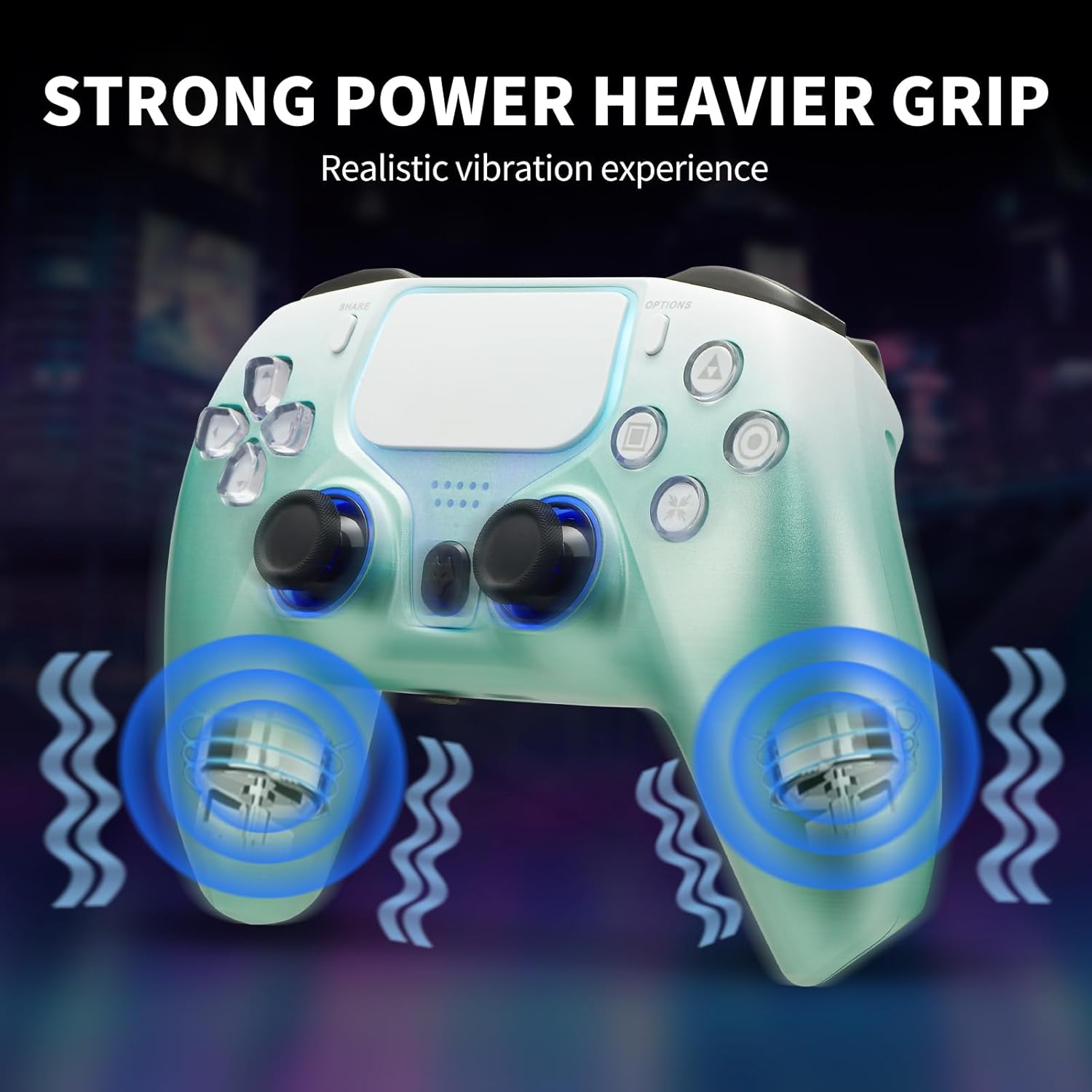
Image: The controller with visual effects indicating strong vibration feedback from its dual motors.
360 Degree Rotatable Joysticks & Responsive Triggers
The dual joysticks enable precise and smooth 360-degree movement, allowing for difficult operations such as alignment and aiming. Responsive triggers ensure faster firing and valuable time saving in competitive gameplay.

Image: A close-up of the controller's joysticks and triggers, emphasizing their precise control and responsiveness.
Configuració i connexió
Wireless Connection (Bluetooth)
- Assegureu-vos que el controlador estigui carregat.
- On your PS4 console, navigate to Settings > Devices > Bluetooth Devices.
- Press and hold the SHARE button and the PS button on the controller simultaneously until the light bar begins to flash. This indicates pairing mode.
- Select the controller from the list of Bluetooth devices on your PS4.
- Once paired, the light bar will turn solid, indicating a successful connection.
Connexió per cable
- Connect the USB charging cable to the controller's USB port.
- Connect the other end of the USB cable to a USB port on your PS4 console or PC.
- The controller will automatically connect and can be used for gameplay.

Image: The controller shown with various devices like a PS4, PC, and mobile devices, illustrating its multi-platform compatibility.
Instruccions de funcionament
Controls bàsics
- Botó PS: Powers on the controller, accesses the PS Home screen, and switches users.
- Botó COMPARTIR: Shares gameplay screenshots and videos.
- Botó OPCIONS: Accesses in-game menus and options.
- Coixinet direccional (D-Pad): For navigation and specific game inputs.
- Botons d'acció (Triangle, Cercle, Creu, Quadrat): Per a accions dins del joc.
- Botons L1/L2/R1/R2: Shoulder and trigger buttons for various actions.
- Manets analògics esquerre/dret: For movement and camera control. Press down for L3/R3 functions.
- Touch Pad: Interactive surface for specific game functions.
- Ponent: Built-in speaker for enhanced audio feedback.
- EXT Port: For connecting accessories.
- Conector d'àudio de 3.5 mm: For connecting headphones with a microphone.
Ajust de sensibilitat
The controller allows for customization of joystick and trigger sensitivity. Refer to your game's settings or specific controller configuration software (if applicable for PC) to fine-tune these settings for optimal performance.
Compatibilitat multiplataforma
This controller is designed for broad compatibility, supporting a range of gaming platforms:
- PlayStation 4 (PS4)
- PlayStation 3 (PS3)
- PC (Windows 7/8/10/11)
- Dispositius iOS
- Dispositius Android
It supports both wireless (Bluetooth 4.0, stable transmission up to 8m) and wired connections, offering flexibility across your favorite devices.
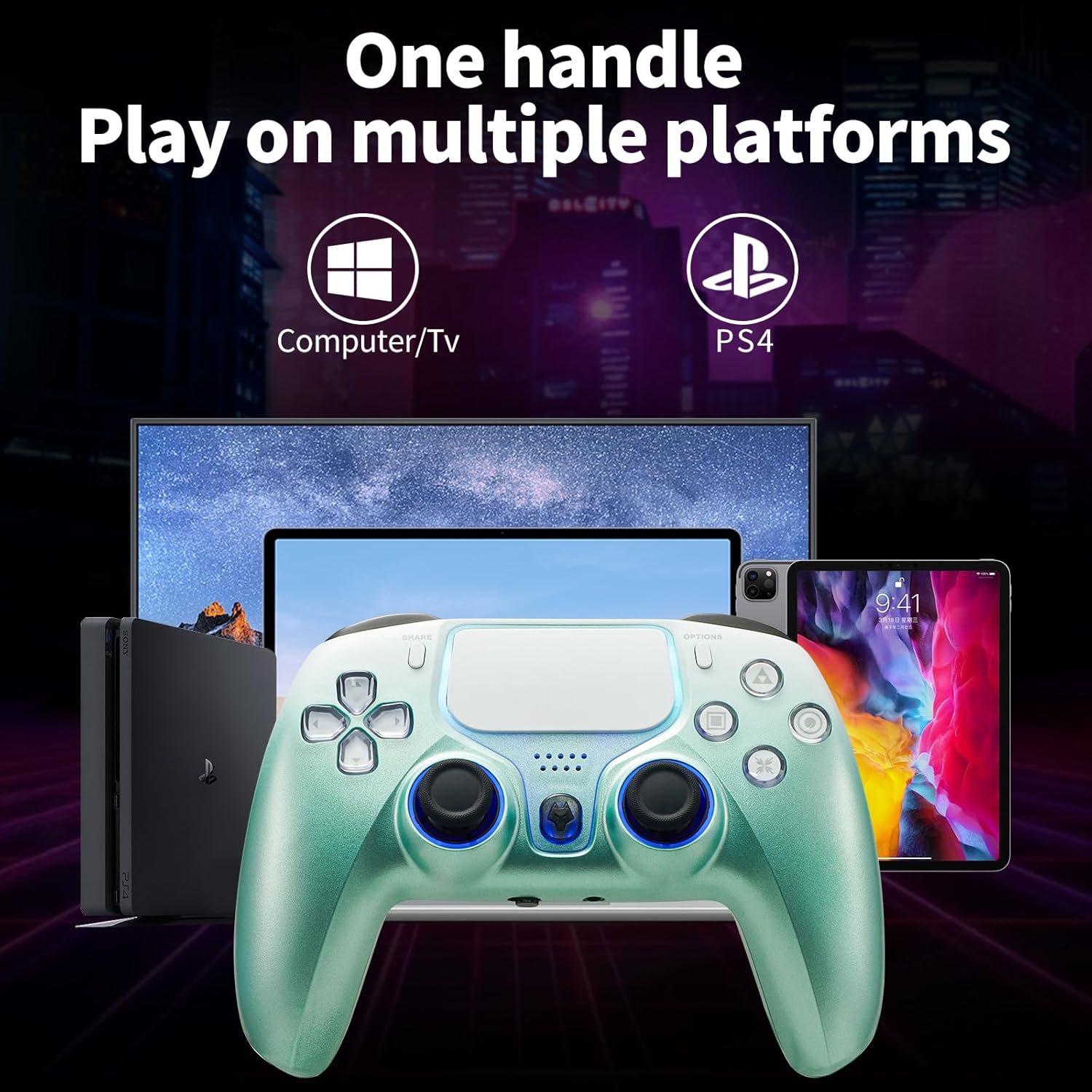
Image: The controller positioned in front of a PS4 console, a computer monitor, and a tablet, illustrating its wide compatibility.
Càrrega i bateria
The controller is equipped with a 1200mAh Lithium Polymer battery.
- Temps de càrrega: Approximately 1.5 - 2 hours for a full charge.
- Durada: Provides 10-20 hours of gameplay on a full charge, depending on usage and features enabled (e.g., vibration, lighting).
Instruccions de càrrega
- Connect the supplied USB charging cable to the controller's USB port.
- Connect the other end of the USB cable to a USB port on your PS4 console, PC, or a compatible USB wall adapter (5V/1A recommended).
- The light bar on the controller will indicate charging status. It will typically glow orange while charging and turn off when fully charged.
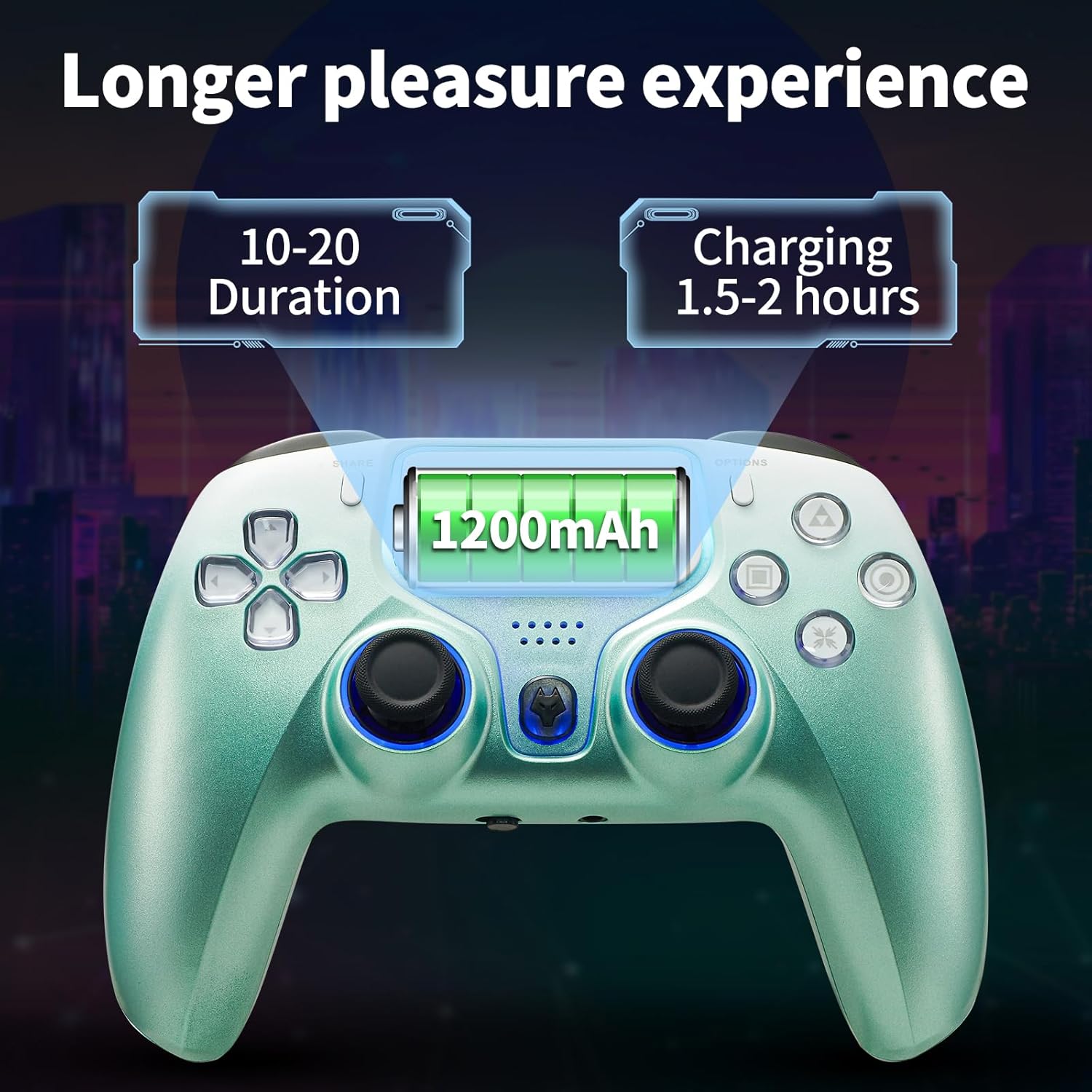
Image: The controller with an overlay showing "1200mAh" battery capacity, "10-20 Duration" for playtime, and "Charging 1.5-2 hours" for charge time.
Resolució de problemes
| Problema | Possible causa/solució |
|---|---|
| El controlador no s'encén. | Battery may be depleted. Connect the controller to a power source using the USB cable and allow it to charge for at least 30 minutes before attempting to power on again. |
| El controlador no es connecta sense fil. |
|
| Retard d'entrada o desconnexió durant la reproducció sense fil. |
|
| Desviació del joystick o entrada inexacta. |
|
| La vibració no funciona. |
|
Especificacions
| Característica | Detall |
|---|---|
| Model | Game Controller for PS4 |
| Tipus de bateria | Polímer de liti (inclòs) |
| Capacitat de la bateria | 1200 mAh |
| Connectivitat | Bluetooth 4.0 (sense fil), USB (amb cable) |
| abast sense fils | Fins a 8 metres |
| Sensors | 6-Axis Gyroscope, Hall Effect Triggers |
| Vibració | Motors duals |
| Port d'àudio | 3.5mm Audio Jack with MIC switch |
| Dimensions | 17.2 x 11.8 x 8.1 cm |
| Pes | 360 g |
| Fabricant | NBCP |
| País d'origen | Xina |
Manteniment i cura
- Mantingueu el controlador net netejant-lo amb un drap suau i sec. Eviteu utilitzar productes químics agressius o materials abrasius.
- Guardeu el controlador en un lloc fresc i sec, allunyat de la llum solar directa i de temperatures extremes.
- Eviteu deixar caure el controlador o sotmetre'l a impactes forts.
- No intenteu desmuntar el controlador, ja que això anul·larà la garantia.
Garantia i Suport
NBCP offers a Garantia de devolució de 30 dies i a 90-Day Replacement Warranty per aquest producte.
If you encounter any setting issues or require assistance, please do not hesitate to contact NBCP customer support. We are committed to providing detailed operation guides and support to ensure your satisfaction.
For support, please visit the official NBCP store page or contact the seller directly through the platform where you purchased the product.


