1. Introducció
The cellularline ION Smartwatch is designed to seamlessly integrate into your daily activities, providing comprehensive health and activity monitoring alongside smart notifications. With its intuitive 1.83" HD IPS Full Touch LED display and a battery life of up to 5 days, the ION smartwatch keeps you connected and informed.
This manual provides detailed instructions on setting up, operating, and maintaining your ION Smartwatch to ensure optimal performance and longevity.
2. Què hi ha a la caixa
- Rellotge intel·ligent ION
- Cable de càrrega
- Manual d'instruccions
3. Producte acabatview
The cellularline ION Smartwatch features a sleek design and a vibrant display, making it a versatile companion for both fitness and daily communication.

Figure 3.1: Cellularline ION Smartwatch, showcasing its rectangular display and grey strap.
Característiques principals:
- 1.83" HD IPS Full Touch LED Backlit Color Display: Experience clear visuals and easy navigation.
- Durada de la bateria ampliada: Enjoy up to 5 days of usage on a single charge.
- Vigilància integral de la salut: Track heart rate, blood pressure, blood oxygen, stress levels, and sleep patterns.
- Physical Activity Tracking: Monitor various physical activities and fitness modes.
- Notificacions intel·ligents: Receive and read notifications for calls and messages directly on your wrist.
- Dedicated App Compatibility: Seamlessly connect with the proprietary Cellularline ION application available for iOS and Android.
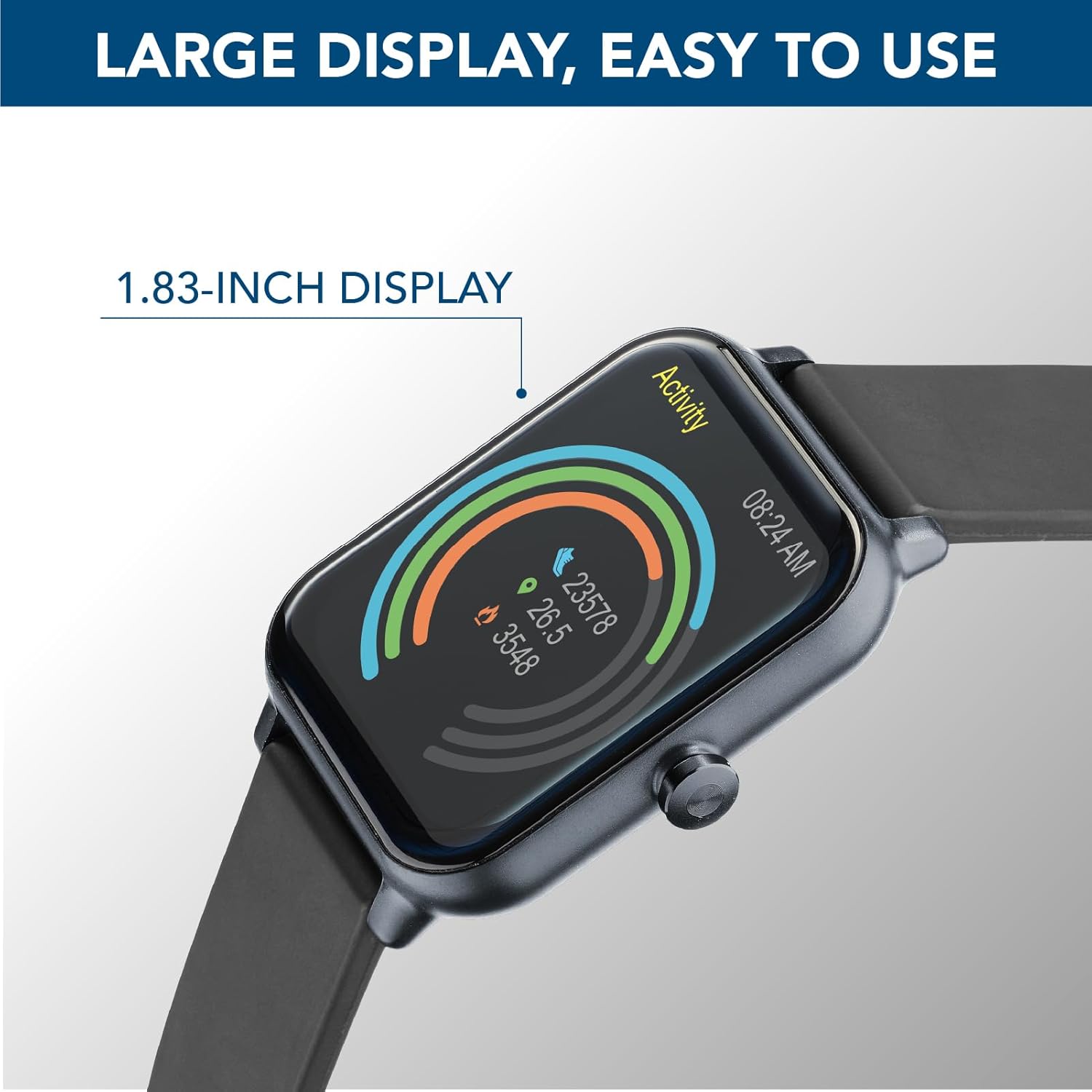
Figure 3.2: The 1.83-inch HD IPS Full Touch LED display, showing activity rings and time.

Figure 3.3: The smartwatch displaying a full battery charge, highlighting its 5-day battery life.
4. Guia de configuració
4.1 Càrrega del rellotge intel·ligent
Before first use, fully charge your ION Smartwatch. Connect the provided charging cable to the charging port on the back of the smartwatch and plug the USB end into a standard USB power adapter (not included) or a computer's USB port. The watch display will show a charging indicator.
- Una càrrega completa sol trigar aproximadament 2 hores.
- Ensure the charging pins are clean and properly aligned with the watch's contacts.
4.2 Downloading the App and Pairing
To unlock the full potential of your ION Smartwatch, download the proprietary Cellularline ION application on your smartphone.
- Descarrega l'aplicació: Cerca "Cellularline ION" in the Apple App Store (per a dispositius iOS) o Google Play Store (for Android devices). Install the application.
- Activa el Bluetooth: Assegureu-vos que el Bluetooth estigui habilitat al vostre telèfon intel·ligent.
- Obriu l'aplicació: Launch the Cellularline ION app and follow the on-screen instructions to create an account or log in.
- Pair the Smartwatch: Within the app, navigate to the device pairing section. The app will search for nearby devices. Select "ION Smartwatch" from the list of discovered devices to initiate pairing.
- Confirmeu l'aparellament: A pairing request may appear on both your smartphone and the smartwatch. Confirm the pairing on both devices.
Once successfully paired, the smartwatch will synchronize data with the app, and you will begin receiving notifications.
5. Instruccions de funcionament
5.1 Navegació per la interfície
The ION Smartwatch features a full touch display for easy navigation. Swipe left, right, up, or down to access different functions and menus. Tap to select an option or confirm an action. The side button typically serves as a power button or a return-to-home function.
5.2 Vigilància de la salut
Your ION Smartwatch is equipped with an optical sensor to monitor various health metrics:
- Freqüència cardíaca: Access the heart rate function on the watch to measure your current heart rate. The app provides historical data and trends.
- Blood Pressure & Oxygen (SpO2): Initiate measurements from the watch. For accurate readings, ensure the watch is snug on your wrist and remain still.
- Monitorització de l'estrès: The watch can estimate your stress levels throughout the day.
- Monitorització del son: Porta el rellotge al llit per fer un seguiment dels teus patrons de son, incloent-hi el son profund, el son lleuger i els moments en què et despertes.
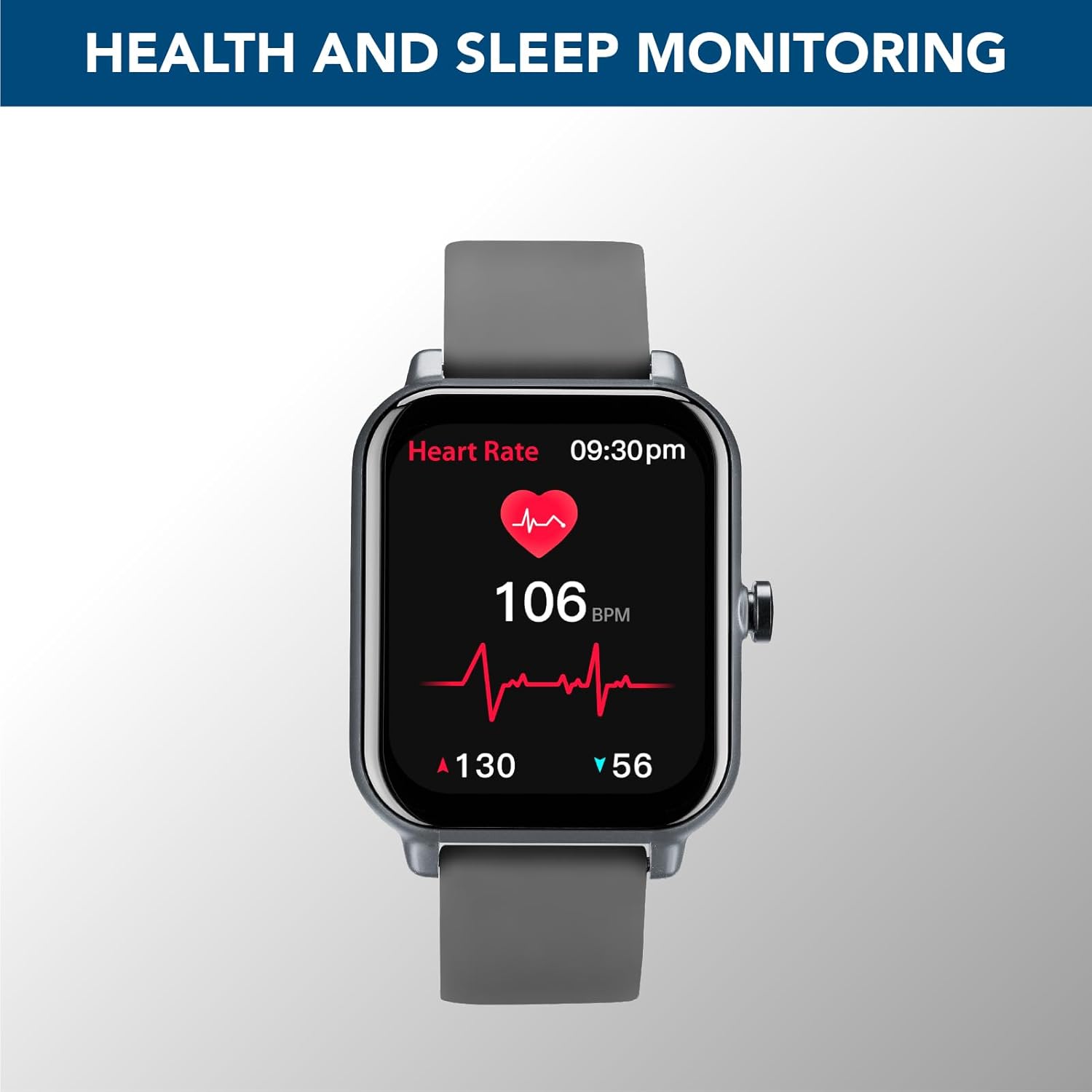
Figure 5.1: The smartwatch displaying real-time heart rate data, indicating health monitoring capabilities.
Nota: The health data provided by the smartwatch is for reference only and should not be used for medical diagnosis or treatment. Consult a medical professional for any health concerns.
5.3 Physical Activity Monitoring
The ION Smartwatch tracks your daily physical activity and supports various sports modes:
- Passos, Distància, Calories: Automatically tracks your daily steps, distance covered, and calories burned.
- Modes esportius: Select from various pre-set sports modes (e.g., Walk, Run, Climbing, Fitness) to get more accurate data for specific activities.
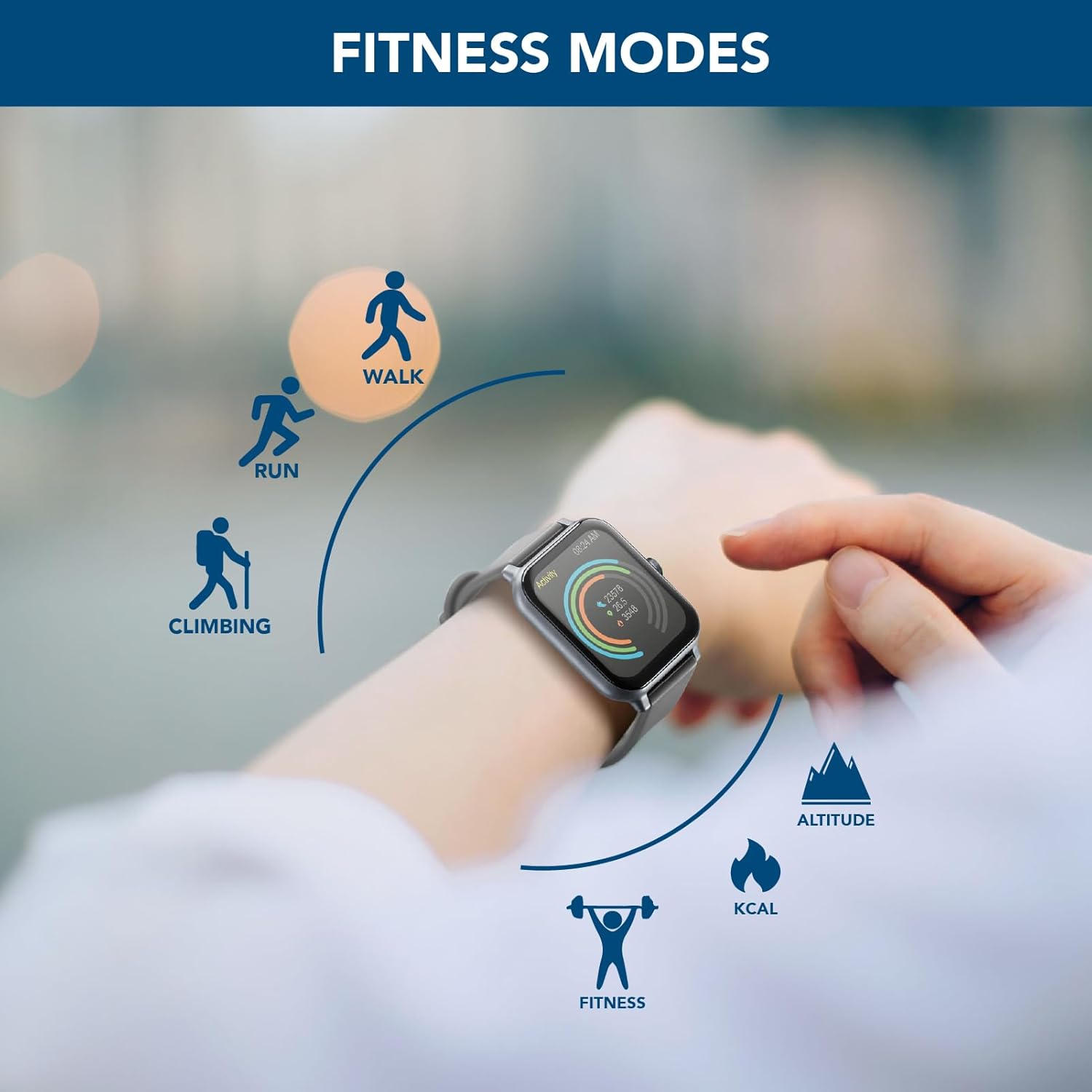
Figure 5.2: The smartwatch interface displaying icons for various fitness modes, including walk, run, climbing, and general fitness.
5.4 Notificacions
Once paired with your smartphone, the ION Smartwatch can display notifications for incoming calls, messages, and alerts from various applications. Ensure notification permissions are granted in both your phone's settings and the Cellularline ION app.

Figure 5.3: The smartwatch showing a message notification, demonstrating its ability to display calls and messages.
6. Manteniment
- Neteja: Netegeu regularment el vostre rellotge intel·ligent i la corretja amb un drap suau i sec. Si cal, utilitzeu un drap lleugerament sec.amp drap i sabó suau i, a continuació, eixugueu-ho bé. Eviteu productes químics agressius o materials abrasius.
- Resistència a l'aigua: Refer to the specifications for the device's water resistance rating. Avoid exposing the watch to hot water, steam, or high-pressure water jets.
- Contactes de càrrega: Keep the charging contacts on the back of the watch clean and free of dust or debris to ensure proper charging.
- Emmagatzematge: When not in use for extended periods, store the smartwatch in a cool, dry place.
7. Solució De Problemes
| Problema | Possible solució |
|---|---|
| El rellotge intel·ligent no s'encén. | Assegura't que el rellotge estigui completament carregat. Connecta'l al cable de càrrega i a una font d'alimentació durant almenys 30 minuts. |
| No es pot emparellar amb el telèfon intel·ligent. |
|
| No es reben notificacions. |
|
| Dades de salut inexactes. | Ensure the watch is worn snugly on your wrist, about one finger's width above the wrist bone. Avoid excessive movement during measurements. Clean the optical sensor regularly. |
8. Especificacions
| Característica | Detall |
|---|---|
| Nom del model | BTIONWATCHK |
| Marca | línia cel·lular |
| Mida de la pantalla | 1.83 polzades |
| Tipus de visualització | HD IPS Full Touch LED Backlit Color Display |
| Forma | Rectangular |
| Tecnologia de connectivitat | Bluetooth |
| Comunicació sense fils estàndard | Bluetooth |
| Durada de la bateria | Fins a 5 dies |
| Capacitat de la bateria | 200 mAh (ió de liti) |
| GPS | Sense GPS |
| Dimensions del paquet | 17.7 x 9.1 x 4 cm; 90 g |
| Fabricant | Cellularline SpA |
9. Garantia i Suport
The cellularline ION Smartwatch comes with a standard manufacturer's warranty. Please refer to the warranty card included in your product packaging for specific terms and conditions, including warranty period and coverage details.
For technical support, troubleshooting assistance, or warranty claims, please contact Cellularline customer service through their official weblloc web o la informació de contacte que es proporciona a la documentació del producte.


