1. Introducció
This manual provides essential information for the safe and efficient operation of your THOMSON Wireless Bluetooth Speaker, model BG002-1. Please read this manual thoroughly before using the product and retain it for future reference. This speaker combines advanced audio technology with an artistic design, suitable for various indoor environments.
2. Contingut del paquet
Verifiqueu que tots els elements que s'enumeren a continuació s'inclouen al vostre paquet. Si falta algun element o hi ha algun malmès, poseu-vos en contacte amb l'atenció al client.
- THOMSON BG002-1 Wireless Bluetooth Speaker
- Control remot
- Cable de càrrega tipus C.
- Manual d'usuari (aquest document)
3. Producte acabatview
3.1 Components
The THOMSON BG002-1 speaker features a unique wall-mounted design with an art painting decoration. The audio system is engineered for clear sound reproduction.

Imatge: Part posterior view of the speaker, illustrating the four sound units.
- Sound Units: Equipped with 2 x 2.5-inch woofers and 2 x 2.5-inch tweeters for balanced audio output.
- Tauler de control: Integrated buttons for basic functions (Power, Volume, Mode).
- Port de càrrega: Type-C port for power input.
- Punts de muntatge: Dissenyat per a una instal·lació segura a la paret.
3.2 Característiques clau

Imatge: Més deview of key features including Bluetooth 5.2, output power, remote control, Type-C charging, TWS function, and battery capacity.
- Bluetooth 5.2: Provides stable wireless connectivity with an effective range of up to 10 meters.
- Qualitat de so HiFi: Delivers clear audio with 3D surround sound effects.
- Bateria incorporada: Features a 6000 mAh Li-ion battery for portable use, offering approximately 8 hours of playback on a full charge.
- Funció TWS: Supports True Wireless Stereo pairing for connecting two BG002-1 speakers for enhanced stereo sound.
- Comandament a distància: Permet un funcionament còmode des de la distància.
- Materials duradors: Constructed from solid wood and a colorfast mural, with a waterproof and dustproof canvas surface.
4. Configuració
4.1 Càrrega inicial
Before first use, fully charge the speaker using the provided Type-C charging cable. Connect the cable to the speaker's charging port and a compatible USB power adapter (not included). The charging indicator will show the charging status.
4.2 Muntatge a la paret
The speaker is designed for wall mounting. Ensure the chosen wall location is sturdy and can support the speaker's weight. Use appropriate mounting hardware (not included) and follow standard safety procedures for wall installation. Position the speaker at an optimal listening height for the best audio experience.
5. Instruccions de funcionament
5.1 Encès/Apagat
Press and hold the Power button on the speaker or the remote control to turn the speaker on or off. A sound indicator will confirm the action.
5.2 Vinculació Bluetooth

Image: The speaker connecting wirelessly to various devices via Bluetooth 5.2.
- Engegueu l'altaveu. Entrarà automàticament en mode d'emparellament Bluetooth, cosa que indicarà un LED intermitent.
- Al dispositiu (telèfon intel·ligent, tauleta, ordinador portàtil, etc.), activeu el Bluetooth i cerqueu els dispositius disponibles.
- Select 'THOMSON BG002-1' from the list of devices.
- Once connected, the LED indicator will stop flashing, and a confirmation sound will play.
L'altaveu intentarà tornar a connectar-se automàticament amb l'últim dispositiu emparellat quan s'engegui.
Funció 5.3 TWS (True Wireless Stereo)

Image: Two speakers wirelessly connected to form a stereo pair using TWS function.
To pair two BG002-1 speakers for a stereo experience:
- Assegureu-vos que tots dos altaveus estiguin encesos i no connectats a cap dispositiu Bluetooth.
- On one speaker, press the TWS button (if available) or a designated pairing button. The speaker will enter TWS pairing mode.
- Els dos altaveus es connectaran automàticament entre si. Un so de confirmació indicarà que l'emparellament TWS s'ha dut a terme correctament.
- Once TWS is established, connect your device to one of the speakers via Bluetooth as described in section 5.2. Both speakers will then play audio in stereo.
5.4 Funcionament del control remot
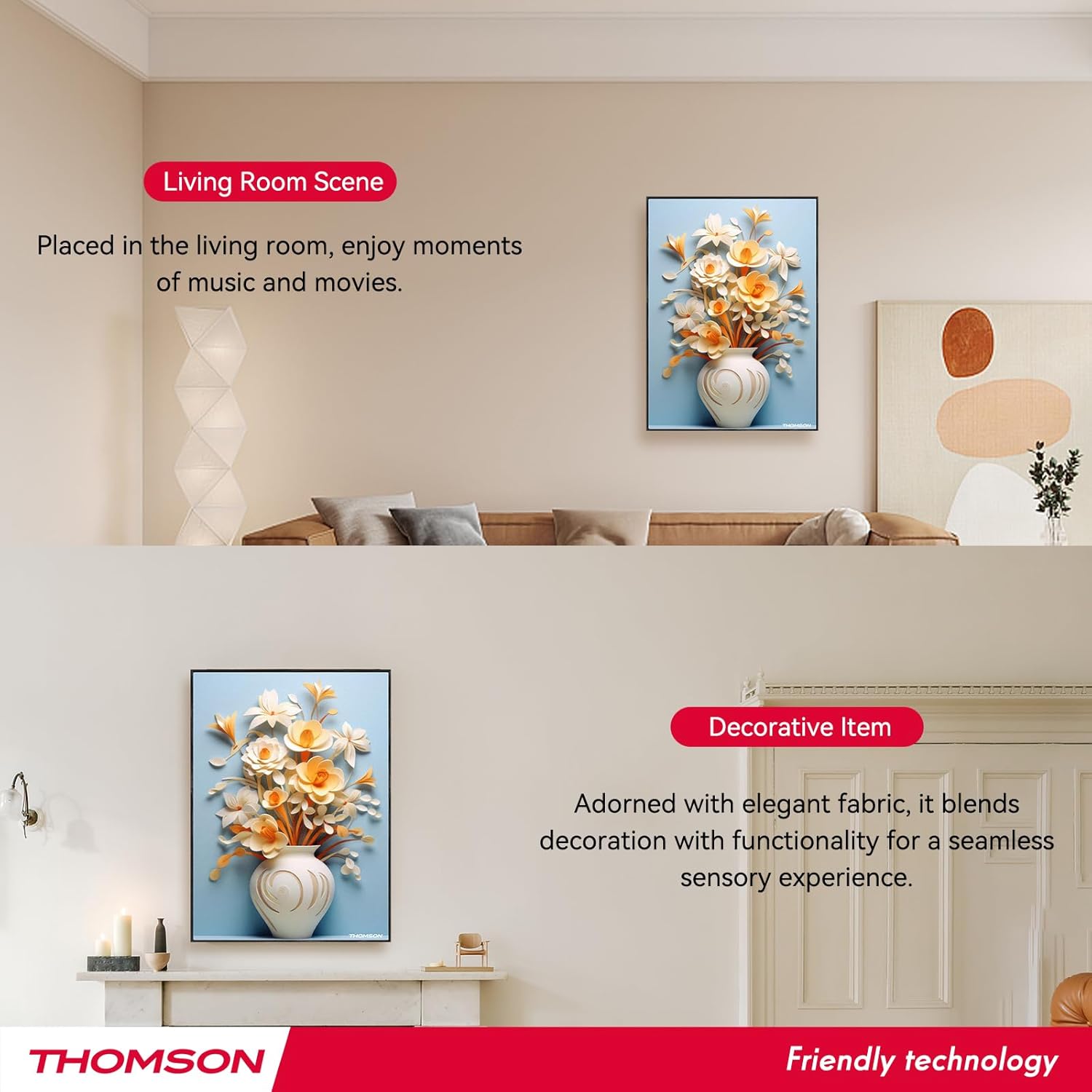
Image: Layout of the remote control with labeled functions.
The remote control provides convenient access to various functions:
- Encès/apagat: Activa o desactiva l'altaveu.
- Mode: Switches between input modes (e.g., Bluetooth).
- Volum +/-: Ajusta el volum d'àudio.
- Pista anterior/següent: Skips to the previous or next song.
- Reproduir/pausa: Starts or pauses audio playback.
- Mode 3D: Activates or deactivates 3D surround sound.
- Mode EQ: Passa ciclísticament pels preajustos de l'equalitzador.
- Mode TWS: Initiates TWS pairing (refer to section 5.3).
- Silenciar: Silencia o activa l'àudio.
5.5 Càrrega de l'altaveu

Image: Visual representation of the speaker's 6000mAh battery capacity.
When the battery is low, the speaker will provide a low battery reminder. Connect the Type-C charging cable to the speaker's charging port and a power source. The charging indicator will illuminate during charging and turn off or change color when fully charged. A full charge typically provides up to 8 hours of playback.
6. Manteniment
Per garantir la longevitat i el rendiment òptim del vostre altaveu, seguiu aquestes pautes de manteniment:
- Neteja: The speaker's canvas surface is waterproof and dustproof. Wipe it gently with a soft, damp tela. Eviteu utilitzar productes químics aggressivs o netejadors abrasius.
- Emmagatzematge: Quan no l'utilitzeu durant períodes prolongats, guardeu l'altaveu en un lloc fresc i sec.
- Cura de la bateria: To preserve battery life, avoid fully discharging the battery frequently. Charge the speaker regularly, even if not in active use.
- Condicions ambientals: Eviteu exposar l'altaveu a temperatures extremes, llum solar directa o humitat elevada.
7. Solució De Problemes
Si teniu problemes amb l'altaveu, consulteu els problemes i solucions més comuns següents:
- Sense energia:
- Ensure the speaker is fully charged. Connect the Type-C charging cable and check if the charging indicator lights up.
- Press and hold the Power button for a few seconds. - Sense so:
- Check the volume level on both the speaker and your connected device.
- Ensure the speaker is correctly paired via Bluetooth (refer to section 5.2).
- Make sure the speaker is not muted. - Problemes de vinculació de Bluetooth:
- Ensure the speaker is in pairing mode (flashing LED).
- Turn off Bluetooth on your device and turn it back on.
- Move your device closer to the speaker (within 10 meters).
- Disconnect the speaker from any other devices it might be paired with. - Error d'emparellament TWS:
- Ensure both speakers are powered on and not connected to any other Bluetooth devices.
- Follow the TWS pairing steps carefully (refer to section 5.3).
- Try resetting both speakers and attempting TWS pairing again. - El control remot no funciona:
- Check if the remote control's battery needs replacement.
- Ensure there are no obstructions between the remote and the speaker.
- Point the remote directly at the speaker's sensor.
Si el problema persisteix després de provar aquestes solucions, poseu-vos en contacte amb l'atenció al client.
8. Especificacions
| Característica | Especificació |
|---|---|
| Nom del model | THOMSON wallmounted bluetooth speaker |
| Número de model | BG002-1 |
| Tipus d'altaveu | So envoltant |
| Tecnologia de connectivitat | Bluetooth |
| Versió Bluetooth | 5.2 |
| Interval Bluetooth | 10 metres |
| Font d'alimentació | Funciona amb bateria |
| Capacitat de la bateria | 6000 mAh |
| Potència de sortida màxima dels altaveus | 50 watts |
| Diàmetre del woofer | 2.5 polzades (x2) |
| Diàmetre del Tweeter | 2.5 polzades (x2) |
| Dimensions del producte | 18.11 "P x 1.85" W x 12.99" H |
| Pes de l'article | 8.53 lliures (3.88 quilograms) |
| Mètode de control | Remot |
| És impermeable | És cert |
| Tipus de muntatge | Muntatge de paret |
9. Garantia i Suport
This THOMSON product comes with a Limited Warranty. For specific warranty terms and conditions, please refer to the documentation provided at the time of purchase or contact THOMSON customer support.
For technical assistance, troubleshooting, or warranty claims, please visit the official THOMSON website or contact their customer service department. Keep your purchase receipt as proof of purchase for warranty services.


