Introducció
Thank you for choosing Bewinner Bluetooth 5.4 Wireless Earbuds. This manual provides essential information for setting up, operating, and maintaining your new earbuds. Please read it carefully to ensure optimal performance and longevity of your device.
Producte acabatview
The Bewinner wireless earbuds are designed for high-quality audio and communication, featuring Bluetooth 5.4 connectivity and noise-canceling microphone technology.
Contingut del paquet:
- 1 x funda de càrrega
- 2 x auriculars Bluetooth
- 1 x cable de càrrega
- 2 x Pairs of Earphone Caps (ear tips)

This image displays all items included in the product package: the charging case, two earbuds, a charging cable, and multiple pairs of ear tips for a customized fit.
Components dels auriculars:
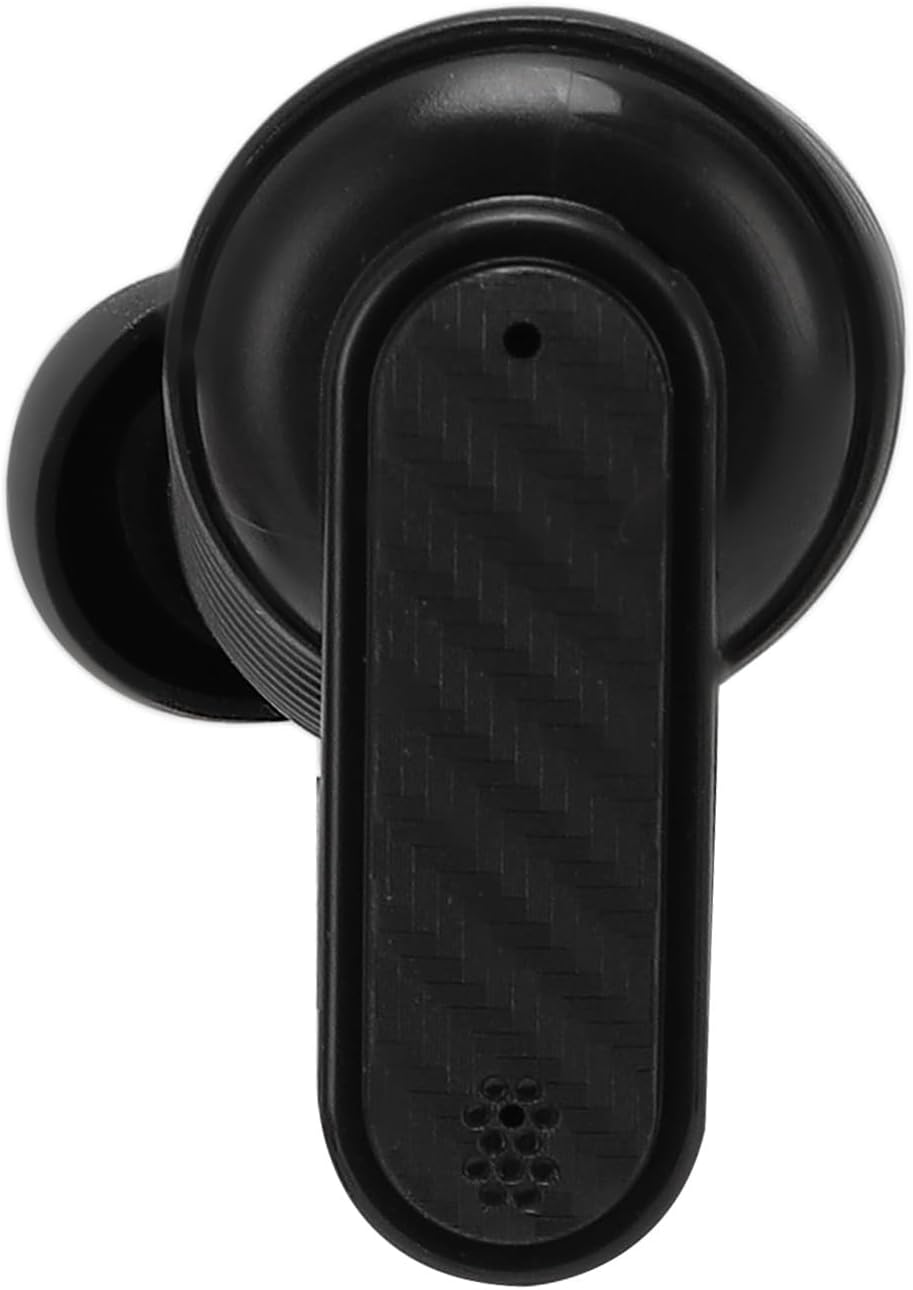
A detailed top-down view of one earbud, showing its ergonomic design and microphone placement.

Un costat detallat view of one earbud, highlighting the in-ear tip and overall profile.
Configuració
1. Càrrega dels auriculars i la funda:
- Col·loca els dos auriculars a l'estoig de càrrega. Assegura't que estiguin correctament col·locats.
- Connect the charging cable to the charging case and a USB power source.
- The indicator lights on the case will show the charging status. A full charge for the earphones takes approximately 40 minutes, and the charging case takes about 1 hour.

This image displays the Bewinner wireless earbuds resting inside their open charging case, ready for use or charging.
2. Vinculació Bluetooth:
- Obre l'estoig de càrrega. Els auriculars entraran automàticament en mode d'emparellament.
- Al dispositiu (telèfon intel·ligent, tauleta, ordinador), activeu el Bluetooth.
- Cerca available Bluetooth devices and select "Bewinner Earbuds" (or similar name) from the list.
- Un cop connectats, sentireu un to de confirmació i els auriculars estaran a punt per al seu ús.

This image demonstrates the earbuds' ability to connect simultaneously to both a mobile device and a computer, allowing for seamless switching between devices.
Instruccions de funcionament
Funcions bàsiques:
- Encès/apagat: Els auriculars s'encenen automàticament quan es treuen de la funda i s'apaguen quan es tornen a col·locar a la funda.
- Reproduir/pausa: Toqueu qualsevol dels auriculars una vegada.
- Pista següent: Fes doble toc a l'auricular dret.
- Pista anterior: Fes doble toc a l'auricular esquerre.
- Respondre/Finalitzar la trucada: Toqueu qualsevol dels auriculars una vegada.
- Rebutja la trucada: Manteniu premut qualsevol dels auriculars durant 2 segons.
- Activa l'Assistent de veu: Toqueu tres vegades qualsevol dels auriculars.
Cancel·lació de soroll:
The earbuds feature ENC (Environmental Noise Cancellation) technology for clearer calls in noisy environments. This feature is automatically active during calls.
Característiques avançades:
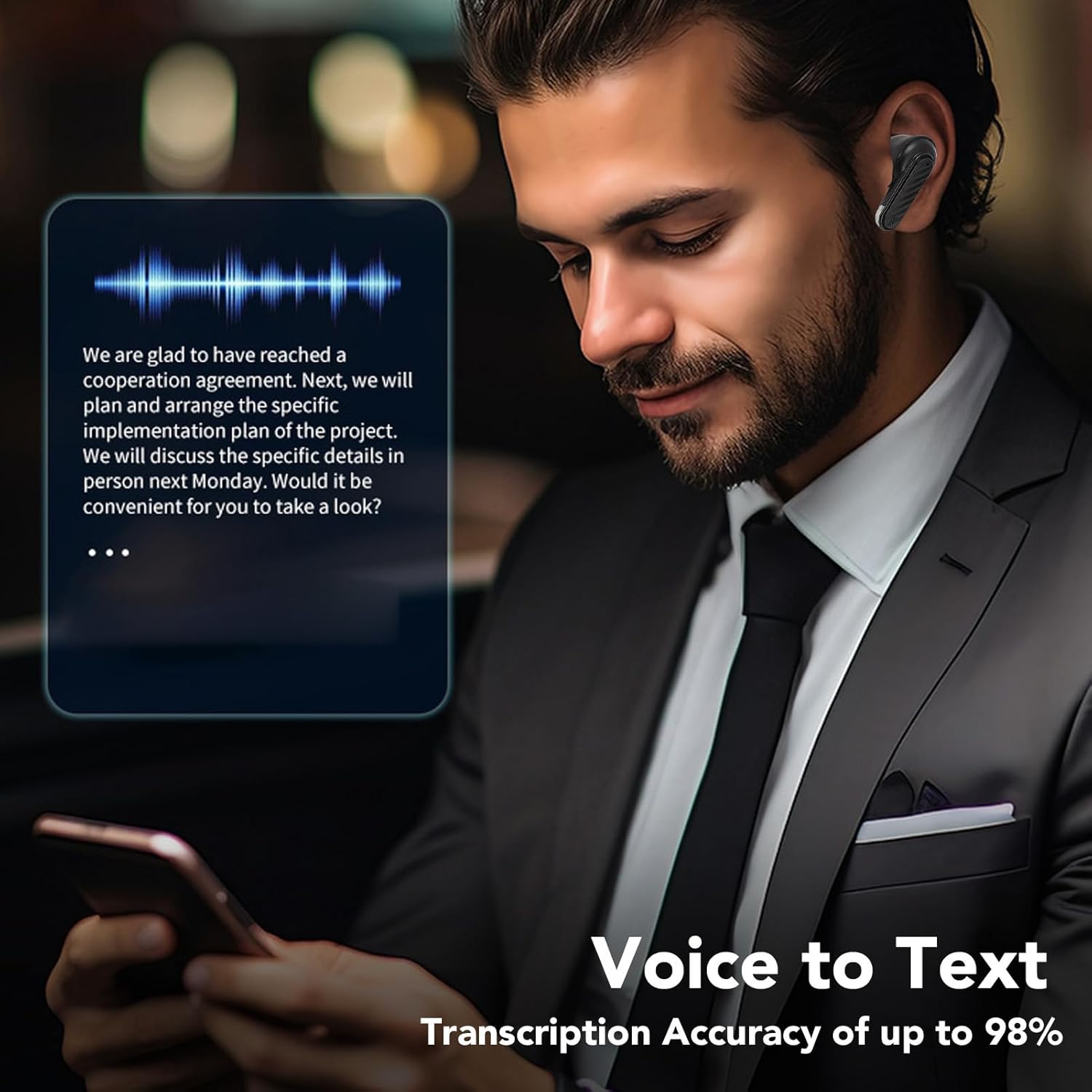
A user is shown utilizing the earbuds with a smartphone, illustrating the voice-to-text transcription capability.

This composite image showcases three primary features: support for multiple translation modes, high-definition call clarity, and superior sound quality for audio playback.
Manteniment
Neteja:
- Netegeu regularment els auriculars i l'estoig de càrrega amb un drap suau, sec i sense borrissol.
- No utilitzeu netejadors abrasius, alcohol ni dissolvents químics.
- Gently remove ear tips and clean any earwax or debris from the speaker mesh using a small, soft brush.
Emmagatzematge:
- Guardeu els auriculars a la funda de càrrega quan no els feu servir per protegir-los i mantenir-los carregats.
- Avoid exposing the earbuds to extreme temperatures, humidity, or dust.
Cura de la bateria:
- Charge the earbuds and case regularly, even if not used for extended periods, to maintain battery health.
- Eviteu esgotar completament la bateria amb freqüència.
Resolució de problemes
Auriculars que no s'emparellan:
- Assegureu-vos que els dos auriculars estiguin carregats.
- Desactiva el Bluetooth del dispositiu i torna'l a activar.
- Oblida el dispositiu de la llista de Bluetooth i intenta emparellar-lo de nou.
- Place earbuds back in the case, close it, wait a few seconds, then open it again to reset pairing mode.
Sense so o volum baix:
- Comprova el nivell de volum tant del dispositiu com dels auriculars.
- Assegureu-vos que els auriculars estiguin connectats correctament al dispositiu.
- Clean the earbud speaker mesh for any obstructions.
Problemes de càrrega:
- Verifiqueu que el cable de càrrega estigui connectat correctament tant a la carcassa com a la font d'alimentació.
- Prova un cable de càrrega o un adaptador de corrent diferent.
- Assegura't que els contactes de càrrega dels auriculars i de l'interior de la funda estiguin nets i lliures de residus.
Especificacions
| Característica | Especificació |
|---|---|
| Versió Bluetooth | 5.4 |
| Tipus d'altaveu | Composite Film Speaker |
| Tipus de micròfon | Silicone Microphone |
| Bateria d'un sol auricular | 30 mAh |
| Caixa de càrrega de la bateria | 200 mAh |
| Shutdown Standby Time | 180 dies |
| Temps de Música | 4 hores |
| Temps de conversa | 4 hores |
| Temps de càrrega dels auriculars | 40 minuts |
| Temps de càrrega de la caixa de càrrega | 1 hores |
| Talking Distance | Aprox. 10 m / 32.8 peus |
| Material | Acrilonitril butadiè estirè (ABS) |
| Pes de l'article | 2.72 unces |
| Dimensions del paquet | 3.94 x 3.94 x 1.57 polzades |

Un va explotar view highlights the 13mm drive unit, a key component responsible for the earbud's sound reproduction.
Garantia i Suport
Per obtenir informació sobre la garantia o assistència tècnica, consulteu les dades de contacte proporcionades amb la vostra compra o visiteu el lloc web oficial de Bewinner. weblloc web. Conserveu el comprovant de compra per a qualsevol reclamació de garantia.
