1. Introducció
This manual provides detailed instructions for the setup, operation, and maintenance of your BIGASUO 410B Projector. This 1080P HD projector features 850 ANSI lumens brightness, 4K support, dual-band 2.4G/5G WiFi, and Bluetooth 5.0 connectivity, designed for both home entertainment and business presentations.
2. Contingut del paquet
Si us plau, verifiqueu que tots els elements siguin presents al paquet:
- BIGASUO 410B Projector
- Cable d'alimentació
- Control remot
- Cable HDMI
- Cable AV
- Manual d'usuari
- Bossa de transport
3. Producte acabatview
The BIGASUO 410B Projector is designed for versatile use, offering a compact form factor with powerful projection capabilities. It features a high-transparency LED glass lens, integrated speakers, and a comprehensive set of input/output ports.
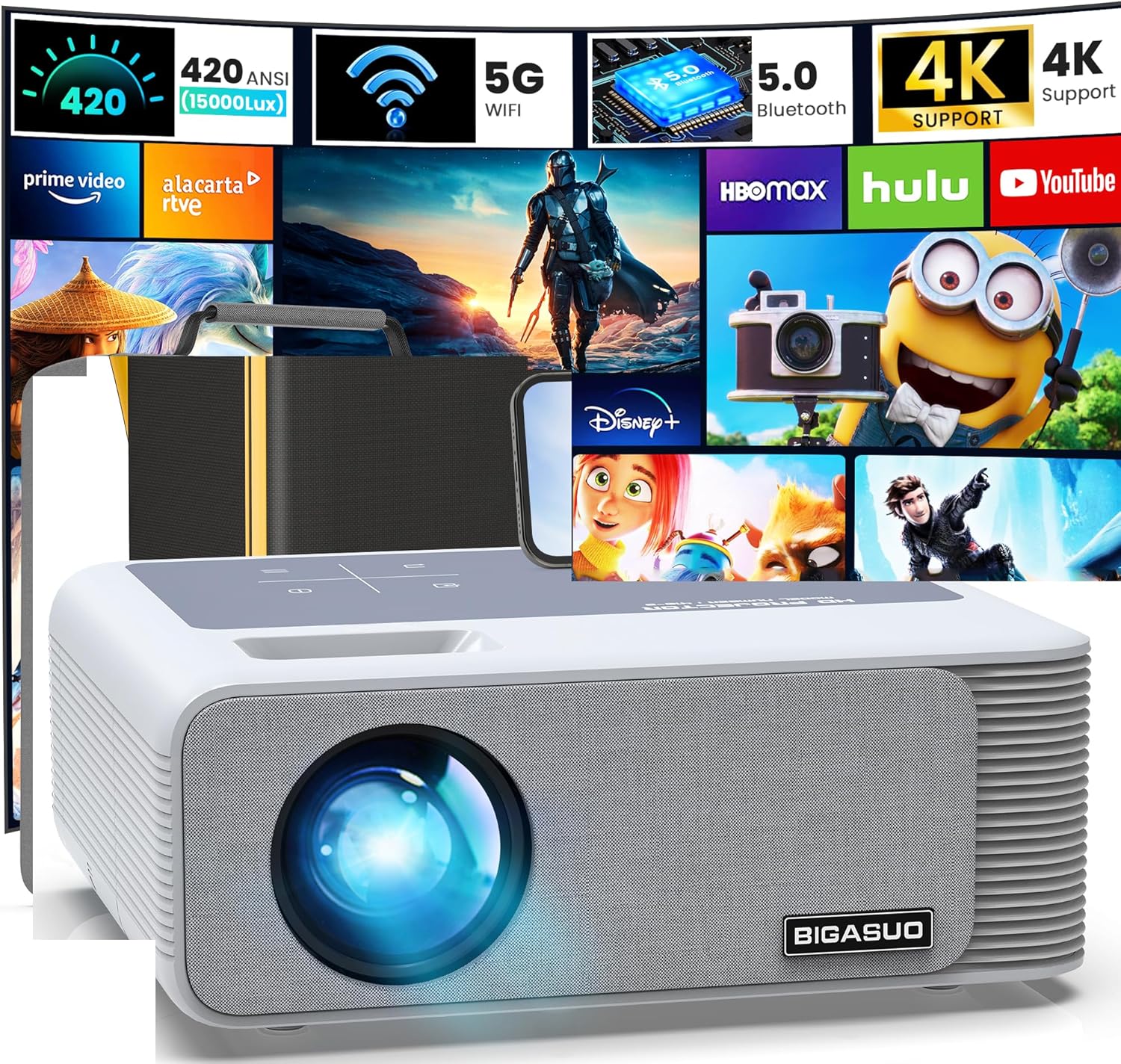
Imatge 3.1: Frontal view of the BIGASUO 410B Projector, showcasing its lens and speaker grille, with various streaming service icons in the background, indicating its multimedia capabilities.

Image 3.2: Rear panel of the projector, illustrating the available connectivity options including two HDMI ports, two USB ports, an AV input, and a 3.5mm headphone jack for audio output.
4. Configuració
4.1 Col·locació
The projector can be placed on a flat surface such as a table, mounted on a tripod, or installed on the ceiling. Ensure the projector is positioned to allow for adequate ventilation.

Image 4.1: Various placement options for the projector, including ceiling mount, table placement, and tripod stand, demonstrating its flexibility for different viewentorns.
4.2 Connexió d'alimentació
- Connecteu el cable d'alimentació al port d'entrada d'alimentació del projector.
- Connecteu l'altre extrem del cable d'alimentació a una presa de corrent.
- Premeu el botó d'engegada del projector o del comandament a distància per encendre'l.
4.3 Ajust de la imatge
After powering on, adjust the projected image for clarity and proper alignment.
- Focus: Gireu l'anell d'enfocament de la lent del projector fins que la imatge quedi nítida.
- Correcció Keystone: The projector supports 4-point digital keystone correction and ±50° vertical keystone correction. Use the remote control to adjust the image corners or vertical tilt to achieve a rectangular picture.
- Zoom: Adjust the image size from 60% to 100% without moving the projector. This feature is accessible via the remote control.

Image 4.2: Visual representation of image adjustment features, including focus control, 4-point keystone correction, and ±50° vertical keystone adjustment for optimal picture geometry.
5. Instruccions de funcionament
5.1 Connectivitat amb cable
The projector offers multiple wired input options:
- Ports HDMI (x2): Connect to devices such as TV sticks, satellite boxes, laptops, gaming consoles (PS5), or cameras.
- Ports USB (x2): Connect USB drives for direct media playback (e.g., presentations, videos, photos) or external hard disks.
- Port AV: Connect to older devices using the provided AV cable.
- Sortida d'àudio (3.5 mm): Connecteu altaveus o auriculars externs per obtenir un àudio millorat.

Image 5.1: Diagram illustrating the projector's multiple input ports (AV, Audio, USB, HDMI) and the potential screen sizes (80", 150", 400") achievable with the device.
5.2 Connectivitat sense fil
The projector supports both WiFi and Bluetooth for wireless connections.
- WiFi (2.4G + 5G): Enable screen mirroring from your iPhone, Android smartphone, or iPad. Navigate to the WiFi settings on the projector and connect to your network. Then, use the screen mirroring function on your mobile device (e.g., Miracast for Android, Airplay for iOS).
- Bluetooth 5.0: Connect to external Bluetooth speakers or headphones for an immersive audio experience. Nota: This projector's Bluetooth function is for audio output devices only and does not support connection to smartphones.

Image 5.2: Illustration of the projector's 2.4G and 5G WiFi capabilities, enabling seamless screen mirroring from both Android (Miracast) and iOS (Airplay) devices.
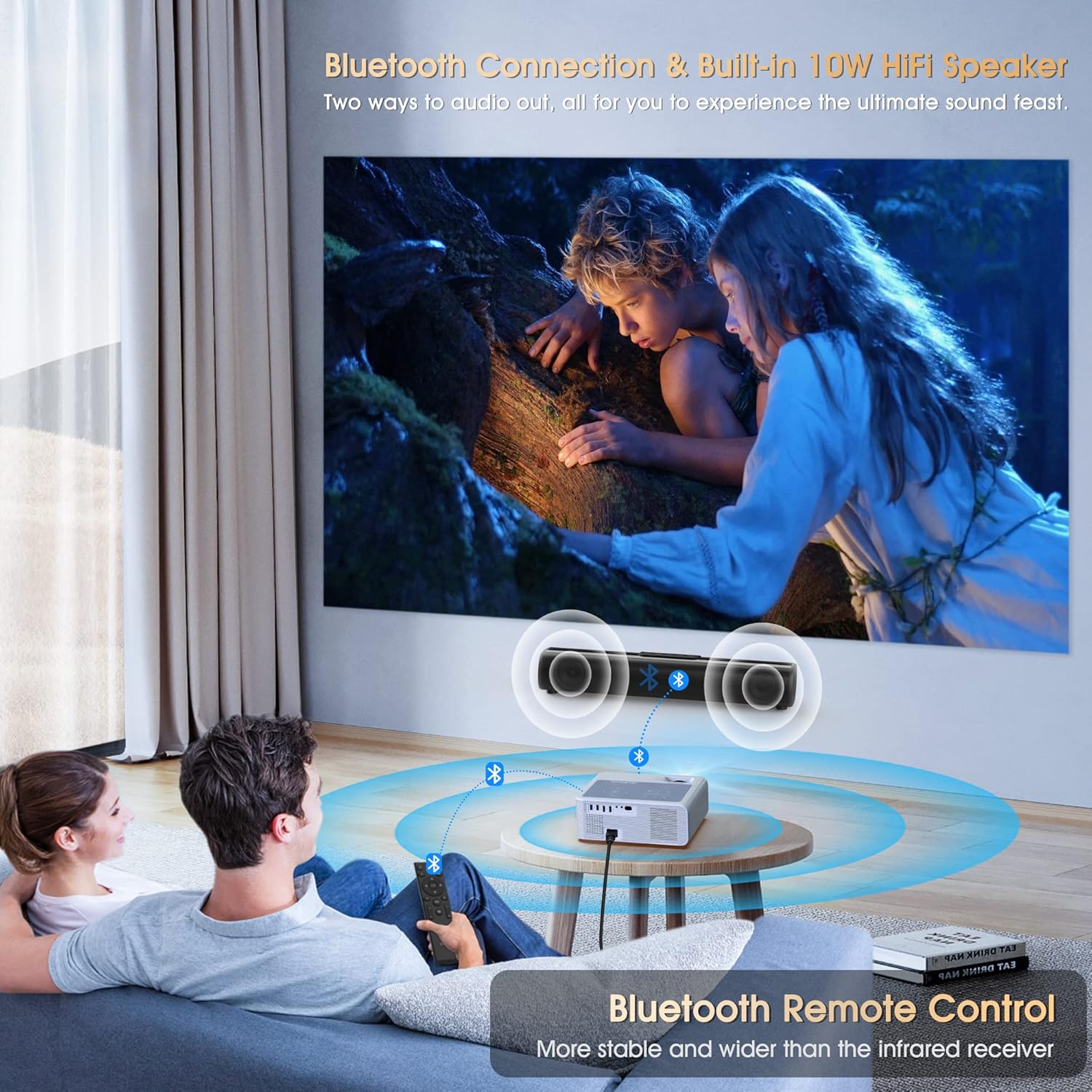
Image 5.3: The projector wirelessly connected to external Bluetooth speakers, providing enhanced audio for a home viewing experience. The image highlights the Bluetooth 5.0 feature.
5.3 Media Playback and Copyrighted Content
The projector can play various media files directly from USB. For streaming services like Netflix, Hulu, or Disney+, due to HDCP copyright restrictions, direct mirroring from a smartphone or tablet is not supported. To watch copyrighted content, you must use an external streaming device (e.g., TV stick, Roku, Fire TV Stick) connected via an HDMI port.

Image 5.4: This image demonstrates how to access streaming services like Netflix and Hulu by connecting a TV stick (not included) to the projector, bypassing copyright restrictions for direct mirroring.
5.4 Office Applications
The projector supports direct playback of common office document formats (Word, Excel, PowerPoint, PDF) from a USB drive, making it suitable for business presentations.

Image 5.5: The projector displaying a business presentation, highlighting its capability to play Word, Excel, PowerPoint, and PDF files directly from a USB drive for office use.
6. Manteniment
- Neteja de lents: Feu servir un drap suau i sense borrissol dissenyat específicament per a lents òptiques per netejar suaument la lent del projector. Eviteu materials abrasius o productes químics agressius.
- Eliminació de pols: Regularly clean the projector's vents to prevent dust buildup, which can affect performance and lifespan. Use a soft brush or compressed air.
- Emmagatzematge: Quan no l'utilitzeu durant períodes prolongats, guardeu el projector a la seva bossa de transport en un entorn fresc, sec i sense pols.
7. Solució De Problemes
Si teniu problemes amb el projector, consulteu els problemes i solucions més comuns següents:
| Problema | Causa possible | Solució |
|---|---|---|
| No es mostra cap imatge | Power cable loose, incorrect input source, lens cap on | Check power connection, select correct input source (HDMI1/2, AV, USB), remove lens cap |
| Imatge borrosa | Out of focus, incorrect keystone/zoom settings | Adjust focus ring, use remote to adjust keystone and zoom |
| Sense so | Volume too low, external audio device not connected/paired, source device muted | Increase projector volume, ensure Bluetooth speaker is paired or wired speaker is connected, check source device's volume |
| WiFi screen mirroring not working | Incorrect WiFi connection, device compatibility, copyrighted content | Ensure projector and device are on the same 2.4G/5G network, verify device compatibility, use HDMI with a TV stick for copyrighted content |
| Bluetooth audio not connecting | Bluetooth device not in pairing mode, out of range, attempting to connect to smartphone | Put Bluetooth speaker/headphone in pairing mode, ensure devices are close, remember Bluetooth is for audio output only (not smartphones) |
8. Especificacions
Key technical specifications for the BIGASUO 410B Projector:
- Marca: BIGASUO
- Model: 410B
- Resolució de visualització: 1920 x 1080 (1080P natiu)
- Brillantor: 850 lúmens ANSI
- Suport 4K: Sí
- Tecnologia de connectivitat: Wi-Fi (2.4G & 5G), Bluetooth 5.0
- Característiques especials: Built-In Wi-Fi, Bluetooth, 4-Point Keystone Correction, ±50° Vertical Keystone, 60%-100% Zoom
- Usos recomanats: Home Cinema, Office Presentations
- Dimensions del producte: 11 x 9 x 4 polzades
- Pes de l'article: 8.67 lliures
- Altaveus integrats: 2 x 5W (10W en total)
- Max Display Size: Fins a 400 polzades
9. Garantia i Suport
For warranty information and customer support, please refer to the documentation provided with your purchase or contact the retailer where the product was acquired. You may also visit the official BIGASUO weblloc web per obtenir més ajuda i recursos de suport actualitzats.


