1. Introducció
This manual provides essential information for the proper setup, operation, and maintenance of your redbeat M2 Android 14 Tablet. Please read this guide thoroughly before using your device to ensure optimal performance and longevity.

Image: The redbeat M2 Tablet shown with its included pink protective case. The tablet features a sleek design with a large display.
2. Què hi ha a la caixa
Verifiqueu que tots els elements siguin presents al vostre paquet:
- redbeat M2 Tablet
- Pink Protective Case
- Cable de càrrega tipus C.
- Instruction Book (this manual)
- SIM Card Tray Ejector Tool

Image: A visual representation of the redbeat M2 Tablet's physical features, including camera, ports, and buttons, alongside a list of included accessories: the tablet, pink case, Type-C cable, instruction book, and card needle.
3. Disseny del dispositiu
Familiarize yourself with the physical components of your redbeat M2 Tablet:
- Càmera frontal: Located at the top center when held vertically.
- Pantalla HD de 10.95 polzades: Main touchscreen interface.
- Càmera posterior: Located on the back, typically in the upper left corner.
- Botó d'encesa: Usually on the side, used to turn the device on/off or wake/sleep.
- Botons de volum: Adjacent al botó d'engegada, per ajustar els nivells d'àudio.
- Port USB tipus C: Per a càrrega i transferència de dades.
- Presa d'auriculars de 3.5 mm: For connecting wired audio devices.
- SIM Card/MicroSD Card Slot: For inserting SIM cards and expanding storage.
- Four Stereo Speakers: Positioned for enhanced audio output.
4. Guia de configuració
4.1 Càrrega inicial
Before first use, fully charge your tablet using the provided Type-C cable and a compatible 18W fast charger. The 8000mAh battery provides extended usage time.
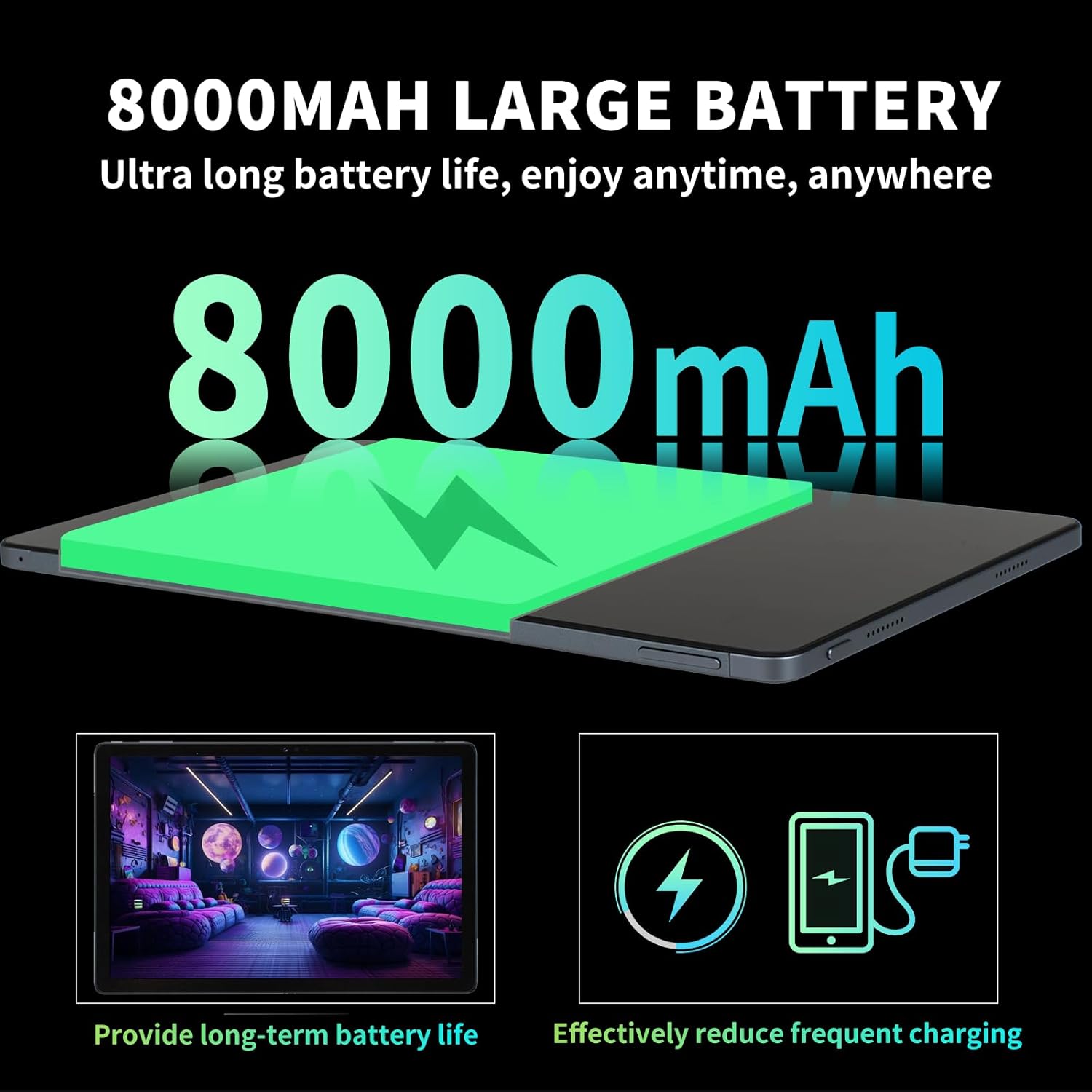
Image: Illustration highlighting the 8000mAh large battery capacity, emphasizing long battery life and reduced charging frequency.
4.2 Encès/Apagat
- Per encendre: Press and hold the Power button until the redbeat logo appears.
- Per apagar: Mantingueu premut el botó d'engegada i, a continuació, seleccioneu "Apagar" de les opcions que apareixen a la pantalla.
- Per reiniciar: Mantingueu premut el botó d'engegada i, a continuació, seleccioneu "Reiniciar".
4.3 SIM Card and Storage Expansion
The redbeat M2 Tablet supports dual Nano SIM cards for 4G LTE connectivity and a TF (MicroSD) card for storage expansion up to 1TB.
- Localitza la safata de la targeta SIM al lateral de la tauleta.
- Insert the SIM card tray ejector tool into the small hole next to the tray and press gently until the tray pops out.
- Place your Nano SIM card(s) and/or TF card into the designated slots on the tray. Ensure correct orientation.
- Torneu a inserir la safata a la tauleta amb cura.

Image: The redbeat M2 Tablet displaying its 4G Global Connectivity feature, with an emphasis on dual SIM card support and compatible network frequency bands.
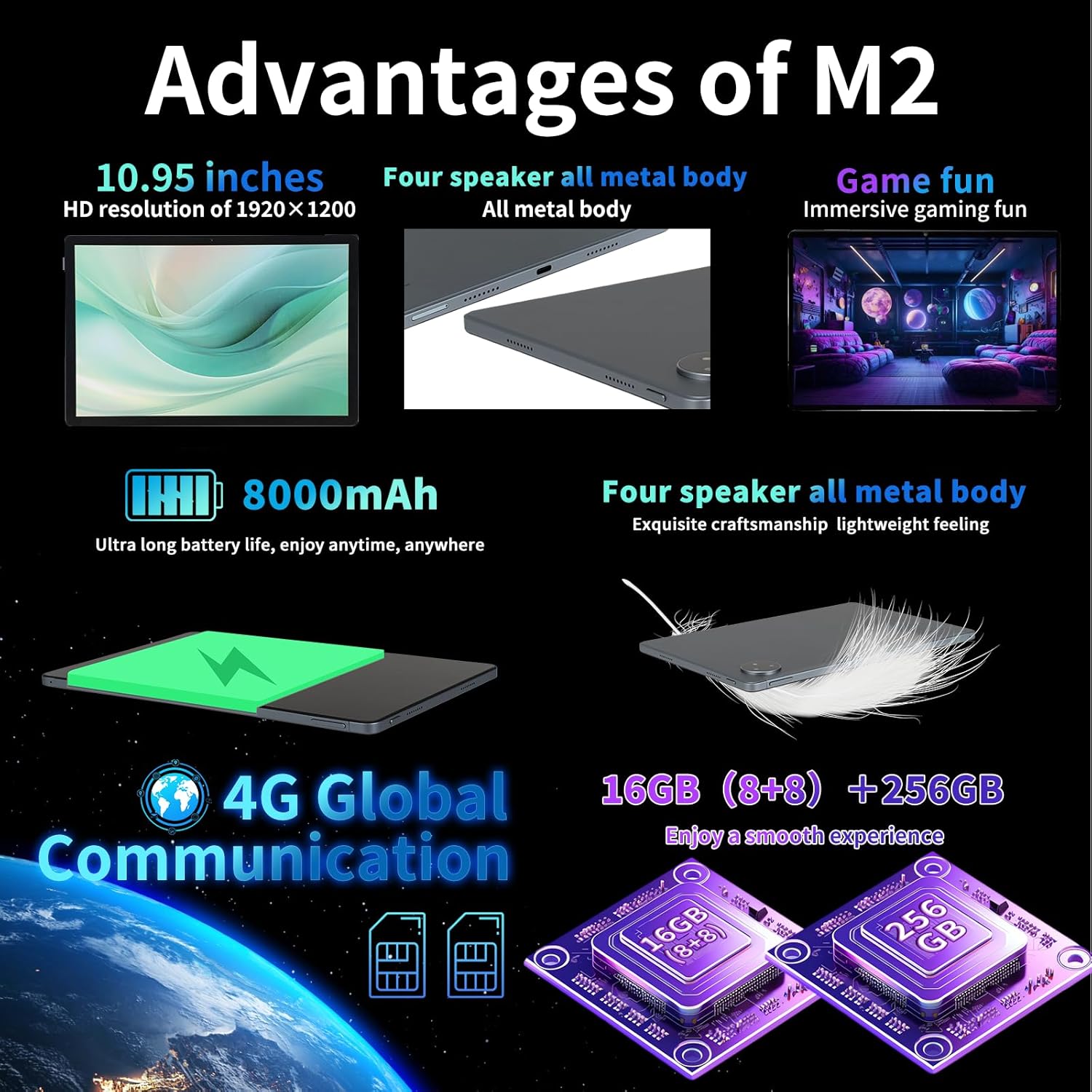
Image: A graphic illustrating the tablet's memory configuration: 16GB (8GB physical + 8GB extended) RAM and 256GB internal storage, with support for up to 1TB external storage.
4.4 Configuració inicial del dispositiu
Quan l'encengueu per primera vegada, seguiu les instruccions que apareixen a la pantalla per configurar la tauleta:
- Seleccioneu el vostre idioma i regió.
- Connect to a Wi-Fi network (2.4G/5G supported).
- Sign in with your Google account or create a new one. This is necessary to download apps from the Google Play Store.
- Configura el bloqueig de pantalla (PIN, patró, contrasenya o desbloqueig facial).
- Review i acceptar els termes i condicions.
5. Instruccions de funcionament
5.1 Gestos de pantalla tàctil
Navigate your tablet using standard Android gestures:
- Toca: Selecciona un element o obre una aplicació.
- Premsa llarga: Accedir a menús contextuals o moure icones.
- Llisca: Scroll through pages, lists, or switch between home screens.
- Pessiga per fer zoom: Apropar o allunyar les imatges i web pàgines.
5.2 Connectivitat
- Wi-Fi: Vés a Configuració > Xarxa i Internet > Wi-Fi to connect to available networks. Supports 2.4G and 5G bands.
- Bluetooth: Vés a Configuració > Dispositius connectats > Bluetooth to pair with Bluetooth devices (e.g., headphones, keyboards). Supports BT5.0.
- Dades mòbils (4G LTE): Ensure a valid SIM card is inserted. Enable mobile data in Configuració > Xarxa i Internet > Xarxa mòbil.
5.3 Ús de la càmera
La tauleta inclou una càmera posterior de 13 MP i una càmera frontal de 5 MP.
- Obre l'aplicació Càmera des de la pantalla d'inici o des del calaix d'aplicacions.
- Toqueu el botó de l'obturador per fer una foto.
- Canvieu entre la càmera frontal i la posterior mitjançant la icona de la càmera.
- Seleccioneu el mode de vídeo per gravar vídeos.
5.4 Àudio i multimèdia
Enjoy immersive audio with the tablet's four stereo speakers and Dolby panoramic surround sound. A 3.5mm headphone jack is available for private listening.

Imatge: Un primer pla view of the redbeat M2 Tablet's all-metal body and speaker grilles, highlighting its four-speaker audio system and exquisite craftsmanship.
5.5 Face Unlock and GPS
The redbeat M2 Tablet includes Face Unlock for convenient security and GPS for navigation and location-based services.
6. Manteniment
6.1 Neteja de la tauleta
Use a soft, lint-free cloth to clean the screen and body of your tablet. Avoid abrasive materials or harsh chemicals that could damage the surface.
6.2 Actualitzacions de programari
Comproveu i instal·leu regularment si hi ha actualitzacions de programari per assegurar-vos que la tauleta tingui les darreres funcions, pegats de seguretat i millores de rendiment. Aneu a Configuració > Sistema > Actualització del sistema.
6.3 Gestió d'emmagatzematge
To optimize performance, periodically manage your tablet's storage. Delete unnecessary files, desinstal·leu les aplicacions que no feu servir i moveu suports multimèdia grans files to external storage (TF card) if applicable. Go to Configuració > Emmagatzematge.
7. Solució De Problemes
If you encounter issues with your redbeat M2 Tablet, refer to the following common solutions:
- El dispositiu no s'encén: Ensure the battery is charged. Connect the tablet to the charger for at least 30 minutes before attempting to power on.
- La pantalla no respon: Try restarting the tablet by holding the Power button for 10-15 seconds.
- Problemes de connectivitat Wi-Fi/4G: Toggle Wi-Fi/Mobile Data off and on. Restart your router or check your SIM card insertion.
- Les aplicacions es bloquegen o tenen un rendiment lent: Close background apps, clear app cache (Configuració > Aplicacions > [Nom de l'aplicació] > Emmagatzematge i memòria cau > Esborra la memòria cau), or restart the tablet.
- La bateria s'esgota ràpidament: Reduce screen brightness, disable unused features (Bluetooth, GPS, Wi-Fi when not needed), and check for power-intensive apps in Configuració > Bateria.
- Tablet not charging: Ensure the Type-C cable and charger are working correctly. Try a different cable or power adapter. Clean the charging port for any debris.
If problems persist, contact redbeat customer support for further assistance.
8. Especificacions
| Característica | Especificació |
|---|---|
| Nom del model | M2 |
| Sistema operatiu | Android 14 |
| Processador | Unisoc T616 Octa-Core, 2 GHz |
| RAM | 16GB (8GB + 8GB Extended) |
| Emmagatzematge intern | 256 GB |
| Emmagatzematge ampliable | Up to 1TB (TF Card) |
| Mida de la pantalla | 10.95 polzades |
| Resolució de pantalla | 1920 x 1200 pixels (2K HD) |
| Càmera posterior | 13MP |
| Càmera frontal | 5MP |
| Capacitat de la bateria | 8000 mAh |
| Carregant | 18W Fast Charge (Type-C) |
| Connectivitat sense fil | Wi-Fi (802.11n, 2.4G/5G), Bluetooth 5.0 |
| Connectivitat cel·lular | 4G LTE Dual SIM (GSM, WCDMA, LTE bands) |
| Dimensions (LxWxH) | 10.28 x 6.89 x 0.47 polzades |
| Pes de l'article | 1.54 lliures (aprox. 511 g) |
| Altres característiques | GPS, Face Unlock, Four Stereo Speakers |
9. Garantia i Suport
redbeat is committed to providing quality products and customer satisfaction.
- Atenció al client de per vida: redbeat offers lifetime customer service to assist with any queries or issues.
- Garantia limitada d'un any: Your redbeat M2 Tablet includes a one-year warranty covering manufacturing defects.
- Garantia de devolució de 30 dies: A 30-day money-back guarantee and free return policy are available.
For support, please refer to the contact information provided with your purchase or visit the official redbeat weblloc.


