1. Informació important de seguretat
Please read all safety instructions carefully before using your Xiaomi TV S Mini LED 75" 2025. Keep this manual for future reference.
- Font d'alimentació: Connect the TV only to an AC power source as indicated on the label.
- Ventilació: Assegureu-vos que hi hagi una ventilació adequada al voltant del televisor. No bloquegeu les obertures de ventilació.
- Aigua i humitat: No exposeu el televisor a la pluja ni a la humitat. No col·loqueu objectes plens de líquids a sobre del televisor.
- Neteja: Desendolla el televisor abans de netejar-lo. Fes servir un drap suau i sec. Evita els netejadors líquids.
- Manteniment: No intenteu atendre aquest producte vosaltres mateixos. Consulteu tots els serveis a personal de servei qualificat.
- Col·locació: Col·loqueu el televisor sobre una superfície estable i plana o munteu-lo de manera segura a una paret amb un suport VESA compatible.
2. Contingut del paquet
Verifiqueu que tots els elements siguin presents al paquet:
- Xiaomi TV S Mini LED 75" 2025
- Control remot
- Cable d'alimentació
- TV Stand Components (if included)
- Manual d'usuari (aquest document)
3. Guia de configuració
3.1 Unpacking the TV
Carefully remove the TV from its packaging. It is recommended to have two people for this process due to the size and weight of the 75-inch model.
3.2 Installing the TV Stand (Optional)
If you are not wall-mounting the TV, attach the included stand components according to the separate stand installation guide. Ensure all screws are tightened securely.
3.3 Muntatge a la paret (opcional)
The Xiaomi TV S Mini LED 75" 2025 supports VESA wall mounts with a pattern of 400 x 300 mm. Use appropriate wall-mounting hardware and consult a professional for installation to prevent injury or damage.
3.4 Connexió de perifèrics
Connect your devices to the TV's input ports. Refer to the back panel image for port locations.
Imatge: Part posterior view of the TV displaying available connection ports.
- Potència: Connecteu el cable d'alimentació al televisor i després a una presa de corrent.
- HDMI: Connect Blu-ray players, game consoles, or other HDMI devices.
- USB: Connecteu dispositius d'emmagatzematge USB per a la reproducció de contingut multimèdia.
- Ethernet: Per a una connexió a Internet per cable.
- Antena/cable: Connect your antenna or cable TV input.
3.5 Engegada inicial i configuració inicial
After connecting all cables, plug in the TV and press the power button on the remote control. Follow the on-screen instructions to complete the initial setup, including network connection, Google account login, and channel scanning.

Imatge: Frontal view of the Xiaomi TV S Mini LED 75" 2025.
4. Instruccions de funcionament
4.1 Control remotview
El comandament a distància inclòs proporciona accés a totes les funcions del televisor. Familiaritzeu-vos amb la disposició dels botons per facilitar la navegació.
4.2 Funcions bàsiques
- Potència: Premeu per engegar o apagar el televisor.
- Volum: Use the +/- buttons to adjust the sound level.
- Canal: Feu servir els botons CH +/- per canviar de canal.
- Entrada: Select the desired input source (HDMI, AV, etc.).
- Inici: Access the Google TV home screen.
4.3 Funcions de Smart TV (Google TV)
Your Xiaomi TV runs on Google TV, offering a personalized entertainment experience.

Image: Google TV interface with app icons and content suggestions.
- Aplicacions: Baixeu i instal·leu aplicacions des de Google Play Store.
- Assistent de veu: Use the built-in Google Assistant for voice commands.
- Recomanacions de contingut: Google TV provides personalized recommendations based on your viewd'hàbits.

Image: Using the Hey Google voice assistant to search for content.
4.4 Configuració de la pantalla
Ajusta la configuració de la imatge per optimitzar el teu viewexperiència.
Imatge: Més deview of the TV's advanced display technologies.
- Modes d'imatge: Select from various preset modes (e.g., Standard, Vivid, Movie, Game) or customize your own.
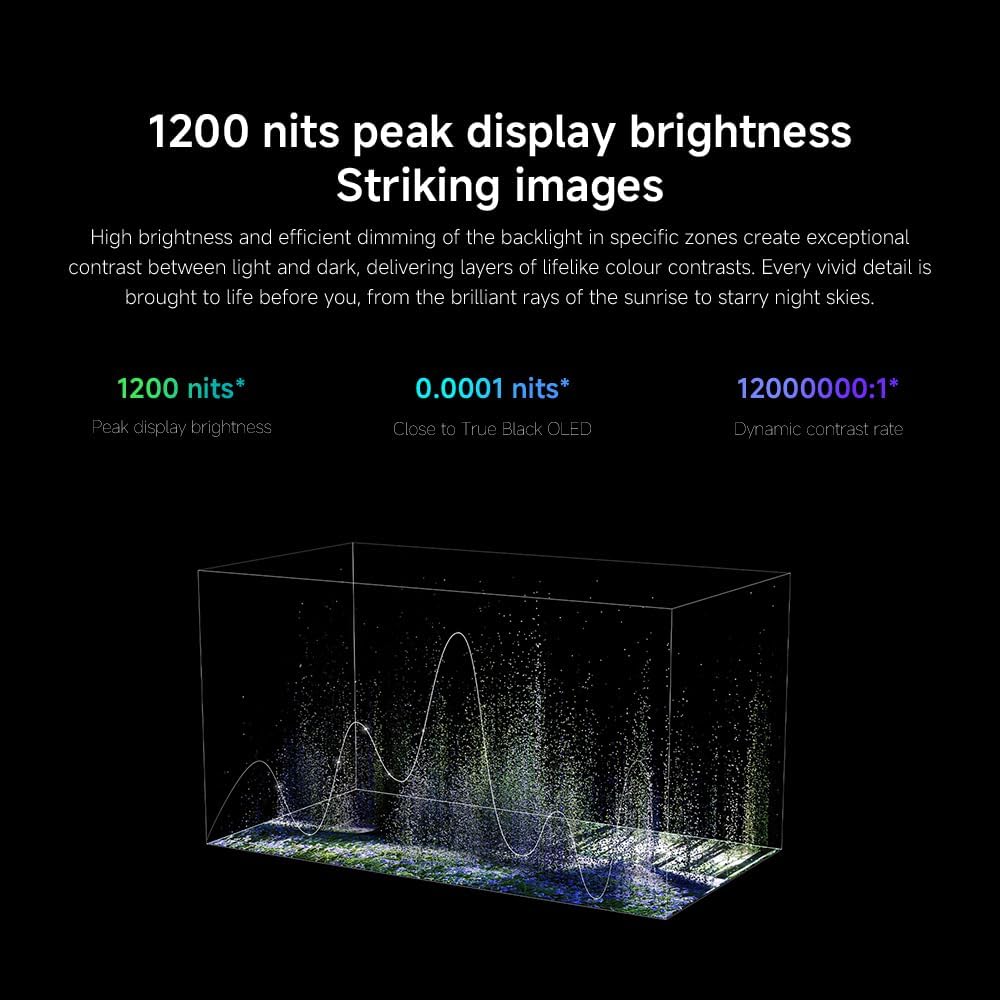
- Brillantor/Contrast: Fine-tune these settings for optimal visual clarity. The TV features 1200 nits peak brightness for stunning visuals.
- Color: Adjust color saturation and tint. The QD-MiniLED display offers accurate color reproduction.
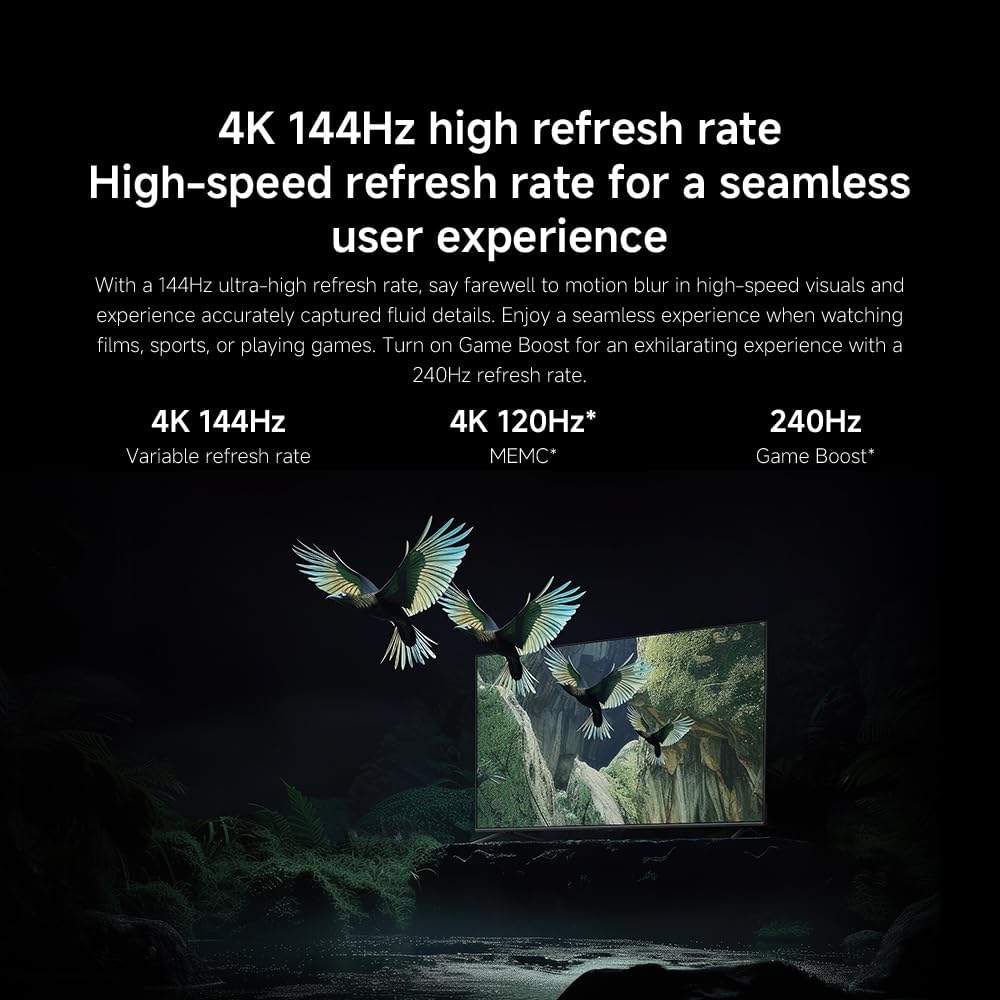
- Freqüència d'actualització: The TV supports a 144Hz refresh rate for ultra-smooth motion.
- Motor d'IA: The powerful AI engine enhances image quality automatically.

Image: Visual representation of the 144Hz refresh rate for seamless motion.
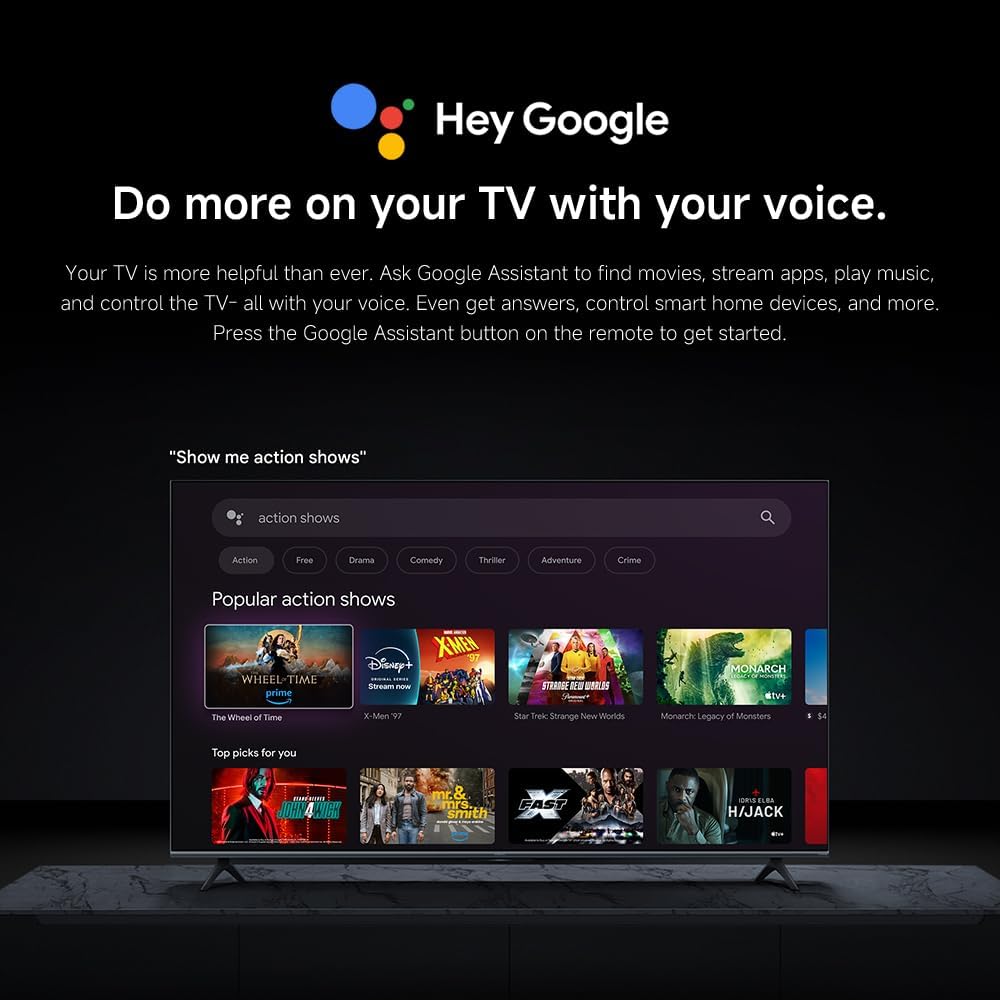
Image: The Quad cortex A73 processor, responsible for AI image enhancement and performance.
4.5 Configuració d'àudio
Configure audio output and sound enhancements.

Image: Depiction of the TV's quality audio-visual experience.
- Mode de so: Choose from preset sound modes (e.g., Standard, Movie, Music) or customize.
- Dolby Atmos: Enable Dolby Atmos for an immersive audio experience.
4.6 Connectivitat
The TV offers various connectivity options.
- Bluetooth: Connect Bluetooth-enabled devices such as headphones or speakers.
- Wi-Fi: Connecteu-vos a la xarxa sense fil de casa per accedir a Internet.
- Apple AirPlay: Reprodueix contingut en streaming directament des dels teus dispositius Apple.
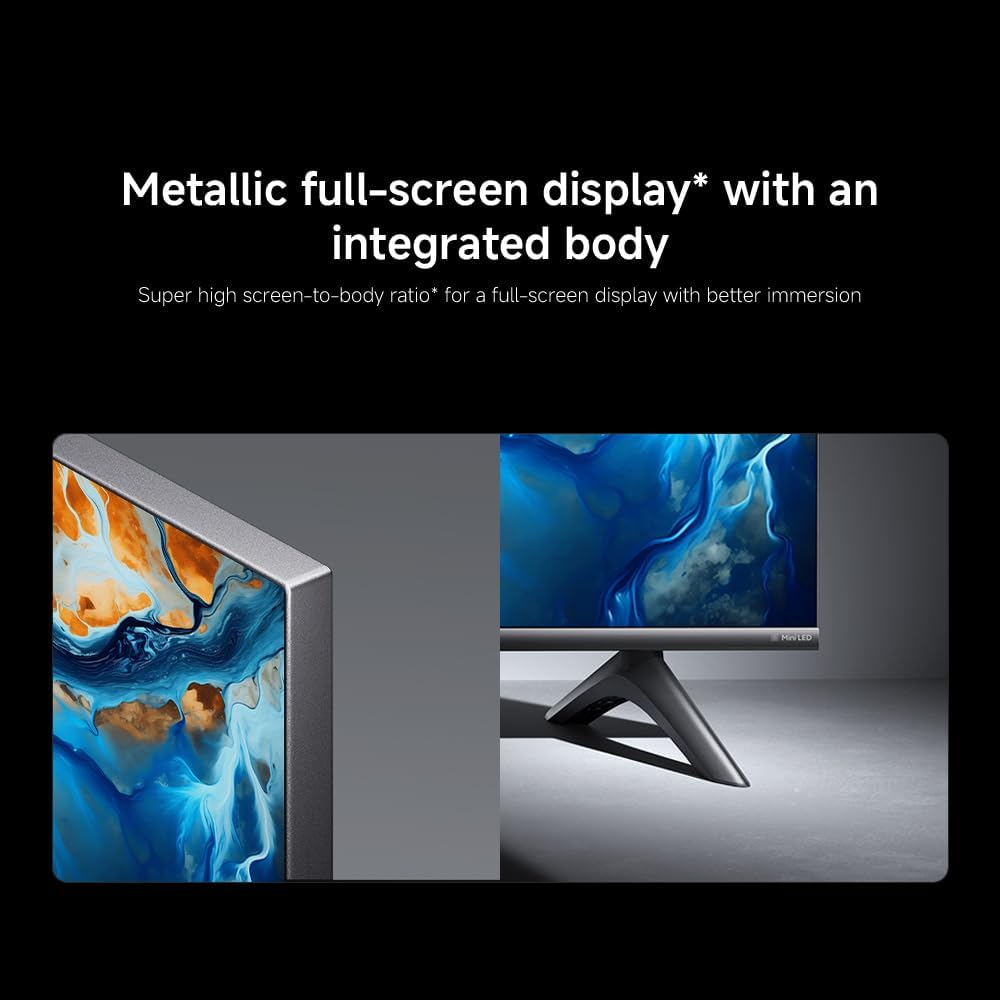
Image: Apple AirPlay functionality for streaming from Apple devices.
5. Manteniment
5.1 Neteja de la pantalla
Per netejar la pantalla, primer desendolleu el televisor. Netegeu suaument la pantalla amb un drap suau i sense borrissol. Per a marques difícils, netegeu lleugerament.ampen the cloth with water or a specialized screen cleaner, then wipe dry immediately. Do not spray liquid directly onto the screen.
5.2 Actualitzacions de programari
The TV may receive software updates periodically to improve performance and add new features. Ensure your TV is connected to the internet to receive these updates. You can check for updates manually in the TV's settings menu.
6. Solució De Problemes
Si teniu problemes amb el televisor, consulteu les solucions habituals següents:
| Problema | Possible solució |
|---|---|
| Sense poder | Check if the power cable is securely connected to the TV and the power outlet. Ensure the outlet is functional. |
| No hi ha imatge, però hi ha so | Verifiqueu que s'ha seleccionat la font d'entrada correcta. Comproveu les connexions dels cables als dispositius externs. |
| No hi ha so, però hi ha imatge | Check volume level and mute status. Ensure audio cables are connected correctly. |
| El comandament a distància no funciona | Replace batteries. Ensure no obstructions between the remote and the TV. |
| Poca qualitat d'imatge | Adjust picture settings (brightness, contrast, sharpness). Check antenna or cable connection. Ensure content source is high quality. |
| Smart TV features unresponsive | Check internet connection. Restart the TV by unplugging it for a few minutes and plugging it back in. |
If the issue persists after trying these steps, contact customer support.
7. Especificacions
Key technical specifications for the Xiaomi TV S Mini LED 75" 2025:
| Característica | Especificació |
|---|---|
| Marca | XIAOMI |
| Número de model | 59292 |
| Mida de la pantalla | 75 polzades |
| Tecnologia de visualització | 4K UHD, LED, QD-MiniLED |
| Resolució | 4K (3840 x 2160) |
| Freqüència d'actualització | 144 Hz |
| Lluminositat màxima | 1200 nits |
| Sistema operatiu | Google TV |
| Processador | Quad Cortex A73 |
| RAM | 3 GB |
| Emmagatzematge | 32 GB |
| Tecnologia d'àudio | Dolby Atmos |
| Connectivitat | Bluetooth, Wi-Fi, Apple AirPlay |
| Dimensions del producte (amb suport) | 42.5 de profunditat x 166.8 d'amplada x 102.8 d'alçada cm |
| Pes del producte (amb suport) | 31 kg |
| Muntatge de paret VESA | 400 x 300 mm |
| Components inclosos | TV, remote control, power cable |
8. Garantia i Suport
Your Xiaomi TV S Mini LED 75" 2025 is covered by a manufacturer's warranty. Please refer to the warranty card included in your package for specific terms and conditions. For technical support, service inquiries, or to purchase accessories, please visit the official Xiaomi weblloc web o poseu-vos en contacte amb els seus centres de servei autoritzats.
Recursos en línia: For additional information, FAQs, and software downloads, visit the official Xiaomi support page.


