1. Introducció
The Cellularline Ion Pro Square Smartwatch is an advanced wearable device designed to integrate seamlessly into your daily life, offering a blend of style and functionality. It features a vibrant 1.83-inch TFT display, robust water and dust resistance, and comprehensive health and fitness tracking capabilities. This manual provides detailed instructions for setting up, operating, maintaining, and troubleshooting your smartwatch.

Image 1.1: The Cellularline Ion Pro Square Smartwatch, showcasing its square display and black strap.
2. Què hi ha a la caixa
Upon unboxing your Cellularline Ion Pro Square Smartwatch, please verify that all components are present:
- Cellularline Ion Pro Square Smartwatch
- Cable de càrrega
- Manual d'instruccions
3. Primers passos
3.1. Càrrega del rellotge intel·ligent
Before initial use, fully charge your smartwatch. Connect the provided charging cable to the charging port on the back of the smartwatch and plug the USB end into a compatible power adapter (not included) or a computer's USB port. A full charge typically takes approximately 3 hours and provides up to 7 days of battery life.
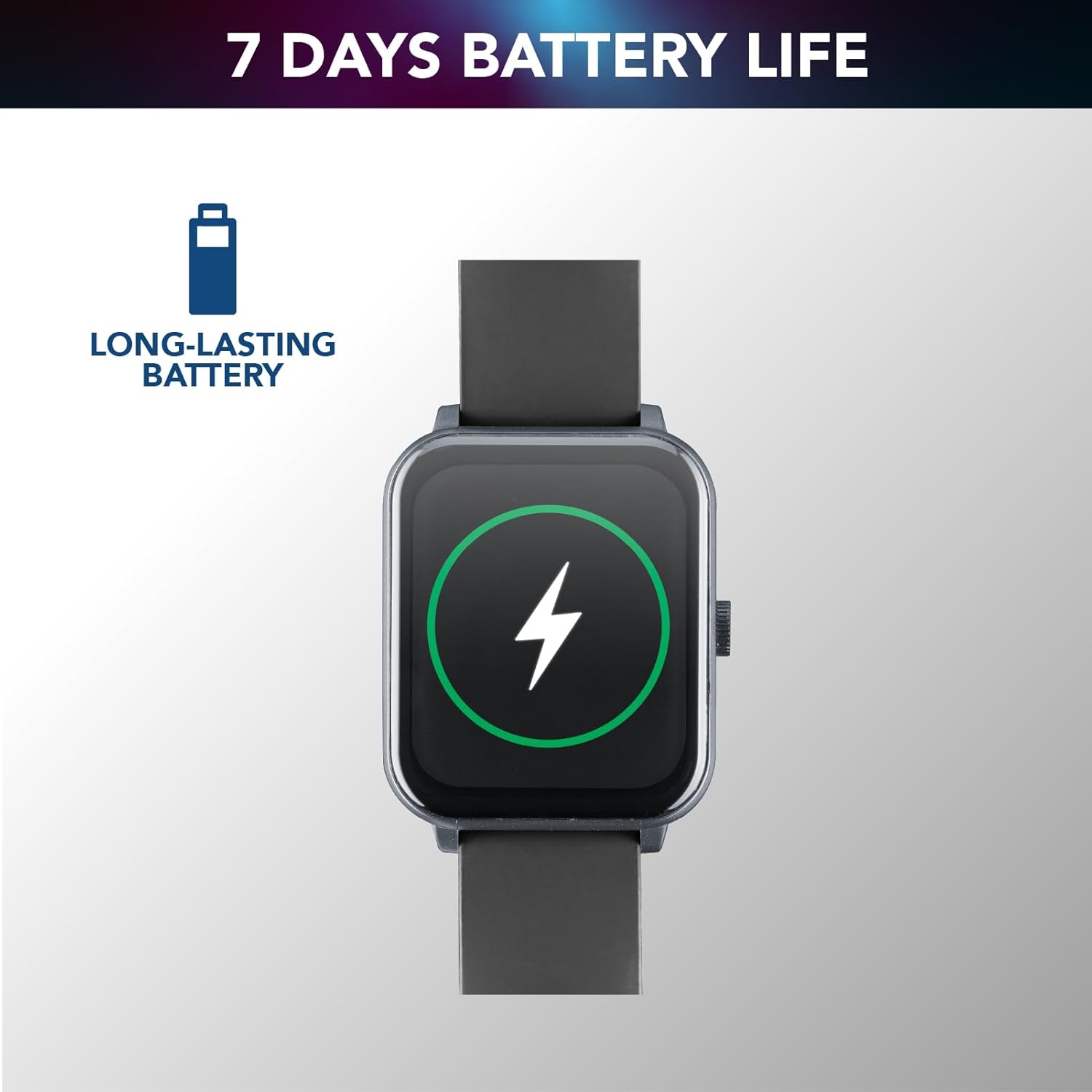
Image 3.1: The smartwatch screen showing a battery charging indicator, illustrating its long-lasting battery capability.
3.2. Instal·lació i emparellament de l'aplicació
Per desbloquejar tot el potencial del teu rellotge intel·ligent, descarrega i instal·la Cellularline ION App on your smartphone. The app is available for both iOS and Android devices. You can find it by scanning the QR code provided in the quick start guide or by searching in your device's app store.
- Download and install the Cellularline ION App.
- Activa el Bluetooth al teu telèfon intel·ligent.
- Open the app and follow the on-screen instructions to pair your smartwatch. This usually involves scanning a QR code displayed on the smartwatch screen or selecting the device from a list of nearby Bluetooth devices.
- Once paired, the smartwatch will synchronize with your phone, and you can customize settings and view your data within the app.
4. Com fer funcionar el rellotge intel·ligent
4.1. Pantalla i navegació
The Ion Pro Square features a 1.83-inch Full Touch TFT display, providing clear visuals and intuitive navigation. Swipe across the screen to access different functions and menus. Tap to select options.

Image 4.1: The smartwatch showcasing its 1.83-inch high-definition display with clear time indication.
4.2. Funcions de crida
Once connected to your smartphone via Bluetooth, the Ion Pro Square allows you to receive and answer calls directly from your wrist. Notifications for incoming calls will appear on the display, and you can use the integrated microphone and speaker for hands-free communication.

Image 4.2: A user tapping the smartwatch screen to answer a call, demonstrating the Bluetooth calling feature.
4.3. Monitorització de la salut
The smartwatch is equipped with an optical sensor to continuously monitor various health metrics:
- Freqüència cardíaca: Seguiment de la freqüència cardíaca en temps real.
- Pressió arterial: Estimates of blood pressure levels.
- Oxigen en sang (SpO2): Mesura la saturació d'oxigen a la sang.
- Monitorització del son: Fa un seguiment dels patrons i la qualitat del son.
- Monitorització de l'estrès: Proporciona informació sobre els nivells d'estrès.

Image 4.3: Two smartwatch screens showing heart rate (142 BPM) and sleep monitoring (07:30, Target: 08H) data.
4.4. Seguiment d'activitat
Track your daily physical activities and fitness progress with the built-in activity monitoring features:
- Comptador de passos: Registra els teus passos diaris.
- Calories cremades: Estima la despesa calòrica.
- Modes de fitness: Dedicated modes for various activities such as walking, running, climbing, and general fitness, providing specific metrics for each.

Image 4.4: The smartwatch screen showing a selection of fitness modes, including walk, run, climbing, and general fitness tracking.
5. Cura i Manteniment
5.1. Resistència a l'aigua i a la pols
The Cellularline Ion Pro Square Smartwatch is certified IP65, making it resistant to water splashes and dust. This means it can withstand light rain or sweat during workouts. However, it is no suitable for swimming, showering, or prolonged submersion in water. Avoid exposing the device to hot water, steam, or high-pressure water jets.

Image 5.1: The smartwatch screen with water droplets, illustrating its water and dust resistance (Note: Product description states IP65, image states IP67).
5.2. Neteja i emmagatzematge
To maintain your smartwatch's performance and appearance:
- Netegeu la pantalla i la carcassa amb un drap suau, sec i sense borrissol.
- Si cal, una mica dampen the cloth with water; avoid harsh chemicals or abrasive materials.
- Netegeu els contactes de càrrega regularment per garantir una càrrega correcta.
- Guarda el rellotge intel·ligent en un lloc fresc i sec, allunyat de la llum solar directa i de temperatures extremes.
6. Solució De Problemes
If you encounter issues with your Cellularline Ion Pro Square Smartwatch, refer to the following common problems and solutions:
| Problema | Possible solució |
|---|---|
| El rellotge intel·ligent no s'encén. | Assegureu-vos que el dispositiu estigui completament carregat. Connecteu-lo al carregador durant almenys 30 minuts. |
| No es pot emparellar amb el telèfon intel·ligent. | Ensure Bluetooth is enabled on your phone. Restart both the smartwatch and your phone. Make sure the app is updated to the latest version. |
| Dades de salut inexactes. | Ensure the smartwatch is worn snugly on your wrist, not too loose or too tight. Clean the sensor on the back of the device. |
| Durada de la bateria curta. | Reduce screen brightness, disable unnecessary notifications, and limit continuous heart rate monitoring if not needed. Ensure the device is fully charged. |
| Notificacions no rebudes. | Check app permissions on your smartphone to ensure notifications are allowed. Verify that the smartwatch is properly connected via Bluetooth. |
If the problem persists, please contact Cellularline customer support for further assistance.
7. Especificacions tècniques
| Característica | Especificació |
|---|---|
| Nom del model | BTIONWATCHPROSK |
| Marca | línia cel·lular |
| Mida de la pantalla | 1.83 polzades |
| Tipus de visualització | TFT |
| Forma | Plaçada |
| Composició de la bateria | Polímer de liti |
| Capacitat de la bateria | 260 mAh (Modifier desconocido) |
| Durada mitjana de la bateria | 7 dies |
| Temps de càrrega | 3 hores |
| Comunicació sense fils estàndard | Bluetooth |
| Tecnologia de connectivitat | Bluetooth |
| Sistema operatiu | Wear OS |
| Resistència a l'aigua | Certificat IP65 |
| Pes del producte | 100 g |
| Dimensions | 16.1 x 9 x 3.1 cm |
| Dispositius compatibles | Smartphones, tauletes |
| Components inclosos | Smartwatch, Charging Cable, Instructions |
8. Garantia i Suport
For information regarding warranty coverage and customer support, please refer to the warranty card included with your product or visit the official Cellularline website. You can also contact their customer service for assistance with product inquiries, technical support, or warranty claims.
Per a consultes generals o per explorar altres productes, visiteu Cellularline Store on Amazon.