1. Introducció
Thank you for choosing the pTron Basspods P181 True Wireless Stereo (TWS) Earbuds. These earbuds are designed to provide a high-quality audio experience with advanced features for convenience and durability. This manual will guide you through the setup, operation, and maintenance of your new earbuds.
2. Què hi ha a la caixa
- Auriculars pTron Basspods P181 TWS
- Estoig de càrrega
- Cable de càrrega USB tipus C
- Manual d'usuari
- S/M/L Size Eartips (one set pre-installed)
3. Producte acabatview

Figure 1: pTron Basspods P181 Earbuds in their open charging case.

Figure 2: Key features including 13mm dynamic drivers, 300mAh charging case, Type-C charging port, and DC5V/1A charging input.
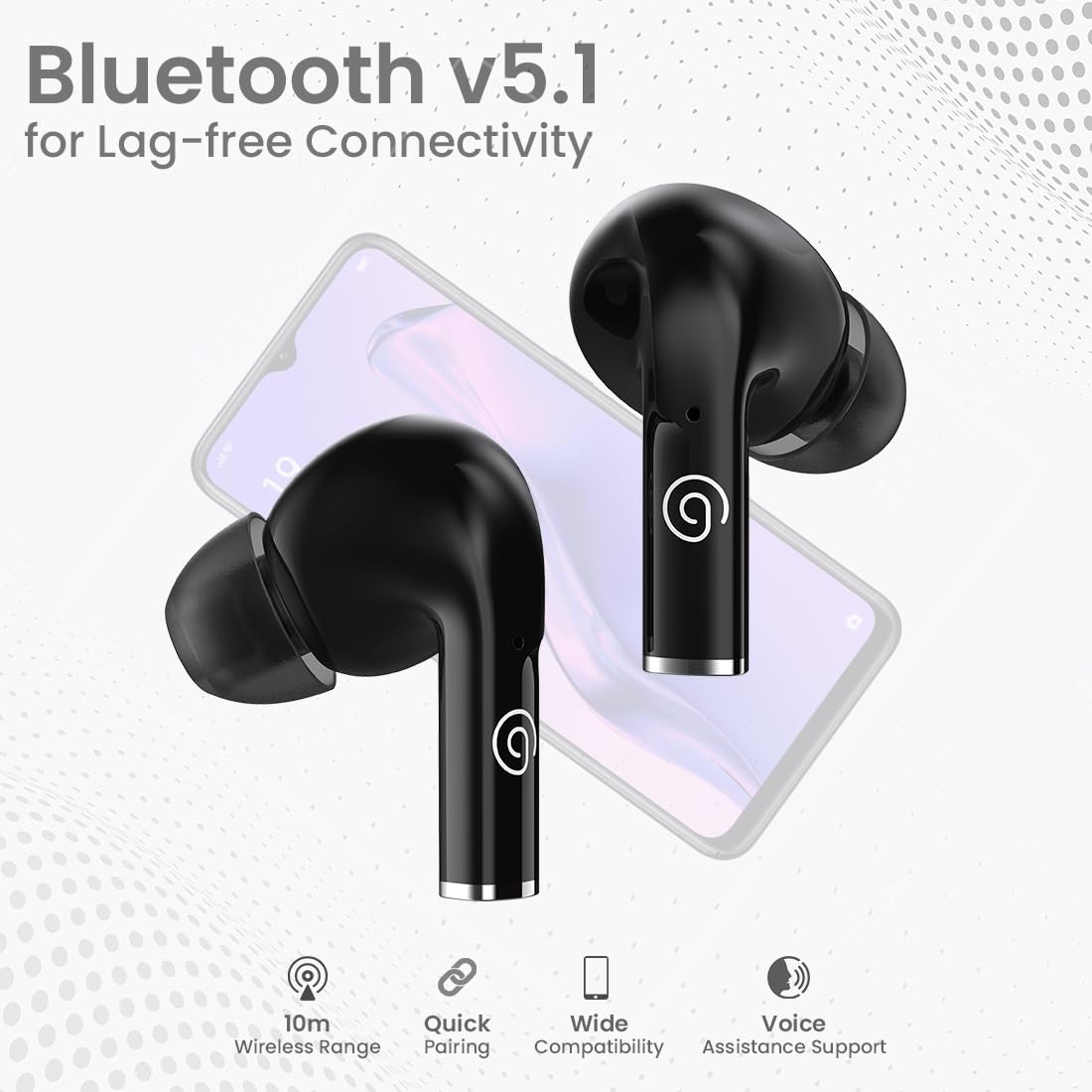
Figure 3: Bluetooth 5.1 for lag-free connectivity, featuring a 10-meter wireless range, quick pairing, wide compatibility, and voice assistance support.
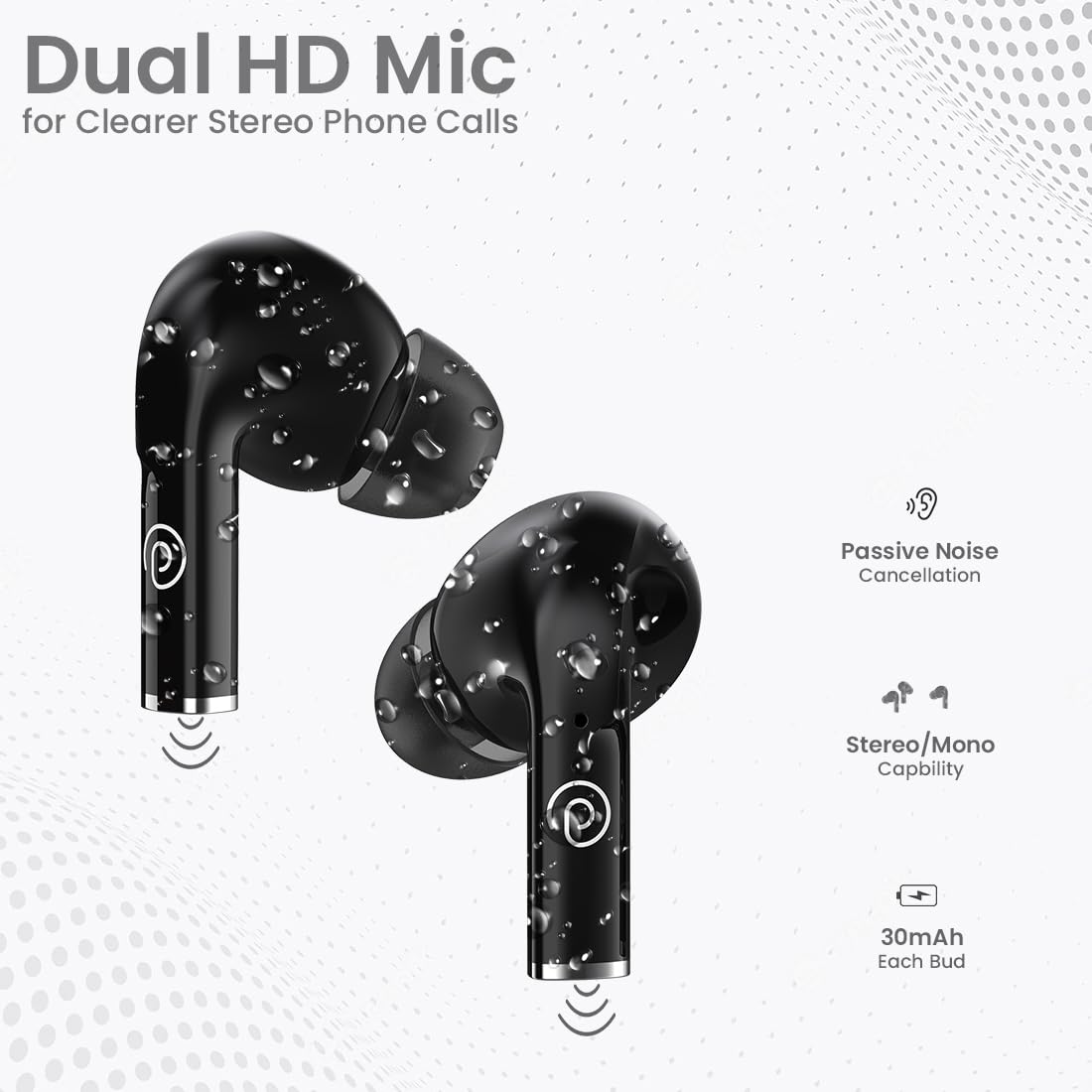
Figure 4: Dual HD Microphones for clear stereo phone calls, passive noise cancellation, stereo/mono capability, and 30mAh battery in each earbud.

Figure 5: Touch sensor controls for easy music and call management, including Play/Pause, Call Answer, Call Hangup, Next Track, Previous Track, and Voice Assistance.
4. Instruccions de configuració
4.1 Càrrega inicial
Before first use, fully charge the earbuds and the charging case. Connect the provided USB Type-C cable to the charging port on the case and a compatible power source (DC5V/1A). The indicator light on the case will show charging status. A full charge typically takes 1-1.5 hours.
4.2 Vinculació amb un dispositiu
- Assegureu-vos que els auriculars estiguin completament carregats.
- Obre l'estoig de càrrega. Els auriculars entraran automàticament en mode d'emparellament.
- Al teu telèfon intel·ligent o tauleta, activa el Bluetooth.
- Cerca available Bluetooth devices and select "pTron Basspods P181".
- Un cop connectats, els auriculars indicaran que l'emparellament s'ha realitzat correctament.
La funció dels auriculars 1-Step Pairing i Reconnexió automàtica, meaning they will automatically connect to the last paired device when removed from the case.
5. Instruccions de funcionament
5.1 Controls tàctils
The pTron Basspods P181 earbuds feature intuitive touch controls on each earbud. Refer to the following table for common functions:
| Acció | Funció |
|---|---|
| Un sol toc (L/R) | Reprodueix/Pausa música, Respon trucada |
| Fes doble toc (L/R) | Finalitzar la trucada |
| Toc triple (dreta) | Pista següent |
| Triple tap (Left) | Pista anterior |
| Long press (L/R) | Activa l'Assistent de veu |
5.2 Stereo/Mono Mode
The earbuds can be used in either stereo (both earbuds) or mono (single earbud) mode. Simply remove one earbud from the case to use it independently. To switch back to stereo, take out the other earbud.
6. Càrrega
The pTron Basspods P181 provide up to 32 hours of total playtime with the included charging case. Each earbud has a 30mAh battery, and the charging case has a 300mAh capacity.
- To charge the earbuds, place them back into the charging case. They will automatically begin charging.
- To charge the case, connect it to a power source using the Type-C cable.
- Charging time for both earbuds and case is approximately 1-1.5 hours.
7. Manteniment
To ensure the longevity and optimal performance of your pTron Basspods P181 earbuds, follow these maintenance guidelines:
- Neteja: Netegeu regularment els auriculars i l'estoig de càrrega amb un drap suau i sec. Eviteu utilitzar productes químics agressius o materials abrasius.
- Resistència a l'aigua: The earbuds are IPX4 water/sweat resistant, making them suitable for workouts and light rain. Do not submerge them in water or expose them to heavy downpours. Ensure they are dry before placing them back in the charging case.
- Emmagatzematge: Guarda els auriculars a l'estoig de càrrega quan no els facis servir per protegir-los de la pols i els danys.
- Temperatura: Eviteu exposar els auriculars a temperatures extremes (calor o fred), ja que això pot afectar la durada i el rendiment de la bateria.
8. Solució De Problemes
Si teniu problemes amb els auriculars, proveu les solucions següents:
- Sense so/Mala qualitat de so:
- Assegureu-vos que els auriculars estiguin correctament emparellats i connectats al dispositiu.
- Comprova el nivell de volum tant del dispositiu com dels auriculars.
- Clean any debris from the earbud nozzles and eartips.
- Prova de restablir els auriculars (consulta les instruccions del fabricant) weblloc web per obtenir instruccions específiques de restabliment si cal).
- Els auriculars no es carreguen:
- Assegureu-vos que el cable de càrrega estigui connectat correctament tant a la carcassa com a la font d'alimentació.
- Verify the charging case has sufficient power.
- Netegeu els contactes de càrrega tant dels auriculars com de la funda.
- Problemes d'aparellament:
- Desactiva el Bluetooth al dispositiu i torna'l a activar.
- Forget the "pTron Basspods P181" from your device's Bluetooth list and attempt to pair again.
- Assegureu-vos que cap altre dispositiu Bluetooth interfereixi amb la connexió.
9. Especificacions
| Característica | Detall |
|---|---|
| Nom del model | Basspods P181 |
| Marca | pTron |
| Tecnologia de connectivitat | Sense fil (Bluetooth 5.1) |
| Interval Bluetooth | 10 metres |
| Mida del controlador d'àudio | 13 Mil·límetres |
| Tipus de controlador d'àudio | Conductor dinàmic |
| Impedància | 32 ohms |
| Control de soroll | Aïllament acústic (cancel·lació passiva de soroll) |
| Micròfons | Dual HD Mic for Clear Calls |
| Tipus de control | Control tàctil |
| Nivell de resistència a l'aigua | IPX4 Water/Sweat Resistant |
| Capacitat de la bateria dels auriculars | 30mAh (each bud) |
| Caixa de càrrega Capacitat de la bateria | 300 mAh |
| Port de càrrega | Tipus-C |
| Temps de càrrega | 1-1.5 hores |
| Temps de joc total | Fins a 32 hores (amb estoig de càrrega) |
| Dispositius compatibles | Telèfons mòbils, tauletes |
| Material | Acrilonitril butadiè estirè (ABS) |
| Pes de l'article | 43 grams |
| Dimensions del producte | 6 x 4.5 x 2.4 cm |
| País d'origen | Xina |
10. Vídeos de productes
Vídeo 1: Un breu resumview of the pTron Basspods P181 TWS Earbuds, showcasinCaracterístiques i disseny clau de g. Aquest vídeo ha estat proporcionat pel venedor.
Video 2: Detailed product presentation of the pTron Basspods P181 TWS Earbuds, covering various aspects of functionality and user experience. This video is provided by the seller.
11. Garantia i Suport
The pTron Basspods P181 comes with a 1 any de garantia del fabricant from the date of purchase, covering manufacturing defects only.
Per obtenir assistència al client, poseu-vos en contacte amb:
- Telèfon: 040-67138888
- Correu electrònic: suport@ptron.in


