1. Introducció
Gràcies per la compraasing the CAIWEI A10R 4K Ultra HD Projector. This manual provides essential information for setting up, operating, maintaining, and troubleshooting your projector. Please read this manual thoroughly before using the product to ensure proper operation and to extend its lifespan. The CAIWEI A10R is designed to deliver an immersive visual experience with its 4K Ultra HD resolution, high brightness, and smart Android 9.0 operating system.
2. Informació de seguretat
Per garantir un funcionament segur i evitar danys, observeu les següents precaucions de seguretat:
- Font d'alimentació: Use only the specified power adapter. Ensure the power outlet matches the projector's voltage requisits.
- Ventilació: No bloquegeu les obertures de ventilació. Assegureu-vos que hi hagi un flux d'aire adequat al voltant del projector per evitar el sobreescalfament.
- Calor: El projector lamp becomes very hot during operation. Do not touch the lens or ventilation areas immediately after use.
- Exposició líquida: Do not expose the projector to rain, moisture, or any liquids. Do not place objects filled with liquids, such as vases, on the projector.
- Neteja: Desconnecteu el cable d'alimentació abans de netejar-lo. Feu servir un drap suau i sec. No utilitzeu netejadors líquids ni en aerosol.
- Font de llum: No mireu directament a la lent del projector quan estigui encès.amp està encès, ja que la llum intensa pot causar lesions oculars.
- Desmuntatge: Do not attempt to disassemble or repair the projector yourself. Refer all servicing to qualified service personnel.
- Col·locació: Place the projector on a stable, flat surface. Avoid placing it in direct sunlight or near heat sources.
3. Contingut del paquet
Si us plau, comproveu que tots els elements siguin presents i en bon estat:
- CAIWEI A10R Projector
- Adaptador d'alimentació
- Cable HDMI
- Control remot
- Manual d'usuari
4. Producte acabatview
Familiarize yourself with the physical components and key features of your CAIWEI A10R projector.
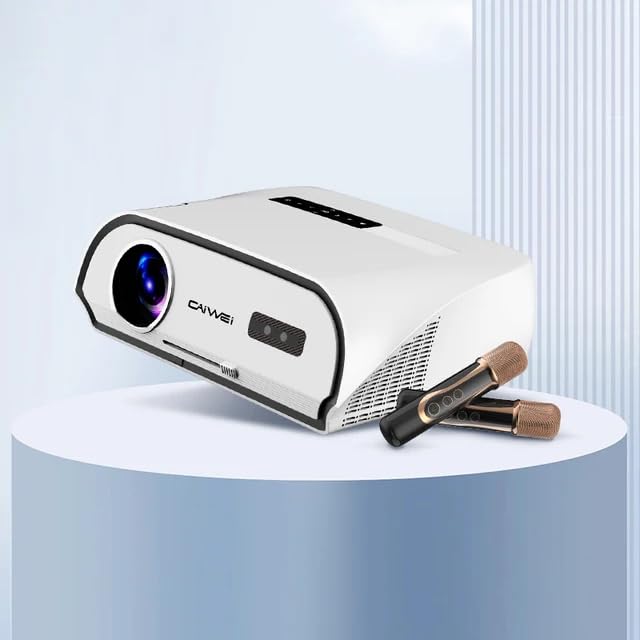
Figure 4.1: CAIWEI A10R Projector, showcasing its sleek design and compatibility with external audio devices like microphones for karaoke.
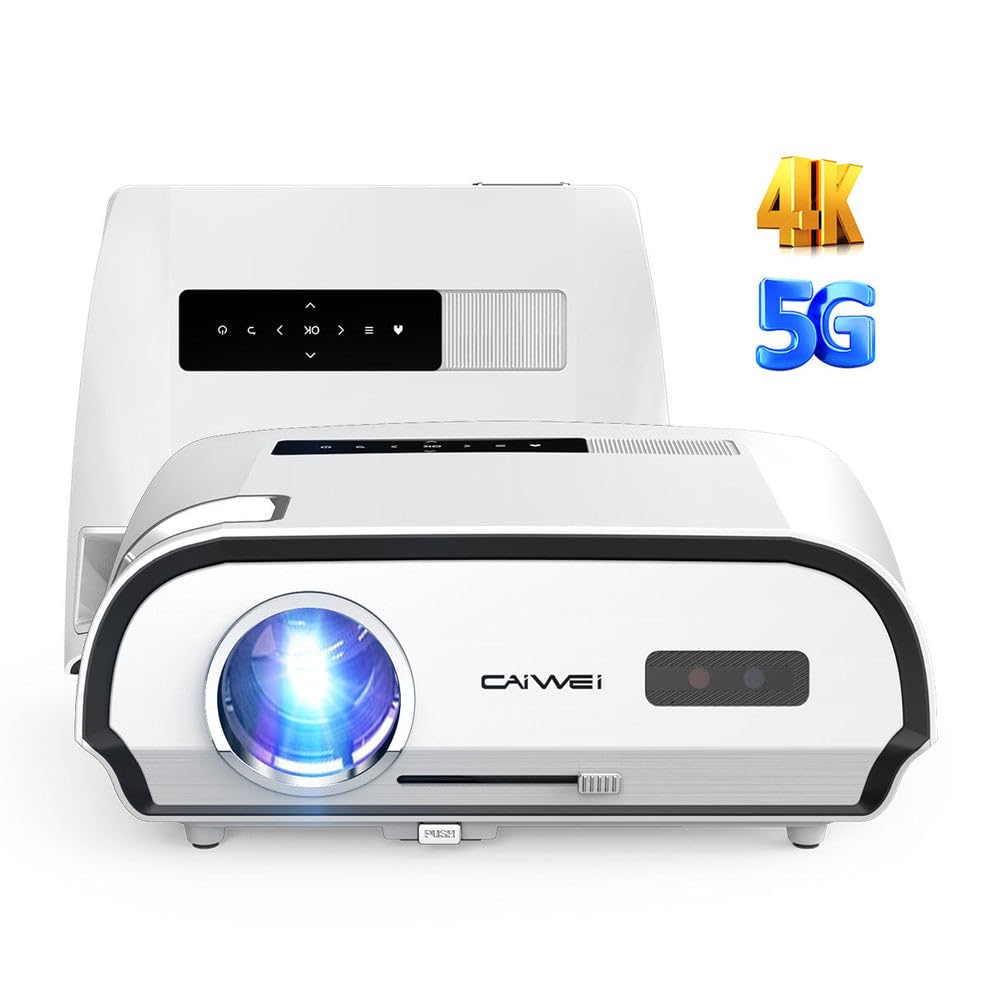
Figura 4.2: Frontal view of the CAIWEI A10R Projector, highlighting its 4K resolution support and 5G WiFi capabilities.

Figure 4.3: Infographic detailing key features such as 4K support, 5G/2.4G WiFi, 20W Subwoofer, 1080P Native resolution, 2GB RAM + 32GB ROM, Daylight Visible projection, and 4D/4P Keystone Correction.
4.1. Interfaces and Controls
The projector is equipped with a rich variety of interfaces to connect to various devices. These include LAN, HDMI, USB, VGA, and AV ports, along with an Audio output. Controls are typically located on the top panel or accessible via the remote control.
5. Configuració
Segueix aquests passos per a la configuració inicial del projector:
- Col·locació: Col·loqueu el projector sobre una superfície estable i plana. Per a una òptima viewing, position it directly in front of the projection screen or wall. The projector supports up to a 300-inch ultra-large display screen.
- Connexió d'alimentació: Connect the power adapter to the projector's power input and then plug it into a power outlet.
- Encès: Premeu el botó d'encesa del projector o del comandament a distància per encendre el dispositiu.
- Ajust del focus: Rotate the focus ring (usually located near the lens) until the projected image is clear and sharp.
- Correcció Keystone: If the projected image appears trapezoidal, use the 6P/6D keystone correction function to adjust it into a perfect rectangular shape. This can typically be done through the projector's settings menu or dedicated buttons on the remote.

Figure 5.1: Comparison illustrating the larger-than-life visuals offered by the CAIWEI A10R projector compared to a traditional TV.
6. Instruccions de funcionament
The CAIWEI A10R runs on a customized Android 9.0 operating system, providing a smart and user-friendly experience.
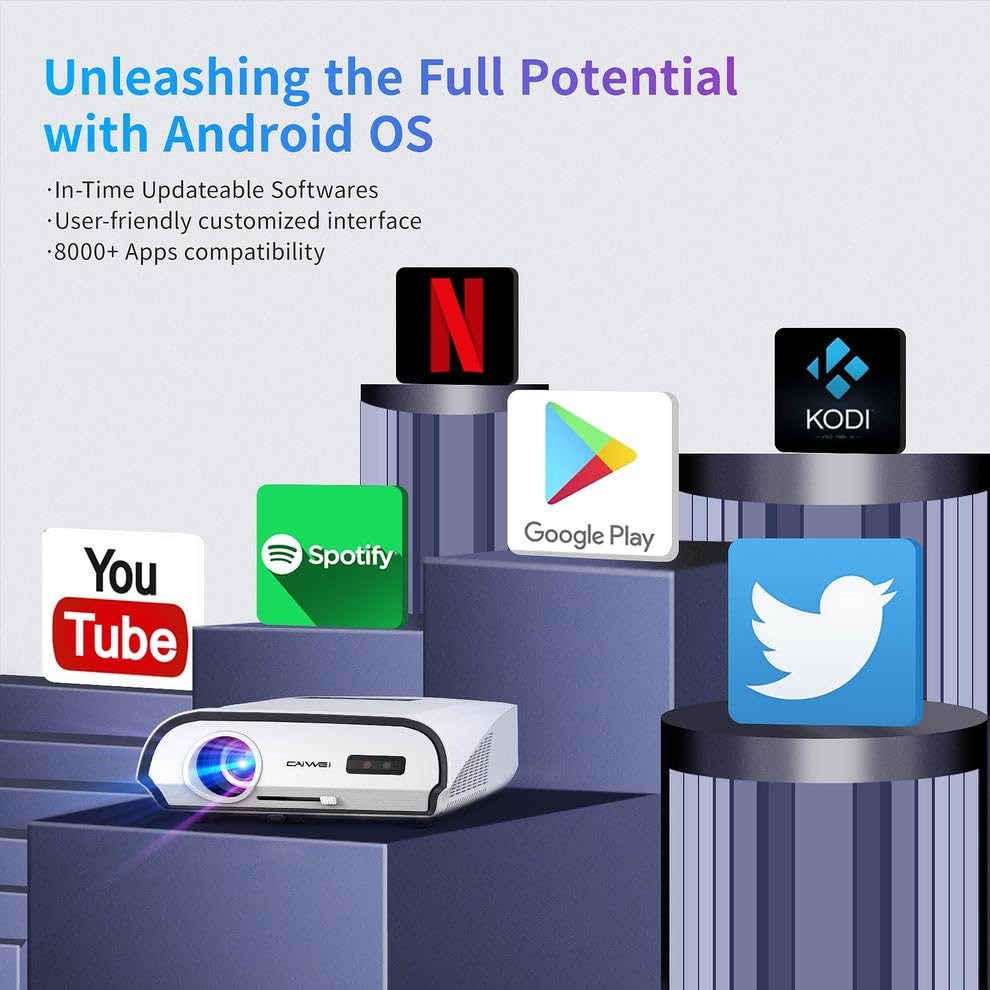
Figure 6.1: The Android OS interface, showing compatibility with various popular applications like YouTube, Spotify, Google Play, Netflix, and Kodi.
6.1. Funcionament bàsic
- Navegació: Use the remote control's directional buttons to navigate through the Android interface. The 'OK' button selects items.
- Selecció de la font d'entrada: To switch between different input sources (HDMI, USB, AV, etc.), access the input source menu from the home screen or by pressing a dedicated 'Source' button on the remote.
- Instal·lació de l'aplicació: The pre-installed APP store allows you to download and install over 8,000 applications, including entertainment and office software.
- Configuració del sistema: Access the settings menu to configure network connections, display options, audio settings, and other system preferences.
6.2. Àudio
The projector features a built-in 3D surround sound system for an immersive auditory experience. You can also connect external audio devices.
7. Connectivitat
The CAIWEI A10R offers versatile connectivity options:
7.1. Connectivitat sense fil
- Wi-Fi 6: Equipped with the latest WiFi 6 technology (2.4G+5GWiFi), it provides faster and more stable wireless network connections for streaming and online activities.
- Bluetooth 5.0 (Two-way): The built-in two-way Bluetooth 5.0 function allows you to transmit audio to Bluetooth speakers or connect with Bluetooth headphones, mobile phones, and other devices.
- Wireless Screen Cast: Supports speedy and seamless wireless screen casting from iPhones, Android phones, Macbooks, and Windows Laptops.
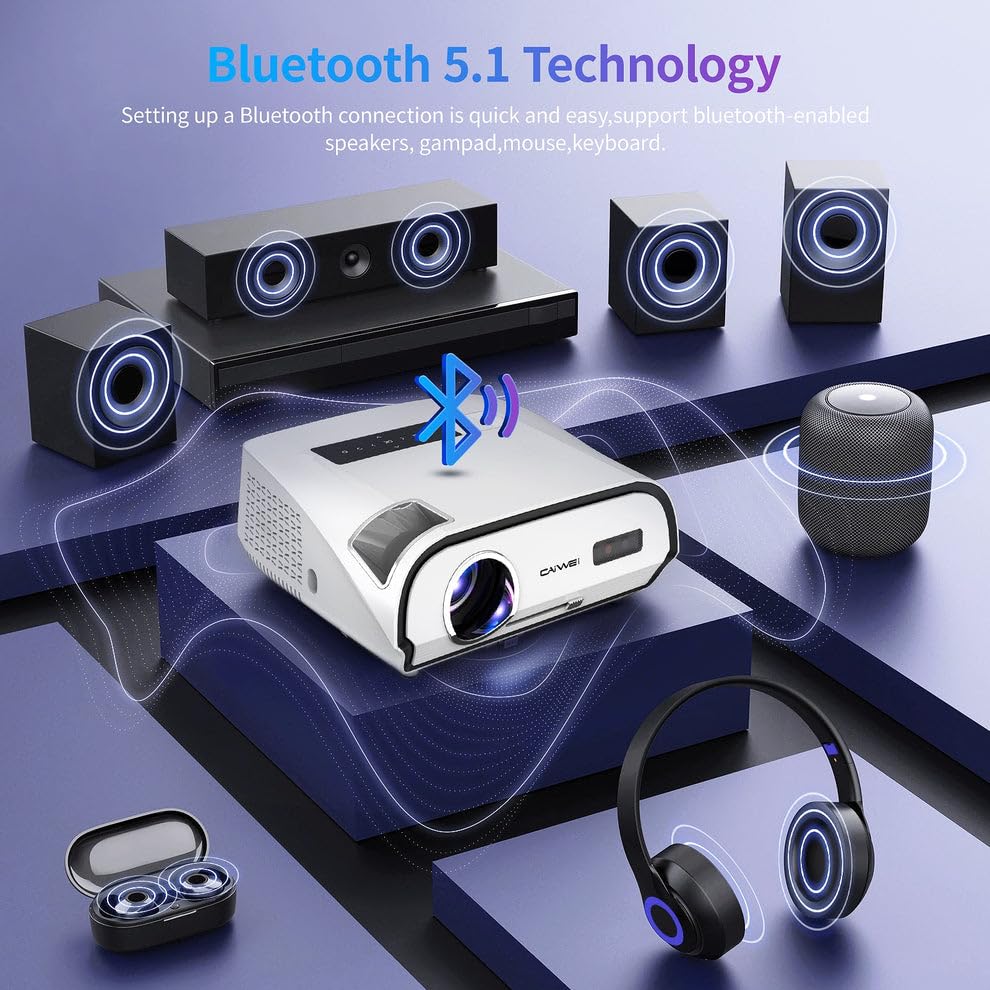
Figure 7.1: Diagram illustrating Bluetooth 5.1 technology, enabling quick and easy connection to Bluetooth-enabled speakers, gamepads, mice, and keyboards.
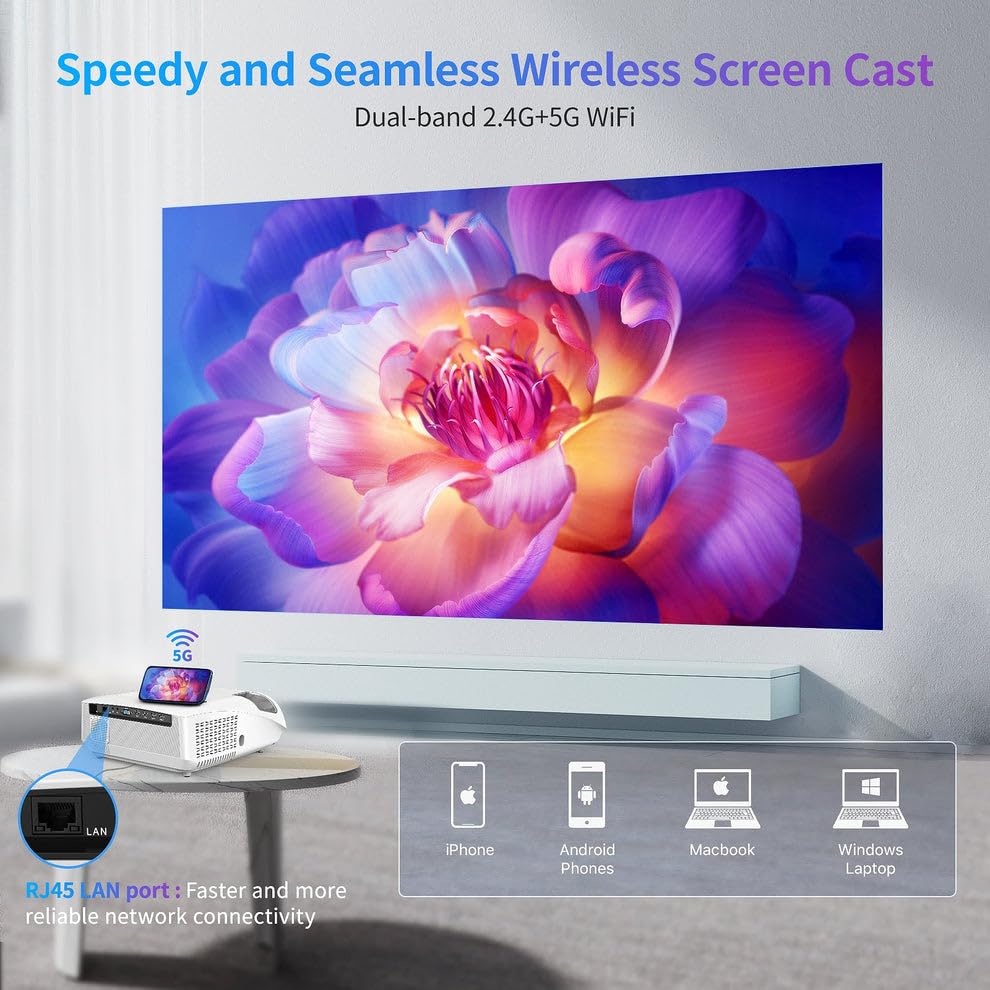
Figure 7.2: Visual representation of the Speedy and Seamless Wireless Screen Cast feature with dual-band 2.4G+5G WiFi, alongside the RJ45 LAN port for reliable network connectivity.
7.2. Connectivitat amb cable
The projector offers a comprehensive set of wired ports:
- HDMI: Connect to laptops, game consoles, Blu-ray players, and other HDMI-enabled devices.
- USB: Per connectar unitats USB per reproduir contingut multimèdia files directament.
- VGA: Per connectar ordinadors o portàtils més antics.
- DE: Per connectar dispositius de vídeo antics.
- Xarxa LAN (RJ45): Per a una connexió a Internet per cable estable.
- Sortida d'àudio: For connecting external speakers or sound systems via a 3.5mm audio jack.
8. Manteniment
Proper maintenance ensures the longevity and optimal performance of your projector:
- Neteja de lents: Feu servir un drap suau i sense borrissol dissenyat específicament per a lents òptiques. No utilitzeu productes de neteja abrasius.
- Eliminació de pols: Regularly clean the projector's exterior with a soft, dry cloth. Use a small brush or compressed air to gently clear dust from ventilation openings.
- Emmagatzematge: When not in use for extended periods, store the projector in a cool, dry place, away from direct sunlight and extreme temperatures. Use the original packaging or a protective case.
- Apagueu correctament: Always power off the projector using the designated power button and allow it to cool down before unplugging or moving.
9. Solució De Problemes
Si teniu problemes amb el projector, consulteu els problemes i solucions més comuns següents:
| Problema | Causa possible | Solució |
|---|---|---|
| No es projecta cap imatge | Alimentació no connectada; Font d'entrada incorrecta; Tapa de l'objectiu posada. | Check power cable; Select correct input source; Remove lens cap. |
| La imatge és borrosa | Enfocament no ajustat; Projector massa lluny/massa a prop. | Adjust focus ring; Reposition projector. |
| La imatge és trapezoïdal | Projector no perpendicular a la pantalla. | Use keystone correction (6P/6D) in settings. |
| Sense so | Volume too low; Muted; External audio device not connected. | Increase volume; Unmute; Check audio cable/Bluetooth connection. |
| El comandament a distància no funciona | Batteries low/dead; Obstruction; Not pointed at IR receiver. | Replace batteries; Remove obstructions; Point directly at projector's IR receiver. |
| Connexió Wi-Fi inestable | Distance from router; Interference; Router issues. | Move closer to router; Reduce interference; Restart router. |
Si el problema persisteix després de provar aquestes solucions, poseu-vos en contacte amb l'atenció al client.
10. Especificacions
Detailed technical specifications for the CAIWEI A10R Projector:
| Característica | Especificació |
|---|---|
| Marca | CAIWEI |
| Model | A10R |
| Fabricant | Caiwei |
| Dimensions del producte | 23.7 x 31.5 x 13.5 cm |
| Pes de l'article | 2.48 kg |
| Sistema operatiu | Android 9.0 |
| RAM | 2 GB |
| ROM | 32 GB |
| Tecnologia de visualització | LED |
| Resolució nativa | 1920P (Full HD) |
| Resolució suportada | 4K Ultra HD (3840 x 2160, 4096 x 2160) |
| Brillantor | 1950 lúmens ANSI |
| Relació d'aspecte | 16:10 |
| Mida màxima de projecció | 300 polzades |
| Correcció de pedra clau | 6P/6D Keystone Correction |
| Wi-Fi | Wi-Fi 6 (2.4G+5G) |
| Bluetooth | Bluetooth 5.0 bidireccional |
| Àudio | Built-in 3D Surround Sound System |
| Interfície del maquinari | HDMI, USB, VGA, AV, Audio, LAN (RJ45) |
| Dispositius compatibles | Laptops, Gaming Consoles, Media Players, Smartphones |
| Característiques especials | Built-In Speaker, Built-In Wi-Fi, NFC Screencast, HDR Daylight |
| Tipus de muntatge | Muntatge de taula |
| País d'origen | Xina |
11. Garantia i Suport
For warranty information and technical support, please refer to the warranty card included with your product or contact CAIWEI customer service directly. Keep your purchase receipt as proof of purchase.
Atenció al client:
- Please visit the official CAIWEI website for the latest support information, FAQs, and contact details.
- For specific inquiries, you may reach out to the seller 'S B Retails' through the Amazon platform.
Note: No official seller videos were provided in the product data for embedding.


