1. Introducció
This manual provides detailed instructions for the GRENARO Wireless Microphone S56, an omnidirectional condenser recording microphone designed for use with iPhone and iPad devices. It features smart noise cancellation and is ideal for interviews, video recording, podcasts, vlogs, and YouTube content creation.
Les característiques clau inclouen:
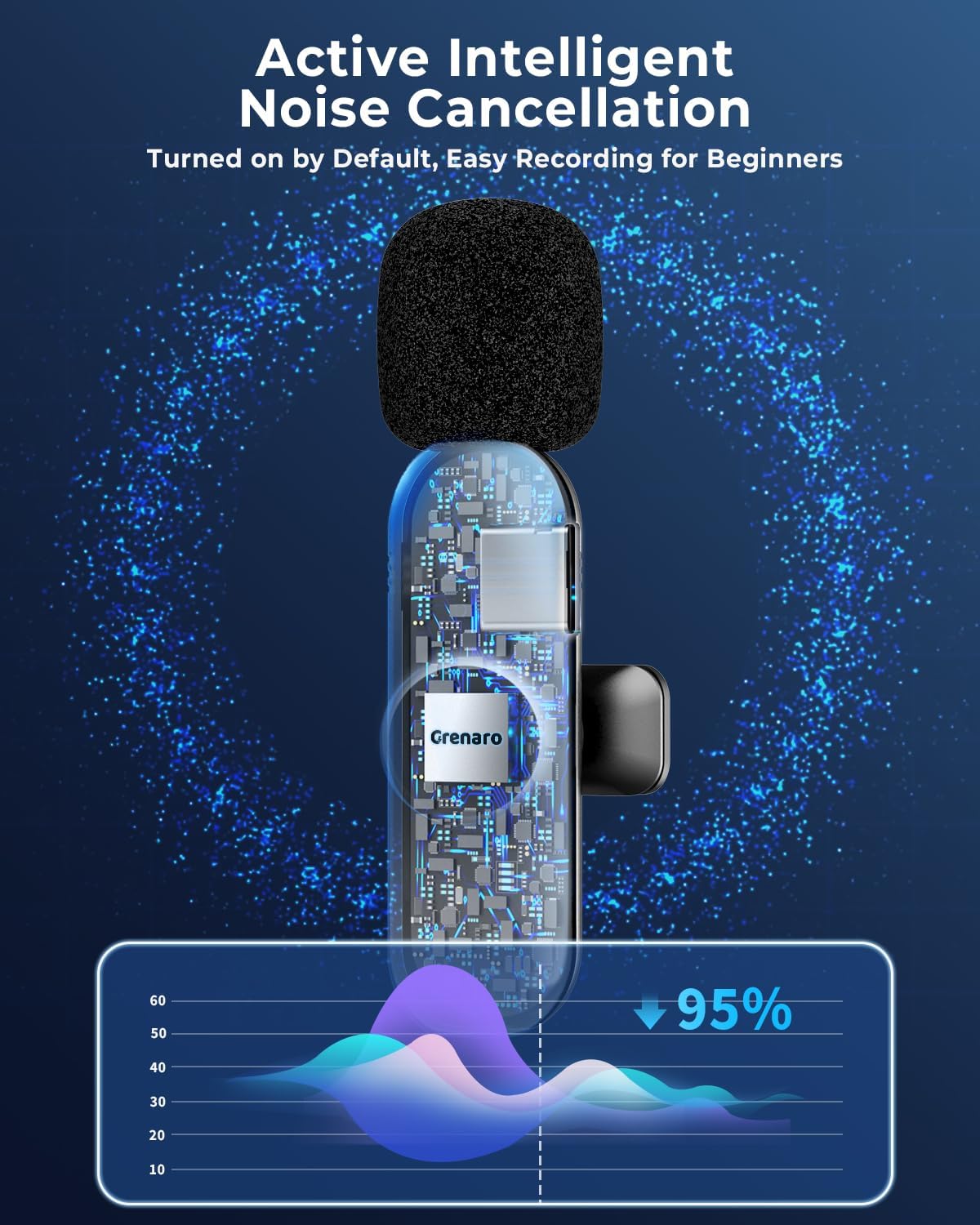
- Cancel·lació intel·ligent de soroll: Equipped with a smart chip to reduce environmental noise and enhance voice clarity.
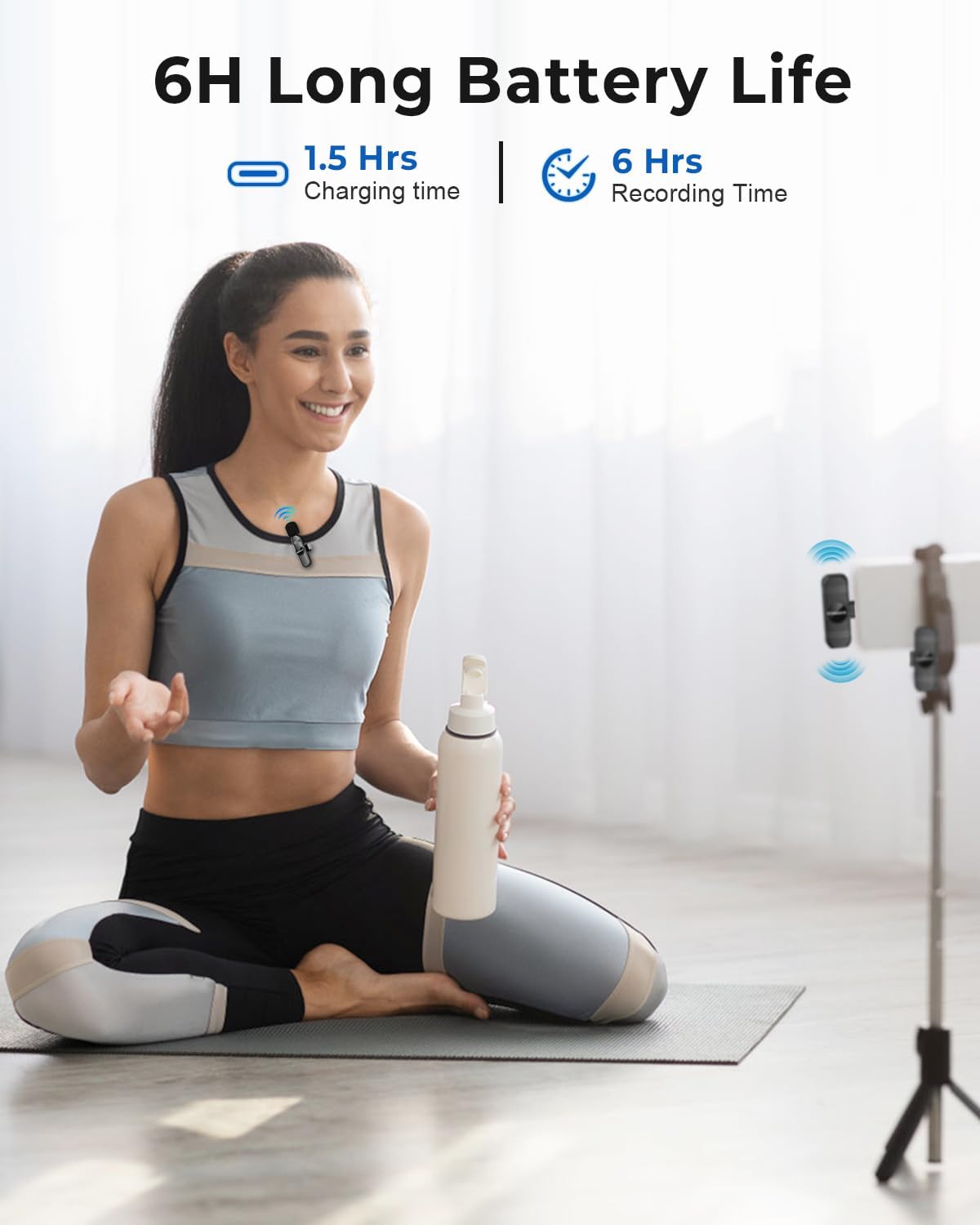
- Bateries recarregables: Built-in batteries provide up to 6 hours of continuous use on a 1.5-hour charge.
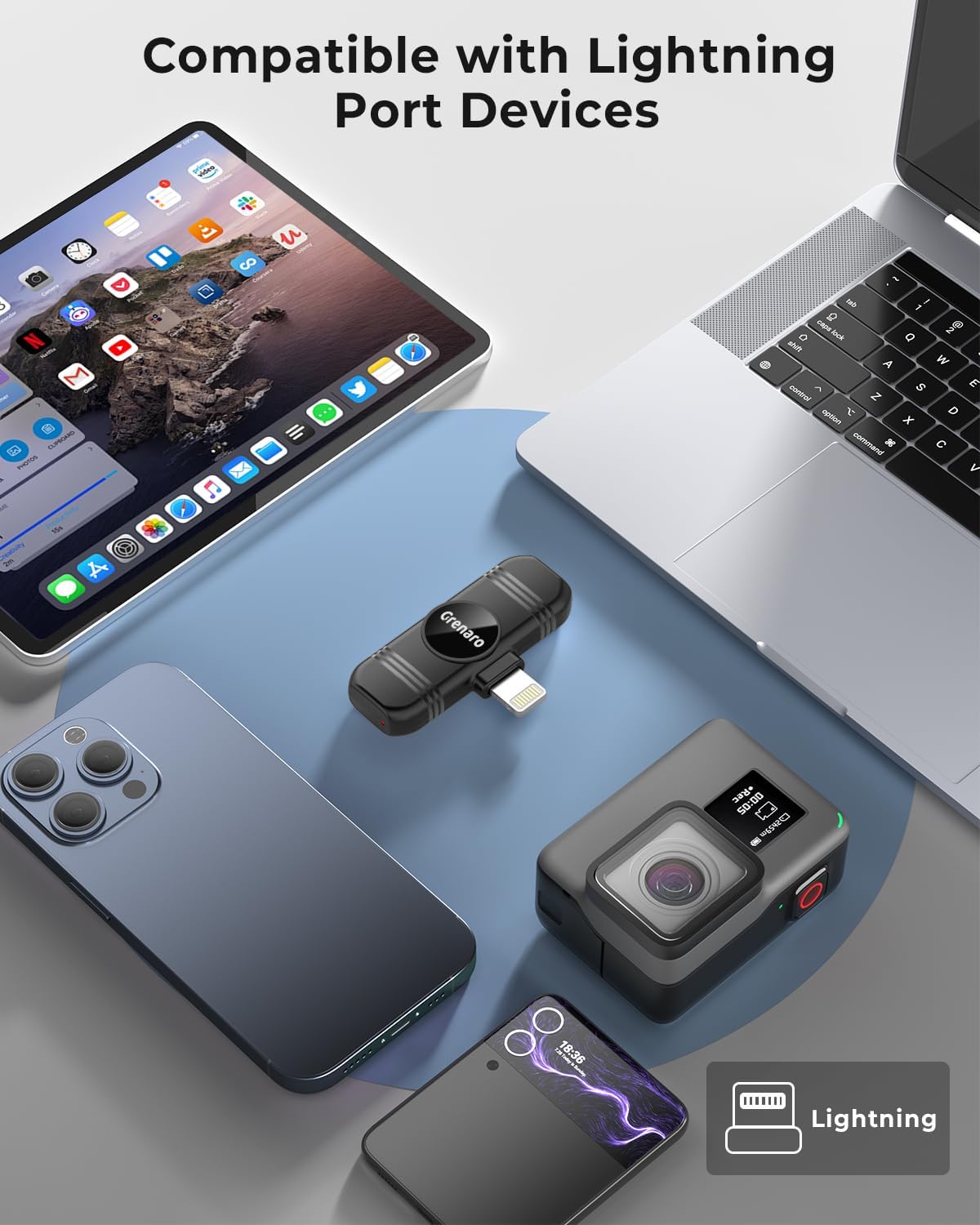
- Compatibilitat amb dispositius iOS: Includes a Lightning adapter for seamless connection with iPhone and iPad.
- Extended Receiving Distance: Offers a reception range of up to 98 feet (30 meters) for flexible movement.
- Effortless Auto Pairing: Plug-and-play functionality requires no adapters, Bluetooth, or additional applications.

2. Instruccions de configuració
The GRENARO Wireless Microphone S56 is designed for quick and easy setup, requiring no complex configurations.
- Connecteu el receptor: Plug the Lightning receiver directly into the Lightning port of your iPhone or iPad. Ensure it is securely inserted.
- Power On the Microphone: Press and hold the power button on the wireless microphone (transmitter) until the indicator light illuminates.
- Emparellament automàtic: The microphone and receiver will automatically pair within a few seconds. A solid indicator light on the microphone typically signifies a successful connection.
- Begin Recording: Open your preferred recording application (e.g., Camera, Voice Memos, or third-party apps) on your iOS device and start recording. The audio will be captured via the GRENARO microphone.

3. Instruccions de funcionament
3.1 Cancel·lació de soroll
The GRENARO S56 features an intelligent noise cancellation chip that is active by default. This technology automatically reduces ambient noise, ensuring your voice is clear and prominent in recordings, even in noisy environments.
3.2 Durada i càrrega de la bateria
The microphone (transmitter) and receiver both contain built-in rechargeable batteries. A full charge takes approximately 1.5 hours and provides up to 6 hours of continuous recording time.
- To charge the microphone, connect it to a power source using the provided USB charging cable.
- The receiver draws power directly from your iOS device when plugged in.
- You can charge your iOS device while the receiver is connected, allowing for extended recording sessions without interruption.

3.3 Recording Range
The GRENARO S56 provides an ultra-long receiving distance of up to 98 feet (30 meters) in open environments. This allows for significant freedom of movement while maintaining a stable and high-quality audio connection.
3.4 Aplicacions
This wireless microphone system is suitable for a variety of recording scenarios, including:
- Transmissió en directe
- Ensenyament en línia
- Creació de continguts
- Interviews
- Gravació de vídeo
- Reunions en línia

4. Manteniment
To ensure the longevity and optimal performance of your GRENARO Wireless Microphone S56, follow these maintenance guidelines:
- Emmagatzematge: Store the microphone and receiver in a cool, dry place away from direct sunlight and extreme temperatures.
- Neteja: Use a soft, dry cloth to clean the exterior of the devices. Avoid using harsh chemicals or abrasive materials.
- Humitat: Keep the devices away from water and high humidity. If they come into contact with liquids, power them off immediately and allow them to dry completely before attempting to use them again.
- Càrrega: Use only the provided charging cable or a certified equivalent. Avoid overcharging the battery.
5. Solució De Problemes
If you encounter issues with your GRENARO Wireless Microphone S56, refer to the following common problems and solutions:
| Problema | Causa possible | Solució |
|---|---|---|
| No sound or low volume during recording. | Microphone not powered on, not paired, or receiver not fully inserted. Device volume too low. | Ensure microphone is powered on and indicator light is solid. Re-insert receiver firmly into iOS device. Check device's audio input settings and volume levels. |
| Poor sound quality or excessive background noise. | Microphone too far from the sound source, obstructions, or very loud environment. | Ensure microphone is clipped close to the speaker's mouth. Minimize distance between microphone and receiver. The intelligent noise cancellation is active by default to reduce background noise. |
| Microphone not pairing with receiver. | Receiver not properly connected, microphone not powered on, or temporary glitch. | Unplug and re-plug the receiver. Power off and then power on the microphone. Ensure both devices are charged. |
| Microphone not charging. | Faulty charging cable, power adapter, or charging port. | Try a different USB-C charging cable and power adapter. Ensure the charging port on the microphone is clean and free of debris. |
| Incorrect connector type (e.g., expecting USB-C but received Lightning). | Product variant confusion. | This specific model (S56) is designed with a Lightning connector for iOS devices. Please verify your device's port type before purchase. |
6. Especificacions
| Nom del model | S56 |
| Marca | GRENARO |
| Factor de forma del micròfon | Lavalier |
| Patró polar | Omnidireccional |
| Característica especial | Noise Reduction (Intelligent Noise Cancellation) |
| Dispositius compatibles | Smartphone (iOS devices: iPhone, iPad) |
| Tipus de connector | Lightning (for device connection) |
| Tecnologia de connectivitat | Wireless (2.4GHz), USB-C (for charging) |
| Font d'alimentació | Bateria de ions de liti recarregable integrada |
| Durada de la bateria | Fins a 6 hores (ús continu) |
| Temps de càrrega | Aproximadament 1.5 hores |
| Ràtio senyal / soroll | 90 dB |
| Nombre de canals | 2 |
| Material | Plàstic |
| Dimensions del producte (L x A x A) | 9.84 x 3.94 x 3.94 polzades |
| Pes de l'article | 14.1 unces (399 grams) |
| Components inclosos | 1 x Wireless Lavalier Microphone, 1 x Receiver, 1 x Charging Cable |
7. Garantia i Suport
For warranty information and customer support, please refer to the documentation provided with your purchase or contact the seller directly through the platform where the product was acquired. You may also visit the official GRENARO weblloc per obtenir més ajuda.


