1. Introducció
Thank you for choosing the Monster Open Ear Headphones TH300. This manual provides essential information for setting up, operating, and maintaining your new headphones. Please read it thoroughly before use to ensure optimal performance and longevity of your device.
2. Contingut del paquet
Si us plau, comproveu el paquet per veure si hi ha els elements següents:
- Monster Open Ear Headphones TH300 (Left and Right Earbuds)
- Charging Case with LED Full-Colour Touch Screen
- Cable de càrrega USB-C
- Manual d'usuari
3. Producte acabatview i Característiques
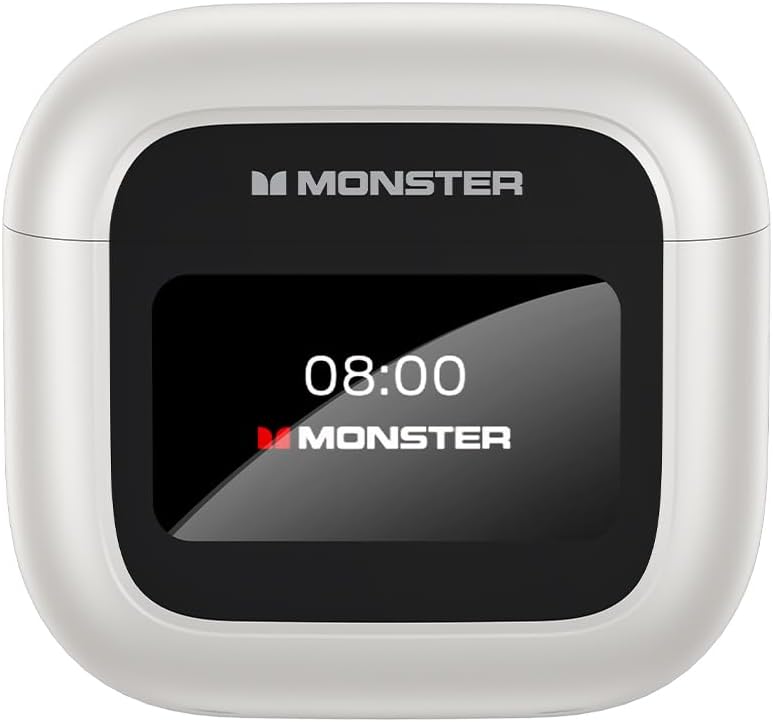
Image: The Monster Open Ear Headphones TH300 charging case, featuring a prominent LED display showing the time '08:00' and 'MONSTER' branding.
3.1. LED Full-Colour Touch Screen
The charging case features an intuitive LED full-colour touch screen, allowing for easy access to various functions without needing to use your phone. This screen enables you to answer incoming calls, use the shutter button for camera control, and access other useful features directly from the case.

Image: A visual representation of the LED full-colour touch screen on the charging case, surrounded by various function icons such as time display, equalizer settings, noise reduction, light level adjustment, language switch, and 'Find My Earphone' feature.
3.2. Ergonomic Design for Comfortable Wear
The TH300 headphones are designed with a 60-degree optimal wearing angle, ensuring a comfortable and secure fit. The material is soft to the skin and engineered to release pressure in the ear canal, making them suitable for extended wear.

Image: A close-up showing the ergonomic design of the Monster TH300 earbud, highlighting the 60-degree optimal wearing angle and how it fits comfortably in the ear, with text indicating it's soft to the skin and releases pressure.
3.3. Bluetooth 5.4 Technology
Equipped with Bluetooth 5.4, these headphones offer enhanced signal penetration and a stable connection, significantly reducing sound quality loss. This advanced technology provides a 90% increase in transmission rate compared to Bluetooth 5.0.

Image: An illustration demonstrating the Bluetooth 5.4 technology, showing a comparison bar indicating a 90% increase in transmission rate over Bluetooth 5.0, with a transparent view of the earbud's internal components.
3.4. ANC+ENC Dual Noise Cancellation
Experience effective noise cancellation in noisy environments and superior sound/noise separation during calls with ANC (Active Noise Cancellation) and ENC (Environmental Noise Cancellation) dual technology. This ensures crystal clear calls and an immersive listening experience.
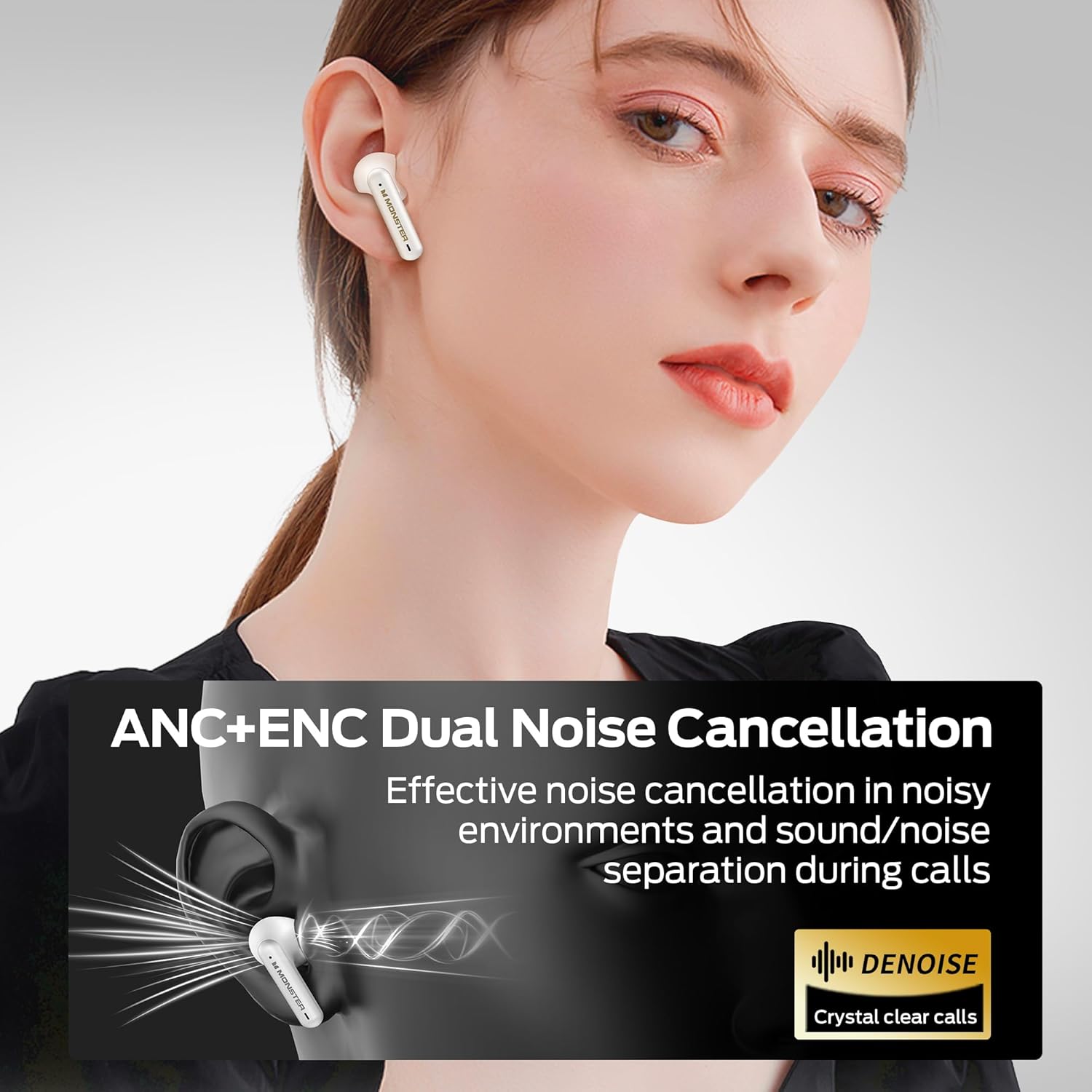
Image: A graphic illustrating the ANC+ENC Dual Noise Cancellation feature, showing sound waves being cancelled around the earbud, with text emphasizing effective noise cancellation and crystal clear calls.
3.5. Pure Monster Sound
Equipped with 10mm dynamic speakers, the TH300 headphones deliver penetrating and powerful sound. Vocals are reproduced clearly and faithfully, providing a rich audio experience.

Image: A cutaway diagram of the Monster TH300 earbud, highlighting the internal 10mm dynamic speaker components, illustrating the source of the 'Pure Monster Sound'.
3.6. Long Playtime
Enjoy extended listening with up to 5 hours of playtime on a single charge. With the charging case, the total playtime extends to an impressive 24 hours, ensuring your music lasts throughout the day.
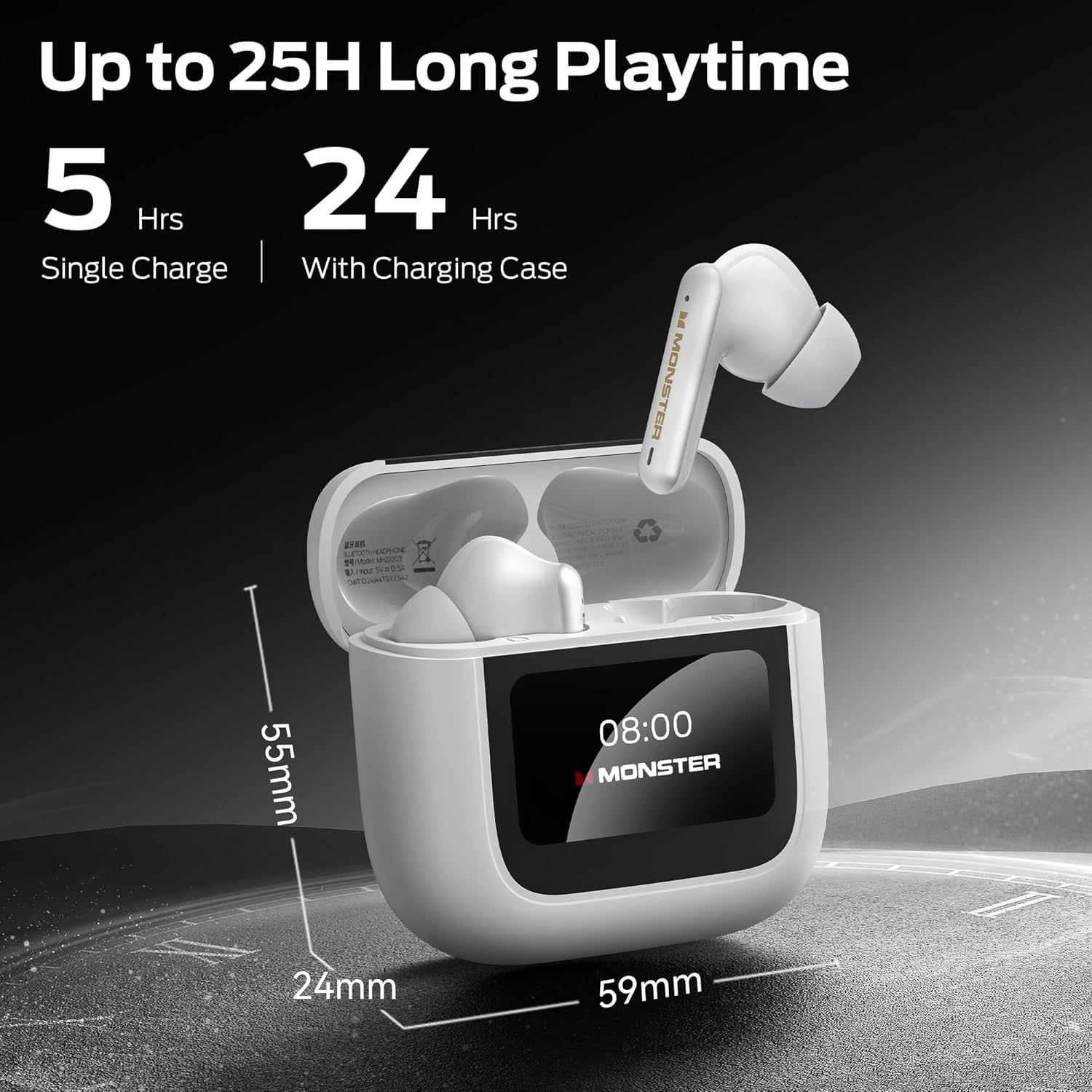
Image: The Monster TH300 charging case with an earbud inserted, displaying the '08:00' time on its screen. Text indicates '5 Hrs Single Charge' and '24 Hrs With Charging Case', along with dimensions of the case (59mm width, 24mm depth, 55mm height).
4. Configuració
4.1. Càrrega dels auriculars i l'estoig
- Col·loca els auriculars a l'estoig de càrrega. Assegura't que estiguin correctament col·locats.
- Connecteu el cable de càrrega USB-C al port de càrrega de la funda i l'altre extrem a un adaptador de corrent USB (no inclòs) o al port USB d'un ordinador.
- The LED screen on the case will indicate the charging status. A full charge typically takes approximately 1.5 hours for the earbuds and 2 hours for the case.
4.2. Vinculació amb un dispositiu
- Assegureu-vos que els auriculars estiguin a l'estoig de càrrega i que l'estoig estigui obert.
- Al dispositiu (telèfon intel·ligent, tauleta, etc.), activeu el Bluetooth.
- Select "Monster TH300" from the list of available Bluetooth devices.
- Once connected, the LED screen on the case may show a connected icon, and a voice prompt will confirm the connection.
- Els auriculars es tornaran a connectar automàticament a l'últim dispositiu emparellat quan es treguin de l'estoig, si el Bluetooth està habilitat al dispositiu.
5. Instruccions de funcionament
5.1. Touch Controls (Earbuds)
Els auriculars tenen zones sensibles al tacte per controlar diverses funcions:
- Reproduir/pausa: Un sol toc a qualsevol dels auriculars.
- Pista següent: Toqueu dues vegades l'auricular dret.
- Pista anterior: Toqueu dues vegades l'auricular esquerre.
- Respondre/Finalitzar la trucada: Un sol toc a qualsevol dels auriculars.
- Rebutja la trucada: Manteniu premut qualsevol dels auriculars durant 2 segons.
- Activa l'Assistent de veu: Toqueu tres vegades qualsevol dels auriculars.
- Interruptor de mode ANC/Transparència: Manteniu premut l'auricular esquerre durant 2 segons.
5.2. Using the Touch Screen Interface (Charging Case)
The LED full-colour touch screen on the charging case provides additional controls and information:
- Visualització de l'hora: Mostra l'hora actual.
- Nivell de bateria: Displays battery status of both earbuds and the case.
- Configuració de l'equalitzador: Ajusta el so professionalfiles (e.g., Normal, Bass Boost, Vocal).
- Reducció de soroll: Toggle ANC/Transparency modes.
- Nivell de llum: Ajusteu la brillantor de la pantalla.
- Canvi d'idioma: Change the language of the case interface.
- Troba els meus auriculars: Helps locate misplaced earbuds by emitting a sound.
- Botó de l'obturador: Activa l'obturador de la càmera del telèfon de forma remota.
Navigate the screen by swiping left/right or tapping icons as indicated on the display.
6. Manteniment
6.1. Neteja
- Feu servir un drap suau, sec i sense borrissol per netejar els auriculars i l'estoig de càrrega.
- No utilitzeu netejadors abrasius, alcohol ni dissolvents químics.
- Netegeu suaument els contactes de càrrega dels auriculars i de la funda amb un bastonet de cotó sec si cal.
6.2. Emmagatzematge
- Quan no els utilitzeu, guardeu sempre els auriculars a la seva funda de càrrega per protegir-los i mantenir-los carregats.
- Emmagatzemar en un lloc fresc i sec, allunyat de la llum solar directa i de temperatures extremes.
7. Solució De Problemes
- Sense so:
- Assegureu-vos que els auriculars estiguin carregats.
- Comproveu la connexió Bluetooth al vostre dispositiu.
- Adjust volume on both headphones and device.
- No es pot emparellar:
- Ensure headphones are in pairing mode (open case).
- Desactiva i activa el Bluetooth al dispositiu.
- Forget "Monster TH300" from your device's Bluetooth list and try pairing again.
- Assegureu-vos que no hi hagi altres dispositius connectats als auriculars.
- Un auricular no funciona:
- Torneu a col·locar els dos auriculars a l'estoig de càrrega, tanqueu la tapa, espereu uns segons i, a continuació, obriu-los i torneu-ho a provar.
- Assegureu-vos que els dos auriculars estiguin carregats.
- Charging Case Screen Unresponsive:
- Ensure the case is charged.
- Try connecting the charging cable to reset the screen.
8. Especificacions
| Característica | Detall |
|---|---|
| Nom del model | W30 (Open TH300) |
| Tecnologia de connectivitat | Sense fil (Bluetooth 5.4) |
| Factor de forma | A l'orella |
| Color | Blanc |
| Pes de l'article | 0.15 quilograms (5.3 unces) |
| Tipus de bateria | Ió de liti (inclòs) |
| Temps de reproducció (càrrega única) | Fins a 5 hores |
| Temps de reproducció total (amb estoig) | Fins a 24 hores |
| Cancel·lació de soroll | ANC+ENC Dual Noise Cancellation |
| Mida de l'altaveu | Altaveus dinàmics de 10 mm |
| Charging Case Display | LED Full-Colour Touch Screen |
9. Informació de seguretat
- No exposeu els auriculars ni l'estoig de càrrega a temperatures extremes, humitat o líquids.
- Eviteu deixar caure o sotmetre el dispositiu a forts impactes.
- Do not attempt to disassemble or modify the headphones or case. This will void the warranty and may cause damage.
- Feu servir només el cable de càrrega proporcionat o un equivalent certificat.
- Escolteu a un volum moderat per evitar danys auditius.
- Be aware of your surroundings when using headphones, especially in traffic or dangerous situations.
10. Garantia i Suport
Els productes Monster estan dissenyats i fabricats amb els més alts estàndards de qualitat. Per obtenir informació detallada sobre la garantia i l'atenció al client, consulteu la targeta de garantia inclosa al paquet o visiteu el lloc web oficial de Monster. weblloc web. Conserveu el comprovant de compra per a reclamacions de garantia.


