1. Configuració
1.1 Contingut del paquet
Verifiqueu que tots els elements siguin presents al vostre paquet:
- 1 x Bewinner Smart Watch
- 1 Set x Watch Strap
- 1 x cable de càrrega
- 1 x Manual d'usuari
1.2 Càrrega inicial
Before first use, fully charge your smart watch. Connect the provided charging cable to the charging contacts on the back of the watch and to a standard USB power source. The watch display will indicate charging status.

Image: The back of the Bewinner Smart Watch, highlighting the magnetic charging contacts and health sensors.
1.3 Encès/Apagat
- Per encendre: Long press the power button located on the side of the watch until the screen illuminates.
- Per apagar: Long press the power button, then select the 'Power Off' option on the screen.

Imatge: Lateral view of the Bewinner Smart Watch, illustrating the physical button (crown) used for power and navigation.
1.4 Instal·lació i emparellament de l'aplicació
To unlock the full functionality of your smart watch, you need to install the companion application on your smartphone.
- Descarrega l'aplicació: Scan the QR code provided in the physical user manual or search for 'GloryFit' in your smartphone's app store (compatible with Android 4.4+).
- Obriu l'aplicació: Launch the 'GloryFit' application on your smartphone.
- Emparellar el rellotge: Follow the on-screen instructions within the app to search for and connect to your Bewinner Smart Watch via Bluetooth. Ensure Bluetooth is enabled on your smartphone.
2. Com utilitzar el rellotge intel·ligent
2.1 Navegació per la interfície
The Bewinner Smart Watch features a 1.43-inch AMOLED HD touch screen. Swipe left, right, up, or down to access different functions and menus. Tap to select items.
2.2 Personalització de les esferes del rellotge
Personalize your watch by changing the watch face. You can select from multiple pre-installed watch dials or download more through the 'GloryFit' app. The app also allows you to create custom watch faces using your own photos.

Image: The Bewinner Smart Watch showcasing a selection of digital and analog watch faces, demonstrating customization options.
2.3 Funcionalitat de trucades Bluetooth
Once paired with your smartphone, the watch supports Bluetooth calling. You can make and receive calls directly from your wrist.
- Fer trucades: Access the dial pad or contact list on the watch to initiate a call.
- Recepció de trucades: Answer or reject incoming calls directly from the watch screen.

Image: Two Bewinner Smart Watches, one showing an incoming call interface and the other displaying a numeric dial pad for making calls.
2.4 Assistent de veu d'IA
Utilize the integrated AI voice assistant for hands-free control. Speak commands to your watch to perform various tasks on your connected smartphone.
- Examples: "Call [Contact Name]", "Check the weather", "Play music", "Set an alarm".

Image: A user interacting with the Bewinner Smart Watch's voice assistant while cycling, demonstrating commands for weather and calls.
2.5 Control de música
Controla la reproducció de música al teu telèfon intel·ligent directament des del rellotge. Reprodueix, pausa, salta pistes i ajusta el volum sense haver de treure el telèfon.
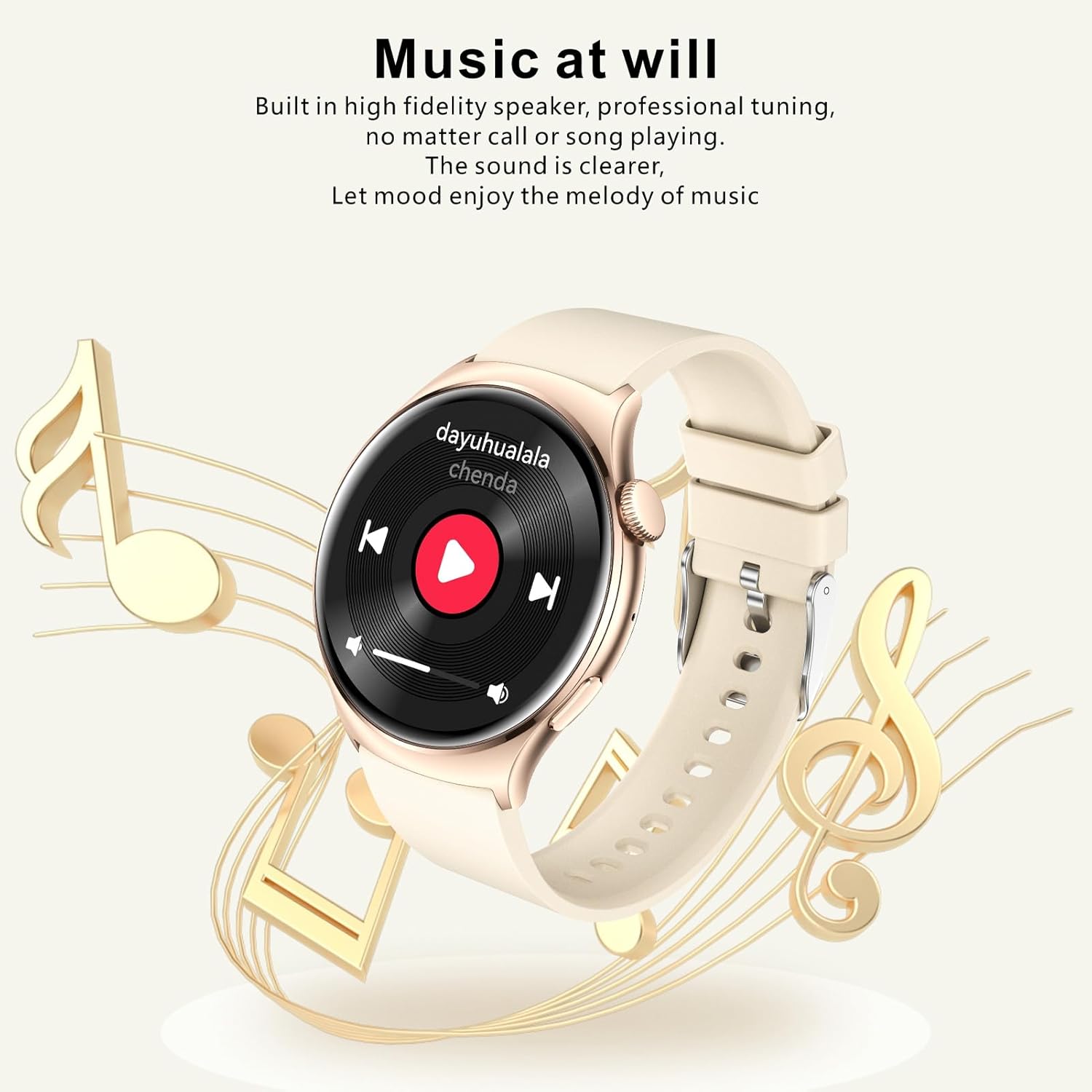
Image: The Bewinner Smart Watch screen showing a music playback interface, allowing control of audio from the wrist.
2.6 Seguiment d'activitat
The watch continuously tracks your daily physical activity. View dades en temps real per a:
- Passos fets
- Distància recorreguda
- Calories cremades
- Velocitat
Set personal exercise goals within the 'GloryFit' app for more effective guidance.
2.7 modes esportius
The smart watch offers over 100 sport modes to accurately record your performance during various activities, including running, cycling, and fitness courses. Select the appropriate mode before starting your workout.
2.8 Monitorització del son
Equipped with a high-accuracy sensor, the watch monitors your sleep patterns. It records data for light sleep and deep sleep, providing insights into your sleep quality through the 'GloryFit' app.
3. Manteniment
3.1 Neteja
Regularly clean your smart watch and strap to maintain hygiene and performance.
- Netegeu la pantalla i el cos del rellotge amb un drap suau.amp, drap sense pelusa.
- For the silicone strap, wash with mild soap and water, then rinse thoroughly and dry.
- Eviteu utilitzar productes químics o materials abrasius.
3.2 Resistència a l'aigua (IP68)
The Bewinner Smart Watch is IP68 water resistant. This means it is protected against immersion in water up to 1.5 meters for up to 30 minutes. It is suitable for daily use, such as hand washing, rain, and shallow swimming. However, it is not recommended for hot showers, saunas, or diving, as steam and high water pressure can compromise the seal.
3.3 Durada de la bateria
The watch is equipped with a 300mAh Lithium Ion Battery. Typical working time is 10-15 days, and standby time is approximately 75 days. Actual battery life may vary based on usage patterns and settings.
4. Solució De Problemes
If you encounter issues with your Bewinner Smart Watch, refer to the following common solutions:
4.1 El rellotge no s'encén
- Ensure the watch is fully charged. Connect it to the charging cable for at least 30 minutes.
- Perform a soft reset by long-pressing the power button for about 10-15 seconds.
4.2 Problemes d'aparellament
- Assegureu-vos que el Bluetooth estigui activat al telèfon intel·ligent i que el rellotge estigui dins del seu abast.
- Reinicieu tant el telèfon intel·ligent com el rellotge intel·ligent.
- Clear the Bluetooth cache on your smartphone or forget the device in Bluetooth settings, then attempt to pair again through the 'GloryFit' app.
- Ensure the 'GloryFit' app has necessary permissions enabled on your smartphone.
4.3 Lectures inexactes
- Ensure the watch is worn snugly on your wrist, but not too tight, allowing the sensors to make proper contact with your skin.
- Netegeu la zona del sensor a la part posterior del rellotge.
- Update the 'GloryFit' app and watch firmware to the latest versions.
5. Especificacions
| Característica | Detall |
|---|---|
| Número de model | Bewinnerf82k9gwvua-12 |
| Mostra | 1.43 Inch AMOLED HD (466 x 466 Pixels) |
| Bateria | Bateria de ions de liti de 300 mAh |
| Versió Bluetooth | 5.2 |
| Resistència a l'aigua | IP68 |
| Temps de treball | 10-15 dies |
| Temps d'espera | Aprox. 75 dies |
| Compatibilitat d'aplicacions | GloryFit (Android 4.4+) |
| Dimensions del producte | 5.91 x 3.94 x 0.79 polzades |
| Pes de l'article | 4.3 unces |
| Fabricant | Guanyador |
6. Garantia i Suport
For warranty information and technical support, please refer to the documentation included with your purchase or contact Bewinner customer service directly. Details for contacting support can typically be found on the manufacturer's official weblloc web o a través del vostre distribuïdor.