1. Introducció
This manual provides essential information for setting up, operating, and maintaining your KOOSMILE Mini PC. The Mini PC is a compact and powerful desktop computer designed for various tasks, including multitasking, work, streaming, and home entertainment. It features an Intel Core i9-12900HK processor, ample memory and storage, and versatile connectivity options.
2. Què hi ha a la caixa
Si us plau, verifiqueu que tots els elements siguin presents al paquet:
- 1 x KOOSMILE Mini PC
- 1 x cable HDMI
- 1 x adaptador de corrent
- 1 x DisplayPort (DP) cable
- 1 x USB Hub
- 1 x Metal sheet bracket (for mounting)
- 1 x Manual d'usuari (aquest document)
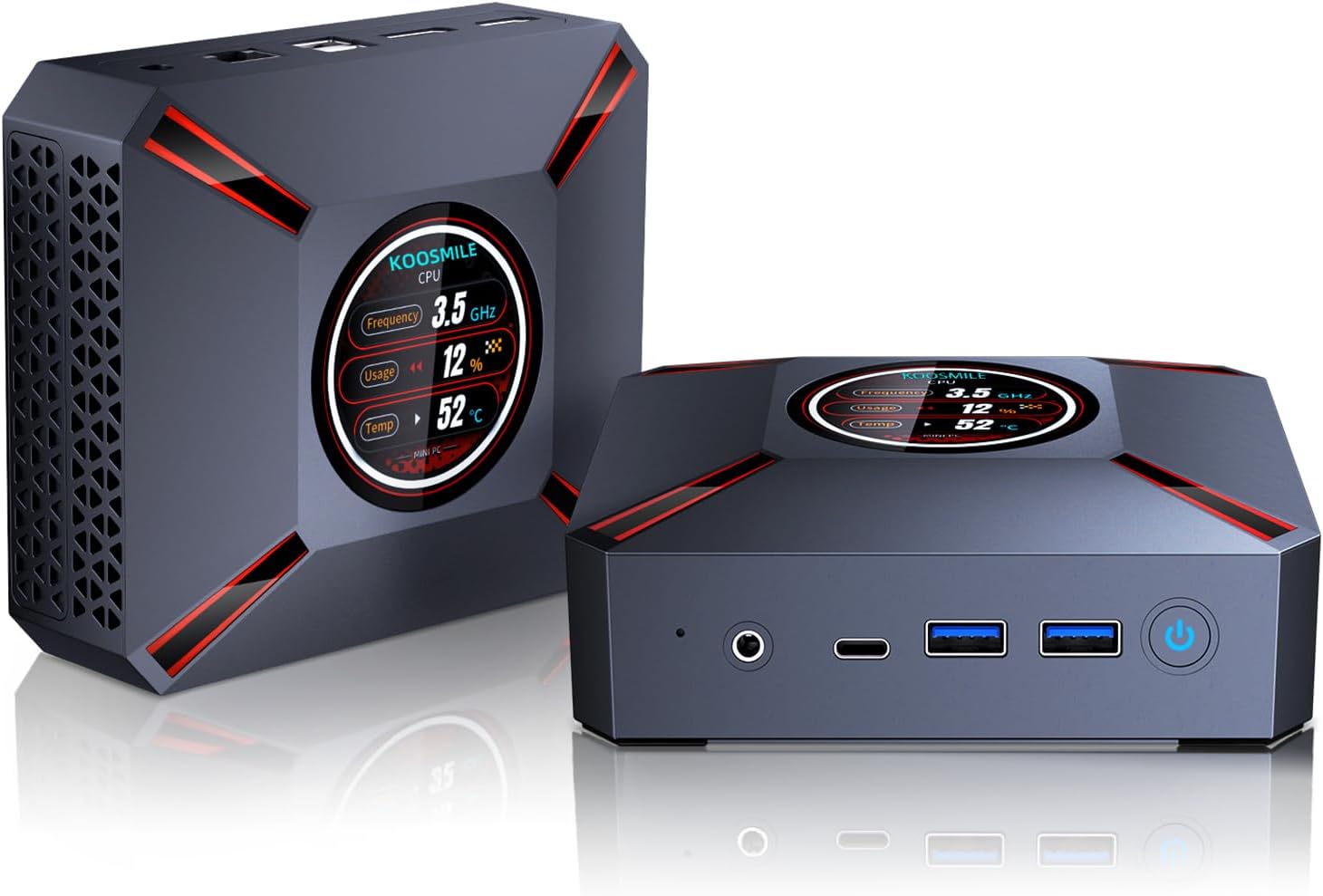
Image: The KOOSMILE Mini PC shown with its various ports and a view of the smart display. The image also depicts the compact size of the device.
3. Característiques del producte
The KOOSMILE Mini PC is equipped with advanced features for optimal performance:
- Smart Display Monitoring: A built-in display on the lid shows real-time system information, including CPU frequency, usage, temperature, network activity (upload/download), and memory usage.
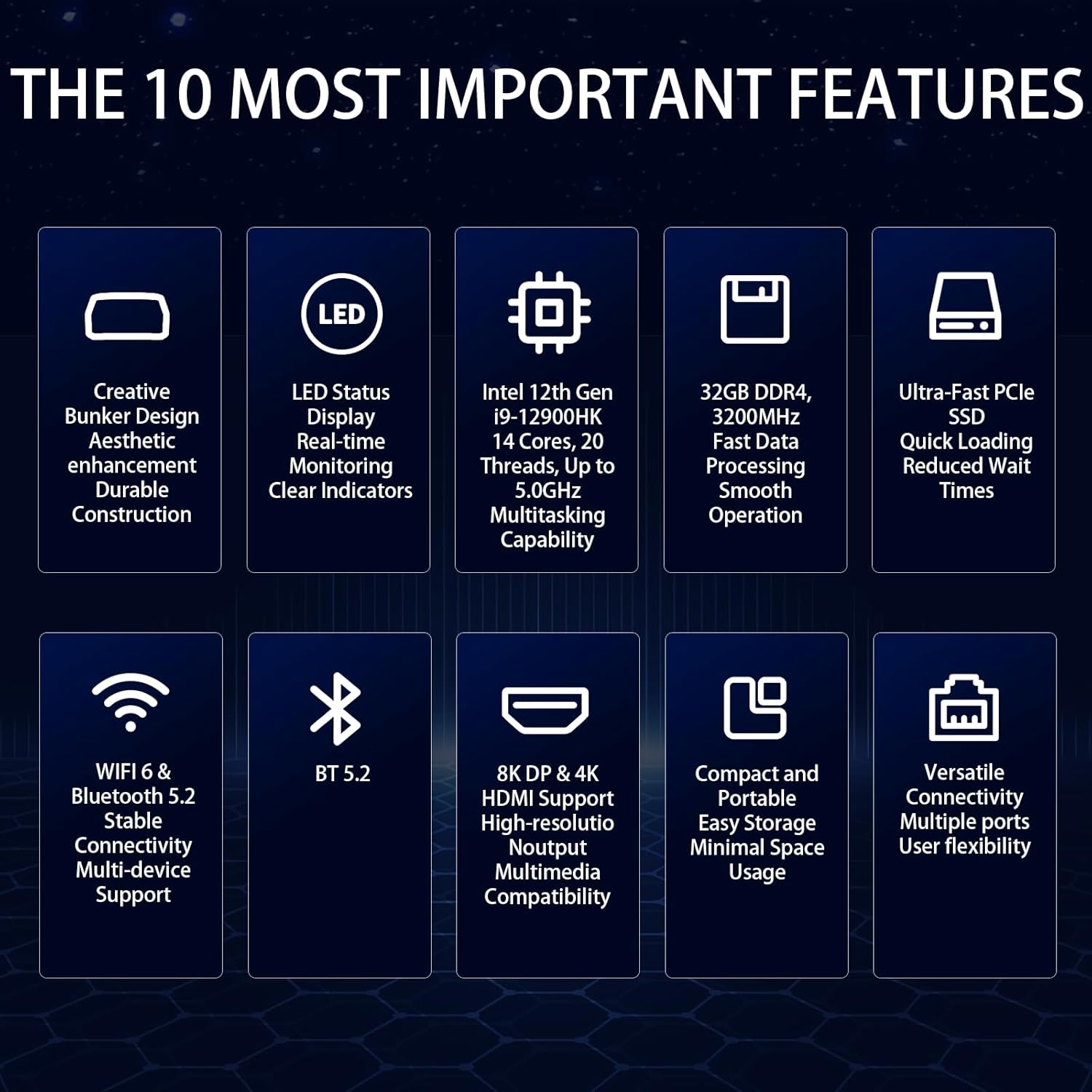
- Powerful Intel Core i9 CPU: Powered by the Intel Core i9-12900HK processor (14 cores, 20 threads, up to 5.0GHz) with 24 MB of cache, ensuring fast and responsive performance.
- High-Speed Memory & Storage: Comes with 32GB DDR4 RAM for quick boot-up and smooth operation, and a 2TB NVMe SSD for ample storage and fast data transfer.
- Compatibilitat amb triple pantalla: Equipped with Intel Iris Xe Graphics, supporting up to three displays simultaneously via HDMI 2.1 (4K @ 60Hz), DP 1.4a (8K @ 60Hz), and Type-C (USB-C).
- Sistema de refrigeració eficient: Features an advanced copper cooling fan and multiple vents for effective heat dissipation, maintaining stable performance.
- Faster Wireless Networking: Integrated WiFi 6 and Bluetooth 5.2 provide faster and more stable wireless connections.

Imatge: Primer pla view of the Mini PC's smart display, illustrating real-time monitoring of CPU frequency, usage, temperature, network speeds, and disk usage.

Image: Diagram illustrating the 32GB DDR4 high-speed memory and 2TB PCIe 3.0 SSD storage, highlighting their data transfer capabilities.
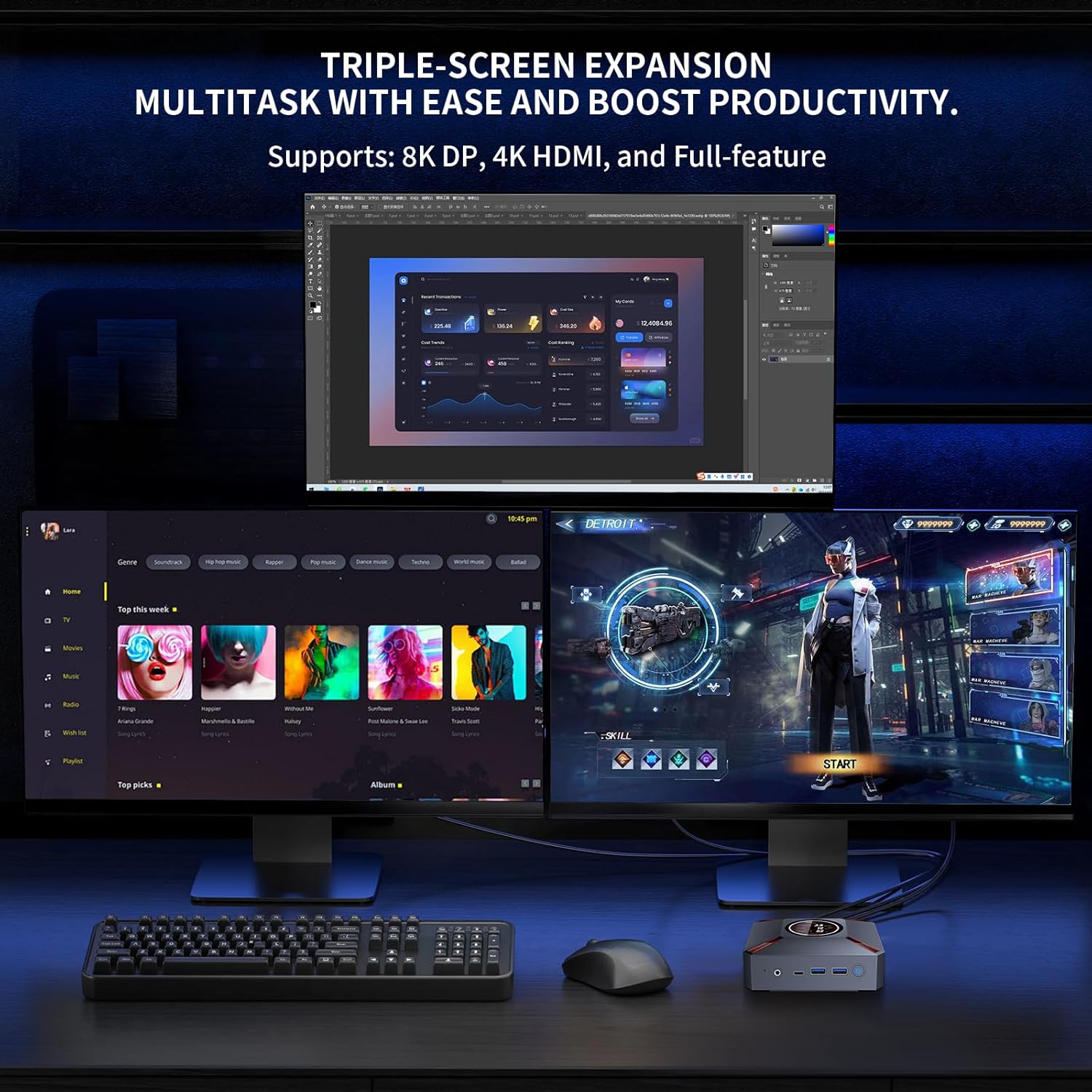
Image: A setup demonstrating the Mini PC's triple-screen expansion capability, showing three monitors connected for multitasking and increased productivity.
Vídeo: Presentació oficial del producte en vídeoasing the KOOSMILE Mini PC's features, including its smart display, internal components, cooling system, and multi-display capabilities. This video provides a visual overview del disseny i la funcionalitat del producte.
4. Guia de configuració
Follow these steps to set up your KOOSMILE Mini PC:
- Connectar l'alimentació: Connect the power adapter to the DC Port on the back of the Mini PC and plug it into a power outlet.
- Connecta la pantalla: Use the provided HDMI or DisplayPort cable to connect your monitor(s) to the corresponding ports on the Mini PC. Ensure the display device is connected before turning on the computer.
- Connecteu els perifèrics: Connect your keyboard, mouse, and other USB devices to the available USB 3.0 or USB 2.0 ports.
- Connexió de xarxa: For a wired connection, connect an Ethernet cable to the RJ45 port. For wireless, the device supports WiFi 6.
- Encès: Premeu el botó d'engegada que es troba a la part frontal del Mini PC per engegar-lo.
Imatge: Detallada views of the Mini PC's front and rear ports, including USB 3.2, Type-C, Audio, HDMI, DisplayPort, RJ45, and DC power input, with labels for easy identification.
5. Instruccions de funcionament
Your KOOSMILE Mini PC comes pre-installed with Windows 11 Pro. Upon first boot, follow the on-screen instructions to complete the initial setup of the operating system.
- Smart Display Usage: The smart display on the lid provides real-time system metrics. You can monitor CPU frequency, usage, temperature, network speeds, and disk usage directly from this display.
- Configuració multipantalla: To utilize the triple display support, connect up to three monitors using the HDMI, DisplayPort, and Type-C ports. Windows 11 allows you to configure display settings (extend, duplicate, or single display) through the Display Settings menu.
- Gestió d'emmagatzematge: The 2TB NVMe SSD offers substantial storage. If you need to adjust hard disk partition structures, guidance can be provided by customer support.
6. Especificacions
Detailed technical specifications for the KOOSMILE Mini PC (Model: KT-M9):
| Característica | Detall |
|---|---|
| Processador | Intel Core i9-12900HK (14 Cores, 20 Threads, up to 5.0GHz) |
| RAM | 32 GB de memòria SDRAM DDR4 (3200 MHz) |
| Emmagatzematge | 2TB PCIe 3.0 NVMe SSD |
| Gràfics | Gràfics Intel Iris Xe (integrats) |
| Sistema operatiu | Windows 11 Pro |
| Sortida de vídeo | HDMI 2.1 (4K@60Hz), DisplayPort 1.4a (8K@60Hz), Type-C |
| Ports USB | 2 x USB 3.0, 2 x USB 2.0, 1 x Type-C |
| Xarxa | WiFi 6, Bluetooth 5.2, RJ45 (1000M) |
| Dimensions | 9.57 x 7.13 x 3.03 polzades (paquet) |
| Pes | 2.57 lliures |
7. Manteniment
To ensure the longevity and optimal performance of your Mini PC, consider the following maintenance tips:
- Refrigeració: The advanced copper cooling fan and multiple vents are designed for efficient heat dissipation. Ensure proper airflow around the device and avoid blocking the vents.
- Neteja: Regularly clean the exterior of the Mini PC with a soft, dry cloth. Avoid using liquid cleaners directly on the device.
- Actualitzacions de programari: Keep your Windows operating system and drivers updated to ensure system stability and security.

Imatge: Una explosió view of the Mini PC's internal components, highlighting the metal matte finish, PCIe SSD storage, high-speed DDR4 memory, and the efficient cooling system with a silent copper fan.
8. Solució De Problemes
If you encounter issues with your Mini PC, please refer to the following common solutions:
- Problemes de visualització: Ensure your HDMI device is connected before turning on the computer. Use the provided HDMI cable and avoid other adapter cables for HDMI connections to prevent compatibility issues.
- Compatibilitat del controlador: To prevent potential compatibility problems, avoid installing third-party drivers unless specifically instructed by KOOSMILE support.
- Rendiment del sistema: If the system feels slow, check the smart display for CPU usage and temperature. Ensure adequate ventilation and close unnecessary applications.
- So de brunzit: One user reported a buzzing sound that went away after restarting. If this persists, contact customer support.
9. Garantia i Suport
KOOSMILE offers a 1-year free warranty for this product. For any technical assistance, questions, or support needs, please reach out to our customer service team via email. Our team is dedicated to providing prompt and patient support.
Please refer to the contact information provided with your purchase or on the official KOOSMILE website for specific support channels.


