1. Introducció
The FiiO DM13 is a versatile portable stereo CD player designed for high-fidelity audio playback. It features advanced audio architecture with dual CS43198 DACs and dual SGM8262 headphone amplifiers, delivering clear and powerful sound. This manual provides detailed instructions for setting up, operating, maintaining, and troubleshooting your DM13 CD player.
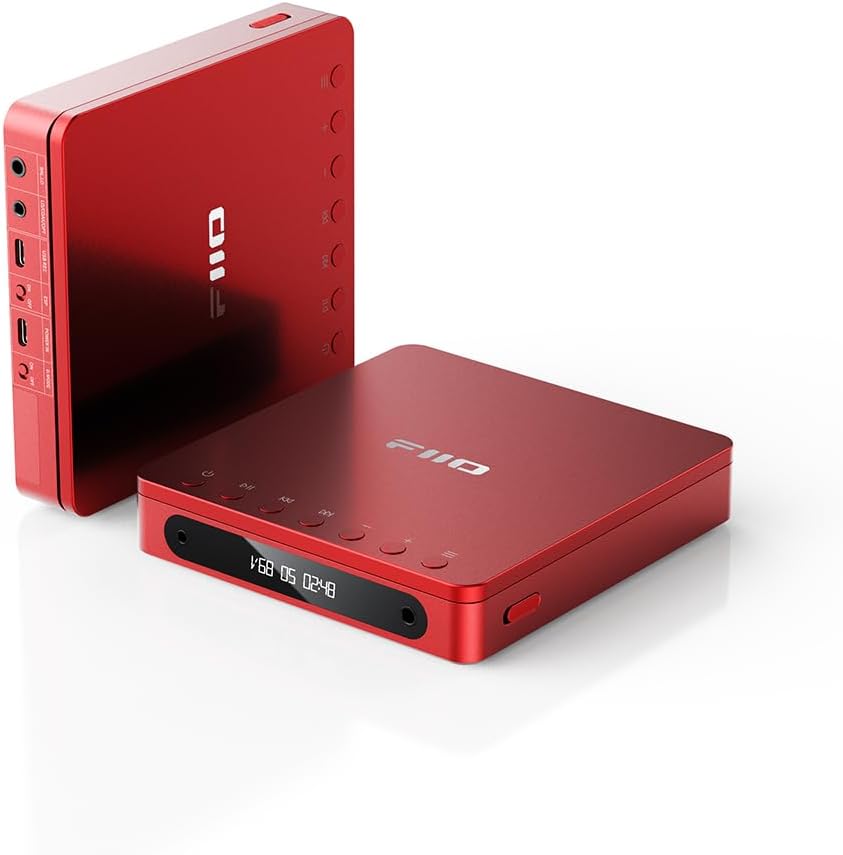
Figure 1.1: FiiO DM13 Portable Stereo CD Player (Red Bluetooth model).
Característiques principals:
- HiFi-Grade Audio: Dual CS43198 DACs and dual SGM8262 headphone amps per a una qualitat de so superior.
- Control de volum precís: 99 levels of delicate volume adjustment for smooth and clear audio.
- Sortida potent: Up to 660mW balanced output power, capable of driving various headphones and connecting to active speakers.
- Copia i gravació per USB: Save CDs to WAV format on mobile storage devices.
- Sortides múltiples: 3.5mm and 4.4mm headphone outputs, 3.5mm and 4.4mm line outputs, Optical and Coaxial digital audio outputs.
- Mode d'escriptori: Direct USB power without battery consumption, extending battery life.
- Llarga vida útil de la bateria: Approximately 10 hours of continuous playback from a 3750mAh battery.
2. Producte acabatview
Familiarize yourself with the components and controls of your FiiO DM13.
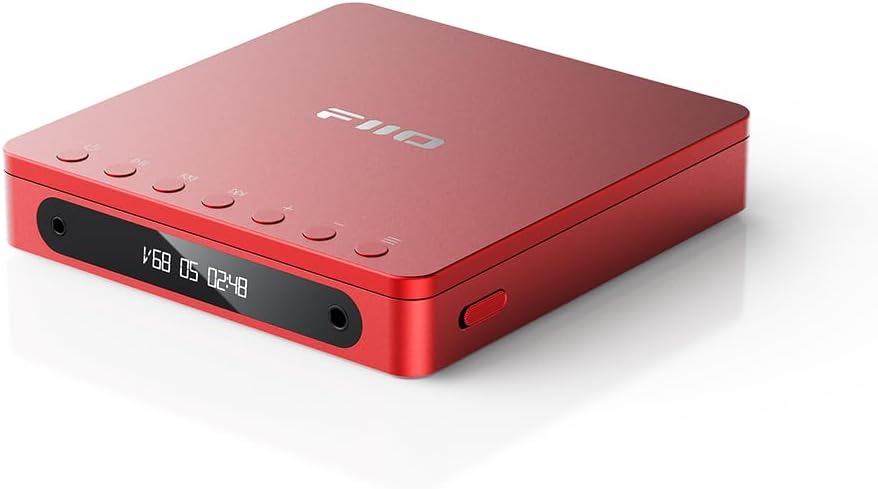
Figura 2.1: superior view of the FiiO DM13 with control buttons.
Controls i ports:
- Botó d'encesa: Encén/apaga el dispositiu.
- Botó Reproduir/Pausa: Controla la reproducció.
- Botons de pista anterior/següent: Navigates between tracks.
- Botons de pujar / baixar de volum: Ajusta el nivell de sortida d'àudio.
- Pantalla de visualització: Mostra el volum, el número de pista i la durada de la reproducció.
- Sortida d'auriculars de 3.5 mm: Standard audio output for headphones.
- Sortida d'auriculars balancejada de 4.4 mm: High-quality balanced audio output for compatible headphones.
- 3.5mm Line Output: For connecting to active speakers or ampaixecadors.
- 4.4mm Balanced Line Output: For connecting to active speakers or ampLificadors amb entrada equilibrada.
- Sortida òptica: Digital audio output for external DACs.
- Sortida coaxial: Digital audio output for external DACs.
- Port USB-C: For charging, data transfer (USB ripping), and Desktop Mode power.
- D.MODE Switch: Activates Desktop Mode for direct USB power.
3. Primers passos
3.1 Càrrega del dispositiu
The FiiO DM13 comes with a built-in Lithium Ion battery. Before first use, fully charge the device.
- Connect the provided USB cable to the USB-C port on the DM13.
- Connecteu l'altre extrem del cable USB a un adaptador de corrent USB (no inclòs) o al port USB d'un ordinador.
- The charging indicator will show the charging status. Once fully charged, the indicator will change (refer to device display for specific indication).
3.2 Engegada/apagada
- Per encendre: Press and hold the Power button until the display illuminates.
- Per apagar: Premeu i manteniu premut el botó d'engegada fins que la pantalla s'apagui.
3.3 Inserció d'un CD
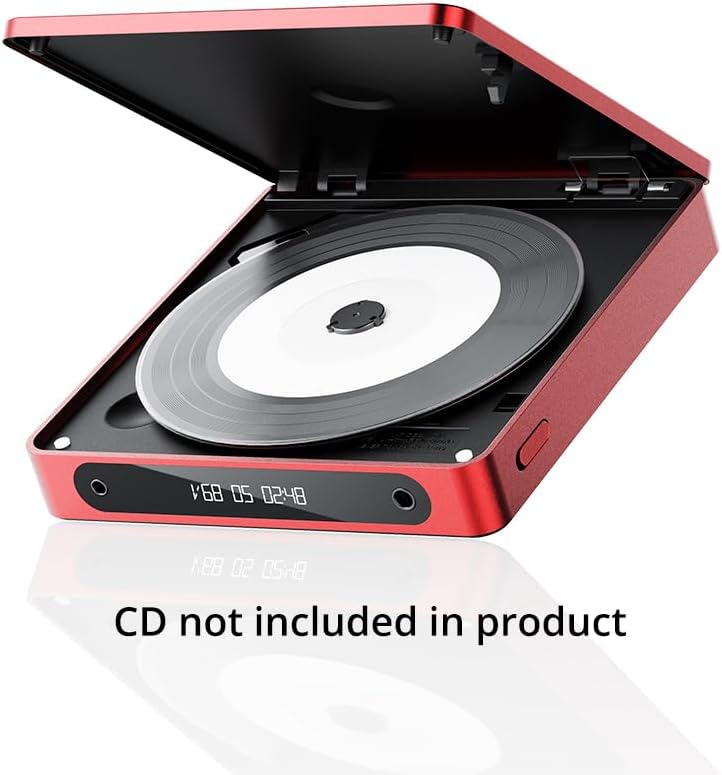
Figure 3.1: Opening the FiiO DM13 to insert a CD.
- Gently open the CD compartment lid.
- Place the CD onto the spindle with the label side facing up. Ensure the CD is seated correctly.
- Close the CD compartment lid firmly until it clicks into place.
4. Funcionament bàsic
4.1 Playing Audio CDs
- Insert an audio CD as described in Section 3.3.
- Connect your headphones to either the 3.5mm or 4.4mm headphone output.
- Premeu el botó Reproduir/Pausa per iniciar la reproducció.
- Use the Previous/Next Track buttons to skip tracks.
- Press the Play/Pause button again to pause playback.
4.2 Ajust del volum

Figure 4.1: Custom LCD display showing playback information.
The DM13 features 99 levels of volume control for precise adjustment.
- Premeu el botó Pujar el volum per augmentar el volum.
- Premeu el botó de baixar el volum per reduir el volum.
- The current volume level will be displayed on the LCD screen.
4.3 Modes de reproducció
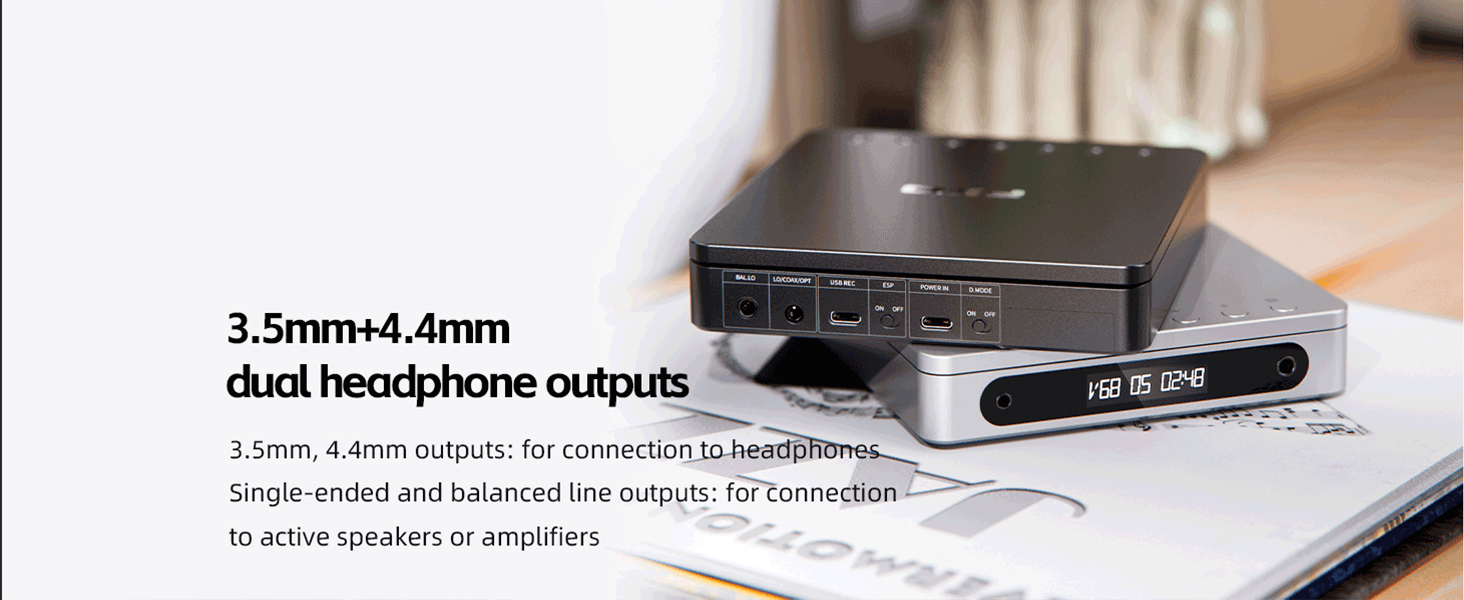
Figure 4.2: Playback mode options.
The DM13 supports various playback modes:
- Reproducció sense interrupció: Ensures seamless transitions between tracks.
- Reproducció en bucle: Repeats the current track or entire CD.
Refer to the device's on-screen menu or specific button functions for activating these modes.
5. Funcions avançades
5.1 USB CD Ripping
The DM13 allows you to rip audio from your CDs directly to a USB storage device in WAV format.
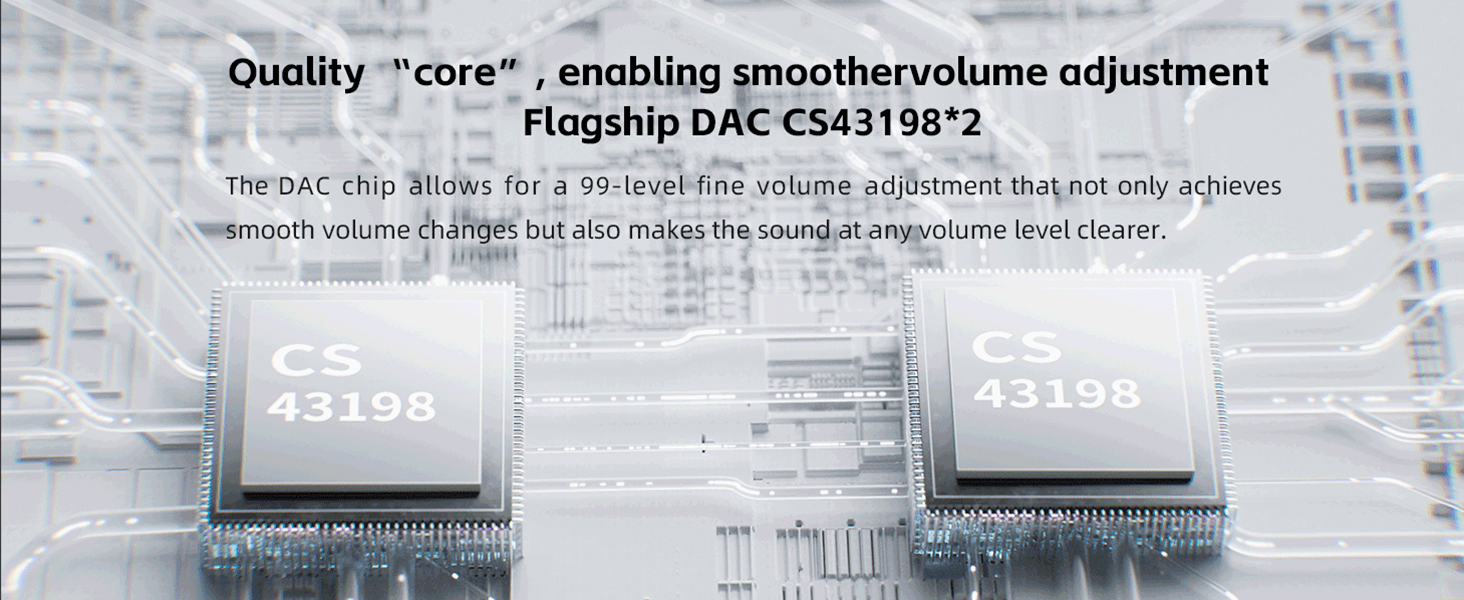
Figure 5.1: USB CD ripping functionality.
- Connect a FAT32 formatted USB storage device to the DM13's USB-C port using an appropriate adapter if necessary.
- Insert the CD you wish to rip.
- Navigate to the USB ripping function in the device's menu (refer to the on-screen instructions).
- Follow the prompts to start the ripping process. The ripped WAV files will be saved to your USB storage device.
Note: Only supports FAT32 formatted storage devices.
5.2 Connexió a dispositius externs
The DM13 offers various output options for connecting to different audio systems.
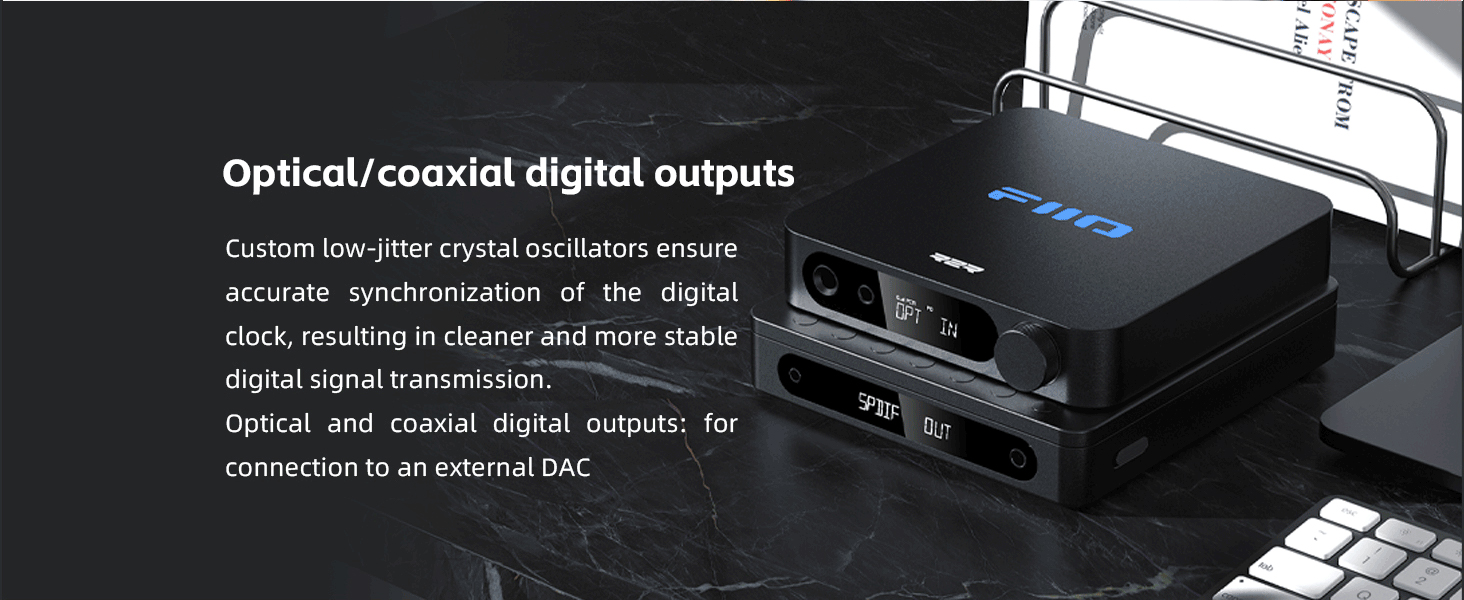
Figure 5.2: Dual headphone outputs (3.5mm and 4.4mm).
- Auriculars: Use the 3.5mm or 4.4mm headphone output jacks. The 4.4mm output provides a balanced signal for enhanced audio quality with compatible headphones.
- Altaveus actius/Ampelevadors: Use the 3.5mm or 4.4mm line output jacks to connect to external audio systems.
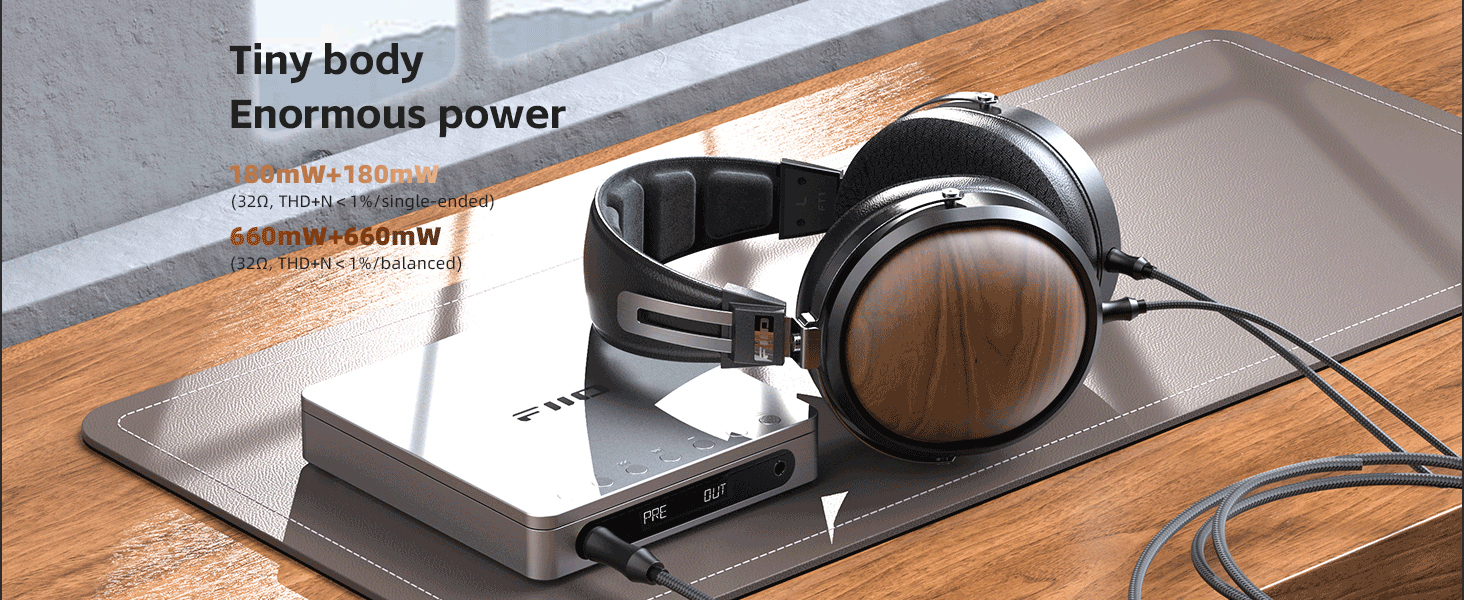
Figure 5.3: Optical/Coaxial digital outputs.
- DAC externs: Utilize the Optical or Coaxial digital audio outputs to connect to high-end external digital-to-analog converters for further audio processing.
5.3 Mode d'escriptori
Desktop Mode allows the DM13 to be powered directly by a USB source without consuming battery power, which helps preserve battery life during extended use.
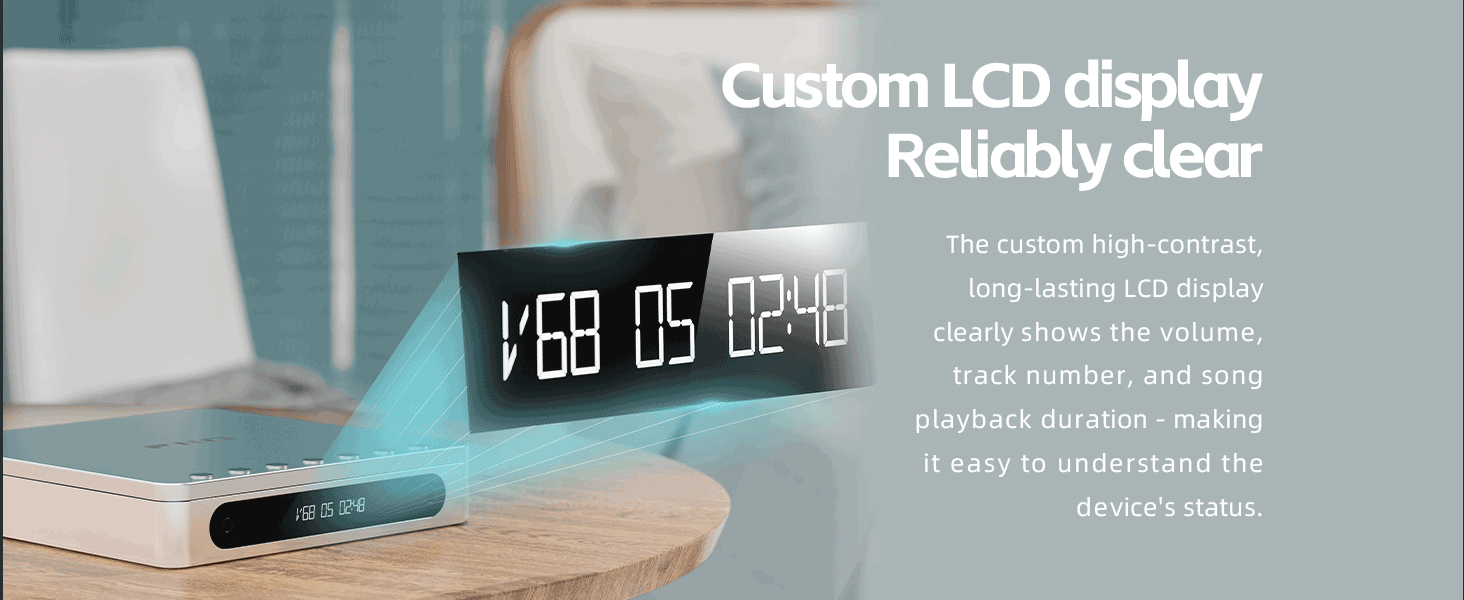
Figure 5.4: DM13 in Desktop Mode.
- Connect the DM13 to a USB power adapter or a computer's USB port.
- Locate the D.MODE switch on the device.
- Switch the D.MODE to the "ON" position. The DM13 will now draw power directly from the USB source.
Note: If the battery reaches 0% and the device is forced to shut down, it will start charging regardless of the D.MODE switch position.
5.4 Bluetooth Connectivity (Red Bluetooth Model)
The Red Bluetooth model of the FiiO DM13 supports Bluetooth for wireless audio transmission.
- Assegureu-vos que el vostre DM13 estigui encès.
- Activate Bluetooth pairing mode on the DM13 (refer to device's menu or specific button combination).
- On your Bluetooth receiving device (e.g., Bluetooth headphones, speaker), search for available devices and select "FiiO DM13".
- Once paired, audio from the DM13 will be transmitted wirelessly to your connected Bluetooth device.
6. Cura i Manteniment
6.1 Neteja
- Use a soft, dry, lint-free cloth to clean the exterior of the DM13.
- For the CD compartment and laser lens, use a specialized CD lens cleaner or a soft brush designed for electronics. Avoid touching the lens directly.
- No utilitzeu netejadors abrasius, dissolvents ni productes químics forts.
6.2 Cura de la bateria
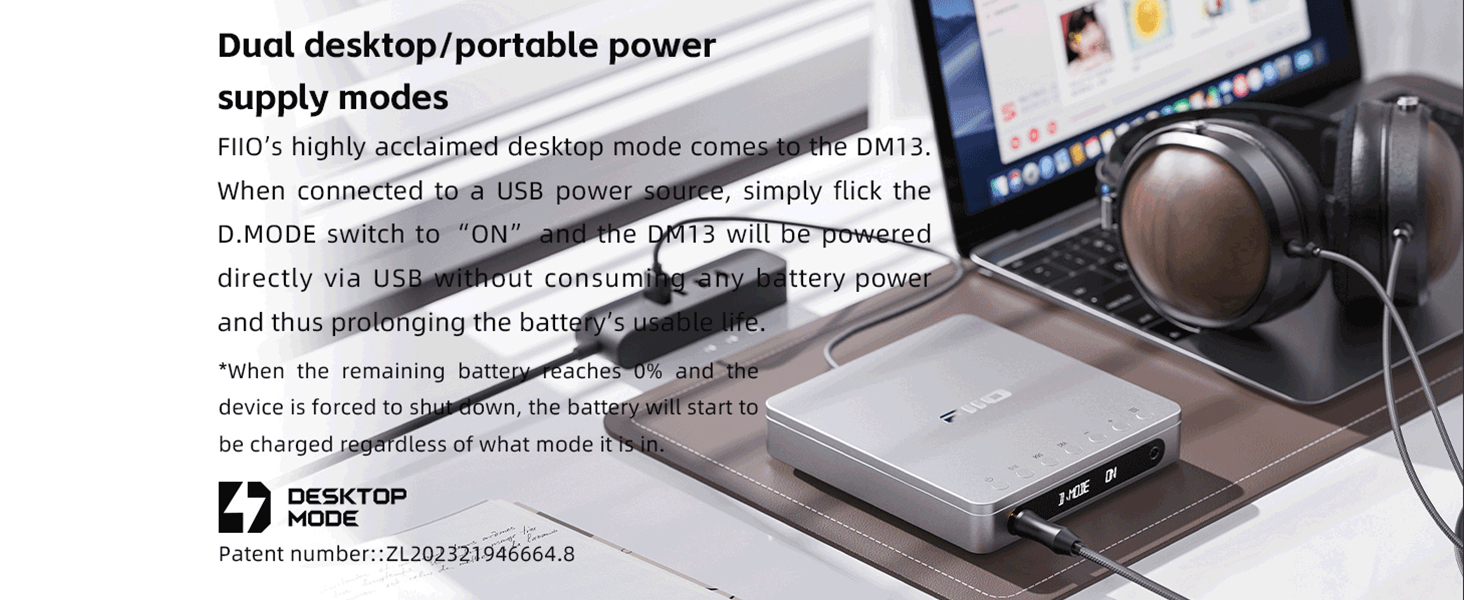
Figure 6.1: Battery life information.
- Per maximitzar la vida útil de la bateria, eviteu descarregar-la completament amb freqüència.
- Si guardeu el dispositiu durant un període prolongat, carregueu-lo aproximadament al 50% abans de guardar-lo.
- Use the Desktop Mode (Section 5.3) when possible to reduce reliance on battery power during stationary use.
7. Solució De Problemes
This section addresses common issues you might encounter with your FiiO DM13.
| Problema | Causa possible | Solució |
|---|---|---|
| El dispositiu no s'encén. | La bateria està esgotada. | Connect the device to a USB power source and charge it. |
| No se sent so dels auriculars. | Headphones not properly connected; Volume too low; Incorrect output selected. | Ensure headphones are fully plugged in. Increase volume. Check if line out is active instead of headphone out. |
| El CD no es reprodueix o salta. | CD is dirty or scratched; CD not inserted correctly; Device is on an unstable surface. | Clean the CD. Re-insert the CD. Place the DM13 on a stable, flat surface. |
| La ripeig per USB falla. | USB drive not FAT32 formatted; Insufficient space on USB drive; USB drive not properly connected. | Ensure USB drive is FAT32. Check available space. Reconnect USB drive. |
| Problemes de connexió Bluetooth. | DM13 not in pairing mode; Receiving device not in pairing mode; Interference. | Ensure both devices are in pairing mode. Move closer to the receiving device. Reduce interference from other wireless devices. |
8. Especificacions tècniques
| Especificació | Detall |
|---|---|
| Número de model | 19a866c8-1150-427e-b788-4424859d1ca9 |
| Dimensions (L x A x A) | Aproximadament 144 x 137 x 27 mm (5.67 x 5.39 x 1.06 polzades) |
| Pes | 1.51 lliures (aprox. 685 g) |
| Xip DAC | CS43198 dual |
| Auriculars Ampmés viu | Dual SGM8262 |
| Headphone Output (Single-ended) | Up to 190mW (32Ω, THD+N ≤ 1%) |
| Headphone Output (Balanced) | Up to 660mW (32Ω, THD+N ≤ 1%) |
| Tipus de bateria | Ió de liti (inclòs) |
| Capacitat de la bateria | 3750mAh, 3.8V Pure cobalt lithium battery |
| Temps de reproducció | Approximately 10 hours (continuous playback) |
| Connectivitat | USB-C, 3.5mm, 4.4mm, Optical, Coaxial, Bluetooth (Red Bluetooth model) |
| Components inclosos | Cable |
9. Garantia i Suport
9.1 Informació de la garantia
The FiiO DM13 comes with a manufacturer's warranty. Please refer to the warranty card included with your product or visit the official FiiO weblloc web per obtenir informació detallada sobre els termes i condicions de la garantia. Conserveu el comprovant de compra per a reclamacions de garantia.
9.2 Atenció al client
For technical assistance, product inquiries, or service requests, please contact FiiO customer support through their official channels. You can typically find contact information on the FiiO weblloc web o dins de l'embalatge del producte.
Visit the FiiO Store for more information: Botiga oficial de FiiO


