Introducció
Thank you for choosing the GEARit Smart Video Doorbell Camera. This wireless doorbell camera provides advanced security features including 2K QHD video resolution, motion detection, two-way audio, and a long-lasting rechargeable battery. Designed for easy setup and reliable performance, it ensures you stay connected to your home's entryway.
This manual provides detailed instructions for setting up, operating, and maintaining your new doorbell camera. Please read it thoroughly before use to ensure proper functionality and safety.
Característiques del producte
2K QHD Video Resolution

Capture every detail with razor-sharp 2K QHD (4MP) resolution. This ensures clear and crisp video footage, allowing for better identification of visitors and events at your doorstep, day or night.
Detecció de moviment i so

Receive real-time push alerts on your smartphone when motion or sound is detected. This feature helps you stay informed about activity at your front door, enhancing your home security.
Comunicació d'àudio bidireccional
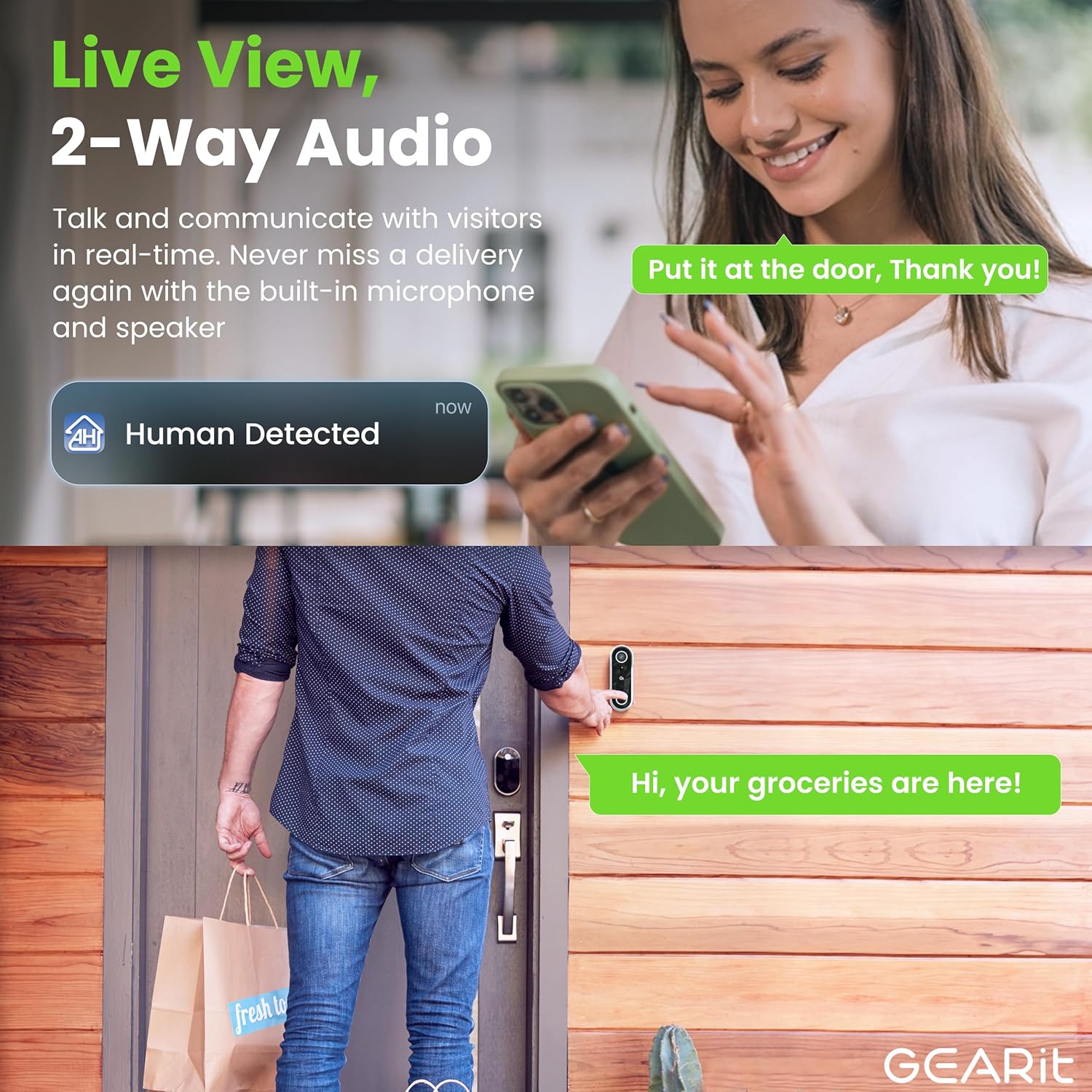
Communicate directly with visitors, delivery personnel, or family members at your door using the built-in microphone and speaker. This allows for convenient and secure interaction from anywhere.
Visió nocturna avançada
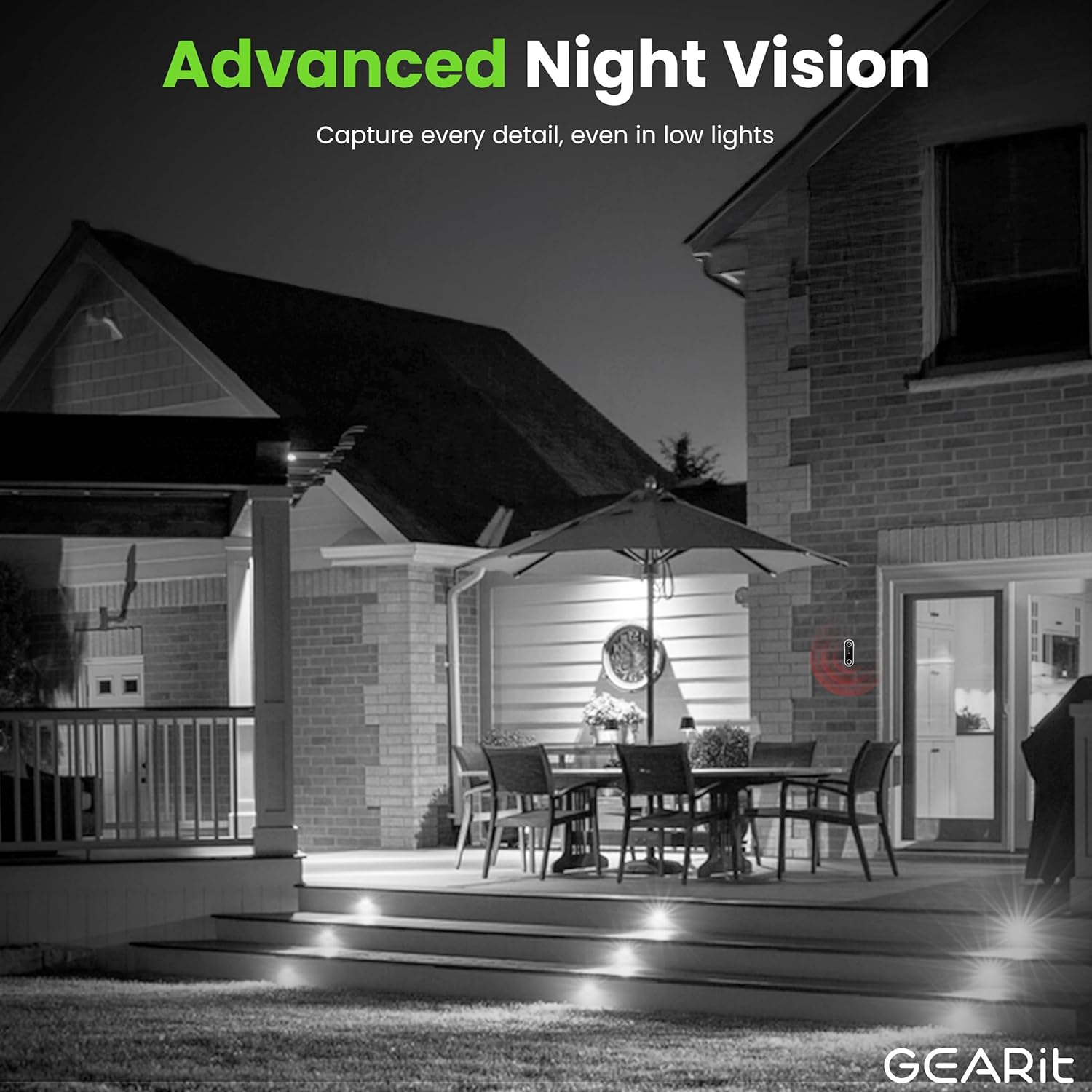
Equipped with advanced night vision capabilities, the doorbell camera provides clear visibility even in complete darkness, ensuring continuous monitoring and security around the clock.
Disseny resistent a la intempèrie IP64

The doorbell camera is built with an IP64 weather-proof rating, making it resistant to dust, rain, and splashes. This ensures reliable operation in various outdoor conditions throughout the year.
Rechargeable Battery & Local Storage

Enjoy up to 6 months of battery life on a single charge, providing wireless convenience. The camera supports local storage via a microSD card (up to 256GB, not included) for secure recording of events.
Producte acabatview Vídeo
Aquest vídeo ofereix un breu resumview of the GEARit Smart Video Doorbell Camera, highlighting its key features such as 2K QHD video, human body detection, two-way audio, and secure local storage.
Guia de configuració
Contingut del paquet
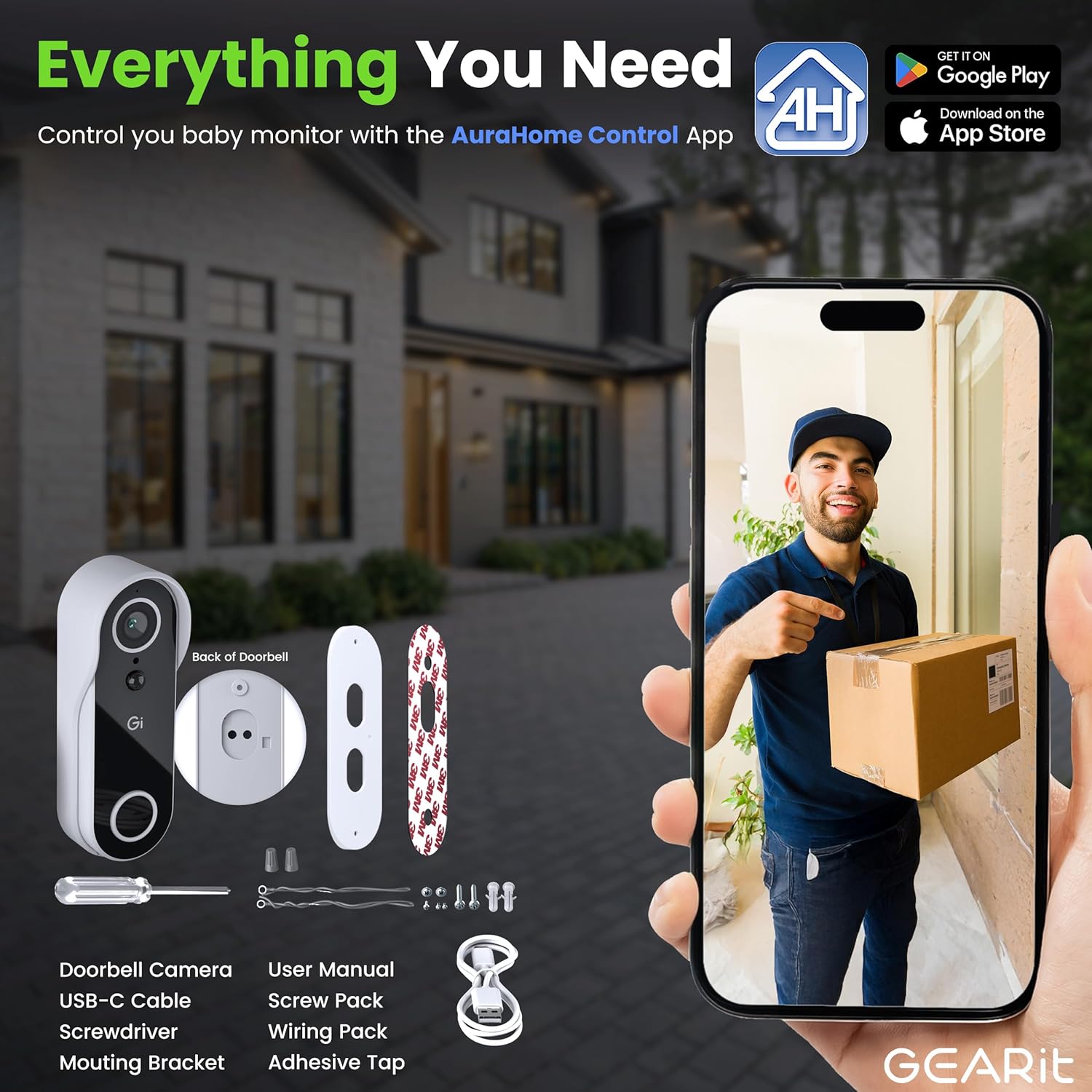
Abans de començar, assegureu-vos que tots els components estiguin presents al paquet:
- GEARit Smart Video Doorbell Camera
- Cable USB-Type C
- Tornavís
- Suport de muntatge
- Manual d'usuari (aquest document)
- Paquet de cargols
- Wiring Pack (for optional wired installation)
- Adhesive Tape (for optional adhesive mounting)
Passos d'instal·lació
- Carregueu la bateria: Fully charge the doorbell camera using the provided USB Type-C cable before initial use. A full charge ensures optimal performance and battery life.
- Descarrega l'aplicació: Download the "AuraHome Control App" from the App Store (iOS) or Google Play Store (Android). This app is essential for controlling and managing your doorbell camera.
- Muntar el timbre de la porta:
- Muntatge de cargols: Use the mounting bracket and screw pack to securely attach the doorbell to your desired location on the door frame or wall.
- Muntatge adhesiu: For a drill-free option, use the included adhesive tape to attach the mounting bracket. Ensure the surface is clean and dry for strong adhesion.
- Connecta't a l'aplicació: Follow the in-app instructions to connect your doorbell camera to your home Wi-Fi network and pair it with your smartphone. This typically involves scanning a QR code displayed on your phone with the doorbell camera.
- Personalitza la configuració: Once connected, customize settings such as motion detection sensitivity, notification preferences, and video recording options within the AuraHome app.
Instruccions de funcionament
Viu View i àudio bidireccional
Open the AuraHome app on your smartphone to access the live video feed from your doorbell camera. From the live view, you can initiate two-way audio by tapping the microphone icon to speak with visitors, and hear their responses through the doorbell's speaker.
Detecció de moviment i alertes
The doorbell camera is equipped with motion and sound detection. When activity is detected, you will receive an instant push notification on your smartphone. Tap the notification to view the live feed or review esdeveniments enregistrats.
You can adjust the sensitivity of motion detection in the app settings to minimize false alerts.
Video Recording and Storage
The camera records video clips when motion or sound is detected. These clips are stored on a microSD card (if installed) or can be accessed via optional cloud storage services (subscription may be required).
To install a microSD card, locate the card slot on the back of the doorbell camera, typically under a protective cover. Insert the card gently until it clicks into place. Ensure the doorbell is powered off before inserting or removing the card.
Visió nocturna
The doorbell camera automatically switches to night vision mode in low-light conditions, providing clear black-and-white video. No manual adjustment is required for this feature.
Manteniment
Càrrega de la bateria
The doorbell camera features a rechargeable battery designed for long-term use. When the battery level is low, you will receive a notification via the AuraHome app. To recharge, simply remove the doorbell unit from its mounting bracket and connect it to a power source using the provided USB Type-C cable.
A full charge can last up to 6 months, depending on usage frequency and environmental factors.
Neteja
To maintain optimal performance and clear video quality, periodically clean the camera lens and the doorbell's exterior. Use a soft, damp cloth to gently wipe away dust and dirt. Avoid using harsh chemicals or abrasive materials that could damage the device.
Gestió de targetes MicroSD
If you are using a microSD card for local storage, it is recommended to periodically review i gestiona el teu foo gravattage. You can format the microSD card through the AuraHome app to clear old recordings and free up space. Ensure important footage is backed up before formatting.
Resolució de problemes
| Problema | Causa possible | Solució |
|---|---|---|
| El timbre no es connecta a la Wi-Fi. | Incorrect Wi-Fi password, weak signal, or incompatible network (e.g., 5GHz only). |
|
| Sense alertes de detecció de moviment. | Detecció de moviment desactivada, sensibilitat massa baixa o notificacions de l'aplicació bloquejades. |
|
| Mala qualitat de vídeo o imatges borroses. | Dirty lens, poor Wi-Fi signal, or insufficient lighting. |
|
| Two-way audio delay or distortion. | Network latency, weak Wi-Fi signal, or app issue. |
|
| La bateria s'esgota ràpidament. | Frequent motion detection, high live view usage, or extreme temperatures. |
|
Especificacions
| Característica | Detall |
|---|---|
| Número de model | GI-CAM-DRB-WH-001 |
| Resolució de vídeo | 2K QHD (4MP) |
| Font d'alimentació | Rechargeable Battery (up to 6 months) |
| Resistència a la intempèrie | IP64 a prova de clima |
| Àudio | Àudio bidireccional |
| Opcions d'emmagatzematge | MicroSD Card (up to 256GB, not included), Cloud Storage (optional) |
| Connectivitat | Sense fil (Wi-Fi 2.4 GHz) |
| Dimensions (L x A x A) | 5.63 x 2.03 x 2.03 polzades |
| Pes de l'article | 11.7 unces (0.73 lliures) |
| Fabricant | GEARit |
| País d'origen | Xina |
Garantia i Suport
GEARit products are designed for reliability and performance. For specific warranty details regarding your Smart Video Doorbell Camera, please refer to the warranty information provided with your purchase or visit the official GEARit weblloc.
For technical support, troubleshooting assistance, or any inquiries about your product, please contact GEARit customer service. You can often find contact information on the official brand website or within the AuraHome app.
També podeu descarregar un manual d'usuari oficial en format PDF: Descarrega el manual d'usuari en PDF


