1. Introducció
The iGPSPORT BSC200S is a feature-rich GPS bike computer designed to enhance your cycling experience. It offers precise multi-satellite positioning, a vibrant 2.4-inch color display, and advanced navigation capabilities. This manual will guide you through the setup, operation, and maintenance of your device.
2. Què hi ha a la caixa
- iGPSPORT BSC200S Bike Computer
- Simple Base Mount
- Cable de càrrega USB tipus C
- Rubber Bands (x2)
- Manual d'instruccions
3. Configuració
3.1 Muntatge del dispositiu
Follow these steps to securely attach your BSC200S to your bicycle handlebar:
- Apileu les dues bases fixes juntes.
- Col·loca la base apilada al manillar de la bicicleta.
- Cross the two rubber bands to bind the base firmly.
- Ajusteu l'angle per a l'òptim viewing.
- Fix the bike computer onto the base by aligning and twisting until it locks.
- Ensure the installation is completed and secure before riding.
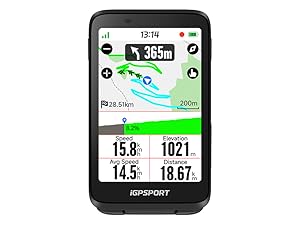
Image: Step-by-step guide for mounting the BSC200S on a bicycle handlebar.
3.2 Initial Power-On and GPS Acquisition
To ensure accurate data, allow your device to acquire a GPS signal in an open outdoor area, free from tall buildings, trees, or viaducts. The BSC200S supports multi-satellite positioning (GPS + Beidou + GLONASS + GALILEO + QZSS) for faster and more precise data.

Image: The BSC200S screen showing GPS signal acquisition.
3.3 Connecting to the iGPSPORT App
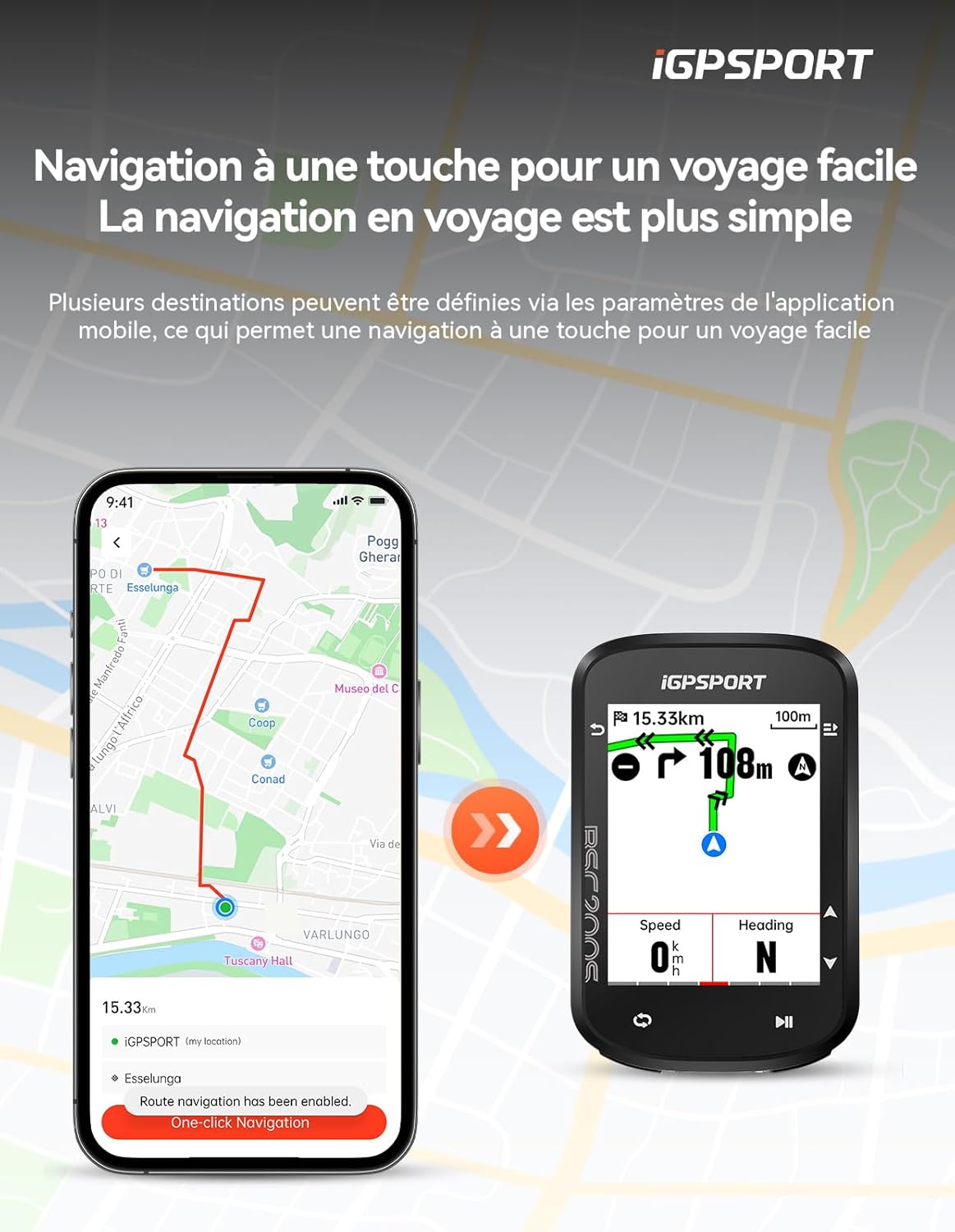
Download the official iGPSPORT app on your smartphone. Connect your BSC200S via Bluetooth to the app to manage settings, analyze ride data, and share your activities with platforms like Strava and Komoot.

Image: The BSC200S displaying data alongside the iGPSPORT smartphone application.
4. Instruccions de funcionament
4.1 Display and Data Customization
The BSC200S features a 2.4-inch semi-transmissive color screen that is clear even in strong sunlight. You can customize the user interface with 9 color themes and display over 100 types of cycling data, allowing you to tailor the information to your preferences.
Imatge: Examples of customizable data displays and color themes on the BSC200S.
4.2 Route Navigation
The device offers precise route navigation with clear and intuitive driving directions. You can plan routes, import them easily, and even customize line colors. An off-course warning system will notify you if you deviate from your planned path, guiding you back to the correct route. One-button navigation supports planning longer distances and allows setting up to 4 commonly used locations.
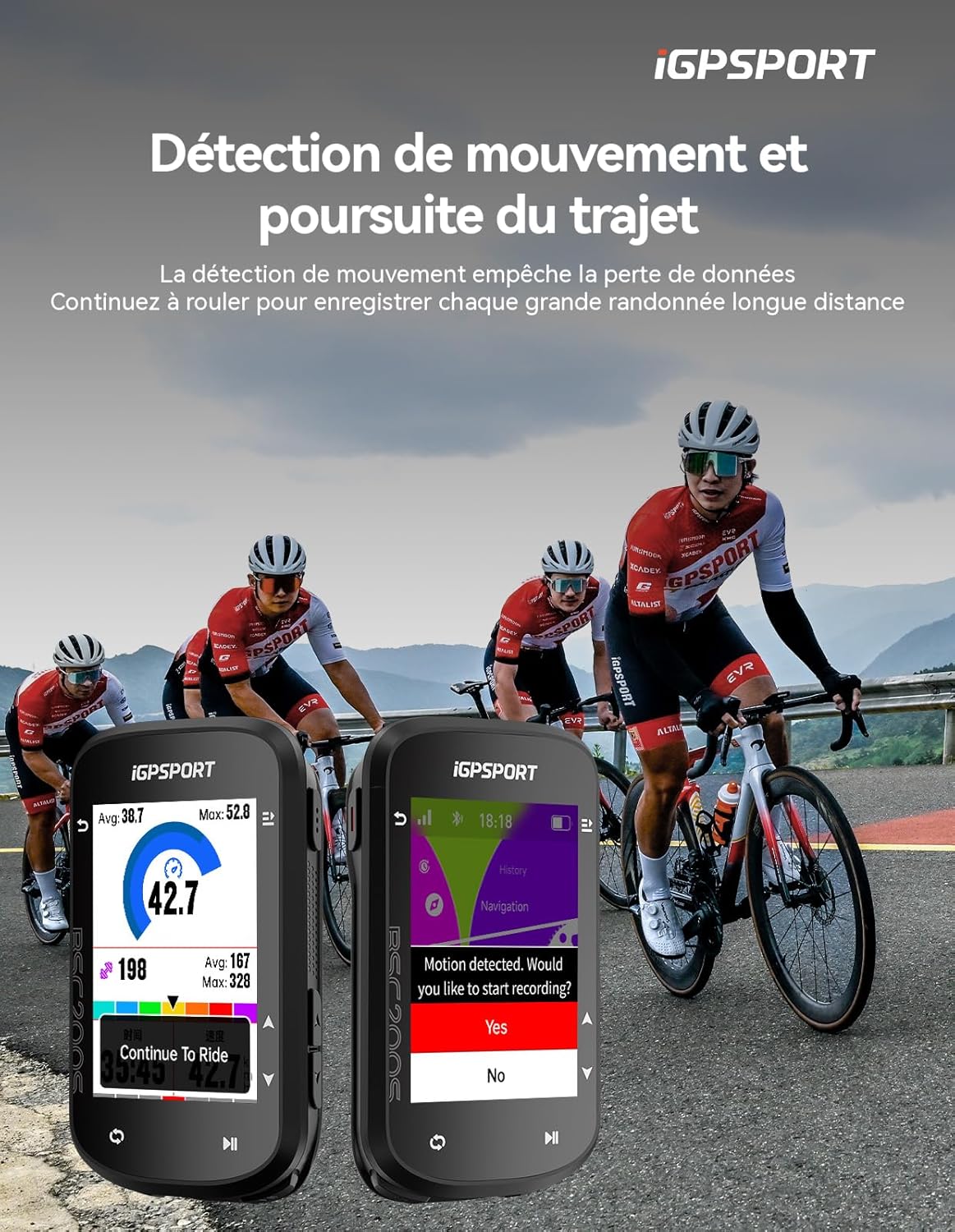
Image: The BSC200S displaying turn-by-turn navigation on a map.
4.3 Notificacions intel·ligents
Stay connected safely during your rides. When paired with your smartphone, the BSC200S can display instant call alerts, text messages, and social media notifications directly on its screen, ensuring you don't miss important information while keeping your phone secure.

Image: The BSC200S displaying smart notifications from a connected smartphone.
4.4 Motion Detection and Continuous Recording
The BSC200S is equipped with a motion detection function that automatically monitors your current exercise status. It provides intelligent reminders to record data and supports continuous recording, allowing you to pause and resume your ride at any time without losing data, ensuring comprehensive ride tracking.
4.5 Durada i càrrega de la bateria
Enjoy extended rides with an ultra-long battery life of up to 25 hours. A full charge takes approximately 1.5 hours. The device charges via a standard USB Type-C cable.
4.6 Impermeabilització
The BSC200S features IPX7 waterproofing, making it resistant to rain and splashes, so you can ride confidently in various weather conditions.
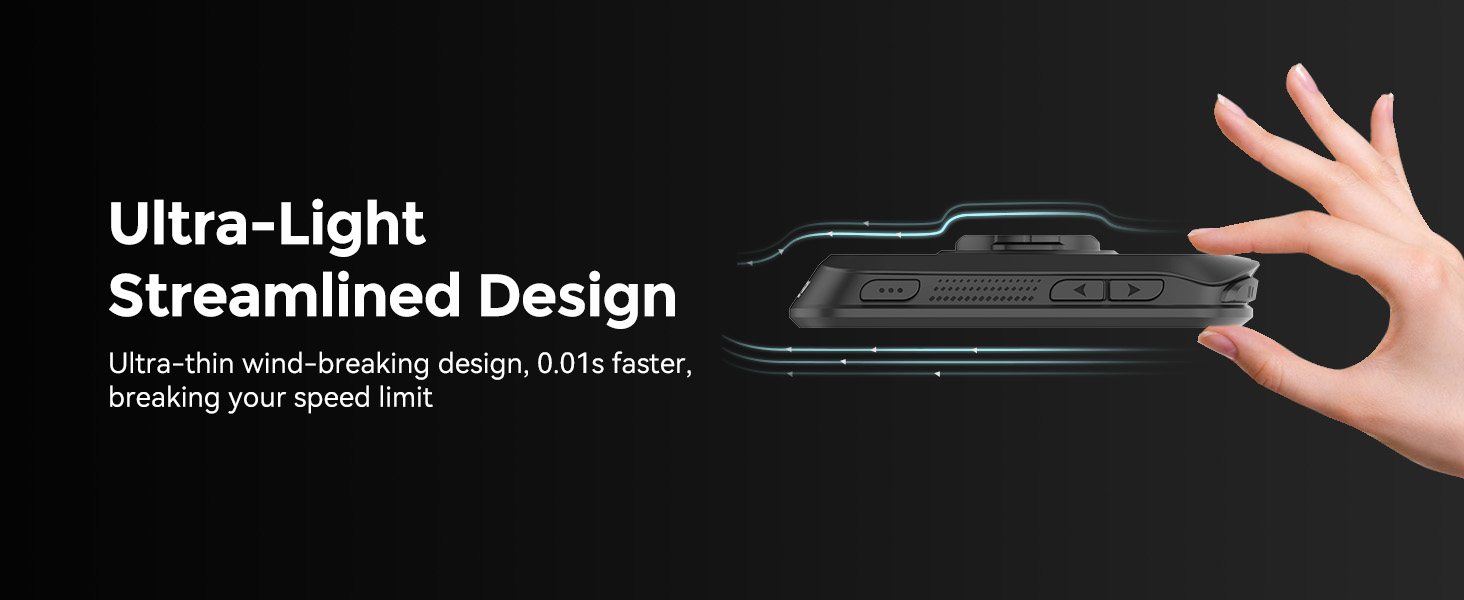
Image: The BSC200S shown with water splashing on it, highlighting its waterproof design.
4.7 Sensor Connectivity
The device supports ANT+, Bluetooth, and USB connectivity, allowing it to pair with a wide range of cycling sensors such as heart rate monitors, speed sensors, and cadence sensors for comprehensive data collection.

Image: The BSC200S connected to various external cycling sensors.
4.8 Smart Light and Camera Integration
The BSC200S can function with iGPSPORT smart lights, allowing control of lighting and display of battery levels. It is also compatible with Insta360 cameras, enabling you to add your ride data directly to recorded videos.

Image: The BSC200S interface for controlling smart bike lights.

Image: The BSC200S showing integration with Insta360 camera data overlay.
4.9 Mode d'entrenament
The advanced training mode allows connection to cycling platforms, enabling structured workouts and performance tracking.

Image: A cyclist utilizing the BSC200S during an indoor training session.
5. Gestió de dades
The iGPSPORT app allows you to analyze your ride data and share it with popular platforms like Strava and Komoot. The device supports continuous recording, ensuring all your ride data is captured.
6. Manteniment
6.1 Càrrega
Charge the device using the provided USB Type-C cable. A full charge takes approximately 1.5 hours.
6.2 Neteja
Netegeu el dispositiu amb un suau, damp drap. Eviteu utilitzar productes químics agressius o materials abrasius que puguin danyar la pantalla o el casing.
6.3 actualitzacions de microprogramari
Regularly check for and install firmware updates via the iGPSPORT app to ensure optimal performance and access to new features.
7. Solució De Problemes
7.1 Problemes amb el senyal GPS
If the device struggles to acquire a GPS signal, ensure you are in an open area with a clear view of the sky, away from tall structures that might obstruct the signal.
7.2 Problemes de connectivitat
If the device fails to connect to sensors or the app, ensure Bluetooth/ANT+ is enabled on both devices and that they are within range. Try restarting both the bike computer and your smartphone.
8. Especificacions
| Característica | Especificació |
|---|---|
| Marca | iGPSPORT |
| Número de model | BSC200S |
| Mida de la pantalla | LCD de 2.4 polzades |
| Tecnologia de connectivitat | ANT, Bluetooth, USB |
| Suport GPS | GPS + Beidou + GLONASS + GALILEO + QZSS |
| Durada de la bateria | 25 hores |
| Composició de la bateria | Polímer de liti |
| Classificació impermeable | IPX7 |
| Dimensions del producte | 5.3 x 1.41 x 8.2 cm |
| Pes de l'article | 66 grams |
9. Garantia i Suport
The iGPSPORT BSC200S comes with a 1-year manufacturer's warranty. For technical support, troubleshooting, or warranty claims, please visit the official iGPSPORT weblloc web o contacteu directament amb el seu servei d'atenció al client.


