Introducció
This user manual provides comprehensive instructions for the ARENTI Baby Monitor B2 Set. It covers setup, operation, maintenance, and troubleshooting to ensure you get the most out of your smart baby camera system. The B2 Set includes two cameras and a 5-inch wireless display, offering features such as Super Night Vision, Temperature Sensor, Sound Detection, Auto Motion Tracking, 2-Way Audio, and VOX Mode.
For optimal performance and safety, please read this manual thoroughly before using the product and retain it for future reference.
Què hi ha a la caixa
Verifiqueu que tots els components siguin presents al vostre paquet:
| Component | Quantitat |
|---|---|
| Càmera | 2 |
| Monitor (5-inch Wireless Display) | 1 |
| Adaptador d'alimentació | 2 |
| Cable d'alimentació | 2 |
| Suport de muntatge | 2 |
| Cargols | Set |
| Guia ràpida | 1 |
| Restableix el pin | 1 |
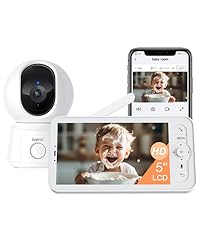 Image: Visual representation of the items included in the ARENTI Baby Monitor B2 Kit packaging.
Configuració
Initial Setup (LCD Screen)
- Encès: Connect the power adapter to the baby camera and the monitor. Ensure both devices are fully charged or connected to a power source.
- Emparellament automàtic: The camera and monitor are pre-paired at the factory. Once powered on, the monitor should automatically display the camera's feed.
- Posicionament: Col·loca la càmera en un lloc que ofereixi una visió clara view of your baby. Ensure it is out of reach of children and cords are safely secured.
Smartphone App Setup (Optional)
For remote monitoring and advanced features, download the ARENTI app:
- Descarregar l'aplicació: Cerca "ARENTI" in your smartphone's app store (iOS or Android) and download the application.
- Crea un compte: Obre l'aplicació i segueix les instruccions que apareixen a la pantalla per crear un compte nou o iniciar la sessió si ja en tens un.
- Afegeix un dispositiu: In the app, select "Add Device" or the "+" icon. Follow the prompts to connect your baby camera to your 2.4G Wi-Fi network. Nota: The camera only supports 2.4G Wi-Fi, not 5G.
- Comandament a distància: Once connected, you can remotely control the camera, view live feed, and access additional features through the app.
 Image: The ARENTI Baby Monitor B2 Set, illustrating both the physical monitor and the smartphone app for dual usage.
Funcions operatives
Dual Usage: At Home & On-the-Go
The ARENTI B2 Set offers flexible monitoring options:
- A casa: Use the dedicated 5-inch LCD screen for direct, local monitoring without needing Wi-Fi or an app.
- En moviment: Connect the camera to your home Wi-Fi and use the smartphone app to monitor your baby from anywhere with an internet connection.
 Image: Demonstrates the flexibility of the monitor for both local viewing via the screen and remote viewing via the smartphone app.
High Resolution & 4X Zoom
The 5-inch 720p LCD screen provides clear visuals. You can zoom in up to 4 times to see finer details of your baby. The smartphone app offers 2K resolution video for even sharper images.
 Image: Highlights the 5-inch screen size and 4X zoom capability of the monitor for detailed viewing.
Super Visió Nocturna
Monitor your baby clearly even in low-light conditions or complete darkness with the enhanced night vision feature. The camera automatically switches to night vision mode when the light is insufficient.
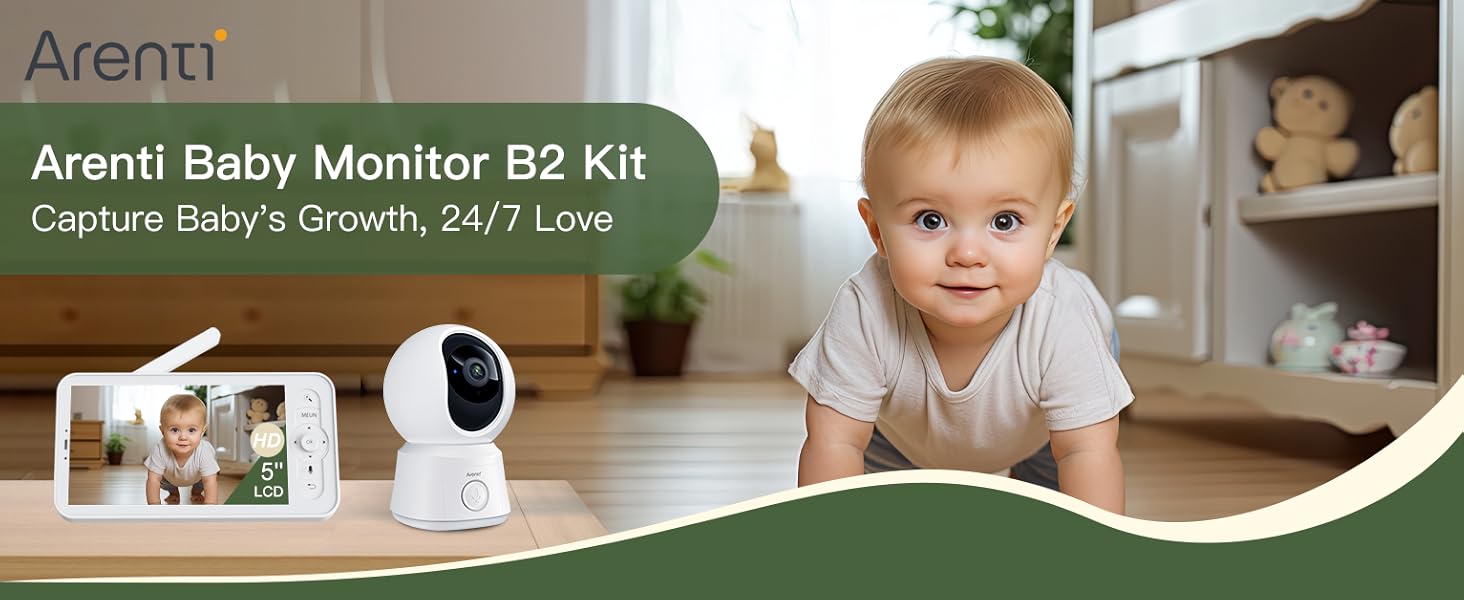 Image: Illustrates the clarity of the night vision feature, allowing parents to see their baby even in dark rooms.
360° View & Auto Motion Tracking
The camera offers a comprehensive 360° view with 355° horizontal and 60° vertical rotation. You can remotely pan and tilt the camera using either the LCD screen or the mobile app. The auto motion tracking feature ensures the camera follows your baby's movements within its field of view.
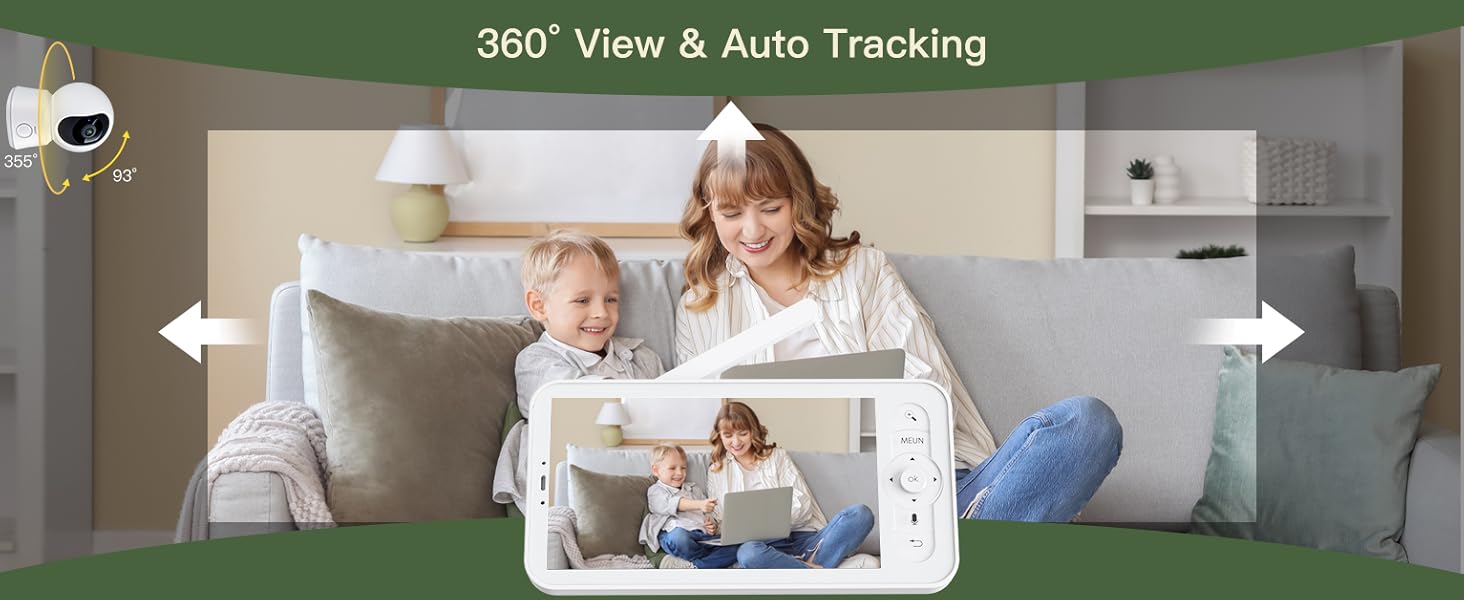 Image: Shows the camera's wide viewing angle and ability to track movement across a room.
Smart Detection & Instant Alerts
The baby monitor features advanced detection capabilities for motion, crying, and specific area monitoring. Adjustable sensitivity allows you to customize alerts. When an abnormality is detected, alerts are sent directly to your smartphone app.
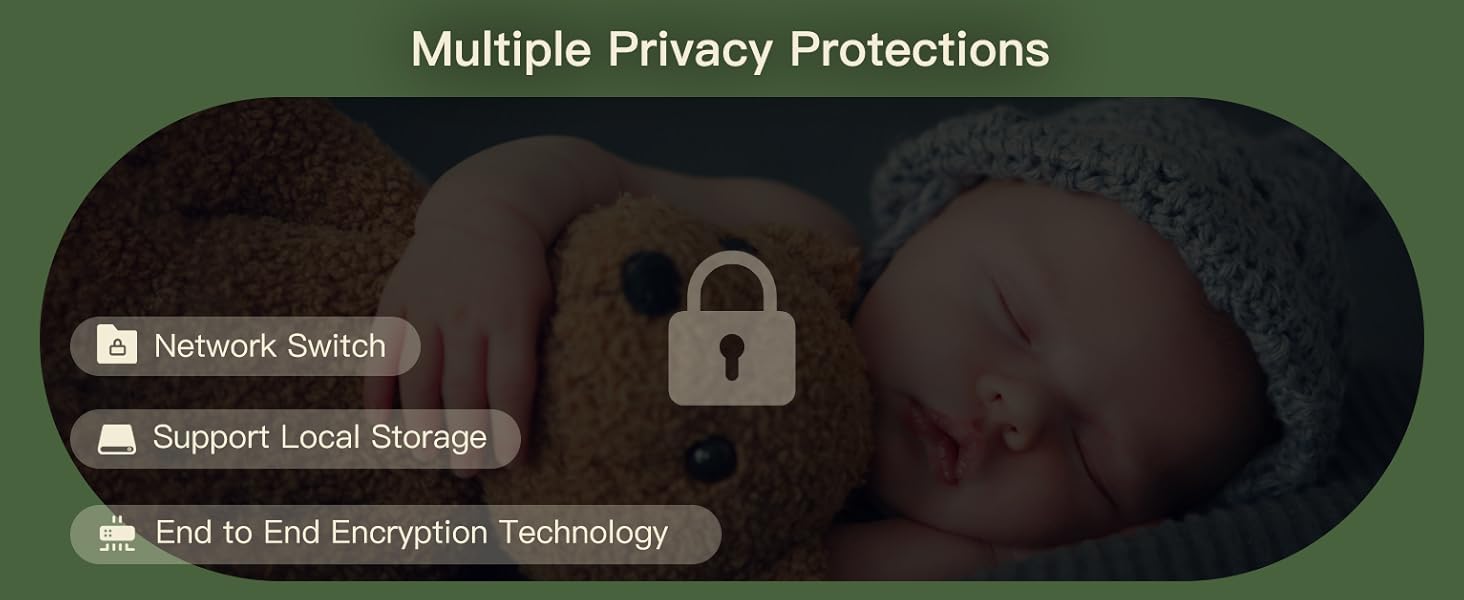 Image: Illustrates the smart detection features, including motion and crying detection, and how alerts are sent to the user's phone.
Vídeo: Una breu presentacióview demonstrating the baby monitor's features, including motion tracking and app control, from Arenti Security.
Two-Way Audio & Lullabies
The built-in microphone and speaker allow for clear two-way communication with your baby. You can also play soothing lullabies directly from the monitor or app to comfort your child.
 Image: Shows the one-touch call feature, enabling instant communication with your baby.
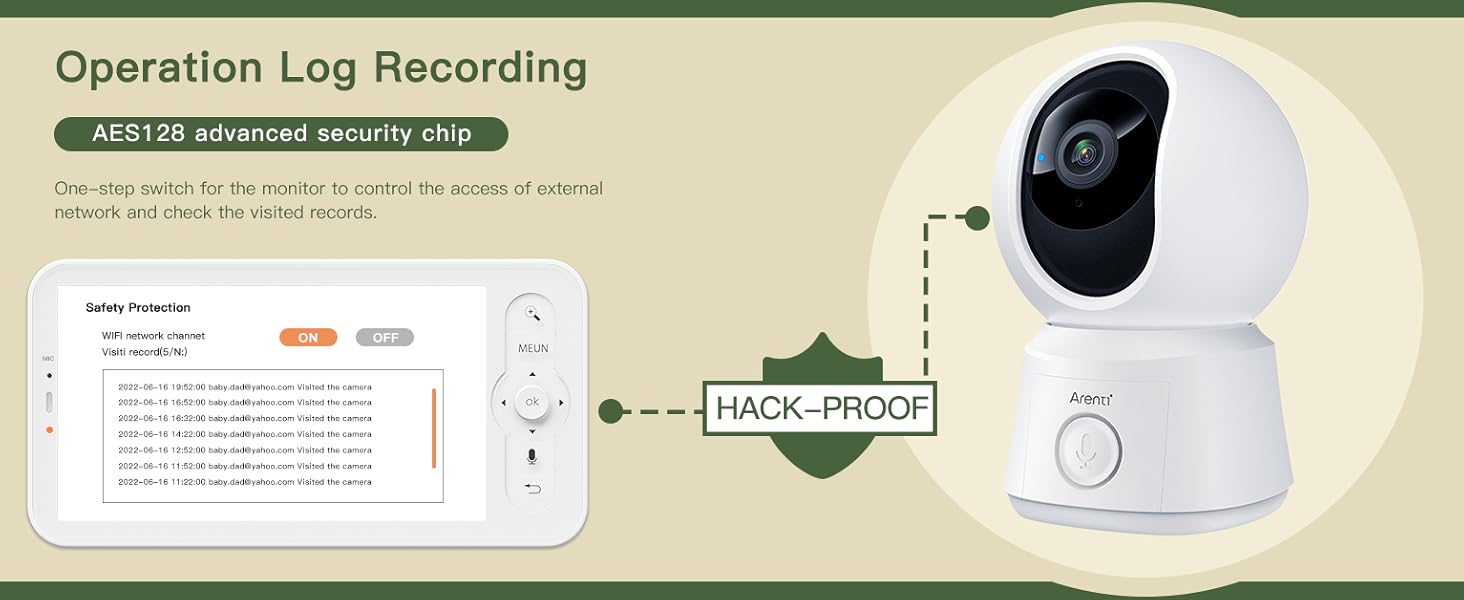 Image: Illustrates the soothing lullaby feature to help your baby sleep.
VOX Mode & Feeding Reminders
VOX (Voice Operated eXchange) mode conserves battery by keeping the monitor screen off until sound is detected. You can also set nursing reminders to help maintain a feeding schedule.
 Image: Highlights friendly features like feeding reminders and temperature sensing for comprehensive baby care.
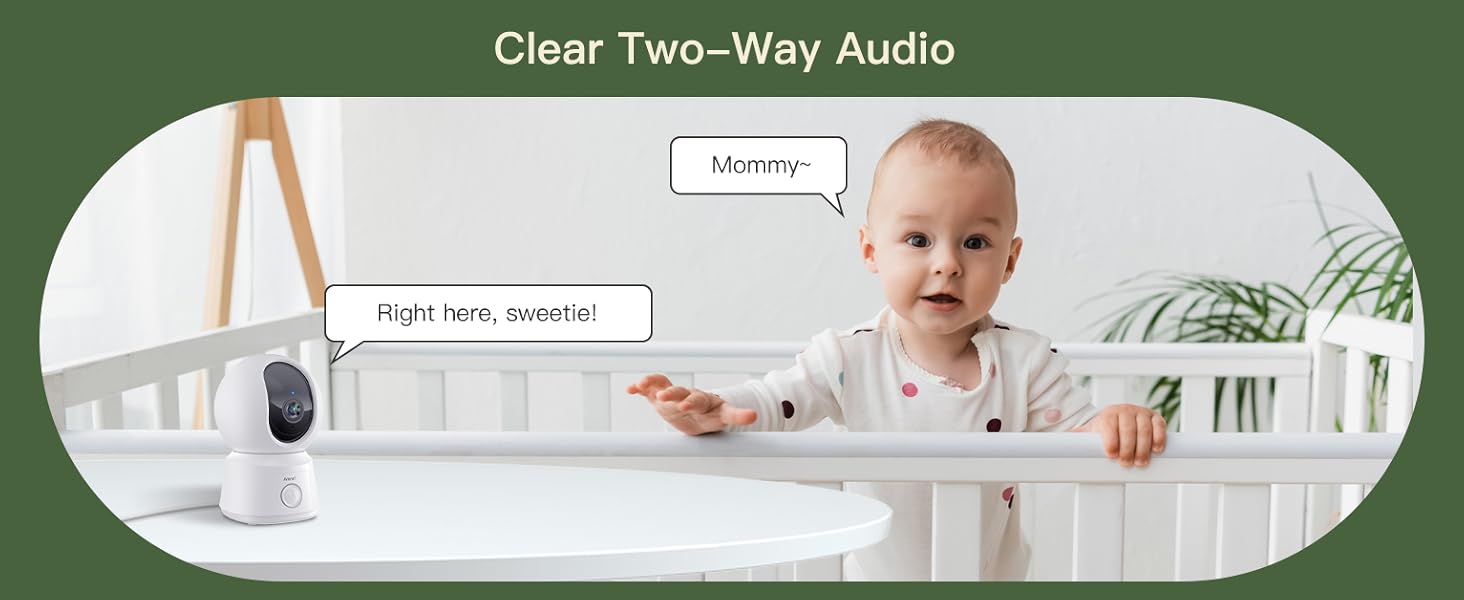 Image: Explains the VOX mode, which helps conserve battery by activating the screen only when sound is detected.
Sensor de temperatura
The integrated temperature sensor monitors the room temperature, ensuring your baby's environment is comfortable. Alerts can be set if the temperature goes outside a predefined range.
Multiple Camera Support & Account Sharing
The system supports connecting up to 4 cameras, allowing you to monitor different rooms simultaneously. You can also share access to your baby monitors with family and friends through the app, with the option to revoke access at any time.
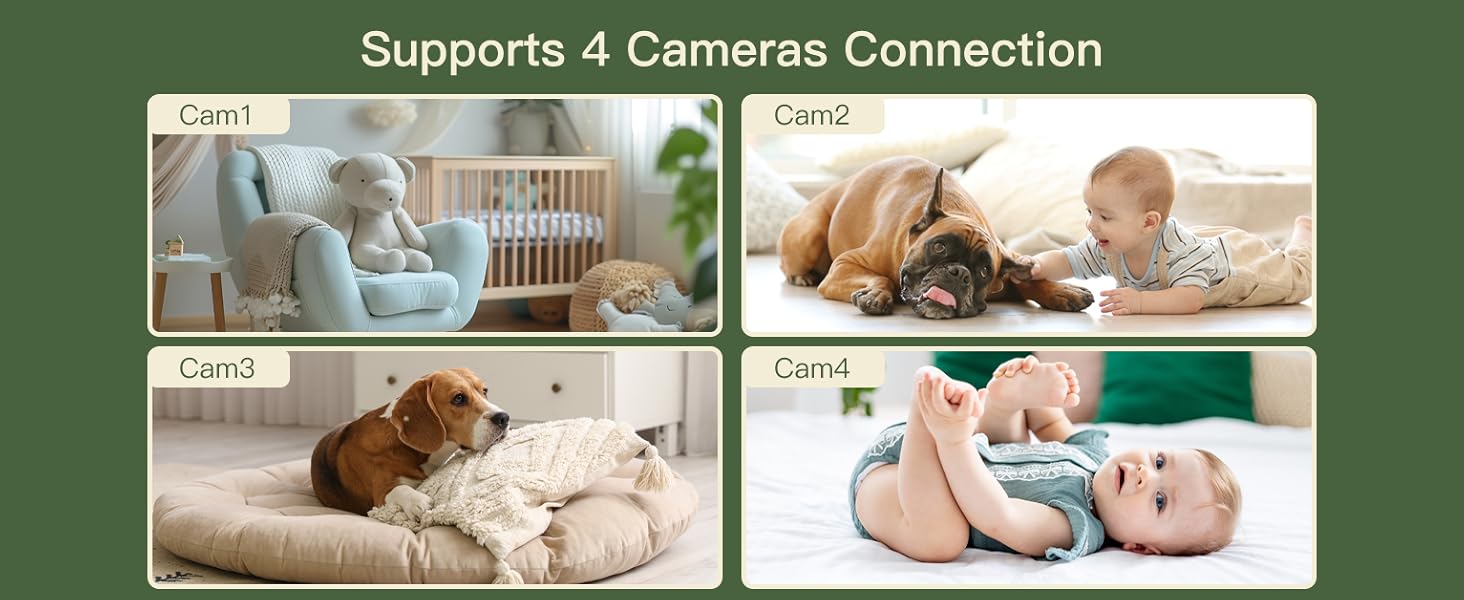 Image: Demonstrates the ability to connect and monitor up to four cameras simultaneously.
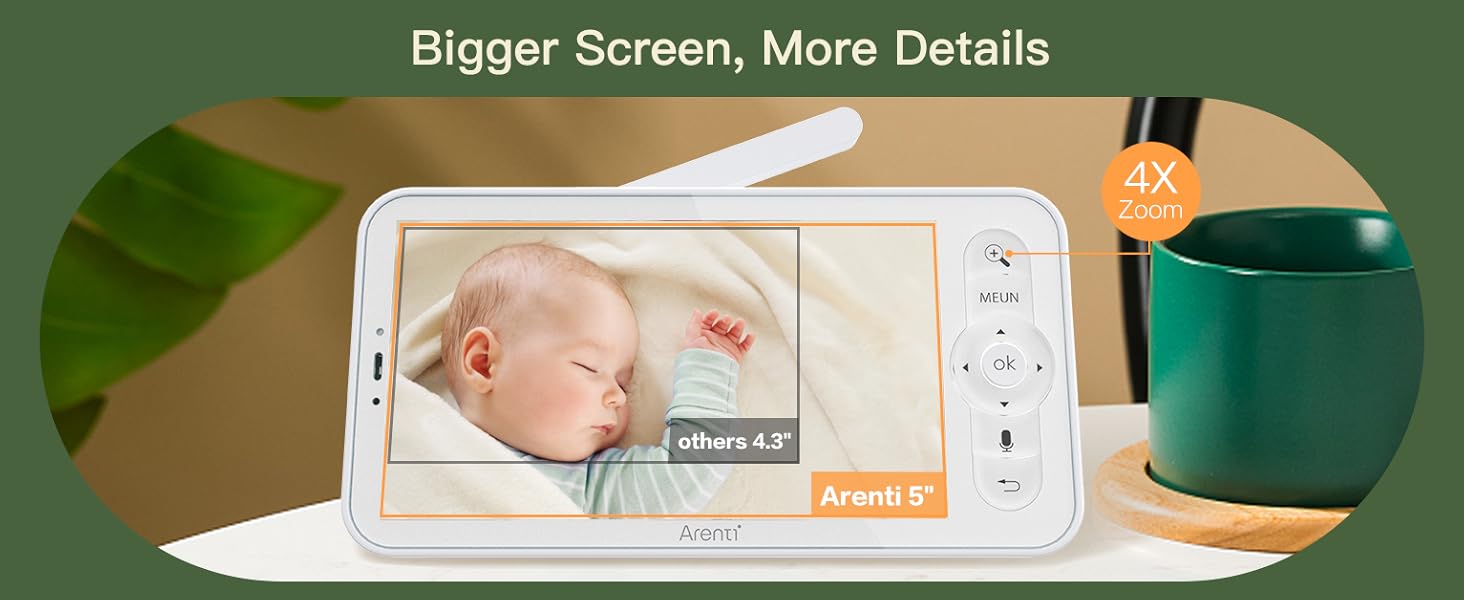 Image: Illustrates various features including humidity and temperature detection, feeding reminders, and account sharing across multiple devices and users.
Seguretat i privadesa
ARENTI prioritizes your privacy and data security:
- Emmagatzematge segur: Your data is securely stored on Amazon's AWS cloud, utilizing end-to-end encryption (E2EE) to ensure only you can access your footage with a unique decryption key.
- AES 128 Advanced Security Chip: The system incorporates an AES 128 advanced security chip for robust data protection.
- Wi-Fi Network Channel Control: Manage and control network access for enhanced security.
- Registres d'accés: Monitor who has accessed the camera feed with detailed access logs.
- Opció d'emmagatzematge local: Supports micro SD cards (up to 128 GB for the screen and 256 GB for the camera) for local video footage emmagatzematge.
- Free Event Recording: Each camera includes free 6-second event recordings with a 7-day loop in the app.
 Image: Details the quad security protection features, including advanced encryption and access logs.
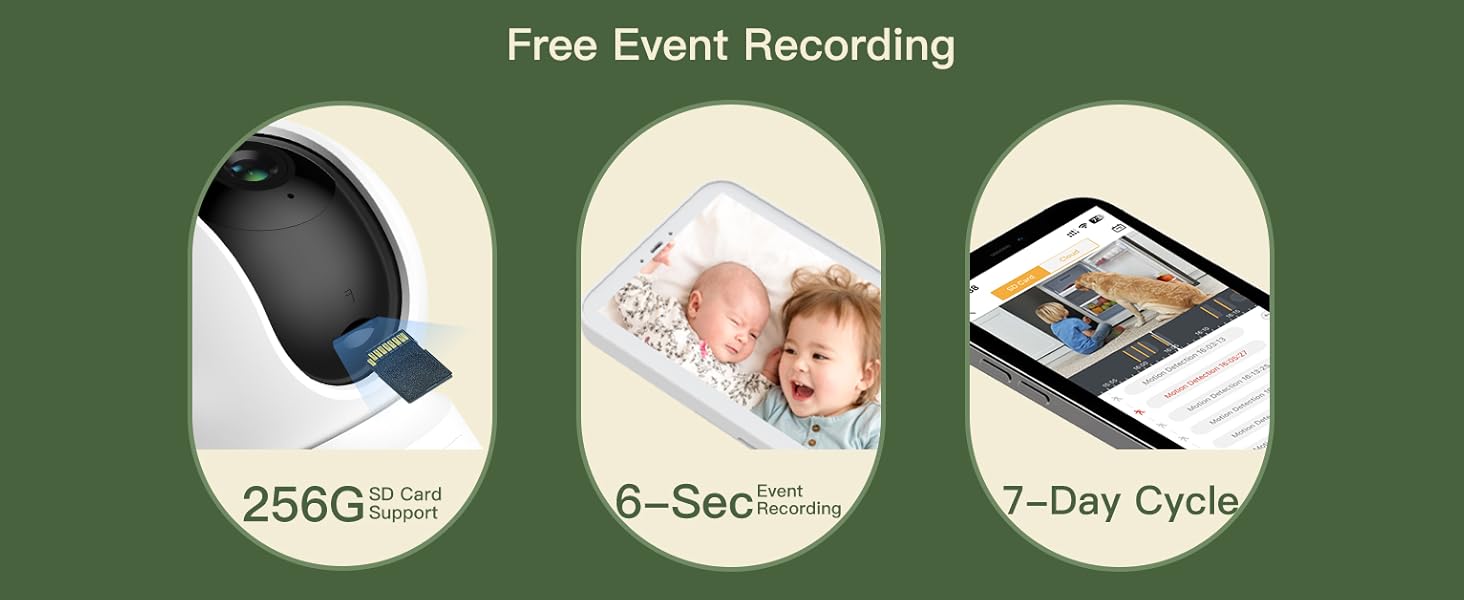 Image: Emphasizes the multiple privacy protection measures implemented in the baby monitor system.
Manteniment
- Neteja: Use a soft, dry cloth to clean the camera lens and monitor screen. Do not use liquid cleaners or aerosols.
- Col·locació: Avoid placing the camera in direct sunlight or near heat sources. Ensure proper ventilation.
- Cura de la bateria: For the monitor's built-in battery, avoid extreme temperatures and prolonged periods of full discharge or full charge to maximize battery life.
- Actualitzacions de programari: Regularly check for and install firmware updates through the ARENTI app to ensure optimal performance and security.
Resolució de problemes
| Problema | Possible solució |
|---|---|
| No image on monitor screen. |
|
| Poca qualitat de vídeo. |
|
| Sense so o so distorsionat. |
|
| Problemes de connexió de l'aplicació. |
|
Especificacions
| Característica | Detall |
|---|---|
| Número de model | Baby12SM+3M |
| Font d'alimentació | Elèctric amb cable |
| Protocol de connectivitat | Wi-Fi (només 2.4G) |
| Mida de la pantalla del monitor | LCD de 5 polzades |
| Resolució del monitor | 720p |
| App Video Resolution | 2K |
| Angle de panoràmica de la càmera | 355 graus |
| Angle d'inclinació de la càmera | 60 graus |
| Zoom digital | 4x |
| Emmagatzematge local | Micro SD card (Monitor: up to 128 GB, Camera: up to 256 GB) |
| Emmagatzematge al núvol | Supported (Amazon AWS, E2EE) |
| Dimensions (L x A x A) | 3.15 x 3.94 x 4.72 polzades |
| Pes de l'article | 2.35 lliures |
| Piles necessàries | Yes (1 C battery included for monitor) |
| Dispositius compatibles | Amazon Alexa, Google Assistant |
Garantia i suport
ARENTI offers a one-year warranty for this product. For any technical assistance, troubleshooting, or warranty claims, please contact ARENTI customer support:
- Assistència en línia: Visit the official ARENTI weblloc web per a preguntes freqüents i recursos de suport.
- Suport per correu electrònic: Refer to your quick guide or the ARENTI weblloc web per a l'adreça de correu electrònic d'assistència dedicada.
- Suport telefònic: Contact numbers may be available on the ARENTI weblloc web o a la documentació del producte.
 Image: Highlights key benefits of choosing Arenti, including warranty and app support.
 Image: Encourages downloading the free Arenti app for full functionality.


