1. Introducció
The pTron Studio Evo headphones offer a versatile audio experience with wireless Bluetooth 5.3 connectivity, long battery life, and multiple sound modes. This manual provides instructions for setup, operation, and maintenance to ensure optimal performance and longevity of your device.
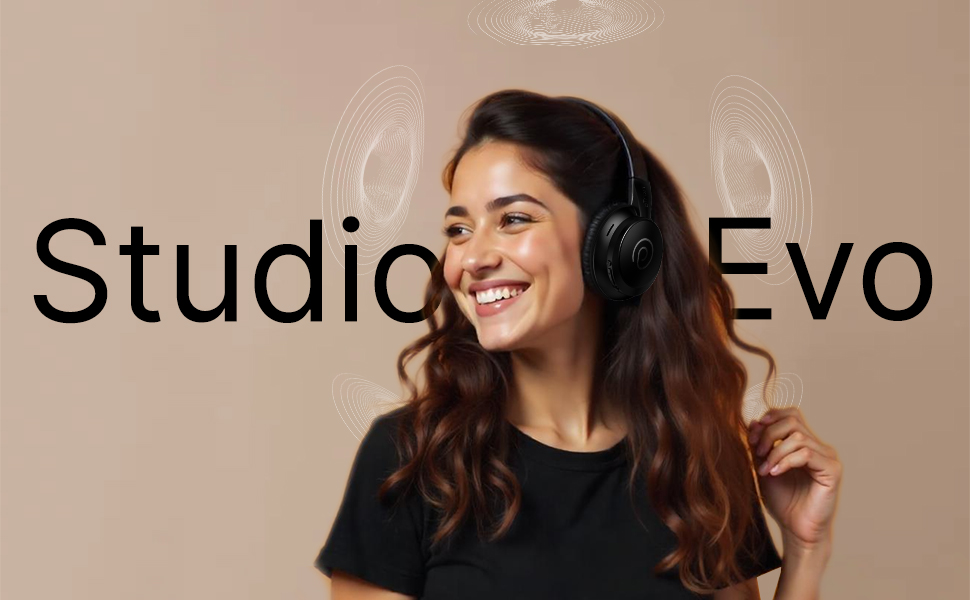
Imatge: Més deview of pTron Studio Evo features including sound quality, battery life, and connectivity.
2. Contingut del paquet
Marqueu la casella per als elements següents:
- pTron Studio Evo Wireless Over-Ear Headphones
- Cable de càrrega tipus C.
- Cable d'àudio AUX de 3.5 mm
- Manual d'usuari
3. Producte acabatview
The pTron Studio Evo headphones feature an ergonomic design with soft earcups and an adjustable headbeam for comfortable wear. Integrated controls allow for easy management of audio and calls.
3.1 Components dels auriculars
- Diadema ajustable: Per a un ajust personalitzat.
- Auriculars suaus: Designed for comfort during extended listening.
- Integrated Control Buttons: Power, Volume Up/Next Track, Volume Down/Previous Track, EQ Mode.
- Micròfon HD: Per a trucades de mans lliures nítides.
- Port de càrrega tipus C: For fast charging.
- Port AUX de 3.5 mm: Per a connexió d'àudio amb cable.
- Indicador LED: Mostra l'estat de l'alimentació i de la connexió.
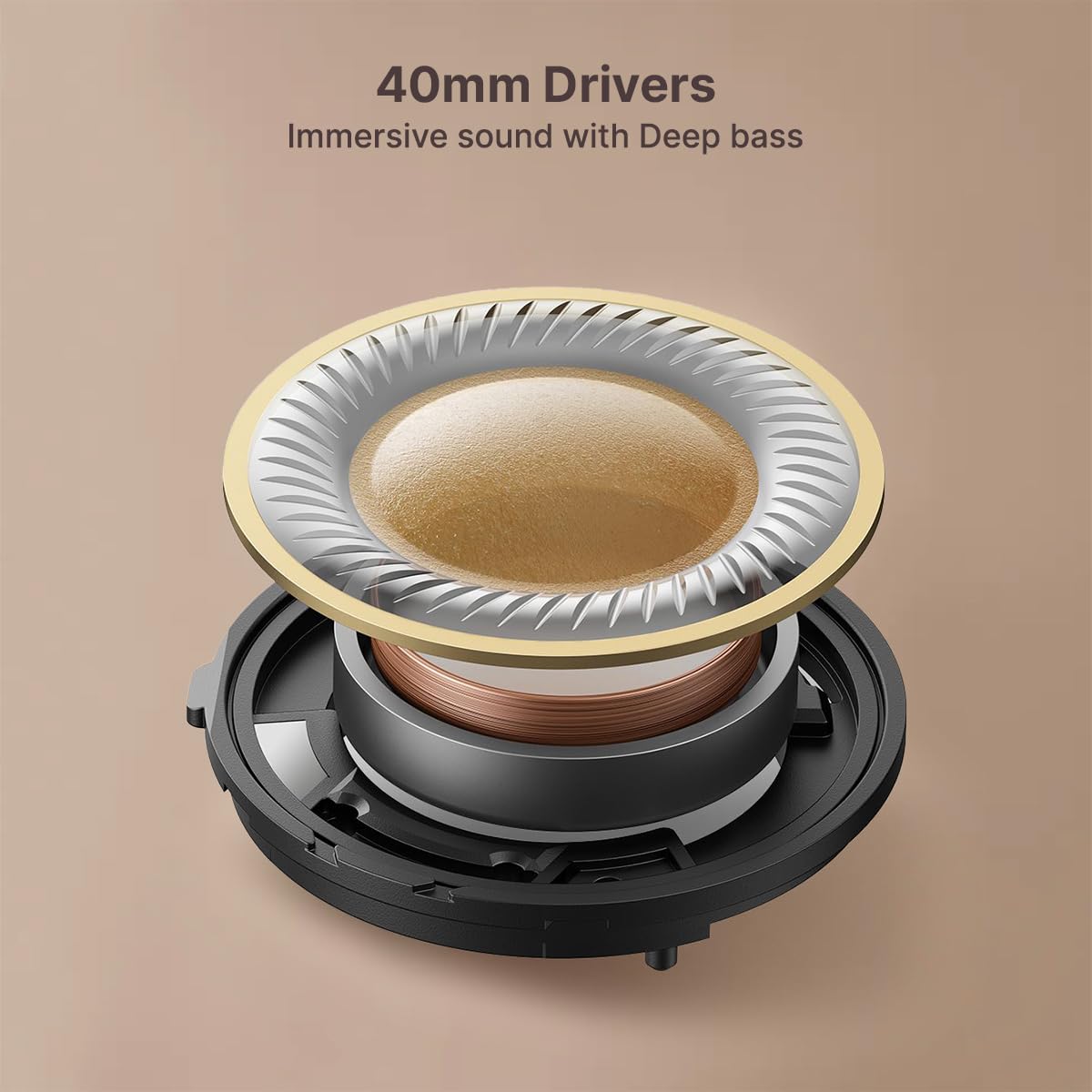
- Controladors dinàmics de 40 mm: For rich and powerful stereo sound.
Imatge: Detallada view dels controls dels auriculars.
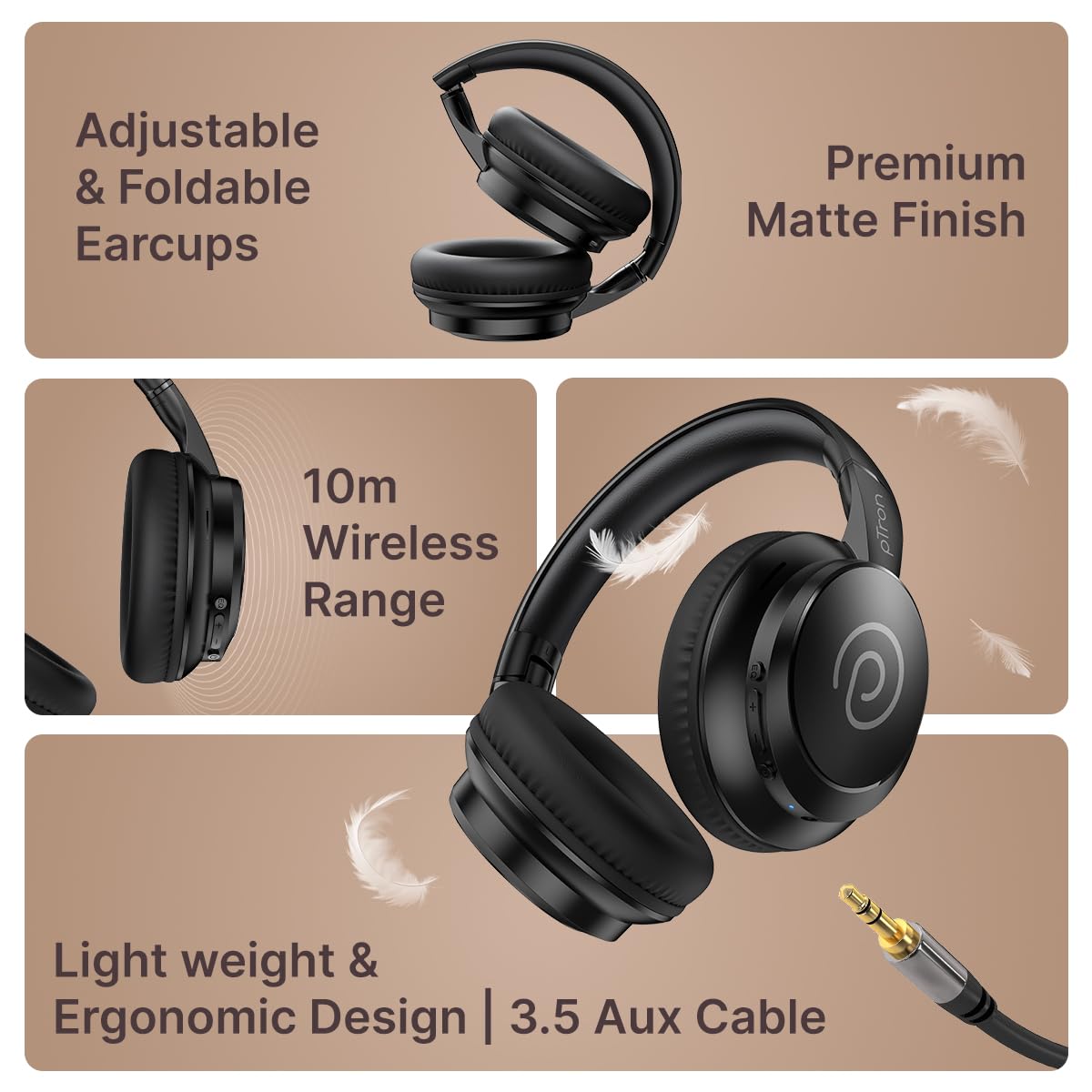
Image: Foldable design and AUX port.
4. Configuració
4.1 Càrrega dels auriculars
- Connect the Type-C charging cable to the charging port on the headphones.
- Connecteu l'altre extrem del cable a una font d'alimentació USB compatible (per exemple, un adaptador de paret, un port USB de l'ordinador).
- The LED indicator will illuminate to show charging status. A full charge takes approximately 2 hours.
- Once fully charged, the LED indicator will change or turn off (refer to specific LED behavior in the full manual if available).
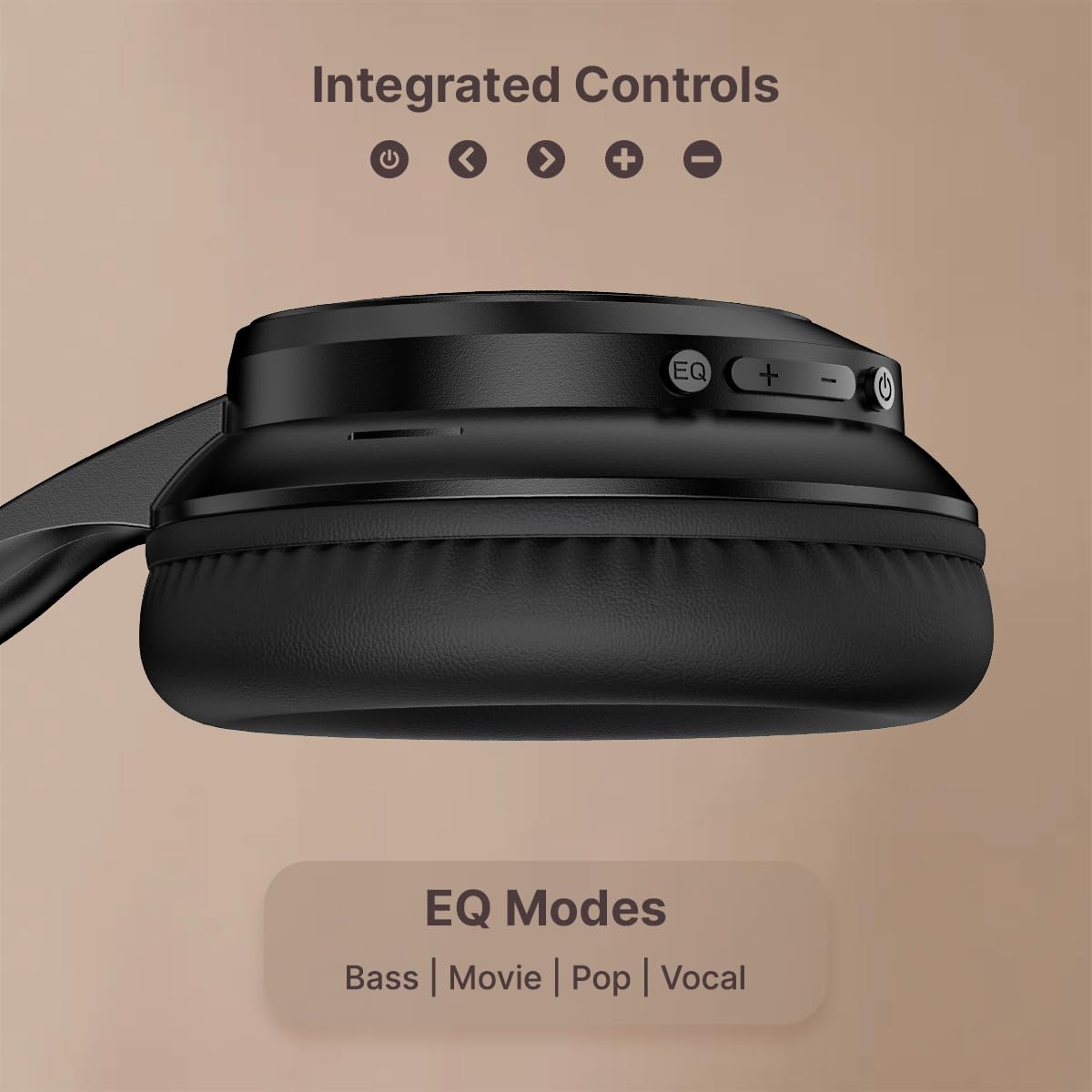
Image: Type-C fast charging connection.
The headphones provide up to 70 hours of playtime on a single full charge.
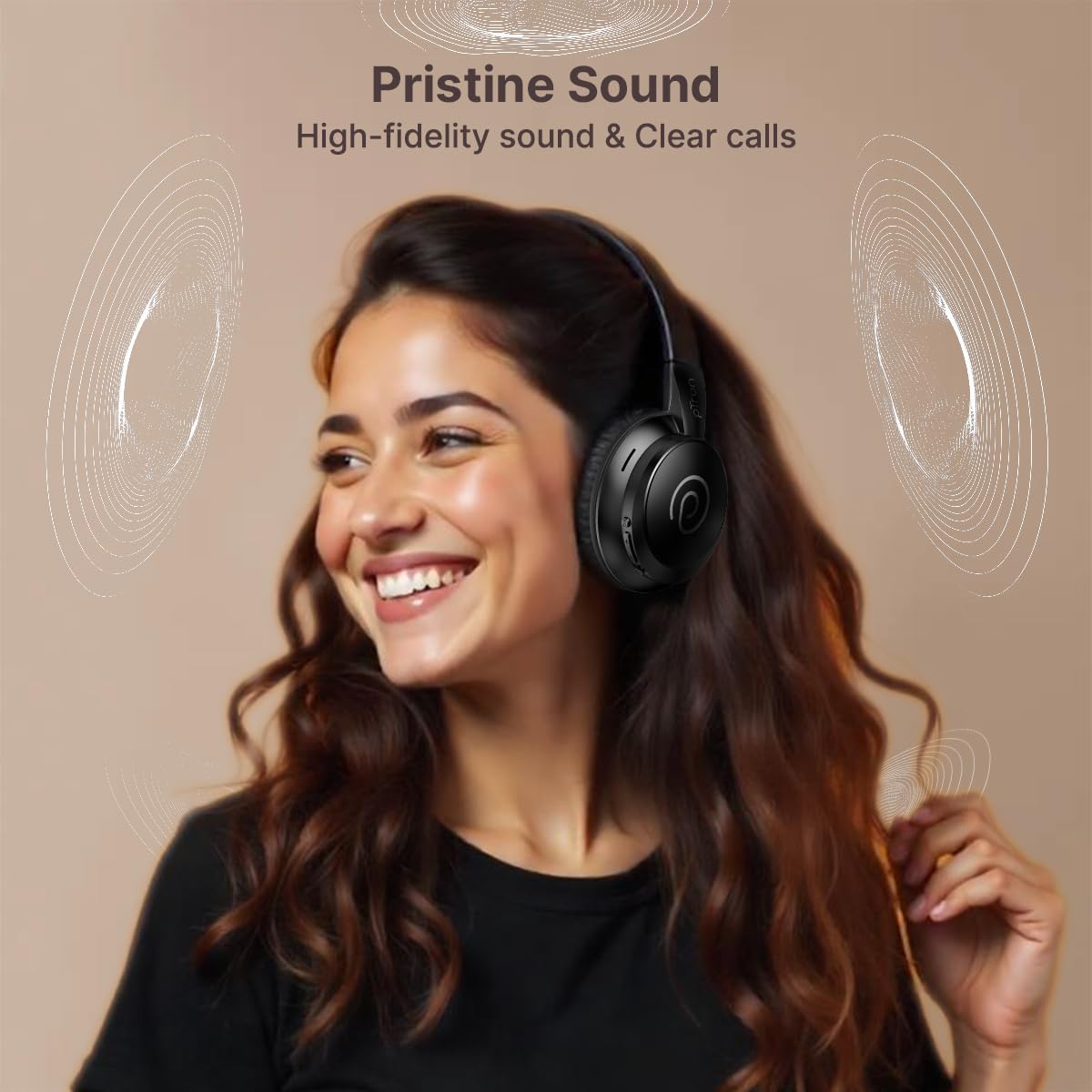
Image: Headphones showcasing long battery life and charging time.
4.2 Vinculació Bluetooth
- Assegureu-vos que els auriculars estiguin apagats.
- Press and hold the Power button for approximately 5 seconds until the LED indicator flashes blue and red alternately, indicating pairing mode.
- Al telèfon intel·ligent, la tauleta o l'ordinador portàtil, activeu el Bluetooth i cerqueu els dispositius disponibles.
- Select 'pTron Studio Evo' from the list of found devices.
- Un cop connectat, l'indicador LED es tornarà blau continu.
4.3 Emparellament de dispositius duals
The pTron Studio Evo supports dual device pairing, allowing connection to two devices simultaneously.
- Emparelleu els auriculars amb el primer dispositiu tal com es descriu a la secció 4.2.
- Desactiveu el Bluetooth al primer dispositiu.
- Vincula els auriculars amb el segon dispositiu.
- Re-enable Bluetooth on the first device. The headphones should automatically connect to both devices, allowing seamless switching between them.
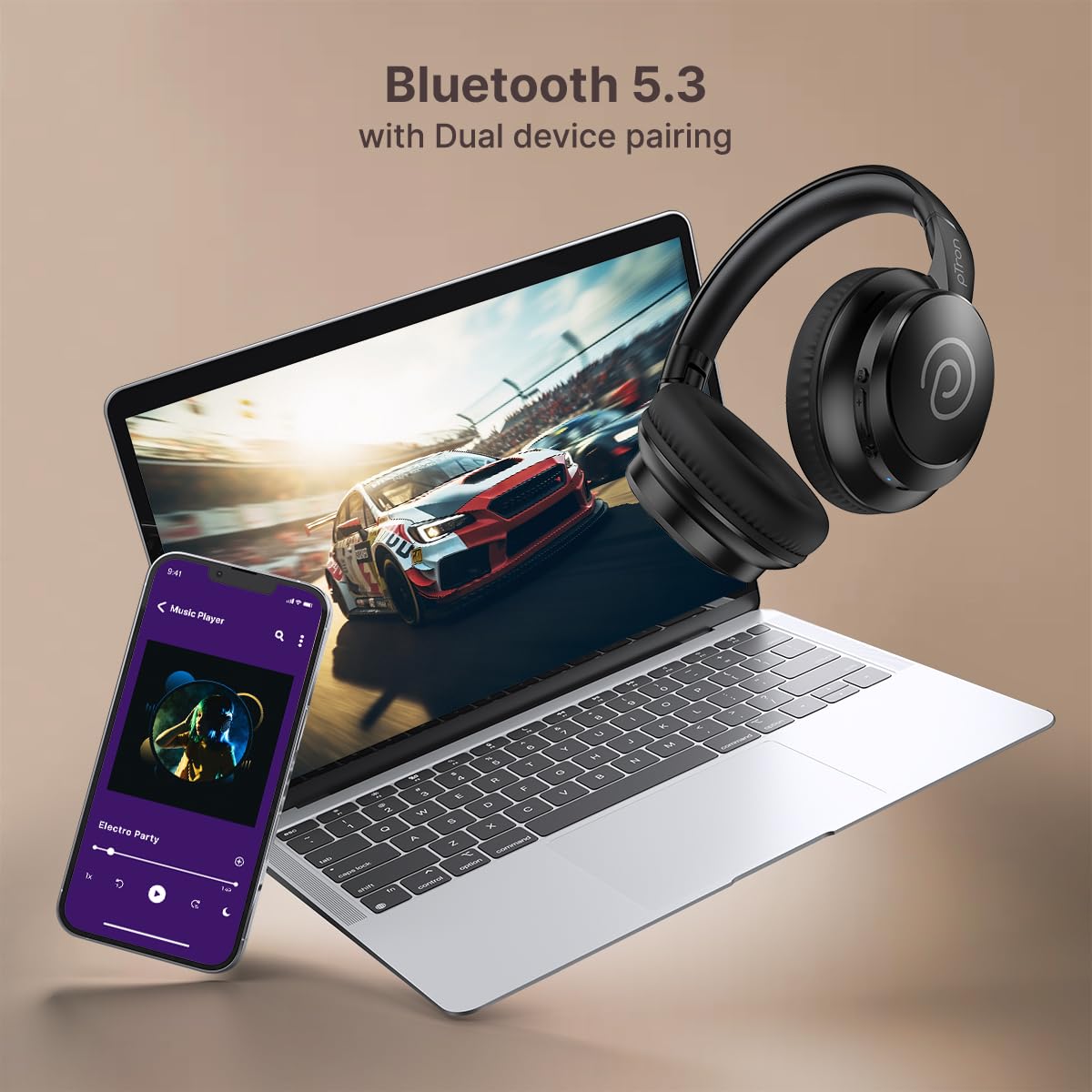
Image: Dual device pairing with a phone and laptop.
4.4 Wired Connection (AUX-in)
For a wired connection, use the provided 3.5mm AUX audio cable.
- Insert one end of the 3.5mm audio cable into the AUX port on the headphones.
- Insert the other end into the 3.5mm audio output jack of your device.
- Els auriculars canviaran automàticament al mode amb cable.
5. Instruccions de funcionament
5.1 Encès/Apagat
- Encès: Manteniu premut el botó d'engegada durant 3 segons.
- Apagar: Manteniu premut el botó d'engegada durant 3 segons.
5.2 Control de volum
- Augmenta el volum: Premeu el botó '+'.
- Disminueix el volum: Premeu el botó '-'.
5.3 Reproducció de música
- Reproduir/pausa: Premeu el botó d'engegada una vegada.
- Pista següent: Premeu i manteniu premut el botó '+'.
- Pista anterior: Premeu i manteniu premut el botó '-'.
5.4 Gestió de trucades
- Respondre/Finalitzar la trucada: Premeu el botó d'engegada una vegada.
- Rebutja la trucada: Manteniu premut el botó d'engegada.
5.5 modes d'equalització
The headphones feature multiple EQ modes for optimized audio experience.
- Press the 'EQ' button to cycle through available modes: Bass, Movie, Pop, Vocal.
- Select the mode that best suits your content (e.g., Movie mode for films, Game mode for gaming).
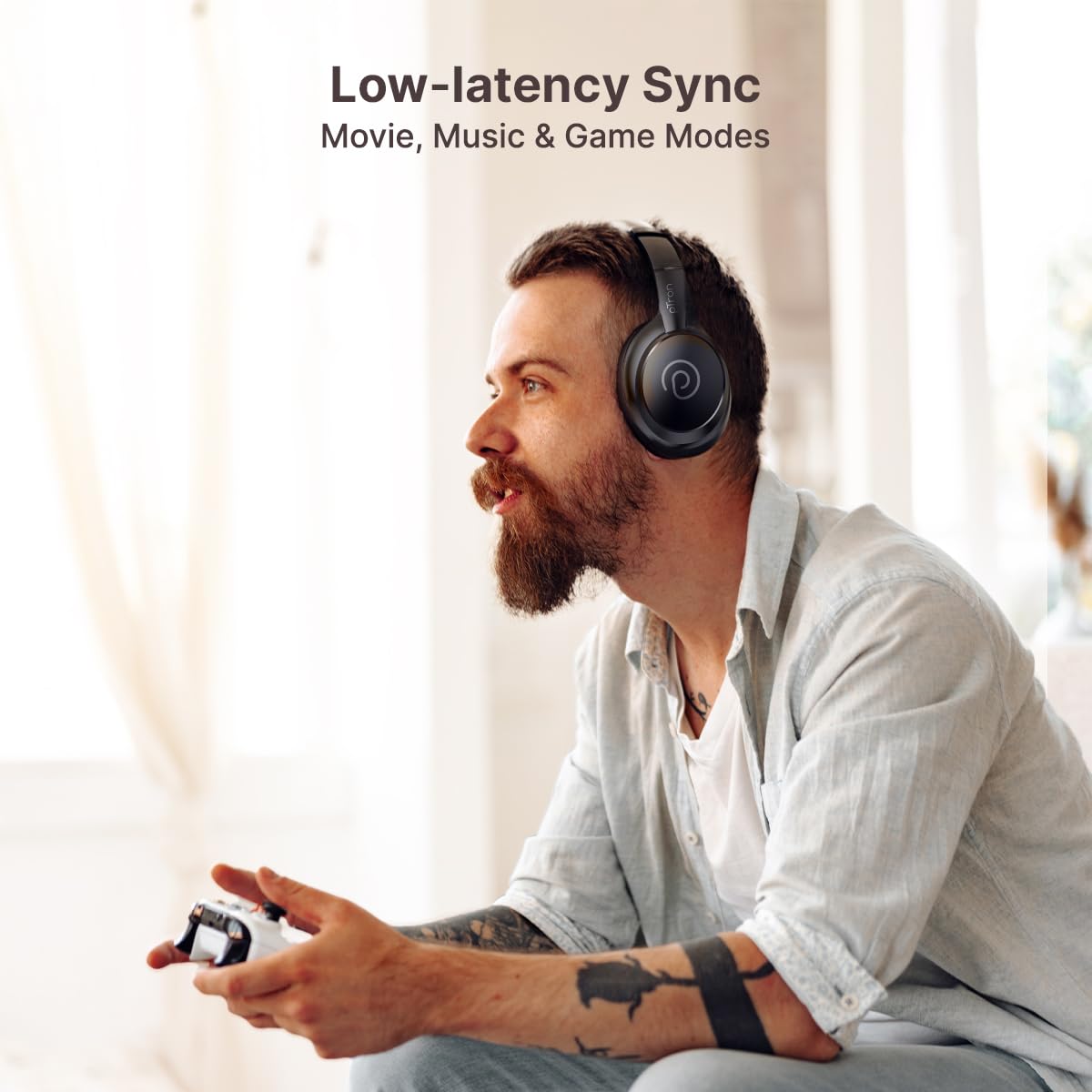
Image: Headphones in use for gaming, demonstrating low-latency modes.
5.6 Assistent de veu
- Activa l'Assistent de veu: Triple press the Power button to activate your device's voice assistant (e.g., Siri, Google Assistant).
6. Manteniment
6.1 Neteja
- Netegeu els auriculars i la diadema amb un drap suau, sec i sense borrissol.
- No utilitzeu productes químics aggressivs, dissolvents de neteja o detergents forts.
- Eviteu que entri humitat a cap obertura.
6.2 Emmagatzematge
- Guardeu els auriculars en un lloc fresc i sec, allunyat de la llum solar directa i de temperatures extremes.
- Utilize the foldable design for compact and safe storage when not in use.
6.3 Cura de la bateria
- Charge the headphones regularly to maintain optimal battery health.
- Eviteu descarregar completament la bateria amb freqüència.
- No exposeu la bateria a temperatures extremes de calor o fred.
7. Solució De Problemes
If you encounter issues with your pTron Studio Evo headphones, refer to the following common problems and solutions:
- Sense energia:
Ensure the headphones are charged. Connect to a power source using the Type-C cable and allow it to charge for at least 10 minutes before attempting to power on. - No es pot emparellar per Bluetooth:
Ensure the headphones are in pairing mode (LED flashing blue and red). Turn off and on your device's Bluetooth. Clear previous Bluetooth pairings on your device and try again. Ensure the headphones are within the 10-meter Bluetooth range. - Sense so:
Check the volume level on both the headphones and your connected device. Ensure the correct audio output is selected on your device. If using AUX, ensure the cable is fully inserted and functional. - Qualitat de so baixa:
Move closer to your connected device to reduce interference. Ensure there are no obstacles between the headphones and the device. Try a different audio source or file. - El micròfon no funciona:
Ensure the microphone is not obstructed. Check your device's audio input settings to confirm the headphones are selected as the microphone source.
8. Especificacions
Technical details of the pTron Studio Evo Wireless Over-Ear Headphones:
| Característica | Detall |
|---|---|
| Nom del model | Estudi |
| Tecnologia de connectivitat | Amb cable, sense fil (Bluetooth) |
| Versió Bluetooth | 5.3 |
| Interval Bluetooth | 10 metres |
| Mida del controlador d'àudio | 40 Mil·límetres |
| Durada de la bateria | 70 hores |
| Temps de càrrega | 2 hores |
| Conector d'auriculars | 3.5 mm Jack |
| Nivell de resistència a l'aigua | Resistent a l'aigua (IPX5) |
| Pes de l'article | 157 grams |
| Material | Acrilonitril butadiè estirè (ABS) |
| Característiques especials | Low-Latency Game/Movie/Music Modes, Dual Device Pairing, Voice Assistant, Fast Charging, Foldable, Adjustable Headband, Noise Isolation |
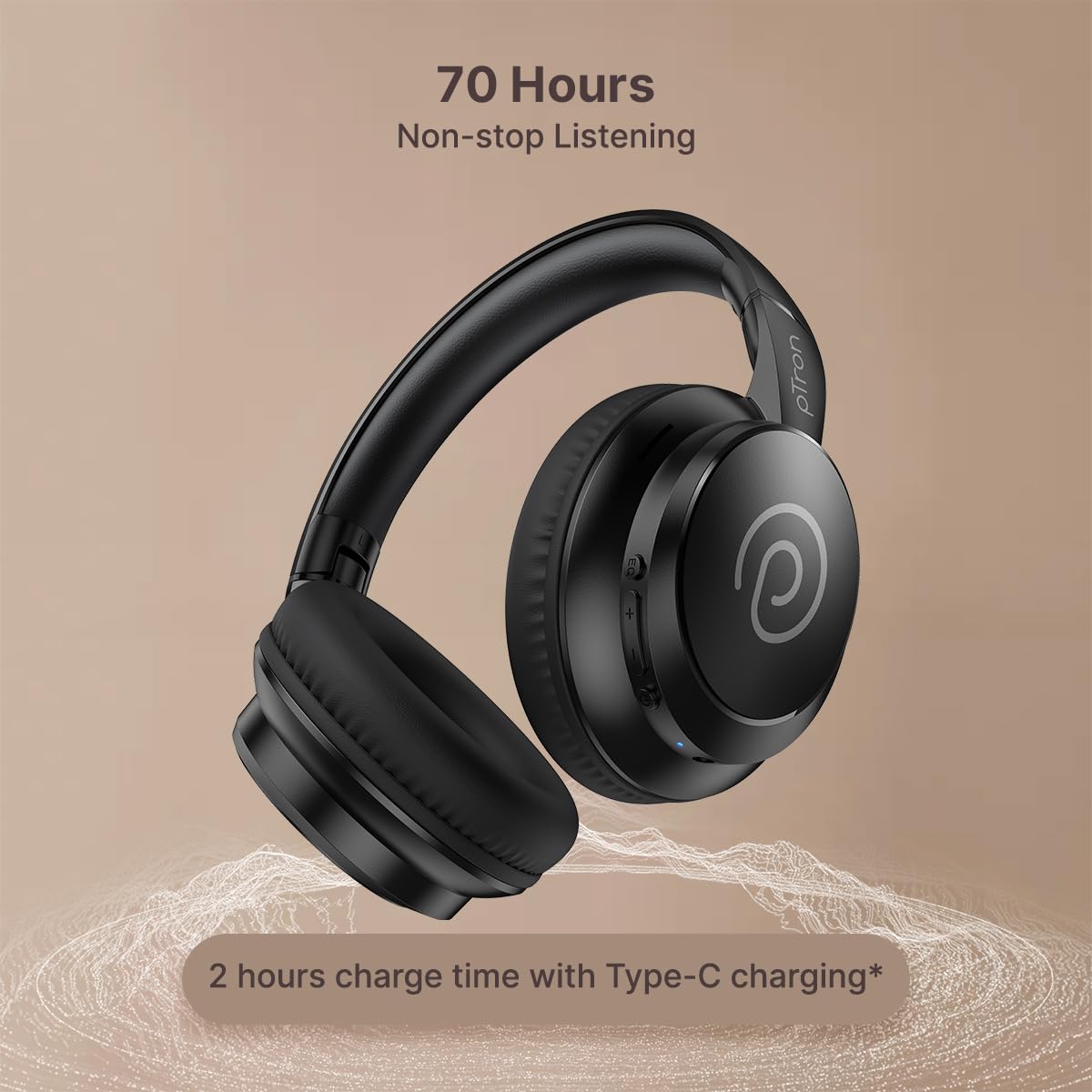
Image: 40mm dynamic driver for immersive sound.
9. Garantia i assistència
9.1 Informació de la garantia
The pTron Studio Evo headphones come with a 1 any de garantia del fabricant from the date of purchase. This warranty covers manufacturing defects only. Please retain your purchase receipt for warranty claims.
9.2 Atenció al client
Per a qualsevol consulta, assistència tècnica o reclamació de garantia, poseu-vos en contacte amb el servei d'atenció al client de pTron:
- Correu electrònic: suport@ptron.in
- Telèfon: 040-67138888


