Introducció
Gràcies per la compraasing the Docooler Hands-Free 2D Barcode Scanner. This device is designed for efficient and accurate scanning of 1D and 2D barcodes in various retail and point-of-sale environments. Please read this manual carefully before use to ensure proper operation and to maximize the lifespan of your scanner.
Configuració
Contingut del paquet
- 1 x Docooler Hands-Free 2D Barcode Scanner
- 1 x Manual d'usuari
Connexió de l'escàner
- Place the scanner on a stable, flat surface near your computer or POS system.
- Connect the integrated USB cable from the scanner to an available USB port on your computer or POS system.
- The scanner will power on automatically. Most operating systems will recognize the device as a standard USB-HID keyboard or USB-COM virtual serial port, requiring no additional driver installation.
The scanner supports both USB-HID keyboard and USB-COM virtual serial port communication interfaces. The default mode is typically USB-HID, which functions like a keyboard input.
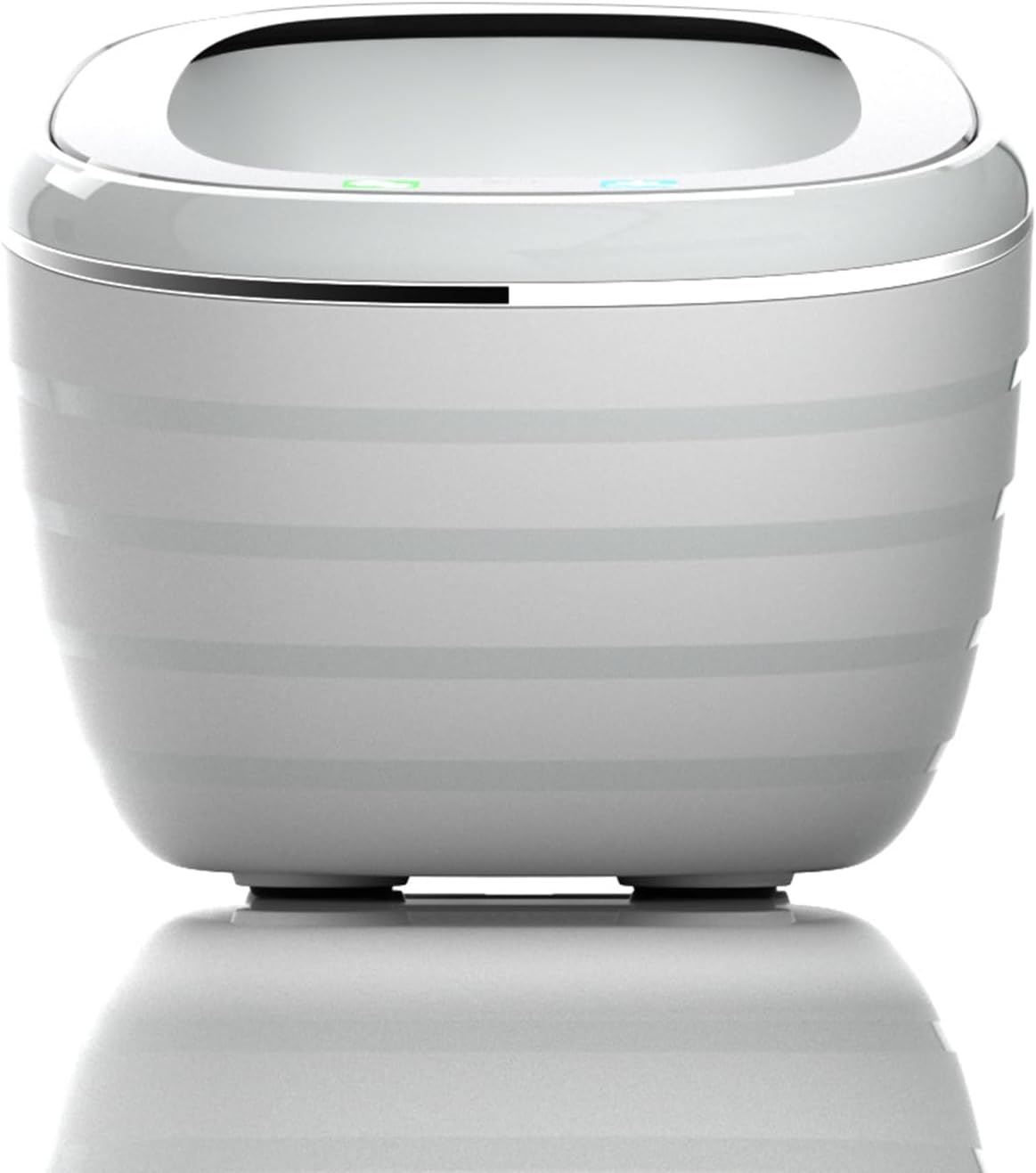
Davant view of the Docooler 2D Barcode Scanner, showing its compact and ergonomic design.

Enrere view of the Docooler 2D Barcode Scanner, highlighting the USB cable connection port.
Instruccions de funcionament
Modes d'escaneig
The scanner offers flexible dual operation modes to suit various needs:
- Automatic Detection Mode: The scanner automatically detects a barcode placed within its scanning window and initiates a scan. This is an energy-saving mode.
- Mode d'escaneig continu: The scanner's illumination remains on, continuously scanning for barcodes. This mode is suitable for high-volume scanning without interruption.
To switch between these modes, refer to the setting codes provided in the full user manual (if applicable) or follow specific instructions for your model. Some models allow switching by pressing and holding the top button for 5 seconds to toggle between a 'product code mode' and 'normal mode', which may correspond to different sets of enabled barcode types.

The scanner supports both continuous scanning and automatic detection modes for operational flexibility.
Barcode Decoding Capability
This scanner is capable of decoding a wide range of 1D and 2D barcodes, including but not limited to:
- Codis de barres 1D: UPC/EAN, Code128, Code39, ITF25, etc.
- Codis de barres 2D: QR Code, DataMatrix, PDF417, etc.

The scanner efficiently decodes various 1D and 2D barcode types.
Voice Announcement and Tone Settings
The scanner features a voice broadcast function that announces scan results, enhancing user efficiency and accessibility. The speaker prompt method can be turned on or off by scanning specific setting codes. Additionally, you can adjust the tone settings:
- The scanner offers various frequencies of tones, with a total of 4 styles of tones and a mute mode.
- To change these modes, click the top button when the light is off.

The scanner offers adjustable tone and mute modes for user preference.

Voice announcements enhance the user experience by confirming successful scans.
Scanning Window and Angle
The scanner is designed with an expanded scanning window and an ergonomic 90-degree scan angle for ease of use and efficient barcode capture. This design simplifies the scanning process and reduces scan time.

The large scan window and ergonomic scan angle facilitate easy and accurate barcode reading.
Manteniment
To ensure optimal performance and longevity of your Docooler barcode scanner, follow these maintenance guidelines:
- Neteja: Use a soft, dry, lint-free cloth to clean the scanner's exterior. For the scanning window, gently wipe with a microfiber cloth. Avoid using abrasive cleaners, solvents, or excessive moisture, as these can damage the device.
- Emmagatzematge: Guardeu l'escàner en un lloc fresc i sec, allunyat de la llum solar directa i de temperatures extremes.
- Manipulació: Handle the scanner with care. Avoid dropping it or subjecting it to strong impacts, which can affect its internal components and scanning accuracy.
- Cura del cable: Do not bend or twist the USB cable excessively. Ensure it is not pinched or placed under heavy objects to prevent damage.
Resolució de problemes
If you encounter issues with your Docooler barcode scanner, please refer to the following common troubleshooting steps:
Scanner Not Responding
- Comprova la connexió USB: Ensure the USB cable is securely plugged into both the scanner and the computer/POS system. Try plugging it into a different USB port.
- Reinicieu el dispositiu: Disconnect the scanner, restart your computer/POS system, and then reconnect the scanner.
- Font d'alimentació: Verify that the USB port provides sufficient power. Try connecting to a powered USB hub if available.
Unable to Scan Barcodes
- Tipus de codi de barres: Ensure the barcode type you are trying to scan is supported by the scanner. Refer to the 'Barcode Decoding Capability' section.
- Qualitat del codi de barres: Check if the barcode is clear, undamaged, and properly printed. Faded, smudged, or distorted barcodes may be difficult to read.
- Distància d'escaneig: Position the barcode within the optimal scanning distance (typically 0-10cm for this model) and ensure it is centered in the scanning window.
- Condicions d'il·luminació: Ensure adequate lighting. Avoid direct glare or very dim conditions.
- Mode d'escaneig: Confirm the scanner is in the correct operating mode (e.g., automatic detection or continuous scan).
Incorrect Data Output
- Disseny del teclat: If the scanner is set to a different keyboard layout (e.g., Japanese instead of English), characters may appear incorrectly. Refer to the full user manual for instructions on changing keyboard layouts via setting codes.
- Compatibilitat del programari: Ensure the application you are using is compatible with barcode scanner input.
If these steps do not resolve the issue, please contact Docooler customer support for further assistance.
Especificacions
| Característica | Especificació |
|---|---|
| Color | Gris |
| Mode d’escaneig | Automatic detection / Continuous scan |
| Interfície de comunicació | USB-HID keyboard, USB-COM virtual serial port |
| Mètode prompte | Speaker (adjustable on/off via settings) |
| Mètode de configuració | Manually scan setting codes |
| Material de closca | ABS+PC |
| Especificació del cable | Straight line 1.35m |
| Mida del producte | 125 mm × 90 mm × 86 mm |
| Pes del producte | 200 g |
| Mida del paquet | 17cm × 11cm × 10cm |
| Pes del paquet | 258 g |
| Marca | Docooler |
| Fabricant | docooler |
| Tecnologia de connectivitat | Cable USB |
| Actual Angle | 90 graus |
| Bateria usada | No |
| Número de model | IEG4698344060366PA |

The scanner's compact dimensions and versatile compatibility make it suitable for various retail systems.
Garantia i Suport
For warranty information and customer support, please refer to the documentation included with your purchase or visit the official Docooler weblloc web. Conserveu el rebut de compra com a comprovant de compra per a reclamacions de garantia.
If you require technical assistance or have questions not covered in this manual, please contact Docooler customer service through their official channels.


